
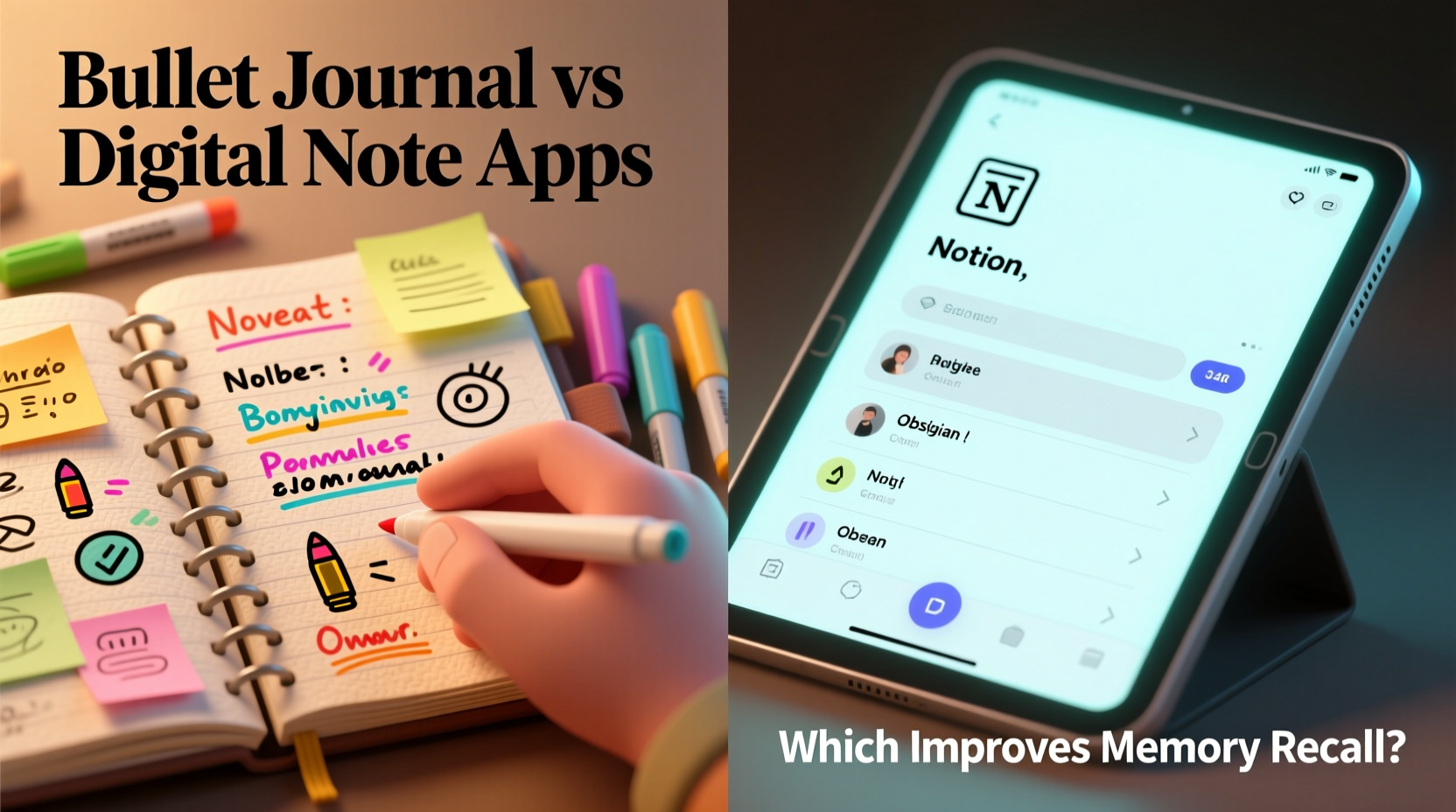
In an age of constant digital distraction, the way we capture information matters more than ever. Whether jotting down a meeting note, planning a project, or tracking habits, our tools shape how deeply we engage with content—and ultimately, how well we remember it. Two dominant methods have emerged: analog bullet journaling and digital note-taking apps like Notion, Evernote, or Obsidian. But when it comes to memory recall, which one wins?
The answer isn’t as simple as “pen and paper are better” or “digital is faster.” It depends on how each method engages your brain, supports active learning, and fits into your daily cognitive workflow. Drawing from cognitive psychology, neuroscience, and real-world user patterns, this article breaks down the strengths and weaknesses of both systems in enhancing memory retention.
The Cognitive Science Behind Memory Recall
Memory formation involves three key stages: encoding, storage, and retrieval. The most critical phase for long-term retention is encoding—how information is initially processed and committed to memory. Research consistently shows that deeper processing leads to stronger recall.
A landmark study by Craik and Lockhart (1972) introduced the \"levels of processing\" theory, which suggests that information processed semantically—through meaning, connection, and personal relevance—is remembered far better than information processed shallowly, such as through rote repetition or passive reading.
When you write something by hand, especially without relying on templates or auto-complete features, your brain engages in multiple cognitive tasks simultaneously: motor control, spatial awareness, language formulation, and conceptual organization. This multisensory engagement strengthens neural pathways associated with memory.
“Writing by hand requires slower, more deliberate thinking, which promotes deeper encoding. Typing can be efficient but often encourages verbatim transcription without reflection.” — Dr. Pam Mueller, Cognitive Psychologist, Princeton University
Bullet Journaling: How Analog Note-Taking Enhances Memory
The bullet journal system, developed by Ryder Carroll, is more than just a planner—it’s a customizable analog framework for organizing tasks, events, and thoughts using rapid logging, indexing, and migration. Its physical nature inherently supports memory-enhancing behaviors.
Because bullet journaling demands manual writing, drawing, and structuring, users naturally process information at a deeper level. You can't copy-paste or auto-fill entries. Each task, event, or note must be rewritten, categorized, and often reviewed during weekly or monthly migrations. This repetition reinforces memory.
Additionally, the flexibility of bullet journals allows for creative layouts—mind maps, habit trackers, mood logs—that encourage personalization and emotional investment. When information is tied to personal context, it becomes more memorable.
Digital Note Apps: Efficiency vs. Cognitive Engagement
Digital note-taking platforms offer unmatched convenience: searchability, cloud sync, multimedia embedding, templates, and integrations with calendars and task managers. Apps like Notion allow complex databases; Obsidian enables networked thought through backlinking; Evernote excels at clipping web content.
However, these advantages come with cognitive trade-offs. Typing is faster than writing, but speed often reduces depth of processing. Users may transcribe lectures or meetings verbatim without summarizing or rephrasing—a behavior shown in studies to impair long-term recall.
A 2014 study published in Psychological Science found that students who took notes by hand performed significantly better on conceptual questions than those who typed their notes, even when given time to review. The typists tended to record everything, while the writers summarized and synthesized.
That said, digital tools excel in retrieval. With powerful search functions and tagging systems, finding old notes is effortless. This ease of access can compensate for weaker initial encoding—provided the user revisits the material strategically.
Comparative Analysis: Bullet Journal vs Digital Apps
| Feature | Bullet Journal (Analog) | Digital Note Apps |
|---|---|---|
| Encoding Depth | High – requires active rewriting and categorization | Moderate to Low – prone to passive copying |
| Retrieval Ease | Low – relies on index and memory | High – instant search and filtering |
| Personalization | Very High – fully customizable layout | High – templates and modular design |
| Portability & Sync | Low – single physical notebook | Very High – multi-device access |
| Cognitive Load | Moderate – requires maintenance (migration) | Variable – depends on app complexity |
| Memory Recall Support | Strong – deep processing, repetition via migration | Weak unless paired with active review |
Real-World Case: Medical Student Using Both Systems
Sophie, a third-year medical student, uses both a bullet journal and Notion in her study routine. During lectures, she types detailed notes in Notion for speed and completeness. Later that evening, she transfers key concepts into her bullet journal using mind maps and simplified diagrams.
She explains: “I need the digital version to keep up with the volume, but I only really ‘get’ the material when I redraw pathways or summarize mechanisms by hand. My exam scores improved noticeably after I started doing nightly analog reviews.”
This hybrid approach leverages the strengths of both systems: digital for capture, analog for consolidation. Her method mirrors the “dual coding” theory, where combining verbal and visual-spatial information enhances memory.
Actionable Tips for Maximizing Memory Recall
- Use analog for synthesis, digital for storage. Capture ideas quickly on your phone or laptop, then transfer core insights to a physical journal.
- Implement spaced repetition. Schedule regular reviews of your bullet journal pages or flag important digital notes for periodic revision using tools like Anki or RemNote.
- Draw connections manually. In your bullet journal, link related topics with arrows or keywords to build a personal knowledge web.
- Leverage migration as a memory tool. The act of reviewing unfinished tasks and deciding whether to carry them forward forces active recall and prioritization.
- Limit distractions in digital apps. Turn off notifications and avoid over-customizing dashboards—clutter harms focus and retention.
Step-by-Step Guide: Building a Memory-Optimized Note System
- Day 1: Choose Your Tools – Select one digital app (e.g., Notion) and a notebook for bullet journaling.
- Day 2: Set Up Core Modules – Create a future log, monthly spread, and daily log in your journal. In your app, set up folders for projects, classes, or goals.
- Daily: Capture Digitally, Consolidate Analog – Take quick notes on your device during meetings or lectures. That evening, extract 3–5 key takeaways and rewrite them in your bullet journal with brief explanations.
- Weekly: Review and Migrate – Spend 20 minutes reviewing your week. Carry forward only essential tasks. Reflect on what you learned and add summaries to a “Knowledge Bank” section.
- Monthly: Audit Retention – Test yourself on past entries. Can you recall the main points without looking? If not, revisit your review process.
Expert Insight: The Role of Active Engagement
“The medium itself isn’t what boosts memory—it’s the level of engagement. A disorganized, rarely reviewed bullet journal won’t help more than a chaotic digital folder. What matters is interaction: summarizing, questioning, connecting ideas.” — Dr. Sarah Lynn, Neuroeducator and Learning Specialist
This insight underscores a crucial point: neither tool guarantees better recall by default. It’s the behaviors they encourage—or discourage—that determine effectiveness.
Digital apps can support deep engagement if used intentionally. For example, Obsidian users who build a “second brain” with interlinked notes often report improved understanding and recall because they’re constantly making connections. Similarly, bullet journals fail when treated as mere to-do lists without reflection.
Checklist: Is Your Note-Taking Improving Memory?
Use this checklist to evaluate your current system:
- ✅ Do I summarize information in my own words, rather than copying verbatim?
- ✅ Do I regularly review past notes (at least weekly)?
- ✅ Do I connect new ideas to existing knowledge?
- ✅ Am I using visuals (diagrams, icons, sketches) to reinforce concepts?
- ✅ Do I migrate or archive old entries to force decision-making and recall?
- ✅ Is my system simple enough to maintain consistently?
If you answered “no” to more than two items, consider adjusting your approach—regardless of whether you prefer analog or digital.
Frequently Asked Questions
Does handwriting really improve memory more than typing?
Yes, under most conditions. Handwriting slows you down, forcing selective attention and semantic processing. Typing allows verbatim transcription, which is less cognitively demanding and results in shallower encoding. However, typing can be effective if followed by summarization or self-testing.
Can I get the benefits of both bullet journaling and digital apps?
Absolutely. Many high-performing professionals and students use a hybrid model: capturing information digitally for speed and backup, then transferring key insights to a physical journal for deeper processing. This combines efficiency with cognitive depth.
What if I hate writing by hand or don’t have time?
Even five minutes of handwritten summarization per day can make a difference. Try writing just one key takeaway each night. Alternatively, use voice notes or sketch-style digital inking (e.g., on an iPad with Apple Pencil) to simulate some of the cognitive benefits of analog input.
Conclusion: Choose the Method That Promotes Active Thinking
The debate between bullet journals and digital note apps isn’t about nostalgia versus technology—it’s about cognitive engagement. While bullet journals naturally promote deeper encoding through manual writing and structured reflection, digital tools offer scalability and accessibility that analog systems can’t match.
The most effective approach isn’t choosing one over the other, but designing a system that ensures active participation with your notes. Whether you’re drawing a mind map in a dotted notebook or linking concepts in a digital vault, what matters is that you’re thinking critically, connecting ideas, and revisiting knowledge over time.
Memory isn’t stored in notebooks or servers—it’s built in the mind through effort, repetition, and meaning. Whichever tool you use, make sure it serves that goal.




 浙公网安备
33010002000092号
浙公网安备
33010002000092号 浙B2-20120091-4
Comments
No comments yet. Why don't you start the discussion?