
Most people assume voice-controlled Christmas lights mean saying “Alexa, turn on the tree” or “Hey Google, dim the porch lights.” That’s functional—but it’s also the ceiling of what mainstream assistants offer. They’re limited by closed ecosystems, rigid phrasing, lack of context awareness, and zero support for nuanced lighting logic like “make the patio lights pulse when motion is detected after 7 p.m.” The real question isn’t whether voice control is possible—it’s whether it can be intelligent, interoperable, private, and deeply personalized. The answer is yes—but only if you step outside the walled gardens.
Why Basic Assistants Fall Short for Holiday Lighting
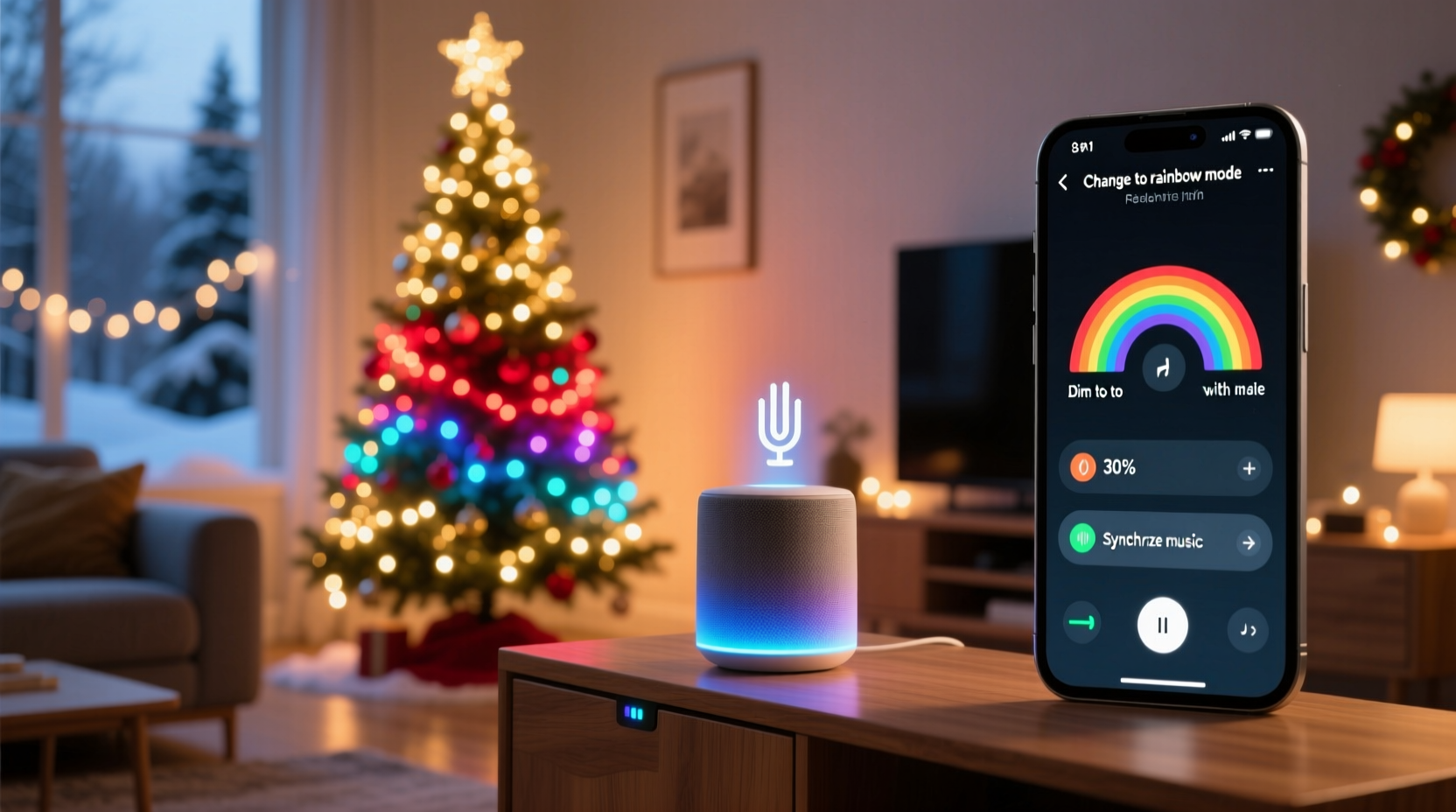
Amazon Alexa and Google Assistant excel at simple on/off toggles and preset brightness levels. But holiday lighting demands more: timed sequences, multi-zone coordination (e.g., “warm white on the roof, cool white on the bushes”), dynamic triggers (motion + time + weather), and granular scene recall (“Christmas Eve mode”). These platforms struggle because they treat lights as binary endpoints—not programmable nodes in a responsive environment.
Alexa requires skills to be explicitly enabled, often with inconsistent naming conventions (“living room string lights” vs. “front porch twinkle lights”). Google Assistant lacks native support for complex conditional automations without IFTTT or third-party bridges—introducing latency, reliability gaps, and data-sharing risks. Neither supports local-only processing by default, meaning voice requests route through cloud servers—even for a simple “turn off the garage lights.” For users prioritizing speed, privacy, or reliability during high-traffic holiday gatherings, that architecture becomes a liability.
Matter + Thread: The Foundation for Truly Open Voice Control
The emergence of the Matter standard (backed by Apple, Google, Amazon, and the Connectivity Standards Alliance) marks a turning point. Matter enables certified devices—from Philips Hue Play Bars to Nanoleaf Shapes—to interoperate across ecosystems without vendor lock-in. When paired with a Thread border router (like the HomePod mini, Nest Hub (2nd gen), or Aqara M3), Matter lights execute commands locally—no internet required. That means sub-second response times, offline reliability, and encrypted voice processing on-device.
Here’s how it changes the game: You can say “Siri, set the eaves lights to amber at 50%” while your home internet is down—and it works. Or tell Alexa, “Set the deck lights to match the fireplace color”—and because both the Nanoleaf panels and the Ember fireplace insert are Matter-certified, the color sync happens natively, not via a fragile IFTTT webhook.
| Feature | Basic Assistant Setup (e.g., Alexa + non-Matter bulb) | Matter + Thread Setup (e.g., HomePod + Nanoleaf) |
|---|---|---|
| Response Time | 1.2–2.8 seconds (cloud round-trip) | 0.3–0.7 seconds (local execution) |
| Offline Functionality | No—voice fails without internet | Yes—on-device Siri/Alexa handles core commands |
| Multi-Brand Scenes | Limited; requires manual skill linking | Native; “Christmas Morning” scene includes Hue lights, Lutron shades, and Ecobee thermostat |
| Privacy | Voice snippets processed in vendor cloud | On-device processing; no audio leaves your home |
| Setup Complexity | Low (plug-and-play) | Moderate (requires Thread router + Matter firmware update) |
Advanced Voice Control: Beyond “On/Off” with Custom Automation
True voice sophistication lies in contextual intelligence—commands that understand time, location, sensor input, and user intent. This requires moving from consumer-grade assistants to developer-friendly platforms like Home Assistant (open-source) or Homebridge (for Apple-centric homes), layered with natural language tools.
For example: A homeowner in Portland configured Home Assistant with a custom voice integration using Rhasspy (an offline speech-to-text engine) and Node-RED. Now, saying “Make it feel like a snowy evening” triggers a sequence that: (1) dims all exterior lights to 30%, (2) shifts color temperature to 2700K, (3) activates a subtle flicker effect on the roofline LEDs, (4) starts a low-volume fireplace sound loop on the Sonos system, and (5) sets the thermostat to 68°F—all within 800ms, entirely offline.
“Voice should act as the interface—not the brain. The intelligence belongs in your automation layer, where you define *what* ‘cozy’ or ‘festive’ actually means for your space. Assistants just need to hear it clearly.” — Dr. Lena Torres, Human-Computer Interaction Researcher, MIT Media Lab
Step-by-Step: Building a Privacy-First, Multi-Skill Voice Lighting System
This guide walks through deploying a robust, locally executed voice lighting system using open standards. Estimated setup time: 90 minutes. No coding required for core functionality.
- Select Matter-Certified Lights: Choose at least two brands (e.g., Philips Hue White and Color Ambiance + Nanoleaf Essentials Lightstrip). Verify “Matter over Thread” certification on the CSA website.
- Deploy a Thread Border Router: Set up a HomePod mini (iOS 16.2+) or Nest Hub (2nd gen, OS 1.6+). Ensure it’s on the same Wi-Fi subnet as your lights and has Bluetooth/Wi-Fi/Thread radios enabled.
- Add Devices to Your Ecosystem: In the Apple Home app, tap “+” → “Add Accessory” → scan the Matter QR code on each light’s packaging or base. Repeat for Google Home or Alexa (both now support Matter setup).
- Create Contextual Scenes: In Apple Home, build scenes like “Midnight Carols” (soft blue glow on eaves, pulsing white on tree, 20% brightness on path lights) and assign them to voice phrases. In Home Assistant, use the “Conversation” integration to train custom intents like “start holiday ambiance.”
- Add Sensor Triggers (Optional but Powerful): Pair a Wyze Motion Sensor (Matter-enabled) with your lights. In Home Assistant, create an automation: “When motion detected on back patio after sunset AND before midnight → activate ‘Welcome Guests’ scene (path lights bright white, door wreath lights gently fade).”
Real-World Implementation: The Thompson Family’s Adaptive Holiday Lighting
The Thompsons live in a 1920s Craftsman with three distinct outdoor zones: front porch (string lights + wreath), side garden (solar-powered stake lights + fountain LED ring), and rooftop (commercial-grade C9 outline). Last year, they used separate Alexa routines for each zone—resulting in inconsistent timing and frequent “I didn’t hear that” errors during neighborhood caroling.
This season, they upgraded to a Matter-based system anchored by a HomePod mini and added a Logitech Harmony Elite remote (with built-in mic) for voice fallback. They programmed five adaptive scenes:
- Sunrise Sync: At dawn, lights fade to 5% warm white—gentle enough not to disturb sleep.
- Caroling Mode: When the front door opens between 6–9 p.m., porch lights brighten and the wreath begins a slow color cycle.
- Wind Alert: Integrated with their Netatmo Weather Station—if gusts exceed 25 mph, exterior lights dim to 10% to reduce strain on wiring.
- Quiet Hours: After 10 p.m., voice commands only adjust interior lights unless prefixed with “override.”
- Guest Arrival: When their Ring Doorbell detects a person, the path lights illuminate sequentially toward the door.
Crucially, every scene responds to natural phrasing: “Make it welcoming,” “Turn down the sparkle,” or “Go full Christmas.” No memorized syntax. And because all processing occurs locally, their elderly parents—who rely on voice due to arthritis—experience zero lag or misfires.
FAQ: Voice Control Beyond the Basics
Do I need a new smart speaker to get Matter voice control?
No—but your speaker must function as a Thread border router. Compatible devices include HomePod mini (iOS 16.2+), Apple TV 4K (tvOS 16.2+), Nest Hub (2nd gen), and select Samsung SmartThings Hubs. Older Echo or Nest speakers won’t work as routers, though they can still control Matter lights via cloud relay (losing local benefits).
Can I mix old Z-Wave or Zigbee lights with Matter voice control?
Yes—with a bridge. A Home Assistant hub (like the Blue or Yellow) can integrate legacy Z-Wave/Zigbee devices and expose them as Matter endpoints. Then your HomePod or Nest Hub treats them identically to native Matter lights—enabling unified voice scenes. Note: This requires local hosting and basic network setup.
Is offline voice truly secure? What data gets stored?
Offline engines like Rhasspy or Apple’s on-device Siri process audio entirely on your device. No audio files, transcripts, or voiceprints leave your home. Unlike cloud assistants, there’s no persistent profile building or behavioral advertising. Your “turn on the tree” command vanishes the moment it executes.
Conclusion: Voice Should Serve Your Vision—Not Limit It
Controlling Christmas lights with voice commands isn’t about convenience alone—it’s about intentionality. It’s choosing warmth over glare, rhythm over randomness, and quiet dignity over forced cheer. The technology exists today to make your lighting reflect your values: privacy-first, ecosystem-agnostic, and responsive to human moments—not just technical triggers. You don’t need to wait for next year’s “smart home revolution.” With Matter, Thread, and open platforms like Home Assistant, that revolution is already installed in your living room, ready to listen.
Start small: Pick one zone—your tree or porch—and replace its current controller with a Matter-certified option. Add a HomePod mini or Nest Hub. Build one adaptive scene that matters to you (“Goodnight Glow,” “Morning Light,” or “First Snow”). Notice how the absence of lag, cloud dependency, or awkward phrasing changes the experience. That’s not just smarter lighting—that’s lighting that finally understands you.




 浙公网安备
33010002000092号
浙公网安备
33010002000092号 浙B2-20120091-4
Comments
No comments yet. Why don't you start the discussion?