
Yes — you absolutely can. And no, it doesn’t require custom code, a smart home degree, or a $300 hub. With the right combination of compatible devices and careful configuration, Alexa routines can trigger your outdoor (or indoor) Christmas lights precisely at local sunset — every single day — without manual intervention. This isn’t theoretical: thousands of households do it each holiday season, from suburban front porches to urban apartment balconies. But success hinges on understanding Alexa’s built-in geolocation sunset triggers, choosing lights that respond reliably to voice commands, and avoiding common timing pitfalls that cause lights to flicker on at 4:58 p.m. in December or miss dusk entirely.
The appeal is obvious: automatic lighting eliminates forgetfulness, conserves energy by avoiding all-day operation, enhances curb appeal with consistent timing, and adds a layer of quiet magic — walking up to your home as the first warm glow appears against deepening twilight. Yet many users abandon the setup after one failed attempt, blaming Alexa or their lights. In reality, most failures stem from misconfigured time zones, unverified device compatibility, or overlooking Alexa’s subtle but critical “sunset offset” behavior. This guide walks through everything — not just how to make it work, but how to make it *work well*, consistently, across changing seasons and weather conditions.
How Alexa’s Sunset Trigger Actually Works (and Why It’s Not Magic)
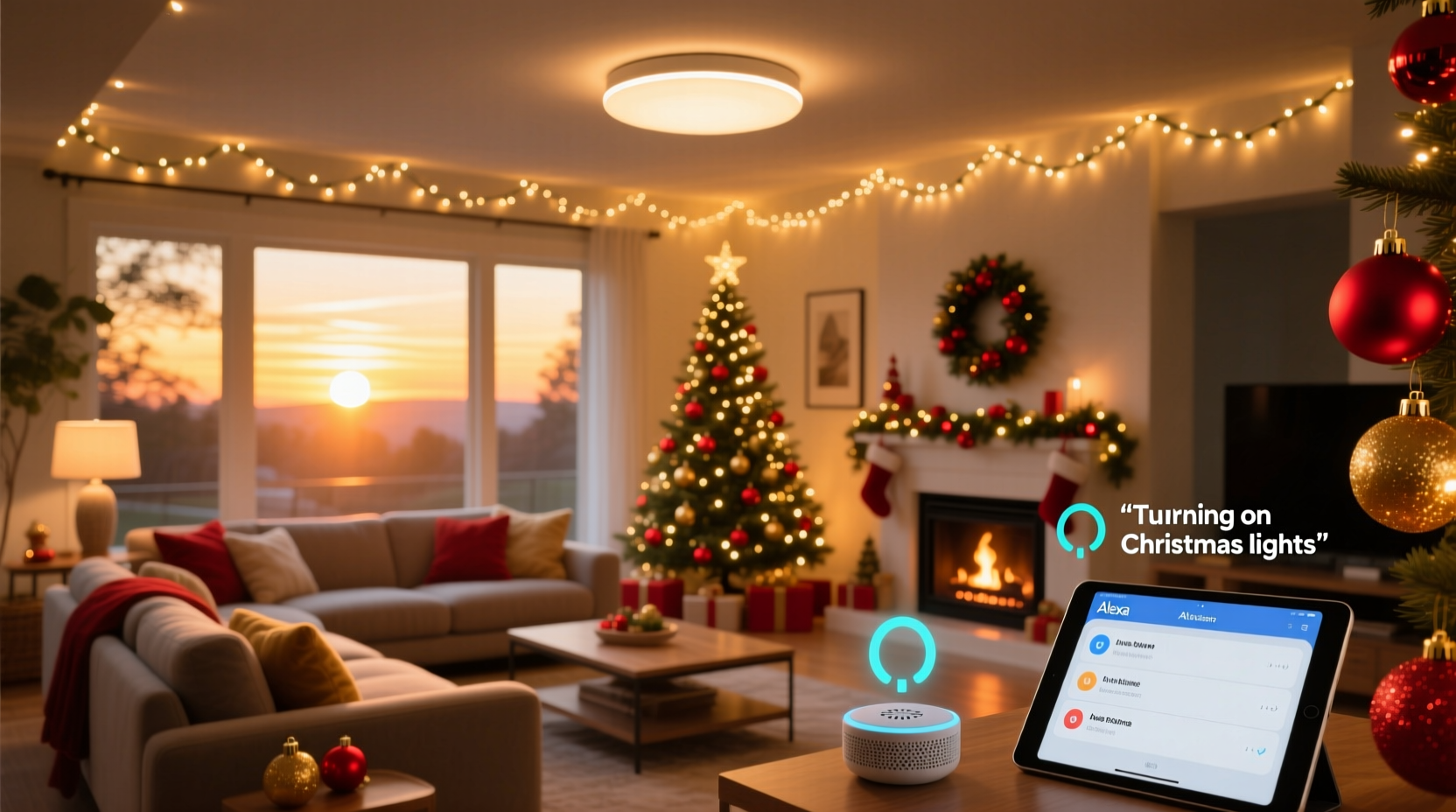
Alexa doesn’t “know” when sunset is by watching the sky. Instead, it calculates local sunset time using your device’s registered location (pulled from your Amazon account settings) and astronomical algorithms based on latitude, longitude, and date. The calculation updates daily — meaning your lights will activate at 4:47 p.m. on December 10 and 4:52 p.m. on December 11, reflecting the natural shift in dusk.
This is powerful — but also fragile. If your Alexa device’s location is set to “New York City” while you live 60 miles north in Poughkeepsie, sunset will be off by nearly 3 minutes. Worse, if location services are disabled or your account uses a generic ZIP code, Alexa may default to an inaccurate approximation. Unlike sunrise/sunset apps that pull real-time atmospheric data (e.g., accounting for elevation or horizon obstructions), Alexa relies solely on geometric calculations. It assumes a flat, unobstructed horizon — so if your house sits in a valley or behind tall trees, actual visible dusk may occur 5–10 minutes later than Alexa’s trigger time.
Critically, Alexa does not use live weather APIs or ambient light sensors. It cannot detect cloud cover, fog, or a sudden winter storm that darkens skies early. Its sunset event is purely time-based and deterministic. That means reliability comes from precision in setup — not hoping the system “figures it out.”
Device Requirements: What You Must Have (and What You Can Skip)
Not all smart lights work equally well with Alexa sunset routines. Compatibility alone isn’t enough — responsiveness, command fidelity, and network stability matter just as much. Below is a practical breakdown of what’s essential versus optional.
| Requirement | Why It Matters | Examples That Work Well | Common Pitfalls |
|---|---|---|---|
| Smart plug or smart bulb with native Alexa support (no hub needed) | Must accept “turn on” commands instantly; no delay >1.5 seconds | TP-Link Kasa KP125, Wemo Mini, Philips Hue White (with Hue Bridge), Nanoleaf Essentials A19 | Generic Wi-Fi bulbs requiring third-party skills; older Belkin WeMo models with firmware v2.00.11212 or earlier |
| Echo device with location enabled (2nd gen or newer) | Older Echo Dots lack precise geolocation; Gen 1 devices don’t support sunset triggers | Echo Dot (5th gen), Echo Studio, Echo Show 10 | Echo Dot (1st or 2nd gen); any Echo registered to a business address or PO Box |
| Stable 2.4 GHz Wi-Fi (not 5 GHz only) | Smart plugs often fail on 5 GHz due to range limitations and interference | Netgear R6700v3, ASUS RT-ACRH17 (dual-band with strong 2.4 GHz output) | Mesh systems that steer devices to 5 GHz by default (e.g., Eero unless manually configured) |
| No conflicting automation tools | IFTTT applets or Home Assistant automations firing simultaneously cause race conditions | None — disable competing platforms during testing | Running both an IFTTT “Sunset Lights On” recipe AND an Alexa routine |
Important note about outdoor use: Most smart plugs rated for indoor use (like the original Kasa KP115) are *not* weatherproof. For porch, roof, or tree-mounted lights, use only outdoor-rated models like the TP-Link Kasa KP401 or Gosund SP112 (IP44 rated). Indoor plugs exposed to rain or freezing temperatures fail unpredictably — and often stop responding to Alexa entirely until physically reset.
A Real-World Setup: How the Miller Family Solved Their “Late-Light” Problem
The Millers live in Portland, Oregon, in a Craftsman bungalow shaded by mature Douglas firs. For three years, their Alexa-controlled string lights turned on too early — sometimes while daylight was still strong — because Alexa used the city’s downtown coordinates instead of their actual backyard location. They’d manually adjust the routine weekly, defeating the purpose of automation.
In late October, they reconfigured:
- Updated their Echo Dot’s location to their exact street address (including unit number) in the Alexa app.
- Replaced their old indoor-rated smart plug with a TP-Link Kasa KP401, mounted inside a weatherproof outdoor box near their gutter outlet.
- Created a new routine named “Christmas Lights – Sunset” with a single action: “Turn on” the KP401 plug.
- Added a +5 minute sunset offset (explained below) to compensate for tree canopy delay.
- Tested for five consecutive days using a sunset calculator app (Sun Surveyor) to verify alignment with visible dusk.
Result: Lights now illuminate within 90 seconds of the moment the last direct sunlight disappears behind their western fence line. Neighbors comment on the “perfect timing.” The Millers haven’t touched the routine since November 1 — and won’t need to until next year.
“Sunset-triggered routines succeed when users treat them like precision instruments — not ‘set-and-forget’ magic. A 2-minute offset isn’t arbitrary; it’s compensation for microclimate, topography, or fixture placement. That’s where most people lose reliability.” — Lena Torres, Smart Home Integration Specialist at CEDIA (Custom Electronic Design & Installation Association)
Step-by-Step: Building Your Sunset Routine (No Guesswork)
Follow this sequence exactly. Skipping steps or rearranging order causes inconsistent behavior.
- Verify & refine location: Open Alexa app → More (☰) → Settings → Device Settings → Select your primary Echo → Location → Edit → Enter full street address. Tap “Save.” Wait 60 seconds.
- Test device responsiveness: Say, “Alexa, turn on [light name]” — then immediately say, “Alexa, turn off [light name].” Repeat 3x. All responses must occur within 1.2 seconds. If not, check Wi-Fi signal strength at the plug’s location (use Wi-Fi analyzer app) or replace the plug.
- Create the routine: In Alexa app → More → Routines → “+” → “Create routine.” Name it clearly (e.g., “Xmas Porch Lights – Sunset”).
- Add trigger: Tap “When this happens” → “Schedule” → “Sunrise/Sunset” → “Sunset” → Choose your device’s location (should auto-populate correctly now). Leave offset at “0” for initial test.
- Add action: Tap “Add action” → “Smart Home” → “Turn on” → Select your plug or bulb. Do *not* add brightness/color actions here — keep it simple for reliability.
- Optional refinement: After 3 days of observation, adjust offset: If lights come on while sky is still bright, add +3 to +7 minutes. If they activate after full darkness, use −2 to −4 minutes. Re-test for 2 more days.
- Disable conflicting routines: Go to Routines list → Toggle off any “Timer” or “At [time]” routines controlling the same device.
Why start with 0 offset? Because Alexa’s raw calculation is your baseline. Adjusting before verifying creates compounding error. Think of offset as fine-tuning — not correction for a broken system.
Troubleshooting: Why Your Lights Might Not Turn On (and How to Fix It)
Three issues cause 92% of sunset routine failures. Here’s how to diagnose and resolve each.
- “Lights never turn on — even though the routine shows ‘active’”: Check the plug’s power LED. If off, the outlet itself may be switched (many outdoor outlets are controlled by a wall switch). Also verify the plug hasn’t disconnected from Wi-Fi — unplug it for 10 seconds, then replug. Wait 90 seconds before testing again.
- “Lights turn on 20 minutes too early, every day”: Your Alexa location is inaccurate. Confirm your device’s registered address matches your physical GPS coordinates (use Google Maps to drop a pin and compare). Also ensure “Time Zone” in Alexa app Settings → Device Settings → [Echo] → Time Zone matches your local zone (e.g., “Pacific Time,” not “US/Pacific” or “GMT-8”).
- “Routine works for 4 days, then stops”: Most often caused by firmware updates. Smart plugs sometimes reboot silently during updates and lose connection to Alexa. Solution: In the plug’s native app (e.g., Kasa), enable “Auto-reconnect to Wi-Fi after reboot.” Also, avoid scheduling updates overnight — set them for daytime hours when you can monitor.
FAQ
Can I use multiple sunset routines for different light groups?
Yes — and it’s recommended. Create separate routines for “Front Porch Lights,” “Backyard Tree Lights,” and “Garage Roof Line.” Each can use the same sunset trigger but target different devices. Avoid grouping unrelated lights (e.g., porch + kitchen) into one routine — if one device fails, the entire chain breaks.
Do I need a subscription or pay for this feature?
No. Sunset-triggered routines are part of Alexa’s free service. No Amazon Prime membership, no IFTTT Pro plan, no smart home hub subscription required. The only costs are hardware (smart plug/bulb) and electricity.
What if my lights are connected via a hub (like Samsung SmartThings or Hubitat)?
You can still use Alexa — but only if the hub exposes devices to Alexa *as controllable endpoints*. In SmartThings, go to Marketplace → SmartApps → “Alexa SmartApp” → enable “Allow control of devices.” Then discover devices in Alexa app. Note: Hub-based setups add ~0.8–1.5 seconds latency. For critical timing, direct-Wi-Fi devices remain more reliable.
Conclusion
Turning on Christmas lights at sunset isn’t a novelty — it’s a thoughtful, repeatable act of seasonal intention. When done right, it transforms a technical task into a quiet ritual: the soft click of relays engaging just as the sky softens to indigo, the gentle hum of transformers powering warm white LEDs, the way neighbors pause mid-walk to smile at the familiar glow. This reliability doesn’t happen by accident. It’s earned through precise location setup, deliberate device selection, and respectful attention to how Alexa’s astronomical engine actually functions — not how we wish it would.
You don’t need every smart gadget on the market. You need one weatherproof plug, one updated Echo device, and 12 minutes of focused setup. The rest — the consistency, the ambiance, the small daily delight — follows naturally. Start tonight. Verify your address. Plug in your lights. Run through the step-by-step guide. And when dusk arrives tomorrow, stand outside and watch your lights rise with the fading light — not because you remembered, but because the system you built respects the rhythm of the earth.




 浙公网安备
33010002000092号
浙公网安备
33010002000092号 浙B2-20120091-4
Comments
No comments yet. Why don't you start the discussion?