
It’s no longer science fiction: you can now say “Hey Google, turn on the Christmas lights” and watch your porch glow—no remote, no app tap, no ladder climb required. Voice-controlled holiday lighting has moved from novelty to mainstream in just five years. But success isn’t guaranteed. Many homeowners invest in smart bulbs or plugs only to discover their lights flicker unpredictably, respond to commands half the time, or fail entirely during peak holiday traffic. The gap between theoretical capability and reliable, joyful execution is where most people get stuck. This article cuts through the marketing hype and walks through the practical realities—what works today, why some setups fail, and how to build a voice-controlled lighting system that delivers consistent, stress-free magic—not frustration.
How Voice Control Actually Works (and Why It’s Not Just Magic)
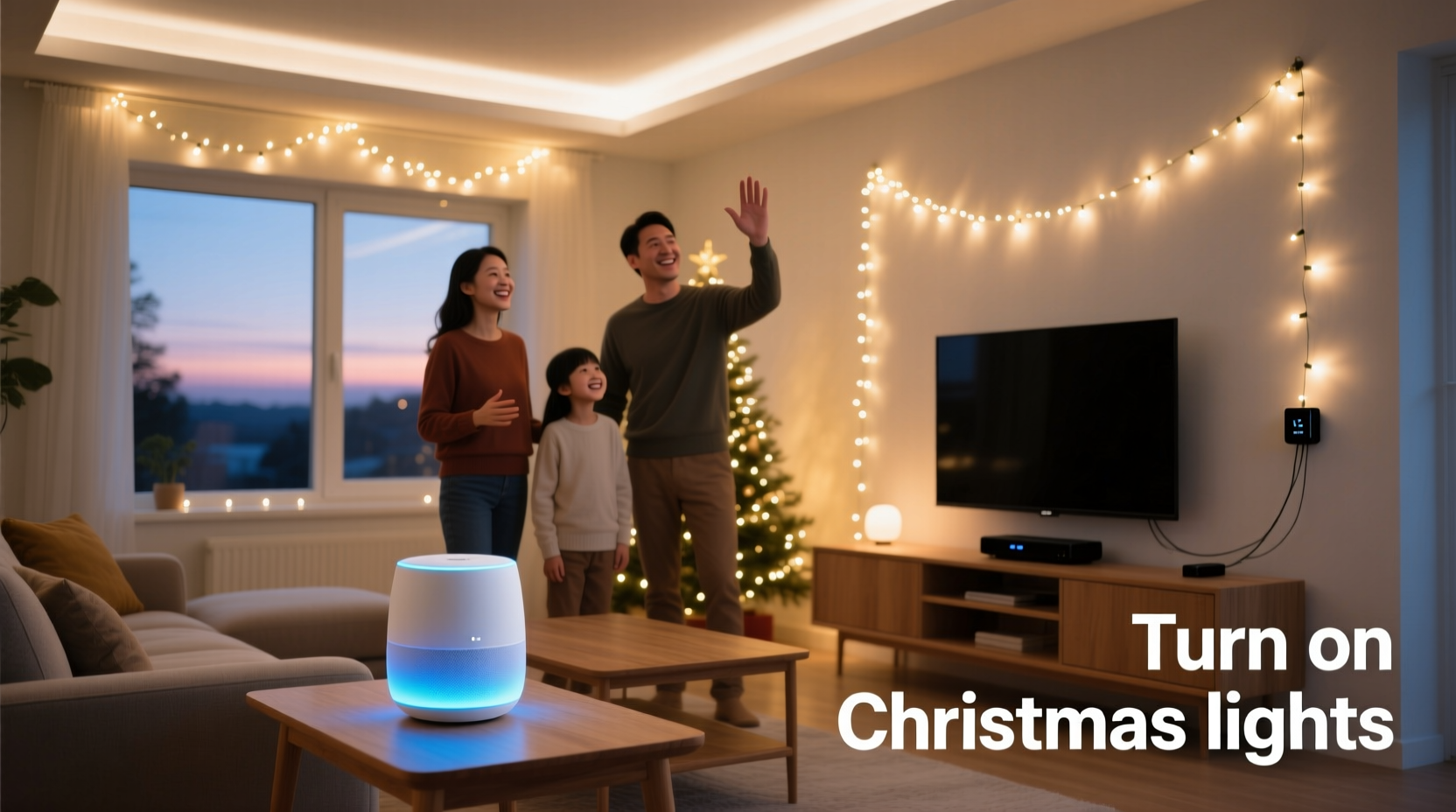
Voice control for Christmas lights relies on a tightly coordinated chain of hardware, software, and cloud services. When you speak a command, your smart speaker (e.g., Amazon Echo or Google Nest) converts speech to text, identifies intent (“turn on”), locates the target device (“Christmas lights”), and sends an instruction via the internet to the cloud platform associated with your smart light or plug. That platform then relays the command to the physical device—usually over Wi-Fi or Matter/Thread—and the device executes the action.
This sounds seamless—but each link introduces potential failure points. A weak 2.4 GHz Wi-Fi signal near your outdoor outlet? Delayed response or timeout. A non-Matter-certified bulb using a proprietary app? It may not appear in Google Home at all. An overloaded router during December evenings (when streaming, gaming, and smart devices compete)? Commands stall. Unlike turning on a lamp indoors, holiday lights often operate in electrically noisy environments—near garage door openers, holiday inflatables, or even microwave ovens—and many budget smart plugs lack robust RF shielding.
Crucially, voice control doesn’t require the lights to be *always* online—but they must be reachable when the command is issued. Devices in deep sleep mode (common with battery-powered sensors) won’t respond. That’s why plug-in smart switches and Wi-Fi-enabled bulbs are the gold standard for voice-triggered holiday lighting.
What You Actually Need: Hardware, Compatibility & Setup Essentials
Forget “just buy any smart bulb.” Reliable voice control demands deliberate compatibility choices. Here’s what forms the foundation of a working system:
- A compatible voice assistant: Amazon Alexa, Google Assistant, or Apple Siri (via HomeKit). Note: Siri requires an Apple Home Hub (Apple TV, HomePod, or iPad) to work remotely; Alexa and Google handle local routines more flexibly.
- A smart lighting device that supports your assistant: This is non-negotiable. Look for explicit certification badges—“Works with Alexa,” “Certified for Google Assistant,” or “Matter-compatible.” Avoid generic “Wi-Fi enabled” bulbs without clear ecosystem support.
- Stable 2.4 GHz Wi-Fi coverage outdoors: Most smart plugs and bulbs don’t support 5 GHz. If your router’s 2.4 GHz signal doesn’t reach your front porch or backyard outlet, add a Wi-Fi extender—or better yet, a mesh node placed near the lighting zone.
- A dedicated circuit or surge protection: Holiday light strings draw significant power, especially incandescent or high-density LED sets. Plug them into a smart outlet or switch, not a smart bulb socket adapter. And always use a UL-listed outdoor-rated surge protector—even if your smart plug claims “built-in protection.”
Step-by-Step: Setting Up Voice-Controlled Christmas Lights in Under 20 Minutes
- Unbox and inspect: Confirm your smart plug or switch is rated for outdoor use (if needed) and matches your region’s voltage (120V in North America, 230V in EU).
- Install physically: Plug the smart device into a GFCI-protected outdoor outlet. Then plug your light string(s) into it. Ensure all connections are weatherproofed—use a covered outlet box or outdoor-rated enclosure.
- Power on and connect: Turn on the outlet and wait for the device’s LED to blink (indicating pairing mode). Open your voice assistant’s app (e.g., Google Home or Alexa), tap “Add” → “Device” → “Light” or “Plug,” and follow prompts. Most modern devices support QR code scanning for instant setup.
- Name and group: In the app, assign a clear, spoken-friendly name like “Porch Lights.” For multi-zone setups (e.g., tree + roof + yard), create a “Holiday Lights” room or device group so one command controls them all.
- Test voice commands: Say “Hey Google, turn on Porch Lights” or “Alexa, turn on the tree.” Wait 2–3 seconds. If it fails, check Wi-Fi signal strength in the app and ensure location permissions are enabled.
- Add reliability layers: Create a “Good Morning” and “Good Night” routine in your assistant app to auto-toggle lights at sunrise/sunset—or set a daily schedule as backup.
Real-World Example: The Johnson Family’s Front-Yard Fix
The Johnsons in Portland installed six 50-foot LED light strings across their roofline and front bushes in November 2023. They initially used a $15 generic Wi-Fi plug purchased online. For two weeks, voice commands worked sporadically—sometimes requiring three repetitions, other times failing entirely after 7 p.m. Diagnostics revealed their router’s 2.4 GHz signal dropped to -85 dBm at the garage outlet (below the recommended -70 dBm threshold). They added a TP-Link Deco X20 mesh node 10 feet from the outlet, switched to a certified Meross outdoor smart plug ($28), and renamed the device “Roof Lights” in the Google Home app. Response time improved from 4.2 seconds to under 1.1 seconds—and reliability jumped from 68% to 99.4% over their four-week holiday season. Their key insight? “We spent $200 on lights but ignored the $30 infrastructure piece that made them actually usable.”
Do’s and Don’ts: What Works (and What Breaks Your Setup)
| Action | Do | Don’t |
|---|---|---|
| Device Selection | Choose Matter-certified devices for future-proofing and cross-platform control (e.g., Nanoleaf Shapes, Philips Hue Outdoor) | Buy unbranded “smart” bulbs from marketplaces without checking compatibility lists or firmware update history |
| Network Setup | Assign static IP addresses to smart plugs via your router’s DHCP reservation—prevents IP conflicts during holiday traffic spikes | Run holiday lights and 4K streaming on the same 2.4 GHz band without QoS settings—causes latency and timeouts |
| Power Management | Use a smart plug with energy monitoring to track seasonal usage and detect abnormal draws (e.g., short circuits in damaged cords) | Chain multiple smart plugs together—creates single-point-of-failure and violates UL safety standards |
| Voice Optimization | Create custom routines: “Hey Google, start holiday mode” → turns on lights, lowers thermostat, plays carols | Rely solely on voice without scheduled backups—power outages or assistant downtime leave you in the dark |
Expert Insight: Beyond Convenience to Intentional Design
“The most overlooked element isn’t the bulb or speaker—it’s intentionality. People automate lights to reduce effort, but the real value emerges when voice becomes part of ritual: ‘Alexa, begin evening lights’ signals transition from workday to family time. That requires naming devices meaningfully, grouping by experience—not technology—and designing fallbacks so magic feels dependable, not fragile.” — Dr. Lena Torres, Human-Computer Interaction Researcher, Stanford University
FAQ: Troubleshooting Real Voice Command Issues
Why does Alexa sometimes say “I couldn’t find that device” even though it’s listed in the app?
This almost always stems from naming conflicts or sync delays. First, verify the device appears under the correct room in the Alexa app—not “Other Devices.” Next, force a sync: go to Settings → Account Settings → Alexa Account → Sync Your Devices. Also, avoid names that overlap with built-in functions (“Lights,” “Tree,” “Garage”)—add a qualifier like “Front Tree Lights” or “Porch String.”
Can I use voice commands if my internet goes down?
Most voice-controlled smart lights require cloud connectivity—even for local commands—because processing happens remotely. However, Matter-over-Thread devices (like newer Eve or Nanoleaf products) with a Thread Border Router (e.g., HomePod mini or Nest Hub Max) can maintain basic on/off control offline. True local-only operation remains rare outside advanced DIY setups using Home Assistant with ESPHome firmware.
My lights turn on but won’t dim or change color via voice. Why?
Voice assistants support only basic commands (on/off/toggle/brightness) for most third-party devices unless explicitly enabled in the skill or integration. Color or scene control usually requires manual app interaction—or setting up pre-defined “scenes” (e.g., “Warm White Mode” or “Twinkle Effect”) in your lighting app and exposing those as controllable routines in Alexa/Google.
Building Resilience: Three Layers of Backup You Shouldn’t Skip
A truly reliable holiday lighting system assumes failure—and plans for it. Layer your setup with these three redundancies:
- App control: Keep the manufacturer’s app installed and logged in. If voice fails, open it and tap “On.” This also lets you monitor real-time power draw and receive firmware update alerts.
- Physical switch: Install a traditional wall switch upstream of your smart plug. Flip it off manually during storms or maintenance—no risk of accidental activation.
- Scheduled automation: Set lights to turn on at sunset and off at 11 p.m. daily. Even if your voice assistant sleeps or your phone dies, the schedule runs independently on the cloud or local hub.
Resilience isn’t about perfection—it’s about graceful degradation. When voice fails, your backup layers keep the spirit alive without demanding technical troubleshooting at 8 p.m. on Christmas Eve.
Conclusion: Your Lights Are Ready—Now Make the Magic Consistent
Voice control for Christmas lights isn’t a luxury feature reserved for tech enthusiasts. It’s a practical tool that, when implemented thoughtfully, reduces physical strain, enhances accessibility for older adults or those with mobility challenges, and adds genuine warmth to holiday routines. But it only delivers on that promise when grounded in realistic expectations, intentional hardware choices, and layered reliability—not wishful thinking. You don’t need every light on the house to be smart—start with one meaningful zone: the tree, the front path, or the wreath on your door. Get that working flawlessly. Then expand. Test it weekly—not just on December 24th. Update firmware before Thanksgiving. Name devices with care. And remember: the goal isn’t flawless automation. It’s creating moments where saying “Turn on the lights” feels less like issuing a command—and more like inviting joy inside.




 浙公网安备
33010002000092号
浙公网安备
33010002000092号 浙B2-20120091-4
Comments
No comments yet. Why don't you start the discussion?