
If you're unable to log in to ChatGPT, you're not alone. Thousands of users encounter login issues daily—ranging from forgotten passwords to technical glitches. While frustrating, most problems have straightforward solutions. Understanding the root cause can save time and restore access quickly. Whether you're using OpenAI’s free tier or a Plus subscription, consistent access is essential for productivity, learning, and creativity.
This guide breaks down the most frequent ChatGPT login problems, explains why they occur, and provides tested solutions. From browser conflicts to two-factor authentication failures, we’ll walk through every step needed to regain entry to your account.
Common Reasons You Can’t Log In to ChatGPT
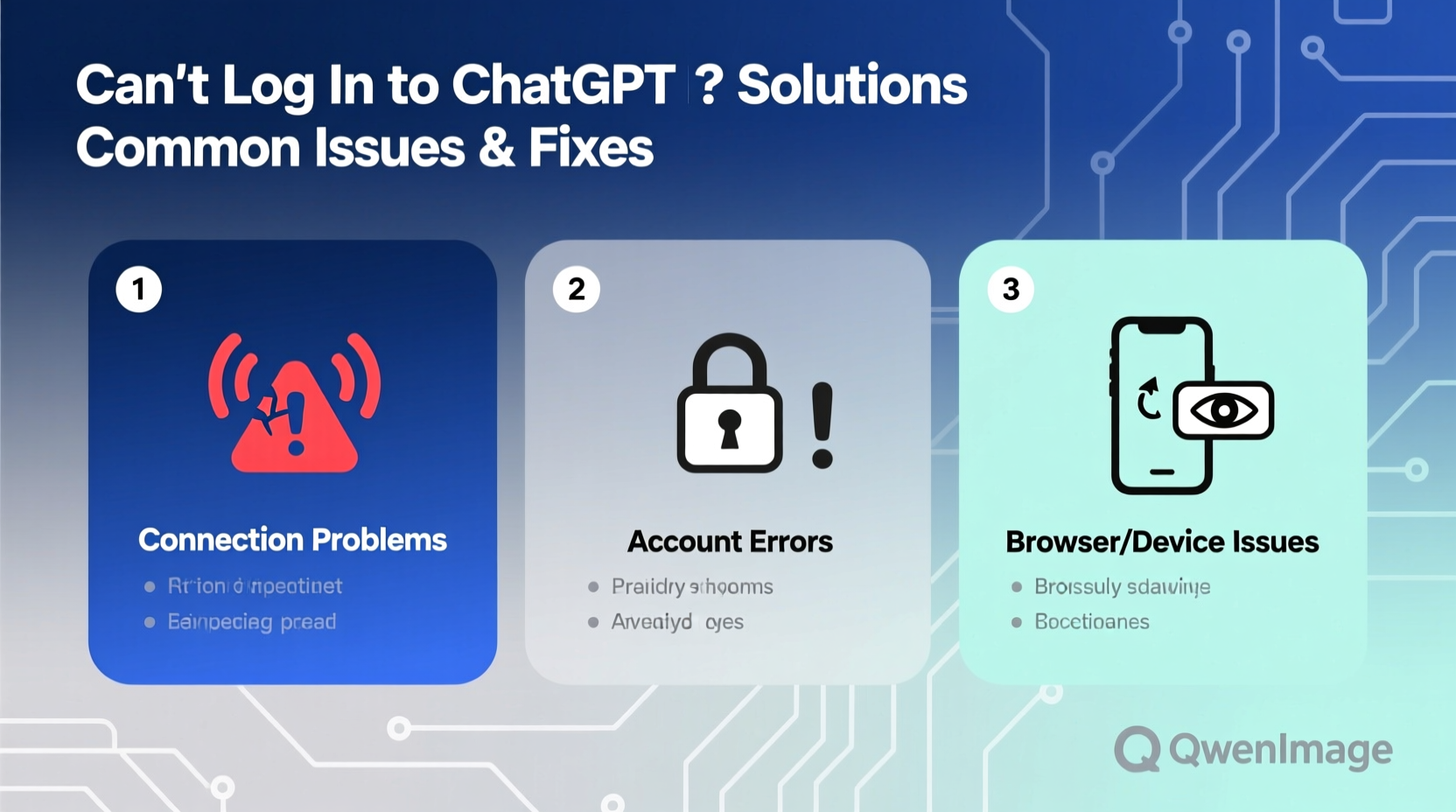
Login failures typically stem from one of several sources: user error, browser issues, network problems, or account-related restrictions. Identifying the category helps narrow down troubleshooting steps.
- Incorrect credentials: Wrong email or password entry, especially after a long break.
- Browser-related issues: Outdated cache, disabled cookies, or conflicting extensions.
- Network restrictions: Firewalls, school/work networks, or regional blocks.
- Account suspension: Violation of terms of service or suspicious activity flags.
- Two-factor authentication (2FA) failure: Lost recovery codes or inaccessible authenticator apps.
Step-by-Step Troubleshooting Guide
Follow this logical sequence to diagnose and resolve your login issue efficiently.
- Verify your internet connection. Try loading another site to confirm connectivity.
- Go directly to the official site: https://chat.openai.com. Avoid third-party links that may be outdated or malicious.
- Check for service outages. Visit OpenAI’s status page at status.openai.com to see if there’s a platform-wide issue.
- Attempt password reset. Click “Forgot password?” and follow the instructions sent to your registered email.
- Try a different browser. If Chrome fails, test Firefox, Safari, or Edge.
- Clear browser cache and cookies. Stored data can interfere with login sessions.
- Disable browser extensions temporarily. Ad blockers or privacy tools like uBlock Origin or Privacy Badger may block authentication scripts.
- Use incognito/private mode. This runs a clean session without cached data or extensions.
- Check device date and time settings. Incorrect system time can break SSL certificates and 2FA tokens.
- Contact OpenAI support if all else fails.
Browser & Device-Specific Fixes
Different browsers handle cookies, scripts, and security policies differently. Below are targeted actions based on your setup.
| Browser | Recommended Action | Avoid |
|---|---|---|
| Google Chrome | Clear site data for chat.openai.com; disable extensions one by one | Using multiple Google accounts simultaneously without profile separation |
| Mozilla Firefox | Check Enhanced Tracking Protection; set to Standard or Custom (allow necessary trackers) | Blocking all third-party cookies aggressively |
| Safari (Mac/iOS) | Disable “Prevent cross-site tracking”; ensure JavaScript is enabled | Using outdated iOS versions that don’t support modern TLS protocols |
| Mobile App (iOS/Android) | Force close app, update via App Store/Play Store, reinstall if needed | Running outdated app versions beyond three releases behind |
When Using Work or School Networks
Institutional networks often restrict access to AI platforms. If you’re on a corporate, educational, or public Wi-Fi network:
- Confirm whether ChatGPT is blocked by policy.
- Try switching to mobile data.
- Ask your IT department if access can be granted under acceptable use guidelines.
“We’ve seen a surge in login reports from university students whose campus networks filter generative AI tools by default.” — Alex Tran, OpenAI Community Support Lead
Password and Account Recovery Process
Forgotten passwords are among the top reasons for failed logins. The recovery process is secure but requires attention to detail.
To reset your password:
- Navigate to chat.openai.com.
- Click “Log in” then select “Forgot password?”.
- Enter the email associated with your account.
- Check your inbox (and spam folder) for the reset link.
- Create a new strong password (at least 12 characters, mix of letters, numbers, symbols).
If no email arrives within 10 minutes:
- Double-check the spelling of your email address.
- Ensure you’re checking the correct inbox.
- Wait up to 30 minutes—delays sometimes occur during high-traffic periods.
Recovering 2FA-Locked Accounts
If you’ve enabled two-factor authentication but lost access to your authenticator app or recovery codes, recovery becomes more complex.
OpenAI does not offer immediate self-service recovery for 2FA. Instead:
- Submit a request via the OpenAI Help Center.
- Select “I need help with my account” → “I lost access to my 2FA method”.
- Provide proof of identity and ownership (e.g., previous email correspondence, payment receipts).
Response times vary from 24 hours to 7 days. Be patient and thorough in your submission.
Mini Case Study: Regaining Access After a Year-Long Hiatus
Sarah, a freelance writer, tried logging into ChatGPT after 14 months away. She remembered her email but kept getting “Invalid credentials” errors. Her initial attempts failed across Chrome and Safari.
She followed these steps:
- Cleared browser data specifically for chat.openai.com.
- Used incognito mode and retried the password—still failed.
- Clicked “Forgot password?” and received the reset email instantly.
- Set a new password using her password manager.
- Successfully logged in, only to face a 2FA prompt.
Since she had deleted her old phone’s authenticator app, she submitted an account recovery form with a copy of a past OpenAI billing receipt. Within 48 hours, she regained full access and re-enabled 2FA with a new device.
Sarah’s experience highlights the importance of keeping recovery options updated—and maintaining accessible records of account activity.
Frequently Asked Questions
Why does ChatGPT say “Email not found” even though I’m sure it’s correct?
This usually means you used a different email than expected. Check if you signed up with a work, school, or alternate personal address. Also verify there are no typos or extra spaces.
Can I have multiple ChatGPT accounts with the same email?
No. Each email can be linked to only one OpenAI account. Attempting to create duplicates may trigger temporary locks or verification delays.
Is ChatGPT down if I can’t log in?
Not necessarily. While outages do happen, most login issues are local—on your device, network, or account. Always check status.openai.com before assuming a global outage.
Essential Login Checklist
Keep this checklist handy whenever you encounter login trouble:
- ✅ Confirm you’re visiting chat.openai.com
- ✅ Test your internet connection
- ✅ Clear browser cache and cookies for OpenAI domains
- ✅ Try logging in via incognito or private browsing mode
- ✅ Disable ad blockers and script filters temporarily
- ✅ Verify your device’s date and time settings are accurate
- ✅ Reset your password if unsure
- ✅ Check for 2FA prompts or recovery code requirements
- ✅ Contact OpenAI support if locked out despite all efforts
Conclusion: Stay Prepared and Regain Access Fast
Being locked out of ChatGPT doesn’t have to mean prolonged downtime. Most issues stem from simple oversights—like outdated passwords, misconfigured browsers, or forgotten 2FA methods. By systematically ruling out causes and applying targeted fixes, you can restore access in minutes, not hours.
Going forward, take preventive steps: store your credentials safely, keep recovery codes in a secure location, and periodically test your login. Technology evolves fast, but basic digital hygiene remains the best defense against access loss.




 浙公网安备
33010002000092号
浙公网安备
33010002000092号 浙B2-20120091-4
Comments
No comments yet. Why don't you start the discussion?