
If you're unable to log in to Hulu, you're not alone. Thousands of users encounter login problems every day due to forgotten passwords, app glitches, outdated software, or account-related errors. While frustrating, most Hulu login issues can be resolved quickly with the right steps. This guide walks through the most effective troubleshooting methods, from simple fixes to advanced solutions, so you can regain access and resume your favorite shows without delay.
Common Causes of Hulu Login Issues
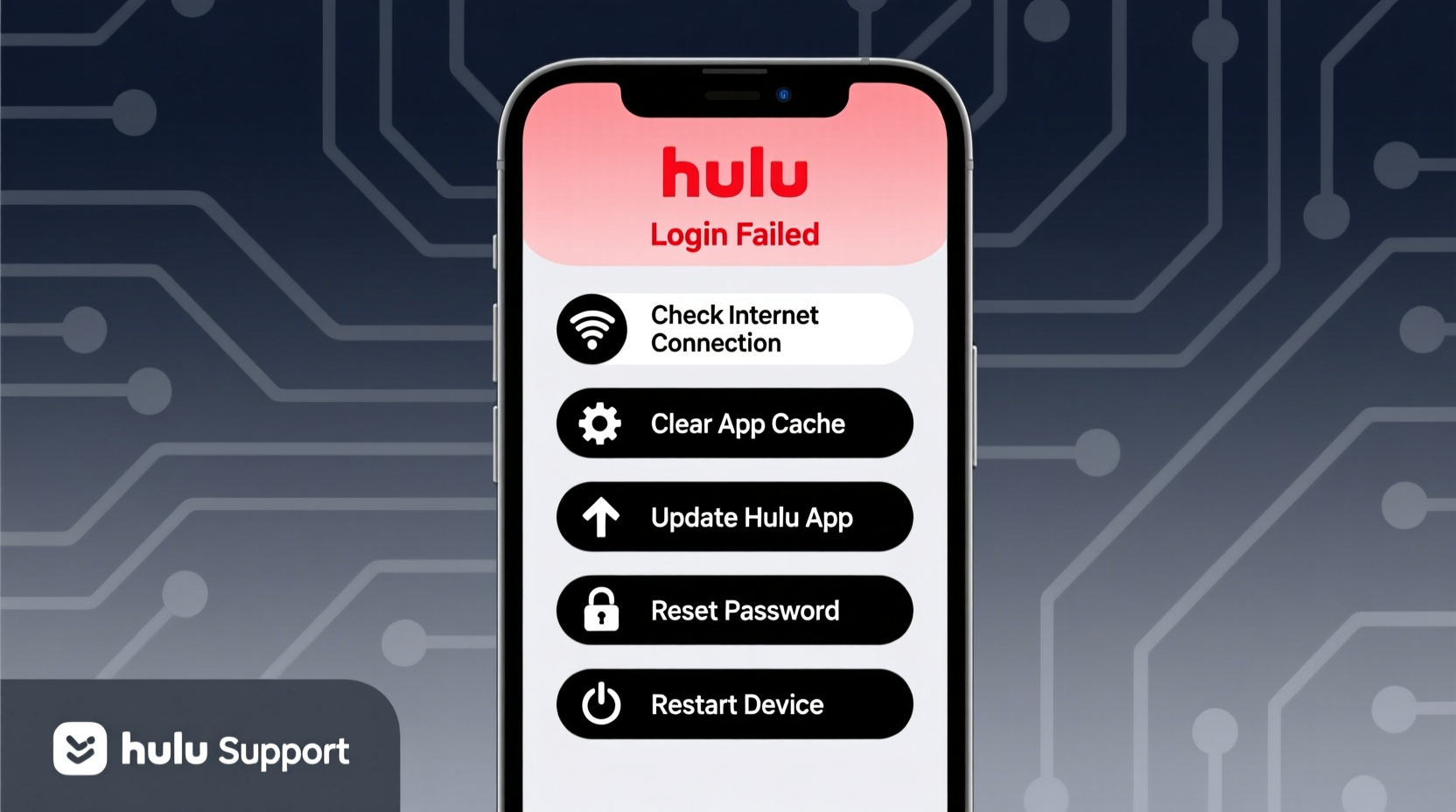
Hulu login failures typically stem from one of several predictable sources. Identifying the root cause is the first step toward resolution. The most frequent culprits include:
- Incorrect login credentials — Typing errors in email or password are the most common reason for failed logins.
- Outdated app or browser — Older versions may lack support for current authentication protocols.
- Network connectivity problems — Weak or unstable internet can interrupt the login process.
- Account suspension or billing issues — Overdue payments or expired payment methods can restrict access.
- Device-specific bugs — Some devices experience caching or syncing errors that interfere with login attempts.
Understanding these causes helps narrow down the appropriate fix and avoid wasting time on irrelevant solutions.
Step-by-Step Troubleshooting Guide
Follow this structured approach to systematically eliminate potential issues and restore your access to Hulu.
- Verify Your Credentials
Re-enter your email and password carefully. If unsure, use the “Forgot Password” option to reset it. Confirm the email associated with your account by checking your inbox for past Hulu communications. - Check Account Status
Visit hulu.com from a web browser and attempt to log in. If you see messages like “Payment method expired” or “Your account has been suspended,” resolve billing issues before proceeding. - Update the Hulu App
Outdated apps frequently cause login errors. Go to your device’s app store (Google Play, Apple App Store, etc.) and check for available updates for the Hulu application. - Restart Your Device
A quick reboot clears temporary memory and resets network settings. Turn off your phone, tablet, smart TV, or streaming box completely, wait 30 seconds, then power it back on. - Clear Cache and Data (Mobile & Streaming Devices)
On Android or Fire TV devices, go to Settings > Apps > Hulu > Storage. Tap “Clear Cache” and then “Clear Data.” Note: This will log you out and remove downloaded content. - Try a Different Device or Browser
Attempt logging in via a computer, smartphone, or another streaming device. If login works elsewhere, the issue is isolated to the original device. - Check Hulu Server Status
Occasionally, Hulu experiences outages. Use third-party sites like Downdetector.com to see if other users are reporting service disruptions in your region.
Do’s and Don’ts When Fixing Hulu Login Problems
| Do | Don’t |
|---|---|
| Use the official Hulu website or app for login attempts | Enter your credentials on suspicious third-party sites |
| Reset your password using the “Forgot Password” link | Repeatedly guess your password (may trigger security locks) |
| Ensure your device date and time are set correctly | Ignore error messages—note them for diagnosis |
| Contact Hulu support if all else fails | Share your account details with unverified support agents |
Real Example: How Sarah Regained Access to Her Hulu Account
Sarah had been unable to log in to her Hulu account on her Roku TV for two days. She received an error message: “Unable to sign in. Check your internet connection.” However, her internet was working fine for other apps. First, she tried restarting her Roku—no success. Then, she checked her account status online and discovered her credit card had expired. After updating her payment method on the Hulu website, she logged in successfully within minutes. The issue wasn’t technical—it was financial. Had she not reviewed her account status early, she might have spent hours troubleshooting her device unnecessarily.
This case illustrates why checking account health should be part of any login troubleshooting routine.
Expert Insight on Account Recovery
“Over 60% of login issues stem from outdated apps or incorrect passwords. Users often overlook basic checks and jump straight into complex fixes. Start simple: verify credentials, update software, and confirm service availability.” — Jordan Lee, Senior Streaming Support Analyst at TechFix Solutions
Quick Checklist: Can’t Log In to Hulu?
Run through this checklist to resolve the issue efficiently:
- ✅ Confirm your email and password are correct
- ✅ Reset your password using Hulu’s recovery tool
- ✅ Ensure your internet connection is stable
- ✅ Update the Hulu app to the latest version
- ✅ Restart your device (phone, TV, tablet, etc.)
- ✅ Clear the app cache and data (Android/Fire TV)
- ✅ Check for Hulu service outages
- ✅ Verify your subscription status and payment method
- ✅ Try logging in from a different device or browser
- ✅ Contact Hulu customer support if unresolved
Frequently Asked Questions
Why does Hulu say my password is wrong even when I’m sure it’s correct?
This usually happens due to hidden typing errors, such as an enabled caps lock, extra spaces, or using a saved password that hasn’t been updated after a change. Try resetting your password using the “Forgot Password” link and create a new one manually.
I updated my payment method, but I still can’t log in. What should I do?
After updating billing information, wait up to 15 minutes for the system to sync. Then, restart the Hulu app and try again. If the problem persists, log in via a web browser first to confirm account reactivation before using the app.
Can I be logged out of Hulu remotely?
No, Hulu does not automatically log you out unless you manually sign out, clear app data, or exceed the maximum number of active devices (which varies by plan). However, changing your password will log you out of all other devices for security reasons.
Final Steps and When to Contact Support
If you’ve completed all the steps above and still can’t log in, it’s time to contact Hulu’s customer support. Be ready to provide:
- Your registered email address
- The device you’re using
- The exact error message displayed
- A summary of the troubleshooting steps you’ve already tried
Hulu offers live chat and phone support for subscribers. Visit help.hulu.com to access real-time assistance. Providing detailed information helps support agents diagnose the issue faster and reduces resolution time.




 浙公网安备
33010002000092号
浙公网安备
33010002000092号 浙B2-20120091-4
Comments
No comments yet. Why don't you start the discussion?