
If you're trying to manage prescriptions, view vaccination records, or access telehealth services through CVS Health, the mobile app is a convenient gateway. But what happens when you can’t even sign up? You’re not alone. Thousands of users report issues during account creation—ranging from technical glitches to verification hurdles. The good news: most problems are fixable with the right approach.
This guide breaks down the most frequent causes of CVS Health app signup failures and provides clear, step-by-step solutions. Whether you're using an iPhone or Android device, these troubleshooting methods will help you regain control and get your account up and running.
Common Reasons You Can’t Sign Up for the CVS Health App
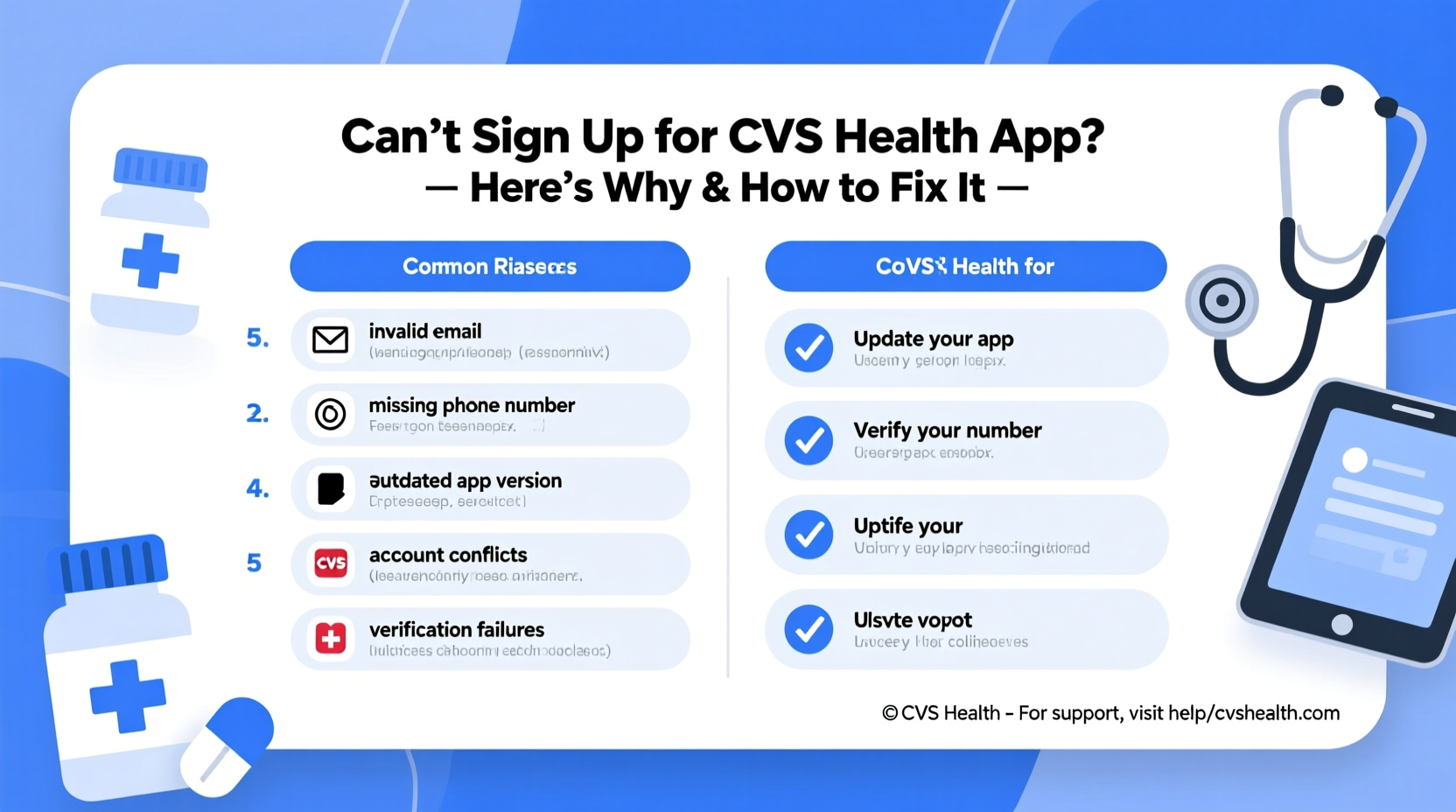
Before diving into fixes, it’s important to understand why the signup process might be failing. These are the top technical and user-related causes:
- Invalid email format or already in use: The system may reject improperly formatted emails or flag duplicates.
- Incorrect date of birth or personal details: Even a one-year discrepancy can trigger a rejection.
- Outdated app version: Older versions may have bugs that prevent new registrations.
- Network or connectivity issues: Unstable Wi-Fi or cellular data can interrupt form submission.
- Account already exists: If you’ve used CVS services before (like MinuteClinic or prescription refills), you might already have an account under a different email.
- Phone number conflicts: The app requires a U.S.-based mobile number, and some carriers or VoIP numbers aren’t accepted.
- Security blocks or CAPTCHA failures: Automated systems may flag rapid attempts as suspicious.
Step-by-Step Guide to Fix CVS Health App Signup Issues
Follow this structured troubleshooting sequence to resolve your registration problem efficiently.
- Verify Your Device and App Version
Go to your device’s app store (Apple App Store or Google Play) and check if the CVS Pharmacy app is updated. Outdated versions often lack compatibility with current authentication protocols. - Ensure Strong Internet Connection
Switch from public Wi-Fi to a secure home network or use cellular data. Poor connectivity can cause timeouts during critical steps like OTP delivery or profile creation. - Check for Existing Accounts
Tap “Forgot Password” on the login screen and enter your email. If the system sends a reset link, you already have an account. Use that instead of creating a duplicate. - Use a Valid U.S. Mobile Number
The app does not accept virtual phone numbers (e.g., Google Voice) or international lines. Ensure your number is active and linked to a U.S. carrier. - Disable Auto-Capitalization and Formatting Errors
When entering your name, email, or DOB, disable predictive text to avoid accidental spaces or capital letters that disrupt validation. - Clear App Cache (Android) or Offload App (iOS)
On Android: Settings > Apps > CVS Pharmacy > Storage > Clear Cache.
On iOS: Settings > General > iPhone Storage > CVS Pharmacy > Offload App, then reinstall. - Try Signing Up via Web Browser First
Visit cvs.com and create an account through the website. Once confirmed, log in to the app using the same credentials.
Do’s and Don’ts When Creating a CVS Health Account
| Do’s | Don’ts |
|---|---|
| Use a real, active email address | Don’t use temporary or disposable emails |
| Enter your full legal name exactly as it appears on prescriptions | Don’t include nicknames or abbreviations |
| Input accurate date of birth (MM/DD/YYYY) | Don’t guess or estimate your DOB |
| Wait 5–10 minutes between retry attempts after failure | Don’t rapidly repeat signup attempts |
| Enable SMS permissions for two-factor authentication | Don’t block messages from short codes |
Real Example: How Sarah Fixed Her Registration Block
Sarah, a 34-year-old nurse from Ohio, tried signing up for the CVS Health app to schedule a flu shot. She entered her details three times but kept getting “Registration Failed” with no explanation. Frustrated, she called customer support.
The agent discovered her issue: she had previously created an account using her old email from a hospital internship. Though inactive, the system recognized her name and DOB combination. After resetting the password on the old email, Sarah successfully logged in and updated her contact information.
This case highlights a silent obstacle: legacy accounts. Many people forget past interactions with CVS MinuteClinic, prescription pickups, or insurance portals, all of which can create dormant profiles that block new signups.
“Many patients don’t realize their healthcare providers share backend systems. A visit to MinuteClinic five years ago could still tie to your current identity.” — Dr. Alan Reyes, Digital Health Systems Analyst
Troubleshooting Checklist: Regain Access Fast
Use this checklist to methodically eliminate potential blockers:
- ✅ Confirm your device has the latest version of the CVS Pharmacy app
- ✅ Test internet connection with another app or site
- ✅ Attempt password recovery using your primary email
- ✅ Try registering with an alternate email you may have used before
- ✅ Verify your phone number isn’t a VoIP line (Google Voice, TextNow, etc.)
- ✅ Reinstall the app after clearing cache or offloading
- ✅ Create an account via the CVS website first, then log in via app
- ✅ Wait 24 hours before retrying if locked out due to multiple attempts
Frequently Asked Questions
Why does the app say my email is already in use?
This usually means you’ve previously interacted with CVS digitally—such as booking a vaccine, refilling a prescription online, or visiting MinuteClinic. Use the “Forgot Password” option to recover access instead of creating a new account.
Can I use a Gmail or Yahoo email to sign up?
Yes, standard consumer email providers like Gmail, Yahoo, and Outlook are fully supported. However, avoid using work, school, or temporary email addresses that may restrict external communications.
What should I do if I’m not receiving the verification code?
First, check your spam folder and ensure your phone has signal. Wait 5 minutes and request the code again. If still not received, try switching from SMS to voice call verification. Also confirm your carrier supports short-code messaging (required for 6-digit OTPs).
Final Steps and When to Contact Support
If you’ve completed all troubleshooting steps and still can’t sign up, it’s time to escalate. Contact CVS Customer Service at 1-800-746-7287 or use the live chat feature on cvs.com. Have the following ready:
- Your full name and date of birth
- Email address and phone number used
- Last four digits of your Social Security Number (for identity verification)
- A description of the error message received
Note: CVS support typically resolves account creation issues within 24–48 hours when proper documentation is provided.
Conclusion: Take Control of Your Healthcare Access
Being unable to sign up for the CVS Health app can feel like a roadblock to managing your health efficiently. But with systematic troubleshooting—from checking for existing accounts to ensuring correct personal details—you can overcome most barriers on your own. The key is patience and precision. Small errors in data entry or outdated apps can derail the process, but they’re easily corrected.
Don’t let a technical hiccup stop you from accessing prescriptions, vaccines, or virtual care. Apply these fixes today, and take back control of your healthcare journey.




 浙公网安备
33010002000092号
浙公网安备
33010002000092号 浙B2-20120091-4
Comments
No comments yet. Why don't you start the discussion?