
As the holiday season approaches, many homeowners look for reliable ways to automate their Christmas lights. The goal is simple: festive illumination on schedule, with minimal effort and zero frustration. Two popular options dominate the market—mechanical or digital timers and smart plugs. But when it comes to consistent automation without app crashes, which one truly delivers? While smart technology promises advanced control, real-world performance often tells a different story. This article dives deep into the practical differences between traditional Christmas light timers and smart plugs, focusing on reliability, ease of use, automation capabilities, and long-term dependability—especially during high-traffic holiday periods.
Understanding the Core Differences
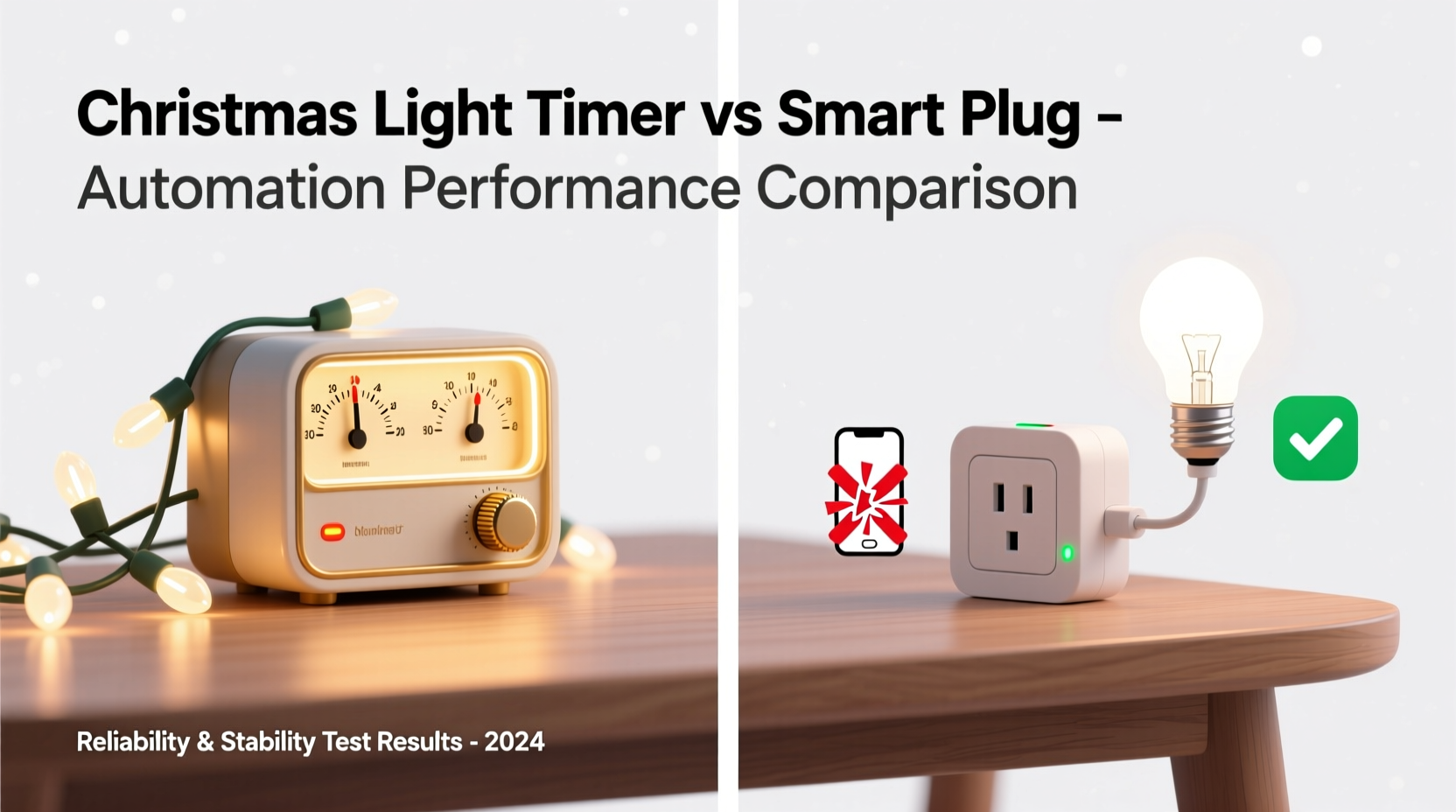
A Christmas light timer is typically a standalone device that connects directly to your outlet and allows you to set specific on/off times for connected lights. These come in mechanical (rotating dial) and digital (LCD screen with programmed schedules) varieties. They operate independently, requiring no Wi-Fi, apps, or cloud services.
In contrast, a smart plug connects to your home Wi-Fi network and communicates with a smartphone app—often via the cloud. It allows remote control, scheduling, voice commands through assistants like Alexa or Google Assistant, and integration with larger smart home ecosystems. However, this convenience comes with dependencies: internet connectivity, app functionality, and server availability.
The key distinction lies in autonomy. A timer runs locally and mechanically; a smart plug relies on software infrastructure. When evaluating \"better automation,\" we must define what “better” means: Is it feature richness, or is it consistency and uptime?
Reliability: Why Simpler Often Wins
During peak holiday usage, smart home servers can become overloaded. In December 2023, users reported widespread outages with major platforms like Amazon Alexa and Google Home, leaving thousands unable to control lights, thermostats, or security systems—even basic routines failed. These outages are not anomalies. Holiday spikes in smart device usage strain backend systems, leading to delayed responses, failed automations, and complete service interruptions.
A traditional timer does not face such risks. Once programmed, it operates on internal circuitry or a quartz clock mechanism. Power stays on, schedule stays intact—no updates, no login issues, no syncing problems. Even during power outages, most digital timers retain settings thanks to built-in backup batteries.
“Sometimes the most elegant solution is the one that doesn’t need an internet connection.” — David Lin, Embedded Systems Engineer at HomeTech Labs
Automation Capabilities Compared
At first glance, smart plugs appear superior in automation. You can create complex schedules, turn lights on at sunset (using geolocation), dim gradually, or sync with music. Some even support scenes—like “Holiday Mode”—that activate multiple devices simultaneously.
But how much of this do you actually need for Christmas lights?
Most holiday lighting follows a repetitive pattern: lights on at dusk (e.g., 5 PM), off at bedtime (e.g., 11 PM). Many digital timers now offer “dusk-to-dawn” modes using light sensors or pre-programmed seasonal offsets. High-end models like the Nature’s Generator Outdoor Timer allow weekly programming with multiple on/off cycles per day—more than sufficient for dynamic blinking sequences or staggered display activation.
Smart plugs require stable app performance to maintain these automations. If the app crashes—or worse, if the manufacturer discontinues support—you lose access. There have been documented cases where companies shut down cloud services for older smart devices, rendering them useless despite perfect hardware condition.
Step-by-Step Guide: Setting Up Reliable Lighting Automation
- Determine your lighting schedule: Decide when you want lights on and off each day. Consider local sunset times and neighborhood norms.
- Assess power sources: Ensure outdoor outlets are GFCI-protected and compatible with extension cords or timers.
- Choose your control method: For simplicity and reliability, select a digital timer with battery backup. For remote access and voice control, consider a smart plug—but only if you trust your ecosystem’s stability.
- Test before installation: Plug in your lights and run a full cycle indoors to confirm timing accuracy.
- Weatherproof connections: Use waterproof outlet covers and elevate connections off the ground to prevent moisture damage.
- Monitor performance weekly: Check for flickering, missed triggers, or error messages (in smart apps).
Performance Under Stress: Real-World Example
In suburban Denver, homeowner Maria Thompson manages a large front-yard Christmas display with over 10,000 LEDs, animated reindeer, and synchronized music. For three years, she used smart plugs linked to her Google Home system. Each year, around December 18–24, her display began malfunctioning—lights turning on late, sequences desyncing, or failing entirely.
After investigating, she discovered her issue wasn’t local. Online forums revealed hundreds of similar complaints tied to Google’s holiday traffic surge. Despite strong Wi-Fi and updated firmware, her automations were timing out due to server latency.
For the next season, Maria switched to a combination of heavy-duty digital timers with astronomical clocks—devices that calculate sunrise/sunset based on GPS coordinates. She programmed each section separately but aligned the schedules manually. Result? Flawless operation for 47 consecutive days, zero interventions, and no reliance on apps or internet.
She still uses smart plugs for indoor accent lighting, where occasional glitches are less noticeable. But for her main display, she says, “I’ll never go back to app-dependent controls during the holidays.”
Feature Comparison: Timer vs Smart Plug
| Feature | Christmas Light Timer | Smart Plug |
|---|---|---|
| Setup Complexity | Low – manual programming | Medium – requires app, Wi-Fi setup |
| App Dependency | None | High – essential for control |
| Remote Access | No | Yes – via smartphone |
| Voice Control | No | Yes – with Alexa/Google/Siri |
| Sunset/Sunrise Tracking | Available on advanced models | Yes – automatic |
| Failure During Outages | Rare – retains memory | Possible – app/server failures |
| Long-Term Reliability | High – no obsolescence risk | Moderate – depends on brand support |
| Cost (Average) | $10–$25 | $15–$35 |
When a Smart Plug Makes Sense
Despite the risks, smart plugs have legitimate advantages. They shine in scenarios where flexibility matters more than absolute reliability:
- You travel during the holidays and want to remotely turn lights on for security.
- Your display changes nightly (e.g., countdowns, themed sequences).
- You integrate lighting into broader smart home scenes (e.g., “Movie Night” dims all lights).
- You enjoy data tracking (e.g., energy usage reports).
To mitigate crash risks, experts recommend selecting smart plugs from established brands with proven track records—such as TP-Link Kasa, Wemo, or Eve (for HomeKit users). Avoid obscure brands with poorly rated apps or limited customer support.
“Smart devices should enhance your life, not add stress. If your Christmas lights depend on a flaky app, you’re solving the wrong problem.” — Sarah Kim, Smart Home Consultant
Checklist: Choosing the Right Automation Tool
Use this checklist to decide whether a timer or smart plug suits your needs:
- ✅ Do you need remote access? → Choose smart plug.
- ✅ Are you tech-averse or prefer “set and forget”? → Choose timer.
- ✅ Is your Wi-Fi stable and fast? → Smart plug viable.
- ✅ Do you host large displays visible to neighbors? → Prioritize reliability (timer).
- ✅ Will someone else manage the lights (e.g., family member)? → Simpler is better (timer).
- ✅ Do you plan to reuse the device year-round? → Smart plug offers broader utility.
- ✅ Are you concerned about long-term obsolescence? → Timer wins.
Frequently Asked Questions
Can a Christmas light timer simulate random occupancy like a smart plug?
Some advanced digital timers include a “random mode” that varies on/off times slightly each day to mimic human activity. While not as dynamic as app-controlled patterns, this feature provides decent deterrence for burglars without relying on apps.
Do smart plugs use power when turned off?
Yes. Smart plugs consume a small amount of standby power (typically 0.5–2 watts) to maintain Wi-Fi connectivity and respond to commands. Over weeks, this adds up—especially with multiple units. Timers draw negligible power when idle.
What happens if my smart plug loses Wi-Fi?
Most smart plugs will continue running scheduled automations locally if they’ve been synced recently. However, remote access and voice control will fail. Some models revert to default states or stop working until reconnected. Always test offline behavior before deployment.
Final Recommendation: Match the Tool to Your Priority
If your top priority is **consistent, crash-free automation**, a high-quality digital Christmas light timer is the superior choice. It removes variables: no app crashes, no login timeouts, no server downtimes. For seasonal displays meant to delight neighbors and reduce workload, simplicity and reliability trump bells and whistles.
Smart plugs excel in dynamic, interactive environments. They’re ideal for people who value customization, remote management, and integration. But during the holidays—when millions trigger automations simultaneously—the odds of disruption increase significantly.
Consider a hybrid approach: use timers for core outdoor lighting and smart plugs for indoor accents or temporary setups. This balances reliability with flexibility, giving you peace of mind and festive flair without dependency on flawless app performance.




 浙公网安备
33010002000092号
浙公网安备
33010002000092号 浙B2-20120091-4
Comments
No comments yet. Why don't you start the discussion?