
As digital entertainment evolves, the way we play video games is undergoing a fundamental shift. Traditional console gaming—where games run locally on hardware like PlayStation or Xbox—is now competing with cloud-based gaming services such as Xbox Cloud Gaming, NVIDIA GeForce NOW, and PlayStation Plus Premium. While both offer immersive experiences, they rely on very different infrastructures, particularly when it comes to internet connectivity. Understanding the internet speed requirements for each can help you make an informed decision about which platform aligns with your lifestyle, budget, and network capabilities.
How Cloud Gaming Works: A Network-Dependent Experience
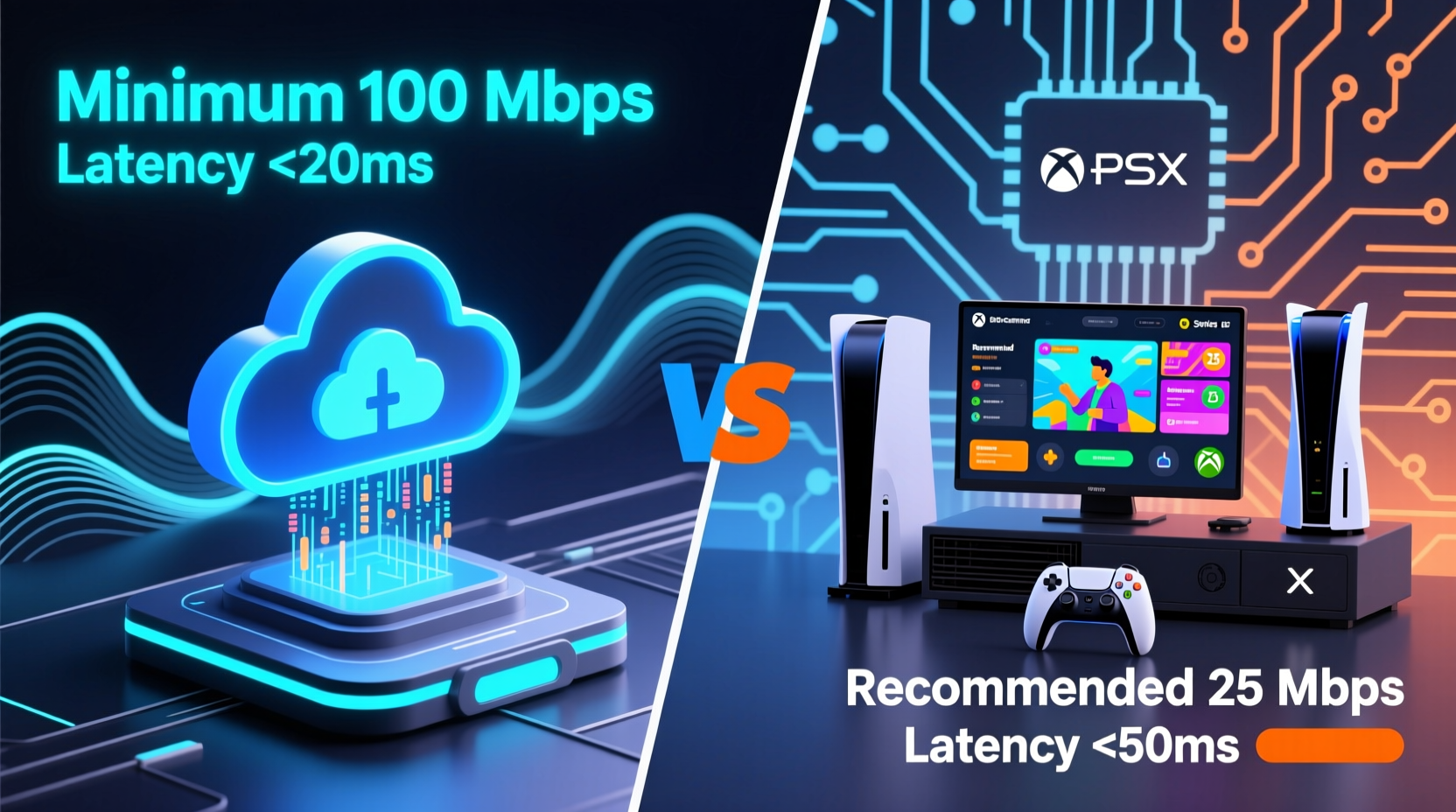
Cloud gaming streams gameplay from remote servers directly to your device over the internet, much like how Netflix streams movies. Instead of processing graphics and game logic on your local console or PC, all computations happen in data centers. The resulting video feed is compressed and sent to your screen in real time, while your controller inputs are transmitted back to the server. This round-trip communication must occur within milliseconds to avoid lag, making consistent, high-speed internet essential.
The quality of the stream depends heavily on upload and download speeds, latency (ping), and network stability. Most providers recommend minimum broadband connections starting at 10 Mbps for 720p streaming, but higher resolutions require significantly more bandwidth.
Console Gaming: Local Processing with Online Components
Traditional consoles like the PlayStation 5, Xbox Series X, and Nintendo Switch run games directly on internal hardware. Once a game is installed—either via physical disc or digital download—it operates independently of constant internet access. However, online multiplayer, updates, and downloadable content still require reliable internet, though not nearly as intensively as cloud gaming.
For standard online console gaming, download speeds of 3–6 Mbps are often sufficient for smooth gameplay. Upload speeds matter more here because player inputs and actions need to be sent to game servers quickly. A stable connection with low ping (under 50 ms) ensures responsive multiplayer performance.
However, downloading large game files—often exceeding 50 GB—can take hours on slower connections. For example, a 100 GB game on a 20 Mbps connection may take up to 11 hours to download, whereas a 100 Mbps line reduces that to just over an hour.
Comparing Internet Speed Requirements: A Detailed Breakdown
The disparity between cloud and console gaming becomes most apparent when comparing their internet demands. Below is a side-by-side comparison of key metrics across major platforms.
| Service/Platform | Minimum Speed | Recommended Speed | Resolution & Frame Rate | Data Usage (per hour) |
|---|---|---|---|---|
| Xbox Cloud Gaming | 10 Mbps | 20 Mbps | 1080p @ 60fps | 2.7–3.6 GB |
| NVIDIA GeForce NOW (Ultimate) | 15 Mbps | 25 Mbps | 4K @ 60fps (HDR) | 7–10 GB |
| PlayStation Plus Premium Streaming | 5 Mbps | 15 Mbps | 1080p @ 60fps | 2.5–3.5 GB |
| Standard Console Online Play (PS5/Xbox) | 3 Mbps | 6–10 Mbps | N/A (local rendering) | 50–100 MB |
| Game Download (Average) | N/A | 50+ Mbps preferred | N/A | 50–100 GB per title |
Note that cloud gaming consumes far more data than traditional online console play because it continuously streams high-definition video. In contrast, console gaming primarily uses bandwidth during downloads and updates, with minimal ongoing usage during actual gameplay.
Latency: The Hidden Factor in Gaming Performance
Beyond raw speed, latency—or ping—is critical, especially for competitive gaming. Latency measures the time it takes for data to travel from your device to the server and back. In cloud gaming, high latency causes input lag, where there's a noticeable delay between pressing a button and seeing the action on screen. This can be detrimental in fast-paced titles like first-person shooters or fighting games.
For optimal cloud gaming, aim for a ping below 40 ms. Console gaming also benefits from low latency, but since processing happens locally, only game state synchronization needs to be transmitted, reducing sensitivity to minor fluctuations.
“Cloud gaming shifts the performance burden from your local device to your internet connection. If your network isn’t up to par, even the most powerful backend won’t save the experience.” — David Liu, Senior Network Engineer at GameStream Technologies
Real-World Example: Two Gamers, Two Setups
Consider two friends, Alex and Jordan. Alex lives in a suburban area with fiber-optic internet offering 200 Mbps download, 50 Mbps upload, and average ping of 20 ms. Jordan resides in a rural region with DSL internet at 8 Mbps down, 1 Mbps up, and frequent latency spikes above 100 ms.
Alex subscribes to NVIDIA GeForce NOW’s Ultimate tier and plays AAA titles in 4K HDR without issues. Game launches are instant, and controls feel responsive. Meanwhile, Jordan tries the same service but struggles with constant buffering, reduced resolution, and noticeable lag. Frustrated, Jordan switches back to a PS5, downloading games overnight when household usage is low. Though updates take time, gameplay is flawless once installed.
This scenario illustrates that cloud gaming isn't universally accessible. It excels under ideal network conditions but falters where infrastructure lags behind.
Practical Checklist: Choosing the Right Option for Your Connection
Use this checklist to determine whether cloud or console gaming better suits your internet environment:
- ✅ Do you have a minimum of 15 Mbps stable download speed?
- ✅ Is your upload speed at least 5 Mbps?
- ✅ Does your connection maintain ping below 50 ms to major data centers?
- ✅ Can you use a wired Ethernet connection rather than Wi-Fi?
- ✅ Are you comfortable consuming 3–10 GB of data per gaming session?
- ✅ Do you frequently travel or switch devices? (Cloud gaming offers portability.)
- ✅ Do you prefer owning games outright rather than relying on subscription libraries?
- ✅ Is your monthly data cap over 500 GB, or unlimited?
If most answers are “yes,” cloud gaming could be a strong fit. If several are “no,” a traditional console may provide a more consistent experience.
Step-by-Step Guide to Testing Your Suitability for Cloud Gaming
- Run a Speed Test: Use tools like Speedtest.net or Fast.com to measure your download and upload speeds. Perform tests at different times of day to gauge consistency.
- Check Latency: Note your ping result. Then, manually ping a known cloud gaming server IP (available via provider documentation) to assess direct response times.
- Test During Peak Hours: Network congestion often worsens in evenings. Test then to simulate real-world gaming conditions.
- Try a Free Trial: Services like GeForce NOW and Xbox Cloud Gaming offer free tiers. Use them to evaluate performance firsthand.
- Monitor Data Usage: Track your monthly consumption to ensure you won’t exceed caps or incur overage fees.
- Optimize Your Setup: Upgrade your router if needed, enable Quality of Service (QoS) settings, and connect via Ethernet.
Frequently Asked Questions
Can I use cloud gaming on mobile data?
Technically yes, but strongly discouraged. Most mobile plans have strict data limits, and cloud gaming can consume 3+ GB per hour. Additionally, cellular networks often suffer from variable latency and signal drops, leading to poor performance.
Do I need a 5G connection for cloud gaming?
No. While 5G can support high speeds and low latency, it’s not required. A stable fiber or cable broadband connection is typically more reliable than wireless alternatives. However, 5G home internet may serve as a viable option in areas lacking wired infrastructure.
Is cloud gaming cheaper than buying a console?
Upfront, yes—there’s no need to purchase expensive hardware. But long-term costs depend on subscription fees, internet upgrades, and potential data overages. Over three years, a $50/month service totals $1,800, surpassing the cost of a $500 console. Consider total ownership cost before deciding.
Conclusion: Matching Your Lifestyle with the Right Gaming Model
The choice between cloud-based and console gaming ultimately hinges on your internet reliability, data plan, and personal preferences. Cloud gaming offers unparalleled convenience and access to high-end titles without hardware investment—but only if your network can keep up. Console gaming remains more predictable and less dependent on external factors, rewarding users with consistent performance and ownership of their game library.
As global internet infrastructure improves, cloud gaming will become increasingly viable for more households. For now, assess your current setup honestly. Run tests, try demos, and consider your usage patterns. Whether you choose to stream or install, the goal is the same: seamless, enjoyable gameplay tailored to your life.




 浙公网安备
33010002000092号
浙公网安备
33010002000092号 浙B2-20120091-4
Comments
No comments yet. Why don't you start the discussion?