
Sending a website link may seem simple, but doing it effectively across platforms—from messaging apps to social media and email—requires more than just copying and pasting. The way you share a link can affect its visibility, click-through rate, and user experience. Whether you're promoting content, collaborating remotely, or sharing resources, mastering the art of link sharing ensures your message lands clearly and professionally.
This guide walks through practical methods, platform-specific best practices, and tools that make sharing links faster, safer, and more impactful.
Understanding Link Sharing Basics
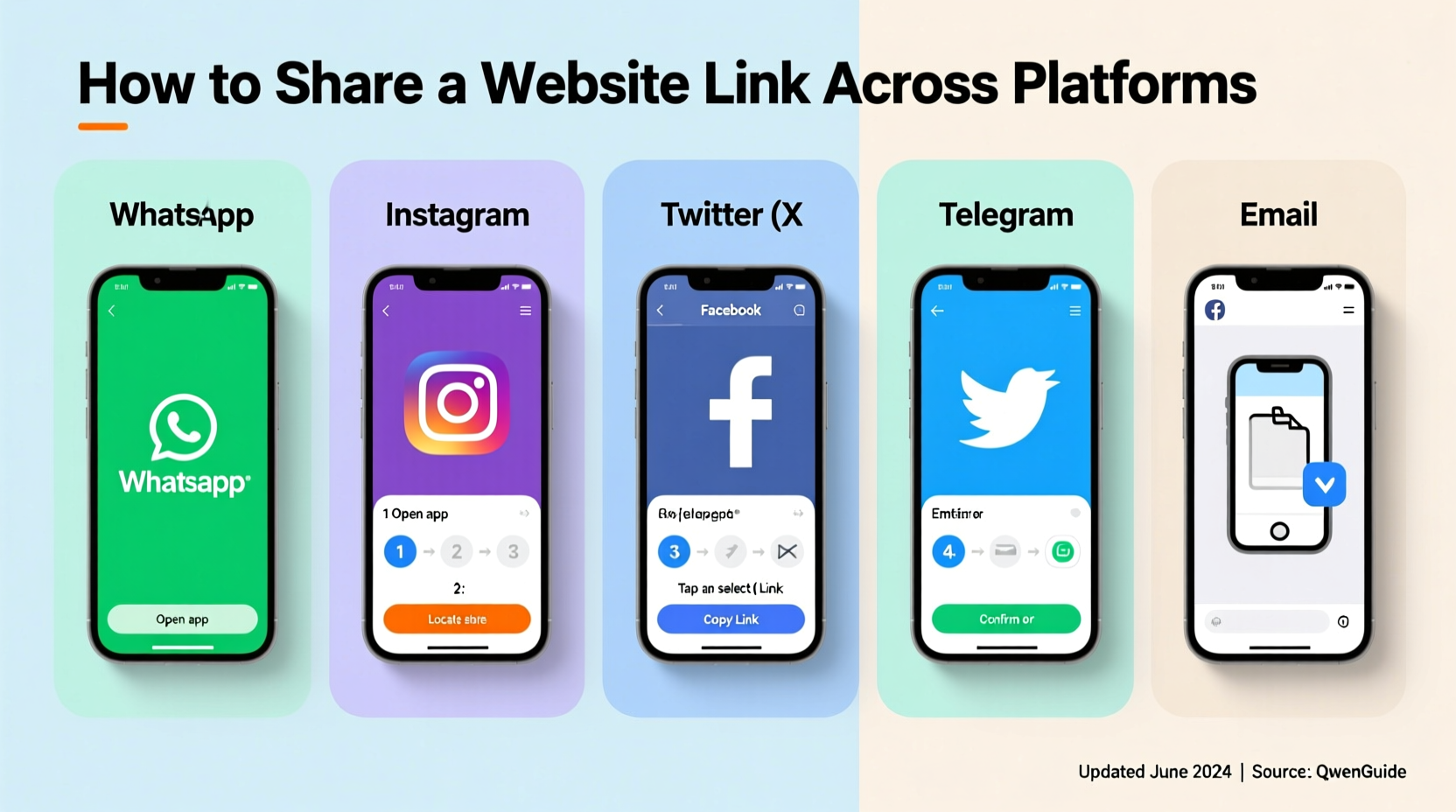
At its core, sending a website link involves copying the URL from your browser’s address bar and pasting it into a destination like WhatsApp, email, or Twitter. However, modern platforms enhance this process by automatically generating previews—showing the page title, description, and featured image—when a valid link is detected.
For these previews to appear correctly, the website must have proper metadata (Open Graph tags for social media, Twitter Cards, etc.). If the site lacks these, the preview may be missing or incomplete, reducing engagement.
Step-by-Step: How to Send a Website Link
- Navigate to the webpage you want to share in your browser.
- Click on the address bar to highlight the full URL.
- Press Ctrl+C (or Cmd+C on Mac) to copy the link.
- Open your desired platform (e.g., Gmail, Telegram, Slack).
- Paste the link using Ctrl+V (or Cmd+V).
- Wait a moment for the platform to generate a preview (if supported).
- Add context if needed: a short message explaining why you’re sharing it.
- Hit send.
Some platforms allow editing the displayed text of a link (like turning “https://example.com” into “Read the full report here”). Others, especially mobile apps, offer built-in share buttons that streamline the process further.
Using Built-In Share Buttons
Most websites and browsers include native sharing options. On mobile, tap the “Share” icon (usually an arrow coming out of a box) in your browser menu. This opens a system-level dialog letting you choose apps like Instagram, Messages, or Notes.
On desktop, right-clicking a link or using the three-dot menu in Chrome gives access to “Copy link” or “Share.” These tools eliminate manual copying errors and often integrate directly with your device’s installed apps.
Platform-Specific Tips for Sending Links
Different platforms handle links differently. Knowing their quirks helps you avoid broken shares and poor formatting.
| Platform | Link Behavior | Best Practice |
|---|---|---|
| Email (Gmail, Outlook) | Links appear as clickable text; previews depend on HTML formatting. | Use hyperlinked anchor text instead of raw URLs for cleaner appearance. |
| WhatsApp / Signal | Auto-generates rich previews using Open Graph data. | Add a brief comment above the link to provide context. |
| Twitter/X | Truncates long URLs via t.co; supports one preview per tweet. | Place important hashtags after the link to avoid cutting off messages. |
| Displays full article previews with author and publication info. | Pair links with professional commentary to boost credibility. | |
| Slack / Teams | Shows detailed previews; allows collapsing them. | Use thread replies to keep main channels uncluttered. |
Avoiding Common Link Pitfalls
- Don’t send shortened URLs without context—they look suspicious and reduce trust.
- Avoid pasting links mid-sentence without spacing—they might not auto-detect.
- Never assume all users can access the link—check login requirements or geo-restrictions first.
Tools That Make Link Sharing Easier
Beyond basic copy-paste, several tools enhance how you manage and distribute links.
URL Shorteners with Tracking
Services like Bitly, Rebrandly, and TinyURL let you shorten long web addresses and track clicks. This is especially useful for marketing campaigns or analytics.
For example, instead of sharing:
https://example.com/resources/annual-report-2024-draft-final-v3.pdf
You can use:
yourbrand.co/2024report
These services also allow customization and branding, making links more memorable and trustworthy.
Bookmarking & Sharing Extensions
Browser extensions like Raindrop.io, Pocket, or ShareX enable one-click saving and sharing. With a single click, you can send a link to Notion, Google Keep, or even create a QR code for offline sharing.
Social Media Schedulers
If you're sharing links regularly, tools like Buffer, Hootsuite, or Later allow scheduled posting across multiple networks. You can draft posts with optimized headlines and images, then publish at peak engagement times.
“Effective link sharing isn’t about volume—it’s about relevance, timing, and clarity.” — Dana Patel, Digital Communications Strategist
Mini Case Study: Boosting Engagement Through Smart Link Sharing
Jessica runs a small fitness coaching business and wanted to increase sign-ups for her free webinar. Initially, she shared the registration link in her Instagram bio with no caption: “Link in bio.” Sign-ups were low.
She revised her approach:
- Created a branded short link:
jessfit.co/webinar-april - Used Canva to design a story slide with clear text: “Free Training Starts Friday – Tap to Join!”
- Shared the same link in her email newsletter with personalized messaging.
- Posted on LinkedIn with a professional summary of what attendees would learn.
Within a week, registrations increased by 68%. The key wasn’t changing the link—but how and where she shared it.
Checklist: Best Practices for Sending Website Links
- Test the link to confirm it works.
- Verify the preview appears correctly (title, image, description).
- Shorten and brand long URLs when appropriate.
- Add context: explain why the recipient should care.
- Choose the right platform based on audience and purpose.
- Avoid overposting the same link repeatedly.
Frequently Asked Questions
Why doesn’t my link show a preview?
Previews require proper metadata (like Open Graph tags) on the destination website. If the site is new, recently updated, or poorly coded, previews may fail. Some platforms cache old versions—try re-pasting the link after clearing the cache or using a tool like Facebook’s Sharing Debugger.
Is it safe to click links sent over messaging apps?
Not always. Malicious actors often disguise harmful sites using URL shorteners or fake domains. Always verify the sender and hover over links (on desktop) to see the real destination before clicking.
Can I edit a link after sending it?
No—once a message is sent, you cannot edit the link on most platforms. Some apps like Slack and Telegram allow editing the message text, but the original link remains active. If a mistake is made, send a correction immediately and retract access if possible (e.g., disable a shared document).
Conclusion: Master the Simple Art of Effective Link Sharing
Sending a website link is one of the most common digital actions—but doing it well separates casual users from effective communicators. From choosing the right format to leveraging tools and understanding platform behavior, every detail impacts whether your link gets noticed, trusted, and clicked.
Start applying these strategies today: test your links, add meaningful context, and use the right channel for your audience. Whether you're sharing a news article, project update, or product page, clarity and professionalism go a long way.




 浙公网安备
33010002000092号
浙公网安备
33010002000092号 浙B2-20120091-4
Comments
No comments yet. Why don't you start the discussion?