
For many gamers, the dream is simple: immersive worlds, crisp visuals, and smooth gameplay—all without breaking the bank. But when it comes to choosing between console and PC gaming on a limited budget, one question consistently dominates: which platform delivers better graphics? The answer isn’t as straightforward as it seems. While consoles offer plug-and-play simplicity, PCs provide unmatched customization and scalability. For budget-conscious players, the decision hinges not just on upfront costs but on long-term value, graphical fidelity, and how well each system handles modern games.
This comparison goes beyond marketing claims and brand loyalty. It examines real-world performance, upgrade flexibility, software enhancements, and total ownership costs—factors that directly impact visual quality at lower price points. Whether you're building your first rig or considering your next console purchase, understanding these dynamics can help you get the most out of every dollar spent.
Understanding Budget Constraints in Gaming
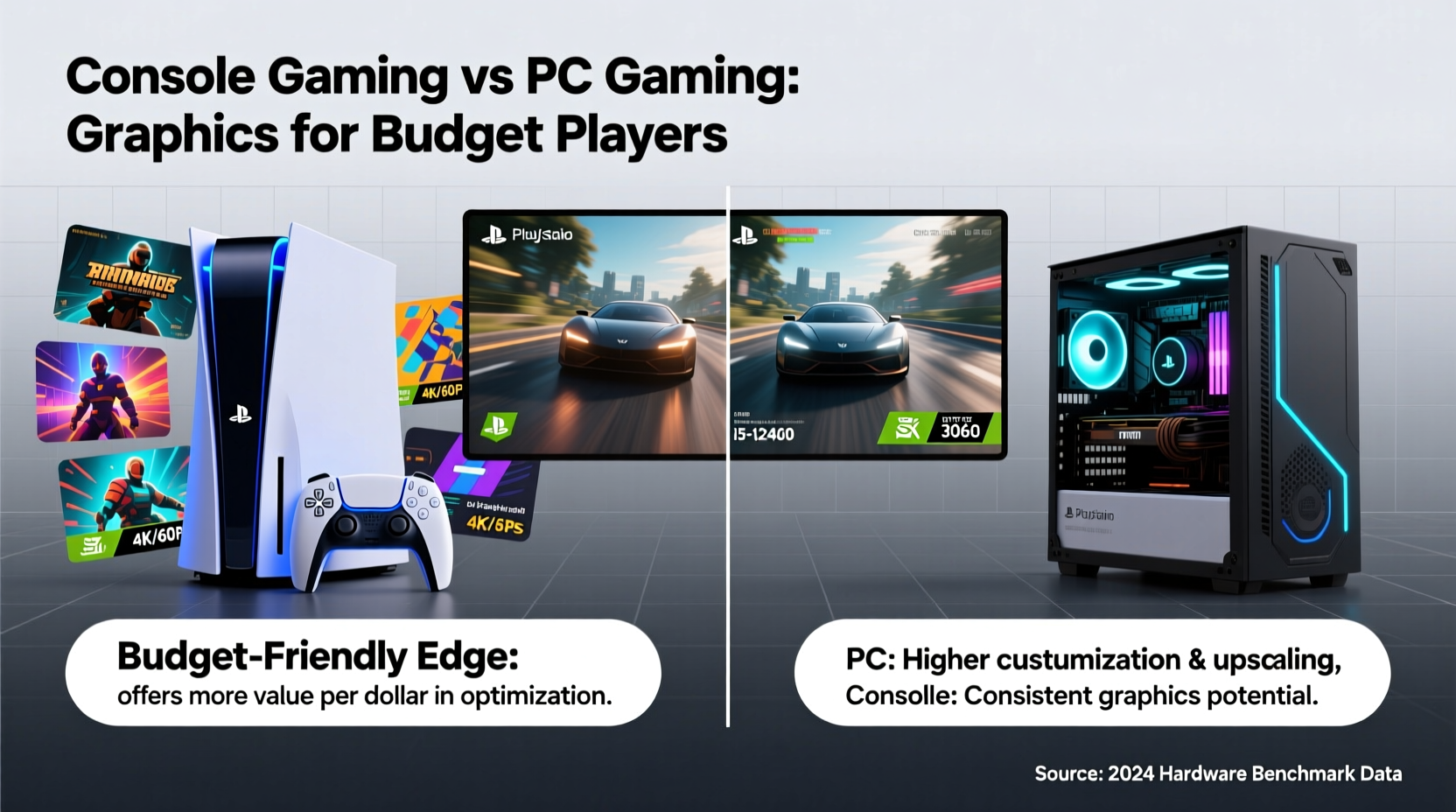
When discussing “budget gaming,” we’re typically referring to setups under $600–$800. At this level, trade-offs are inevitable. You won’t be running 4K ultra settings at 120 FPS, but you *can* achieve solid 1080p performance with good detail levels—especially if you make smart choices.
Budget players often prioritize value retention, longevity, and future-proofing. They may not upgrade hardware annually, so initial investment efficiency matters. Consoles like the PlayStation 5 and Xbox Series X/S fall within this range, offering fixed hardware configurations. Meanwhile, budget PCs require careful component selection to balance cost and performance.
The key difference lies in control: PC gamers decide their specs; console owners accept what’s provided. This affects not only current graphics quality but also how well the system adapts over time.
Graphics Performance: Console vs Budget PC
Modern consoles use custom AMD APUs combining CPU and GPU on a single chip. The PS5 and Xbox Series X target 4K resolution at 30–60 FPS, using techniques like dynamic resolution scaling and upscaling (e.g., checkerboard rendering, FSR) to maintain visual consistency. However, native 4K is rare—even high-end titles often render below 1440p and upscale.
A similarly priced gaming PC, say around $700, could include an AMD Ryzen 5 5600X or Intel Core i5-12400F paired with an NVIDIA RTX 3050 or AMD RX 6600. These GPUs outperform the integrated graphics power of consoles by a measurable margin. In benchmarks across titles like Red Dead Redemption 2, Elden Ring, and Horizon Zero Dawn, the RX 6600 consistently delivers higher average frame rates at 1080p ultra than either the PS5 or Xbox Series X.
Moreover, PCs support advanced graphical features absent on consoles: variable refresh rate (FreeSync/G-Sync), higher texture filtering, superior anti-aliasing options, and unrestricted refresh rates (up to 144Hz or more). With proper drivers and game optimization, even mid-tier GPUs can surpass console output in clarity, stability, and responsiveness.
Upscaling Technologies Compared
All platforms now rely heavily on upscaling to boost image quality without full native rendering. Here's how they stack up:
| Platform | Upscaling Tech | Availability | Image Quality |
|---|---|---|---|
| PlayStation 5 | Checkerboard Rendering, FSR | Game-dependent | Good, varies by title |
| Xbox Series X/S | FSR, some DLSS via porting | Widely adopted | Solid, especially with FSR 2+ |
| Budget PC (NVIDIA) | DLSS (if RTX card) | Supported in 300+ games | Excellent – sharp, low latency |
| Budget PC (AMD) | FSR (all cards) | Universal support | Very good – open standard |
Note: While FSR (FidelityFX Super Resolution) is open-source and available across platforms, DLSS remains exclusive to NVIDIA RTX cards and generally produces cleaner results at lower performance costs. On a budget PC with an RTX 3050 or higher, DLSS access gives a tangible edge in maintaining high settings without sacrificing framerate.
“Even entry-level RTX cards bring AI-driven upscaling that rivals or exceeds console solutions. That’s a huge win for budget builders.” — Mark Tran, Hardware Analyst at TechPulse Weekly
Total Cost of Ownership Over Time
Consoles have a clear advantage in upfront simplicity: buy once, play for years. But consider long-term costs. A PS5 costs $499. After five years, you’re still limited to its original GPU strength. Game developers eventually optimize for that ceiling, but newer titles will continue pushing limits, forcing compromises in settings or performance modes.
In contrast, a $700 PC built today can be upgraded incrementally. After two years, adding a better GPU (e.g., upgrading from RX 6600 to RX 7700 XT) restores competitiveness. RAM and storage can also be expanded affordably. This modularity means a budget PC can deliver improving graphics over time, whereas a console’s peak performance is set at launch.
Additionally, PC gamers benefit from frequent sales on games (Steam, Epic, Humble Bundle), backward compatibility, and emulators. Consoles offer fewer discounts and lock users into ecosystem-specific stores. Over five years, software savings alone can offset part of the initial hardware gap.
Real-World Example: Alex’s Dilemma
Alex, a college student with $750 to spend, wanted the best possible graphics experience. He considered both a PS5 and a self-built PC. The PS5 offered instant setup and exclusives like God of War Ragnarök. But after research, he opted for a PC: Ryzen 5 5600, 16GB RAM, 500GB NVMe SSD, and RX 6600 (~$720 total).
His results? 1080p ultra settings in nearly all AAA titles at stable 60+ FPS. He enabled FSR where available and used mods in games like The Witcher 3 to enhance textures beyond console versions. Two years later, he upgraded his GPU to an RX 7700 XT for $400—something impossible on his PS5. His total investment: $1,120 over time, delivering progressively better visuals. A PS5 owner would still be on last-gen hardware, struggling with newer ports.
Alex didn’t maximize graphics immediately, but his choice allowed growth. That scalability proved decisive.
Optimization and Software Advantages on PC
PCs aren’t just about raw power—they offer precision tuning. Gamers can adjust individual settings (shadows, ambient occlusion, view distance) to find the perfect balance between aesthetics and performance. Tools like MSI Afterburner allow overclocking, while driver updates frequently improve game support.
Consoles, while highly optimized for specific titles (especially first-party exclusives), lack this granularity. Most games offer only preset modes: “Performance” (higher FPS, lower res) or “Quality” (lower FPS, upscaled image). There’s no middle ground.
Furthermore, PC-exclusive features enhance visual immersion:
- Ultra-wide monitor support – Expand field of view in compatible games.
- Modding community – High-resolution texture packs, lighting overhauls, and visual enhancements (e.g., ENB presets).
- Multiple monitor setups – Useful for multitasking or immersive racing sims.
- Ray tracing – Even budget RTX cards support it, though performance varies.
These tools let budget PC gamers tailor experiences in ways consoles simply cannot match.
Actionable Checklist: Building a Graphics-Focused Budget Rig
If you're leaning toward PC for better budget graphics, follow this checklist to maximize value:
- Set a firm budget – Stick to $600–$800 for balanced components.
- Prioritize GPU – Allocate 40–50% of total budget to the graphics card (e.g., RX 6600, RTX 3050/3060).
- Choose a capable CPU – Avoid bottlenecks with at least a 6-core processor (e.g., Ryzen 5 5600, i5-12400F).
- Use 16GB DDR4 RAM – Sufficient for modern gaming; faster speeds help AMD CPUs.
- Install an SSD – NVMe drives reduce loading times and improve system responsiveness.
- Select a 1080p monitor – Look for 1080p 144Hz panels with FreeSync or G-Sync compatibility.
- Leverage upscaling – Enable FSR or DLSS to boost performance without sacrificing much quality.
- Buy used or refurbished parts – Trusted sellers on eBay or Newegg offer significant savings on tested components.
Frequently Asked Questions
Can a budget PC really beat a PS5 in graphics?
Yes, especially at 1080p. A $700 PC with an RX 6600 or RTX 3050 typically delivers higher average frame rates, better texture detail, and more consistent performance than the PS5. Features like DLSS and mod support further widen the gap.
Are console exclusives worth staying on console for graphics?
Some exclusives (e.g., Spider-Man: Miles Morales, Returnal) are beautifully optimized and may look sharper on PS5 due to developer focus. However, cross-platform titles almost always perform better on equivalent or lower-tier PCs. If exclusives drive your playtime, consoles have merit—but graphically, PC still holds the upper hand overall.
Is building a PC too complicated for beginners?
Not anymore. Prebuilt budget PCs from brands like HP, Lenovo, or SkyTech offer strong value. Alternatively, YouTube tutorials make DIY assembly accessible. Many retailers also offer build services for a small fee. The learning curve pays off in long-term control and savings.
Final Verdict: Where Budget Gamers Get the Best Graphics
For pure graphical performance within a constrained budget, PC gaming wins. Not necessarily because every dollar buys more power at launch, but because of flexibility, upgradability, and software advantages that accumulate over time. A thoughtfully assembled sub-$800 PC outperforms both the PS5 and Xbox Series X in most real-world 1080p scenarios, particularly when leveraging upscaling, driver optimizations, and community mods.
Consoles excel in convenience, ease of use, and exclusive content. Their standardized architecture ensures consistent performance and simplified setup—ideal for casual players or those uninterested in tinkering. But when the goal is maximizing visual quality per dollar, especially over multiple years, the PC model proves superior.
The truth is, you don’t need a $2,000 rig to enjoy great graphics. With smart planning, a budget PC can deliver stunning visuals today and evolve as your needs grow. Consoles, meanwhile, offer a static ceiling—one that begins to show its limits as new games demand more.




 浙公网安备
33010002000092号
浙公网安备
33010002000092号 浙B2-20120091-4
Comments
No comments yet. Why don't you start the discussion?