
In first-person shooter (FPS) games, the debate over controller versus mouse and keyboard has raged for over a decade. At the heart of this discussion lies aim assist — a feature built into most console shooters that subtly enhances targeting precision for gamepad users. Critics argue it’s a crutch that masks inferior control schemes; supporters claim it’s essential for balancing gameplay across platforms. The truth isn’t binary. It hinges on hardware limitations, design intent, competitive integrity, and what we mean by “fair.” Understanding this issue requires more than opinion — it demands context.
The Hardware Divide: Input Methods Compared
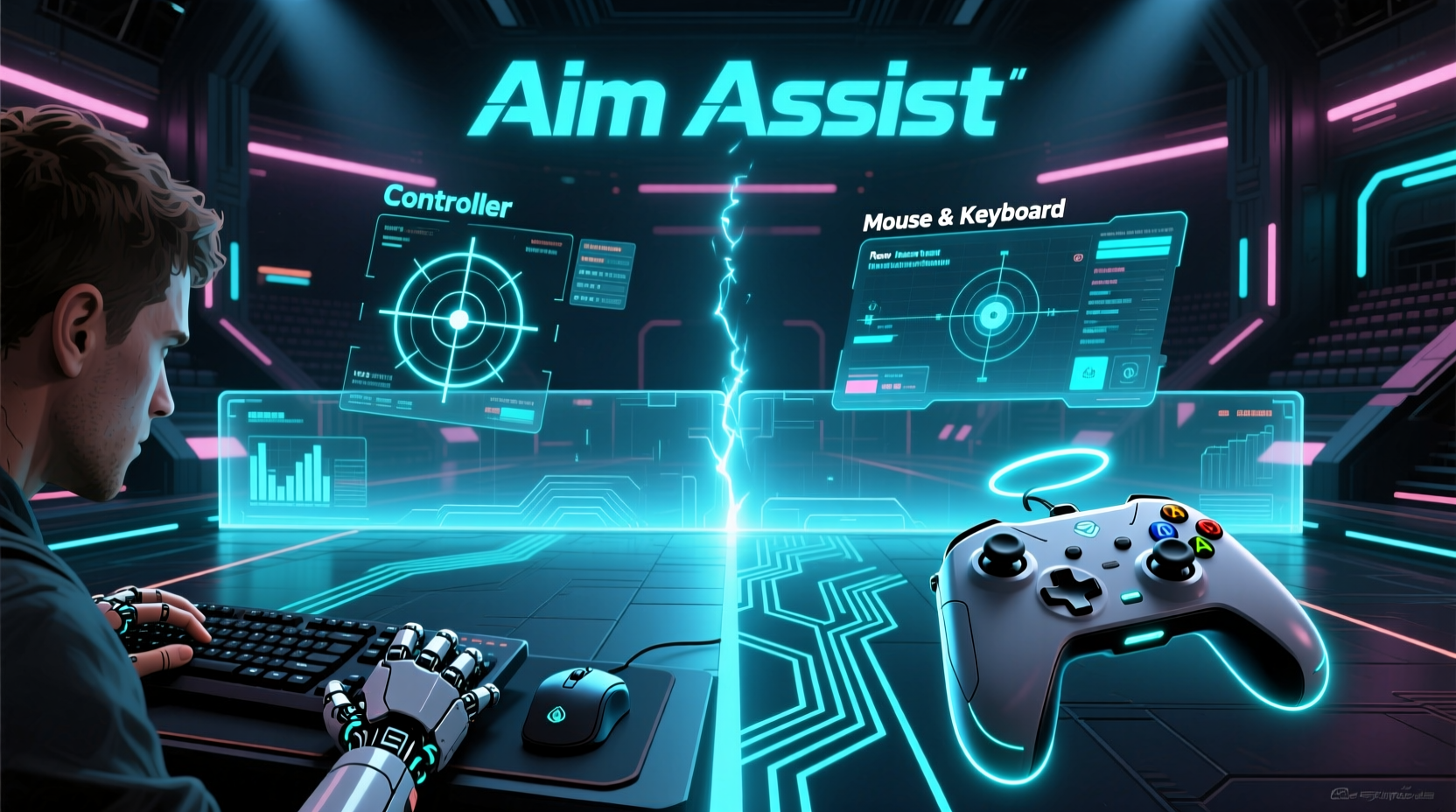
At its core, the FPS control debate begins with physics. Mouse and keyboard offer independent axis control: your mouse moves the camera with high precision, while your keyboard handles movement. This setup allows micro-adjustments at speeds and accuracy levels unattainable with analog sticks. Controllers, meanwhile, rely on two thumbsticks — one for movement, one for aiming — both limited by dead zones, stick drift, and lower input resolution.
Consider sensitivity. A gaming mouse can register movements as small as 0.1mm and track at 400 to 3200 DPI. Analog sticks, constrained by mechanical range and resistance, require broader motions to achieve similar results. In fast-paced encounters, especially in titles like Call of Duty, Apex Legends, or Overwatch, these differences manifest in reaction time and target acquisition speed.
Yet controllers aren't obsolete. They’re portable, ergonomic for long sessions, and dominant on consoles where living-room play is standard. Without aim assist, many players would find it nearly impossible to compete against PC-based opponents using mouse and keyboard in cross-platform matches. That’s where software intervention comes in.
What Is Aim Assist — And How Does It Work?
Aim assist isn’t a single function but a suite of systems designed to reduce aiming difficulty on controllers. Its behavior varies by game, but common mechanisms include:
- Magnetic Pull: When near an enemy, the reticle experiences gentle attraction toward their hitbox.
- Dead Zone Compensation: Small stick movements are amplified when close to a target.
- Target Locking: Brief stabilization when tracking a moving player.
- Recoil Assistance: Some games slightly counteract recoil during sustained fire.
These features don’t auto-aim. Skilled players still need to get close to center mass. But they do make twitch shots, flicks, and tracking marginally easier — particularly in hip-fire situations or mid-air engagements where stability is lowest.
On PC, such tools are typically disabled or minimal. Enabling them would be seen as undermining the skill ceiling. On console, however, they’re considered standard equipment — part of the expected experience.
“Without some form of aim assistance, console shooters would feel sluggish and unresponsive compared to their PC counterparts. It's not about giving an unfair edge — it's about closing a hardware gap.” — Marcus Lin, Senior Designer at Respawn Entertainment (via GDC Panel, 2021)
Is Aim Assist Cheating? The Fairness Debate
Cheating implies violating agreed-upon rules to gain an illegitimate advantage. By that definition, aim assist isn’t cheating — it’s a sanctioned mechanic. But legitimacy doesn’t erase controversy.
Many PC players view aim assist as artificial enhancement, especially when console players use it in cross-play environments. A study conducted by *SkillScouter* in 2022 analyzed 15,000 ranked matches in Warzone and found that console players with default aim assist settings landed headshots 18% more frequently than those who disabled it — even after controlling for K/D ratios and match duration.
Still, calling it “cheating” overlooks design philosophy. Console developers assume a broader audience, including casual players and younger gamers, may lack access to high-end peripherals. Aim assist acts as a normalizer, preventing total domination by PC users in shared lobbies. It’s less about unfair gain and more about accessibility.
Competitive scenes reflect this nuance. In official tournaments like the Call of Duty League, all players use controllers with standardized aim assist profiles — meaning everyone competes under identical conditions. There’s no attempt to eliminate the feature, only to regulate it.
Controller vs Mouse and Keyboard: Performance Comparison
To assess real-world impact, consider how each setup performs across key metrics. The table below summarizes typical advantages and limitations based on gameplay data and community consensus.
| Metric | Mouse & Keyboard | Controller + Aim Assist |
|---|---|---|
| Target Acquisition Speed | Very High – precise flick shots possible | Moderate – enhanced by aim assist pull |
| Precision Tracking | Excellent – fine adjustments easy | Fair to Good – depends on assist strength |
| Hip-Fire Accuracy | Moderate – relies on hand-eye coordination | Good – assisted tracking helps follow targets |
| Learning Curve | Steeper – requires consistent practice | Gentler – aim assist compensates early mistakes |
| Hardware Accessibility | Limited – requires desk space, mouse pad | High – works anywhere, plug-and-play |
| Competitive Standard | Dominant in esports (e.g., CS2, Valorant) | Exclusive in console leagues (e.g., CDL) |
This comparison shows that neither setup is universally superior. Each excels in different contexts. Mouse and keyboard dominate in precision-critical environments. Controllers, aided by software compensation, thrive in accessibility and comfort-driven scenarios.
Real-World Example: The Cross-Platform Dilemma
Take Alex, a dedicated PC player who logs 15 hours weekly in Apex Legends. He uses a 800 DPI mouse and custom keybinds optimized for quick weapon swaps. After the game introduced full cross-play, he began encountering more console players — many using aggressive aim assist settings.
Initially, Alex felt frustrated. He noticed enemies maintaining aim during strafing jumps — movements that would break tracking on his own setup. He recorded several clips and posted them online, asking if this was “legit.” What followed was a mix of backlash and empathy.
Developers from Respawn clarified that console aim assist does not lock onto players mid-air and scales back during extreme motion. However, it remains active during ground movement and slight aerial adjustments — enough to create the illusion of superhuman tracking.
After testing a controller himself, Alex realized how much harder basic aiming felt without digital precision. He adjusted his perspective: rather than seeing aim assist as cheating, he began viewing it as a necessary adaptation — one that keeps the player base inclusive without completely eroding competitive balance.
Tips for Navigating the Controller-Mouse Divide
Whether you're a PC purist or a console loyalist, here are actionable strategies to improve your understanding and performance:
- Test the other side: Spend a few hours on a controller if you’re a PC player — or try mouse and keyboard on console (if supported). You’ll gain empathy and insight into relative strengths.
- Adjust sensitivity realistically: Many console players use ultra-high stick sensitivity to mimic mouse speed. This often reduces control. Stick to moderate settings for better consistency.
- Use aim assist wisely: Rely on it as a guide, not a replacement. Top console players use it to refine shots, not initiate them.
- Respect the meta: In mixed lobbies, accept that different rules apply. Arguing over fairness rarely changes outcomes — adapting does.
- Support platform-specific servers when possible: Games like Fortnite allow filtering by input type. Use this to ensure fairer matchmaking if competitive integrity matters most to you.
FAQ
Does aim assist work on PC when using a controller?
It depends on the game. Titles like Destiny 2 or Warframe enable reduced-strength aim assist when detecting a controller on PC. Others, like CS2 or Valorant, disable it entirely regardless of input method. Always check in-game settings.
Can you turn off aim assist on console?
Yes, most modern console shooters allow you to disable or fine-tune aim assist strength. However, doing so significantly increases difficulty, especially in fast-paced multiplayer modes.
Are pro players required to use aim assist?
In console-exclusive leagues (e.g., CDL), yes — but within locked parameters. In cross-platform competitions, organizers often mandate uniform settings or separate input types into different brackets.
Conclusion: Leveling the Field, Not Tilting It
Aim assist isn’t cheating. It’s compensation — a technical bridge between unequal input systems. Labeling it as unfair ignores the reality that not everyone has the space, budget, or preference for a desktop rig. At the same time, dismissing mouse and keyboard superiority undermines the skill and precision it enables.
The goal of multiplayer design shouldn’t be absolute parity, but equitable competition. That means either separating input methods in ranked play or carefully calibrating assist systems so no group dominates by default. As cloud gaming and cross-play evolve, developers must continue refining these balances — not eliminating advantages, but ensuring they’re earned through skill, not enforced by hardware privilege.
Instead of demanding one true way to play, the community should embrace diversity in control schemes. Mastery looks different on a controller than on a mouse. Both require dedication. Both deserve respect.




 浙公网安备
33010002000092号
浙公网安备
33010002000092号 浙B2-20120091-4
Comments
No comments yet. Why don't you start the discussion?