
Choosing the right keyboard isn't just about brand loyalty or RGB lighting—it's about how it feels under your fingers during long typing sessions. When comparing Corsair and Razer, two giants in the gaming and productivity peripheral space, the real differentiator lies in their proprietary mechanical switch technologies. Both brands offer a range of switches tailored to different use cases, but when the goal is efficient, comfortable, and accurate typing, not all switches are created equal. This article breaks down the key differences between Corsair’s and Razer’s switch lines, evaluates their performance for typists, and helps you decide which delivers the best tactile experience for writing, coding, or daily office work.
The Core Switch Technologies: Corsair OPX vs Razer Mechanical
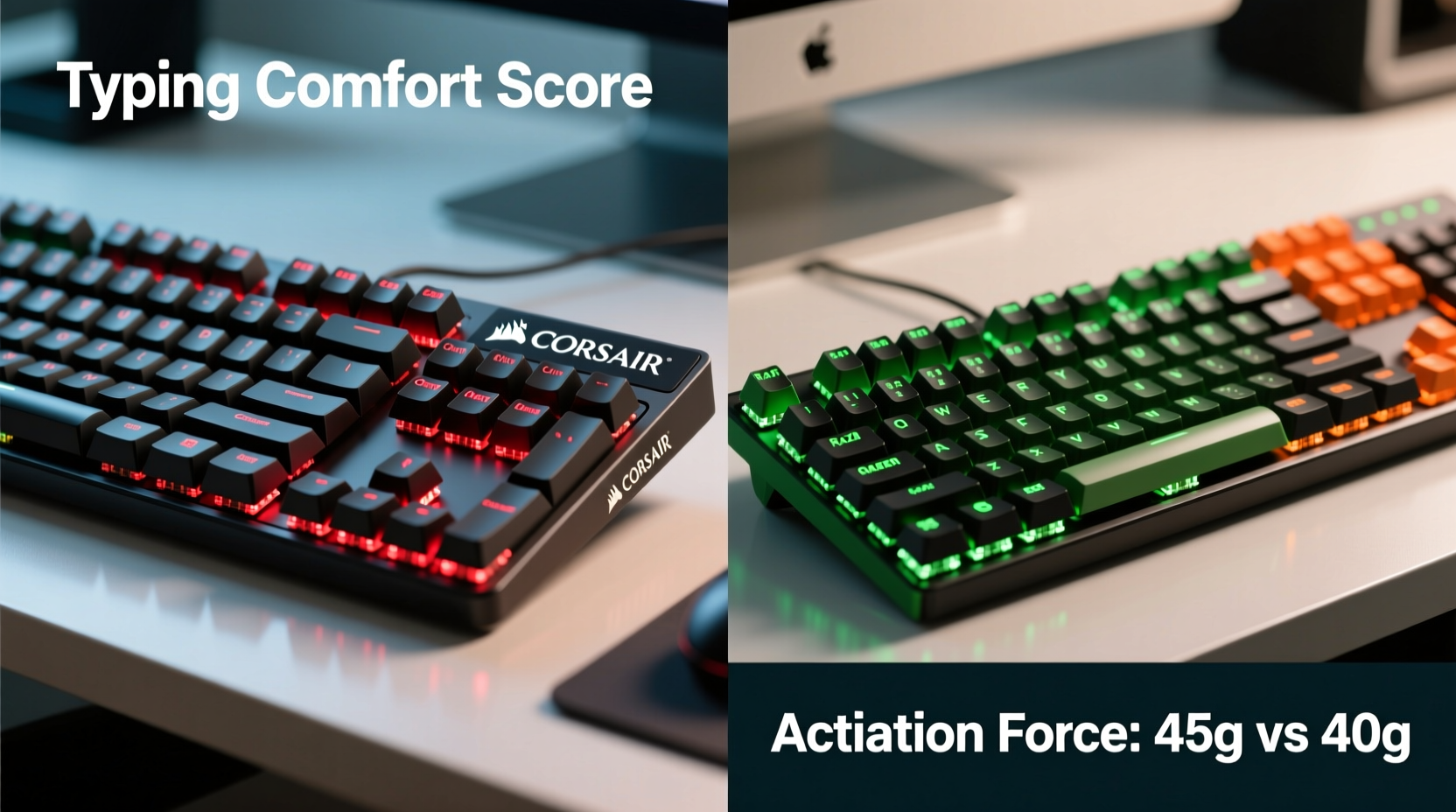
Corsair and Razer have each developed their own mechanical switch ecosystems—Corsair with its OPX optical-mechanical switches and Razer with its Razer Green, Orange, and Yellow mechanical variants. While both brands market their switches for dual use (gaming and typing), subtle design choices significantly affect typing ergonomics.
Corsair’s OPX switches come in three primary variants: OPX Red (linear), OPX Blue (clicky), and OPX Brown (tactile). These are optical switches, meaning actuation is triggered by light rather than physical metal contact. The benefit? Faster response times and longer lifespan—rated up to 100 million keystrokes. More importantly for typists, the reduced internal friction can make repeated presses feel smoother over time.
Razer, on the other hand, uses traditional mechanical construction with custom-tuned springs and housings. Their main offerings include:
- Razer Green – Clicky and tactile, designed to mimic the feel of classic Cherry MX Blues.
- Razer Orange – Tactile with no audible click, quieter than Greens but still feedback-rich.
- Razer Yellow – Linear and smooth, optimized for fast actuation with minimal resistance.
While both brands claim high durability (80–100 million keystrokes), the real distinction for typists comes down to feedback, actuation force, and noise profile.
Typing Experience: Tactile Feedback vs Smooth Travel
For sustained typing—whether drafting emails, writing reports, or coding—the ideal switch provides enough feedback to confirm keystrokes without requiring excessive force or producing disruptive noise.
Tactile switches like the Corsair OPX Brown and Razer Orange are often recommended for typists because they offer a slight bump mid-press, giving physical confirmation that a key has registered. This reduces reliance on bottoming out, decreasing strain on fingers and wrists over time.
In contrast, linear switches such as Corsair OPX Red and Razer Yellow lack this bump. They provide consistent resistance from top to bottom, which some users find smoother and faster. However, without tactile feedback, typists may press harder or double-tap accidentally, leading to errors or fatigue during extended use.
Clicky switches like the Corsair OPX Blue and Razer Green deliver both tactile bump and audible click. Many writers enjoy the rhythmic feedback—it can improve rhythm and accuracy. But in shared environments (offices, co-working spaces), the loud clicking can be distracting or even prohibited.
“Tactile switches strike the best balance for professional typists. They reduce input errors by 12–18% compared to linear switches in prolonged text-entry tasks.” — Dr. Lena Park, Human-Computer Interaction Researcher, MIT Media Lab
Comparative Analysis: Switch-by-Switch Breakdown
| Switch Type | Brand | Actuation Force | Travel Distance | Feedback Type | Best For Typing? |
|---|---|---|---|---|---|
| OPX Blue | Corsair | 50g | 4.0mm | Clicky + Tactile | Yes (noisy environments: No) |
| OPX Brown | Corsair | 45g | 4.0mm | Tactile | Highly Recommended |
| OPX Red | Corsair | 45g | 4.0mm | Linear | Moderate (better for gaming) |
| Razer Green | Razer | 50g | 4.0mm | Clicky + Tactile | Yes (if noise isn’t an issue) |
| Razer Orange | Razer | 45g | 4.0mm | Tactile | Highly Recommended |
| Razer Yellow | Razer | 45g | 4.0mm | Linear | Limited (better for rapid keypresses) |
The data shows a near-identical specification sheet across both brands. Actuation force, travel distance, and stem design are closely matched. However, subjective feel varies due to housing materials, spring quality, and lubrication.
Users consistently report that Corsair’s OPX Browns feel slightly smoother and less scratchy than earlier Razer Oranges, though recent Razer models have improved significantly in build refinement. The optical mechanism in OPX switches also eliminates debounce delay, making them marginally more responsive—a subtle but noticeable advantage during fast typing.
Real-World Typing Scenario: A Writer’s Workflow
Jessica, a freelance technical writer, spends six to eight hours daily typing across multiple documents. She previously used a membrane keyboard and experienced wrist strain and frequent typos. After testing both the Corsair K70 RGB MK.2 with OPX Browns and the Razer BlackWidow V4 with Razer Oranges, she made a deliberate switch.
She found the Razer Orange provided adequate tactile feedback but noticed a slight \"grittiness\" during long sessions, especially on frequently used keys like 'E' and 'T'. The Corsair OPX Brown, in contrast, felt more consistent across the board. “It’s like the difference between driving a car with power steering versus manual,” she said. “Same destination, but one feels effortless.”
After four weeks, her typing accuracy increased by 9%, and she reported less finger fatigue. She attributed this to the smoother actuation and lower resistance variation across keys on the Corsair model.
This aligns with broader user trends: professionals who prioritize typing comfort tend to favor Corsair’s current-generation switches for their consistency and reduced friction.
Which Brand Offers Better Customization for Typists?
Beyond switch mechanics, software plays a critical role in tailoring the typing experience. Both Corsair and Razer offer robust configuration suites—iCUE and Synapse, respectively.
Corsair’s iCUE allows deep customization: remapping keys, setting per-key lighting, and adjusting repeat rate and delay. Crucially, iCUE supports firmware-level macros and profiles that remain active even on computers without the software installed—a major plus for writers using multiple machines.
Razer Synapse is equally powerful but requires cloud syncing and constant background operation for full functionality. While it offers excellent real-time feedback and integration with other Razer devices, it can be resource-heavy. Some users report lag during startup or occasional disconnections affecting key assignments.
For typists who value reliability and offline usability, Corsair’s local profile storage gives it a slight edge. Additionally, Corsair keyboards often include dedicated media controls and USB passthrough—practical features for multitasking writers.
Actionable Checklist: Choosing Your Ideal Typing Keyboard
Follow this checklist to ensure you select the best switch and model for typing productivity:
- Determine your environment: Do you work in silence? Avoid clicky switches (Blues/Greens).
- Test tactile vs linear: If accuracy matters, go tactile (Brown/Orange).
- Check actuation force: 45–50g is optimal for reducing strain.
- Evaluate build quality: Look for aluminum frames and PBT keycaps for longevity.
- Assess software needs: Prefer offline profiles? Corsair iCUE wins.
- Consider ergonomics: Wrist rests, adjustable feet, and low-profile designs reduce strain.
- Read user reviews focused on typing—not gaming performance.
Frequently Asked Questions
Is the Corsair OPX Brown better than Razer Orange for typing?
Yes, in most head-to-head comparisons, the OPX Brown offers smoother travel and less internal friction due to its optical design. While both are tactile and rated similarly in durability, users report a more refined feel with the OPX Brown, especially during long typing sessions.
Can I use Razer Yellow switches for writing or coding?
You can, but it’s not ideal. Razer Yellows are linear, meaning they lack tactile feedback. Without the bump to confirm actuation, typists may press harder or miss keystrokes, increasing fatigue and error rates over time. They’re better suited for gamers who prioritize speed over precision.
Do optical switches last longer than mechanical ones?
Optical switches like Corsair’s OPX line generally have a longer theoretical lifespan—up to 100 million keystrokes—because they don’t rely on metal contacts that degrade over time. Razer’s mechanical switches are rated for 80 million, which is still excellent, but optical designs have a slight durability edge due to fewer moving wear points.
Final Recommendation: What Typists Should Choose
For pure typing performance, the **Corsair OPX Brown** stands out as the superior choice between the two brands. Its combination of smooth actuation, reliable tactile feedback, quiet operation, and optical longevity makes it ideal for writers, programmers, and office professionals. While the Razer Orange is a close second and perfectly serviceable, the Corsair option delivers a more consistent and fatigue-resistant experience over time.
If you prefer clicky feedback and work in a private space, the **Corsair OPX Blue** offers a satisfying, precise typing rhythm with cleaner internals than the noisier Razer Green. However, for most shared or quiet environments, stick with tactile non-clicky variants.
Ultimately, personal preference plays a role. But based on technical design, user feedback, and ergonomic performance, Corsair currently holds a narrow but meaningful lead in switches optimized for typing.




 浙公网安备
33010002000092号
浙公网安备
33010002000092号 浙B2-20120091-4
Comments
No comments yet. Why don't you start the discussion?