
The vibration motor in your smartphone is often treated as a simple notification tool—something that buzzes when you get a call or message. But beneath this basic function lies a surprisingly versatile feature capable of enhancing accessibility, improving focus, and even supporting discreet communication. With thoughtful customization and creative applications, the vibrator can become an intelligent assistant on silent mode. From helping users with hearing impairments to aiding concentration in noisy environments, optimizing your phone’s haptic feedback opens up new dimensions of utility.
Understanding the Haptic Potential
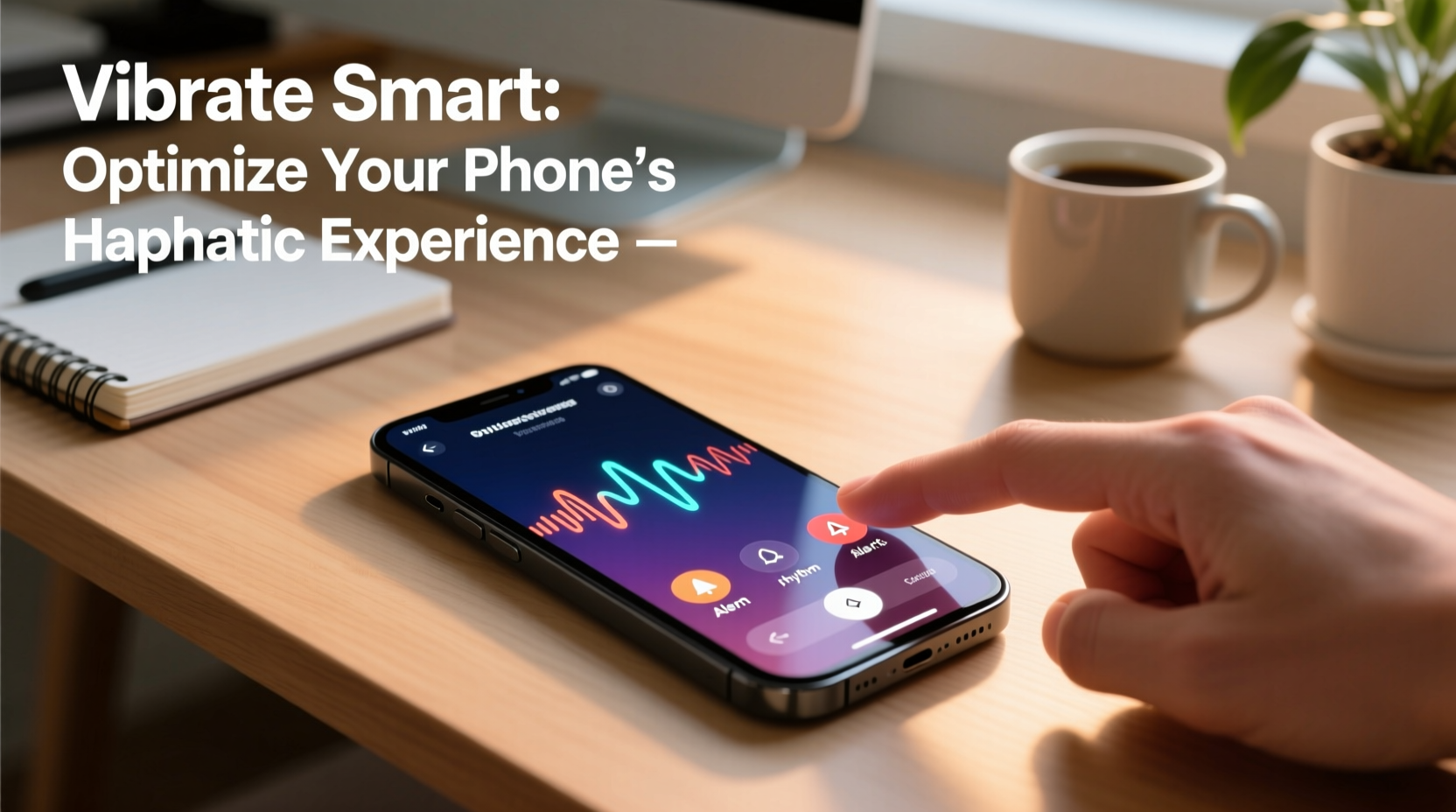
Vibration, or haptics, refers to the tactile feedback generated by your phone’s internal motor. Modern smartphones use either eccentric rotating mass (ERM) motors or linear resonant actuators (LRAs), with LRAs offering faster response times and more nuanced vibrations. While most users rely on default settings, both Android and iOS platforms allow deep customization of vibration patterns, intensity, and triggers. This flexibility enables personalized experiences far beyond generic buzzing.
For individuals with hearing difficulties, customized vibrations serve as critical alerts. For professionals in high-interruption environments, tailored haptics reduce reliance on sound without sacrificing awareness. Even in personal routines—like waking up or managing notifications during meetings—the vibrator can be optimized to support lifestyle goals.
Custom Vibration Patterns for Contacts and Apps
Assigning unique vibration sequences to specific contacts or apps transforms your phone into a tactile communicator. Instead of checking your screen every time it buzzes, you can identify who’s contacting you based on the pattern alone.
- Navigate to your phone’s contact list.
- Select a contact and edit their information.
- Look for “Vibration” or “Ringtone & Vibration Pattern” options.
- Create a custom sequence (e.g., short-short-long for family, long-pause-short for coworkers).
On iOS, go to Settings > Sounds & Haptics > Ringtone > Vibration > Create New Vibration. On Android, the path varies slightly by manufacturer but generally follows Settings > Sound > Advanced > Vibration Patterns.
| Contact Type | Suggested Vibration Pattern | Purpose |
|---|---|---|
| Spouse/Partner | Double pulse, pause, triple pulse | Immediate recognition without looking |
| Work Email | Steady rapid pulses (3 seconds) | Distinguish from personal messages |
| Family Member | Long single buzz followed by two shorts | Urgency without alarm |
| Silent Alarm | Gentle escalating pulses over 15 seconds | Wake up without disturbing others |
Using Vibration for Focus and Productivity
In open offices or study spaces, auditory distractions are inevitable. However, well-timed vibrations can promote focus through subtle reminders. By syncing your vibrator with task management tools, you create a silent productivity system.
Apps like Tasker (Android) or Shortcuts (iOS) allow automation based on time, location, or app usage. For example, set your phone to vibrate gently every 25 minutes if you’re using the Pomodoro technique. Or configure it to pulse twice when entering a meeting room, reminding you to switch to silent mode.
“Haptic cues can improve attentional control by reducing cognitive load associated with visual or auditory monitoring.” — Dr. Lena Torres, Cognitive Ergonomics Research Lab, MIT
Step-by-Step: Set Up a Focus Reminder via Vibration
- Install a trusted automation app (e.g., Apple Shortcuts or Tasker).
- Create a new automation rule triggered by time (e.g., every 25 minutes).
- Add an action: “Play Haptic Feedback” or “Vibrate with Custom Pattern.”
- Test the alert during a quiet moment to ensure detectability.
- Enable the automation only during work hours to avoid overstimulation.
Accessibility Enhancements Through Tactile Alerts
For users who are deaf or hard of hearing, vibration is not just convenient—it’s essential. Smartphones can be configured to convert various auditory signals into meaningful haptic feedback.
- Doorbell rings can trigger a repeating double-vibration pattern.
- Smoke alarms connected via smart home systems can prompt urgent, sustained buzzing.
- Calendar events can include strong triple pulses to ensure they’re noticed.
On iPhone, enable “LED Flash for Alerts” alongside custom vibrations under Accessibility settings. Some Android devices offer “Sound Notifications” that detect loud noises and translate them into vibrations. These features turn the phone into a personal sensory extension.
Mini Case Study: Jamie’s Morning Routine
Jamie, a teacher who is profoundly deaf, uses her Android phone to manage daily alerts. She programmed distinct vibrations for different needs: a slow heartbeat-like pulse for her child’s school check-in app, a sharp staccato burst for package deliveries, and a soft rolling wave for medication reminders. Her phone also vibrates continuously when her baby monitor detects crying. By relying on these tactile cues, Jamie maintains independence and peace of mind without depending on sound-based systems.
Do’s and Don’ts of Vibrator Optimization
| Do | Don’t |
|---|---|
| Use varied patterns to differentiate alerts | Set all notifications to the same vibration |
| Test patterns in real-life scenarios (e.g., in pockets) | Assume a strong vibration is always better |
| Leverage automation apps for context-aware alerts | Overload your day with constant buzzing |
| Adjust intensity based on device placement (hand, pocket, bag) | Ignore battery impact—constant haptics drain power |
FAQ
Can I make my phone vibrate differently for text messages vs. emails?
Yes. Both iOS and Android allow per-app notification customization. In Settings, navigate to Notifications, select the app (e.g., Gmail or Messages), and choose a unique vibration pattern. This helps distinguish between personal texts and professional correspondence without glancing at your screen.
Will frequent vibration wear out my phone’s motor?
Modern haptic systems are built for durability, with lifespans exceeding several years of regular use. However, continuous, prolonged vibration (e.g., gaming feedback for hours) may contribute to earlier wear. Moderation and strategic use minimize risk.
How can I use vibration discreetly in public meetings?
Pair custom vibrations with silent mode and place your phone face-down on a hard surface. A firm table transmits vibrations more effectively than fabric. Use short, distinct patterns so you recognize them instantly without needing to check your device.
Checklist: Optimize Your Phone’s Vibration Function Today
- ✅ Audit current vibration settings across key apps
- ✅ Create 3 custom patterns for priority contacts
- ✅ Assign unique vibrations to work, family, and emergency alerts
- ✅ Install an automation tool (Shortcuts or Tasker)
- ✅ Set up one non-traditional use (e.g., focus timer or accessibility alert)
- ✅ Test all patterns in real-world conditions
- ✅ Review battery usage weekly to balance haptics and performance
Conclusion
The cell phone vibrator is more than a backup alert system—it’s a powerful, underused interface for silent, intuitive communication. Whether you're enhancing accessibility, boosting productivity, or simply staying connected in quiet spaces, optimizing haptic feedback adds depth to how you interact with technology. By moving beyond default settings and embracing creativity, you transform a simple buzz into a language of its own.




 浙公网安备
33010002000092号
浙公网安备
33010002000092号 浙B2-20120091-4
Comments
No comments yet. Why don't you start the discussion?