
For developers spending 8 to 12 hours a day in front of a screen, monitor choice isn’t just about aesthetics—it directly impacts productivity, posture, and long-term visual health. One of the most debated topics in recent years is whether curved monitors offer tangible benefits over traditional flat displays, especially when it comes to reducing eye strain during prolonged coding sessions. While curved screens have gained popularity in gaming and multimedia, their value for programming remains contested. This article examines the ergonomic science, user experience, and practical trade-offs to determine whether a curved monitor truly helps with eye fatigue—or if it’s mostly marketing hype.
The Science Behind Eye Strain and Screen Design
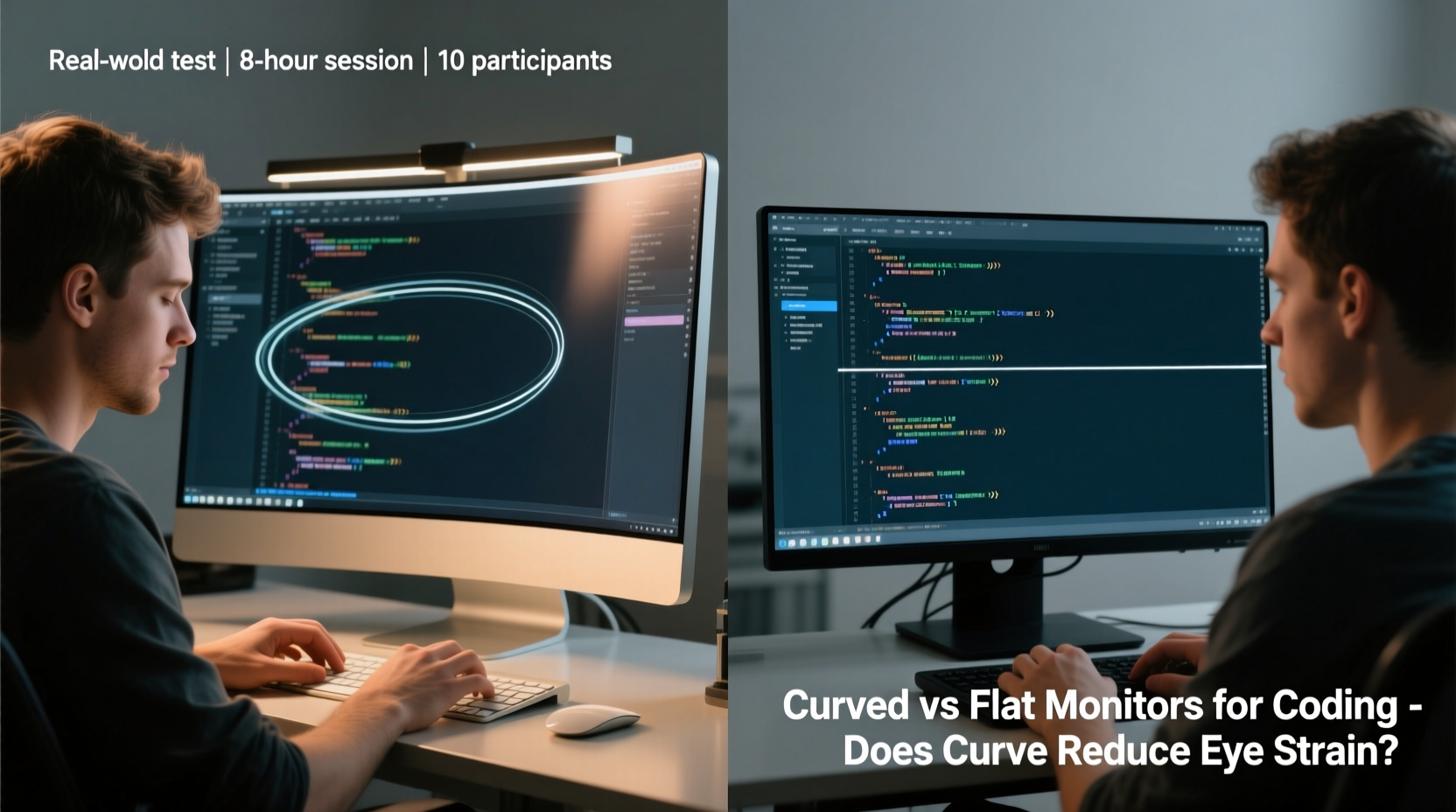
Eye strain—also known as asthenopia—is a common issue among knowledge workers who stare at digital displays for extended periods. Symptoms include dryness, blurred vision, headaches, and difficulty focusing. Several factors contribute to this condition, including screen brightness, glare, contrast settings, viewing distance, and the angle at which your eyes move across the display.
Flat monitors have dominated the market for decades because they are easier and cheaper to manufacture, and they align well with standard desktop setups. However, the human field of view is naturally curved. Our peripheral vision extends wider than what a flat panel can comfortably accommodate without constant head or eye movement. Curved monitors attempt to mimic this natural curvature, theoretically keeping more of the screen within your focal range and reducing the need for lateral eye scanning.
“Human vision is not flat—it’s panoramic. A curved display can reduce saccadic eye movements, which may lower visual fatigue over time.” — Dr. Lena Torres, Vision Ergonomics Researcher, University of Michigan
This principle is similar to how IMAX theaters use curved screens to immerse viewers. In theory, applying that same immersive geometry to a workspace could enhance concentration and reduce eye stress. But does this hold up under real-world coding conditions?
Ergonomic Advantages of Curved Monitors for Coders
When evaluating curved monitors for development work, several ergonomic benefits stand out:
- Reduced eye movement: With a properly sized and positioned curved screen, both edges of the display stay closer to your central line of sight, minimizing the need to scan widely from left to right.
- More consistent viewing distance: On a flat monitor, the corners are farther from your eyes than the center. A curved panel ensures that every part of the screen is roughly equidistant, promoting uniform focus.
- Improved immersion: Especially useful when using multiple panes (e.g., code editor, terminal, documentation), a curved display can make side windows feel less detached, helping maintain flow state.
- Better peripheral integration: For ultra-wide models (like 34” or 49”), the curve helps bring the far edges into clearer peripheral vision, reducing head turning.
However, these benefits depend heavily on correct setup. If the monitor is too large, too close, or improperly aligned, the curve can introduce new problems—such as image warping at the edges or neck strain from compensating angles.
Flat Monitors: Simplicity, Flexibility, and Compatibility
Despite the allure of curved technology, flat monitors remain the default for many professional coders—and for good reasons.
First, flat panels are inherently neutral. They don’t distort spatial perception, making them ideal for tasks requiring precise alignment, such as UI design, debugging layout issues, or working with pixel-perfect graphics. Second, flat monitors are easier to calibrate and integrate into multi-monitor setups. Trying to align two curved screens side by side often creates a “valley” in the middle or awkward gaps at the edges, disrupting continuity.
Additionally, flat monitors tend to be more affordable, widely available, and better supported by ergonomic arms and mounts. Their rectangular shape also makes screen sharing, remote collaboration, and screenshot capture more predictable.
Many developers report no noticeable difference in eye fatigue between high-quality flat IPS panels and similarly spec’d curved alternatives—especially when proper lighting, font size, and break routines are followed.
Comparative Analysis: Curved vs Flat for Coding Tasks
| Feature | Curved Monitor | Flat Monitor |
|---|---|---|
| Eye Movement Reduction | ✔️ High (centralized focus) | ❌ Moderate (requires lateral scanning) |
| Multi-Monitor Setup Ease | ❌ Difficult (alignment issues) | ✔️ Easy (seamless tiling) |
| Viewing Distance Consistency | ✔️ Uniform across screen | ❌ Corners are farther away |
| Distortion Risk | ⚠️ Possible at edges (esp. 1000R or tighter) | ✔️ Minimal |
| Cost (for equivalent specs) | ❌ Typically higher | ✔️ More budget-friendly |
| Immersion & Focus | ✔️ Stronger sense of enclosure | ❌ More external distractions visible |
| Text Clarity & Alignment Accuracy | ⚠️ Slight edge warping possible | ✔️ Consistent across surface |
The table highlights a key insight: curved monitors excel in single-display environments where immersion and reduced eye motion are priorities. Flat monitors win in flexibility, cost, and precision-critical workflows. The decision ultimately depends on your specific coding habits and environment.
Real-World Developer Experience: A Mini Case Study
James R., a senior backend developer based in Portland, switched from a dual 27” flat setup to a single 34” ultrawide curved monitor after experiencing chronic eye fatigue and neck pain. Initially excited by the immersive feel, he found the transition challenging.
“I loved how the terminal and IDE wrapped around me,” James said. “But within a week, I noticed that the edges of my screen made long lines of code look slightly bent. When reviewing diffs or JSON structures, alignment felt ‘off.’ I also missed having two separate physical screens—I used to drag Slack to one and keep code on the other.”
After six weeks, James returned to a dual-flat configuration but upgraded to higher-resolution panels with matte anti-glare coating and adjusted his desk lighting. His eye strain improved significantly—not because of curvature, but due to better ambient light control and larger text scaling.
His takeaway: “The curve didn’t fix my problem. Poor ergonomics did. Once I fixed my chair height, screen position, and took regular breaks, both flat and curved felt fine.”
Expert Tips for Reducing Eye Strain—Regardless of Monitor Type
While monitor shape plays a role, it’s only one factor in visual comfort. Here are evidence-based strategies to minimize eye strain during coding:
- Follow the 20-20-20 rule: Every 20 minutes, look at something 20 feet away for at least 20 seconds.
- Optimize screen positioning: Place the top of the monitor at or slightly below eye level, about an arm’s length away (50–70 cm).
- Use dark mode with warm tones: High-contrast dark themes reduce blue light exposure and improve readability in low-light environments.
- Adjust brightness to match surroundings: A screen much brighter than the room causes pupil strain. Aim for luminance parity.
- Enable flicker-free backlighting: Choose monitors with PWM-free (DC dimming) technology to avoid invisible screen flicker.
- Increase font size: Smaller text forces your eyes to work harder. Use 12–14pt fonts in editors for comfortable reading.
- Control ambient lighting: Avoid overhead fluorescent lights. Use indirect, warm-white task lighting instead.
FAQ: Common Questions About Curved Monitors and Coding
Does a curved monitor reduce eye strain for coding?
It can help—particularly for single-screen users who sit centered and maintain proper posture. By reducing lateral eye movement and offering more consistent focus distance, curved monitors may lower visual fatigue. However, benefits are subtle and highly dependent on individual setup and sensitivity.
Are curved monitors bad for programming?
Not inherently. Some developers dislike them due to edge distortion or difficulty in multi-monitor arrangements. But for those using a single ultrawide screen for full-stack development, version control, and terminal access, a curved display can enhance focus and workflow cohesion.
What size and curvature are best for coding?
A 34-inch ultrawide (21:9 aspect ratio) with a 1500R to 1800R curve is widely considered optimal. This provides ample screen real estate without excessive curvature that could warp text. Avoid curves tighter than 1000R unless you sit very close (<50 cm).
Action Checklist Before Choosing Your Next Monitor
- ✅ Assess your primary workflow: single-screen vs multi-monitor
- ✅ Measure your desk depth and viewing distance
- ✅ Test curvature in person if possible (visit a store)
- ✅ Prioritize panel quality (IPS for color accuracy, matte finish for glare reduction)
- ✅ Ensure compatibility with your GPU (ultrawides may require DisplayPort or HDMI 2.0+)
- ✅ Consider built-in features: USB hubs, KVM switches, height adjustment
- ✅ Read reviews focused on text clarity and long-term comfort
Conclusion: Does the Curve Actually Help?
The answer isn’t a simple yes or no. For some developers, particularly those using a single large ultrawide monitor in a controlled environment, a curved display can modestly reduce eye strain by aligning better with natural vision patterns. The sense of immersion and reduced need for wide eye sweeps may enhance concentration during deep coding sessions.
However, for most programmers, the difference is marginal. Factors like screen brightness, font size, ambient lighting, posture, and break frequency have a far greater impact on visual comfort than curvature alone. A well-set-up flat monitor with high resolution, anti-glare coating, and proper ergonomics will outperform a poorly configured curved alternative every time.
Ultimately, monitor choice should serve your workflow—not dictate it. Whether flat or curved, prioritize adjustability, clarity, and sustainability over trends. Your eyes will thank you more for disciplined screen breaks and optimized settings than for the shape of the glass in front of you.




 浙公网安备
33010002000092号
浙公网安备
33010002000092号 浙B2-20120091-4
Comments
No comments yet. Why don't you start the discussion?