
In an age where digital tools promise seamless organization, many still reach for a pen and paper to manage their days. The debate between using a digital planner versus a paper notebook isn’t just about preference—it’s about what truly drives action, focus, and consistent task completion. While both systems have loyal advocates, the choice impacts not only how we plan but whether we follow through.
Understanding which tool enhances task completion requires looking beyond convenience. It involves cognitive science, behavioral psychology, and practical workflow integration. Some thrive on the tactile feedback of handwriting, while others depend on reminders, search functions, and syncing across devices. The goal isn't just to choose a planner—it's to choose one that gets things done.
The Cognitive Impact of Writing by Hand
Research consistently shows that writing by hand engages the brain differently than typing. A 2014 study from Princeton University and UCLA found that students who took handwritten notes demonstrated better conceptual understanding and retention compared to those who typed. The slower, deliberate process of handwriting forces deeper cognitive processing—summarizing, paraphrasing, and prioritizing—rather than verbatim transcription.
This has direct implications for task management. When you write a task in a paper notebook, you're more likely to internalize it. You make decisions about phrasing, urgency, and placement. That extra mental effort increases ownership and accountability. In contrast, entering a task into a digital planner can become mechanical—tap, type, save—without meaningful engagement.
“Writing by hand creates a stronger neural trace. The physical act connects thought to memory in a way typing often doesn’t.” — Dr. Virginia Berninger, Cognitive Scientist, University of Washington
However, this benefit comes with limitations. Paper lacks searchability, backup, and automation. If your list spans multiple notebooks or pages, retrieval becomes inefficient. For people managing complex projects or dynamic schedules, the friction of manual lookup can reduce adherence over time.
Digital Planners: Efficiency, Automation, and Accessibility
Digital planners offer features that paper simply cannot match: recurring tasks, deadline alerts, calendar sync, cloud backup, and cross-device access. These tools reduce cognitive load by automating reminders and organizing information dynamically. For professionals juggling meetings, deadlines, and collaborative projects, digital systems like Notion, Todoist, or Apple Notes streamline coordination.
One key advantage is the ability to set time-based triggers. A well-configured digital planner sends notifications exactly when needed—before a meeting, at the start of the workday, or as a nudge for overdue items. This external prompting compensates for lapses in attention and memory, increasing the likelihood of follow-through.
Moreover, digital tools support hierarchical organization. Tasks can be nested under projects, tagged by context (e.g., “errands,” “work”), and filtered in real-time. This structure helps users prioritize based on urgency, energy level, or location—factors proven to influence task initiation.
Comparing Task Completion Rates: Evidence and Behavior Patterns
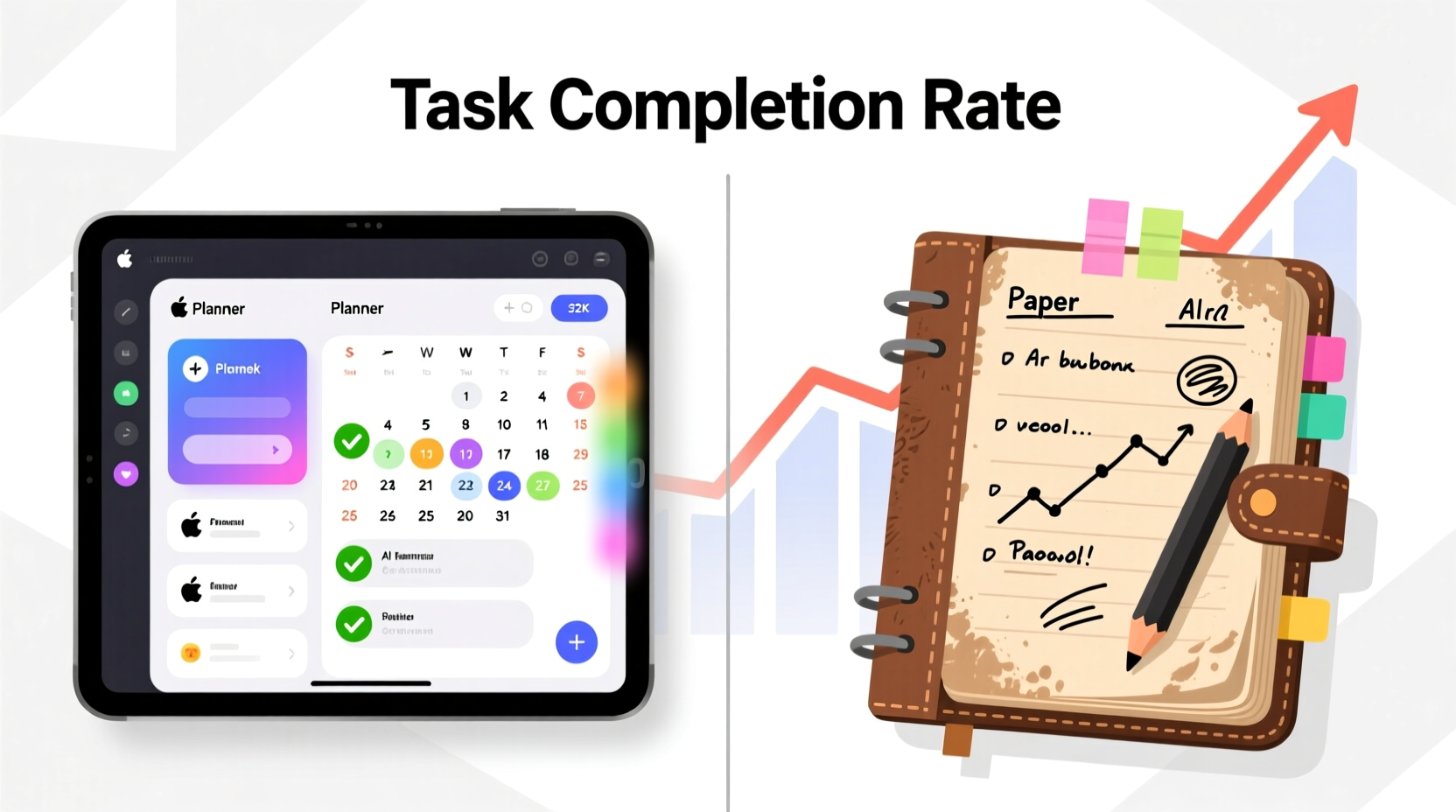
While anecdotal preferences vary, studies suggest digital tools may lead to higher short-term task completion due to their reminder systems. A 2020 productivity survey by Asana found that knowledge workers using digital task managers completed 37% more tasks per week than those relying solely on paper or memory.
Yet long-term adherence tells a different story. Research from the University of California, Irvine, observed that many users abandon digital planners within three months due to setup complexity or notification fatigue. On the other hand, paper notebook users who established a routine reported sustained use for over a year, citing simplicity and ritual as key motivators.
The difference lies in friction and feedback. Digital tools require initial configuration and ongoing maintenance. Missed notifications, app switching, or unclear task formatting can erode trust in the system. Paper, while low-tech, offers immediate visual feedback—crossing off a task provides a tangible sense of progress that boosts motivation.
Key Differences in Task Engagement
| Factor | Paper Notebook | Digital Planner |
|---|---|---|
| Cognitive Engagement | High – promotes deeper processing | Moderate – can encourage shallow input |
| Task Visibility | Limited to current page | Searchable, filterable, always accessible |
| Reminders & Alerts | None – relies on self-discipline | Customizable push/email/sound alerts |
| Error Recovery | Difficult – no undo or backup | Easy – version history and sync |
| Ritual & Habit Formation | Strong – tactile, personal | Weaker – can feel transactional |
| Scalability | Poor – hard to manage large volumes | Excellent – handles complex workflows |
Real-World Example: Sarah’s Transition from Paper to Digital
Sarah, a freelance graphic designer, used a bullet journal for two years. She loved the creativity and mindfulness of planning each morning with colored pens and stickers. Her task completion rate was high on personal goals—exercise, reading, meal prep—but she frequently missed client deadlines.
After losing a major project due to a scheduling error, she switched to Notion. She created a dashboard with client timelines, automated reminders, and linked files. Within six weeks, her on-time delivery rate improved from 68% to 94%. However, she noticed a decline in her personal habit tracking. Without the ritual of journaling, she skipped entries and lost momentum on side projects.
Her solution? A hybrid approach. She now uses Notion for client work and deadlines but keeps a small notebook for daily priorities and evening reflections. Each night, she reviews completed tasks by hand, reinforcing a sense of accomplishment. This blend leverages the strengths of both systems—digital for reliability, paper for reflection.
Building a System That Works: A Step-by-Step Guide
Choosing between digital and paper shouldn’t be binary. The most effective planners align with your lifestyle, cognitive style, and workflow demands. Follow this sequence to design a personalized system that maximizes task completion.
- Assess your primary challenges. Are you forgetting deadlines? Procrastinating on important tasks? Losing track of ideas? Identify the root issue before selecting a tool.
- Map your daily workflow. Do you work mostly on a laptop? Commute without internet? Prefer quiet mornings to plan? Your environment shapes tool suitability.
- Test both formats for one week each. Use only paper for seven days, then only digital. Track completion rates, ease of use, and emotional response (frustration, satisfaction).
- Evaluate based on results, not aesthetics. Did you complete more tasks? Were you less stressed? Did you review your plan regularly? Let data guide your decision.
- Optimize or combine. If neither works perfectly, integrate them. Example: Draft plans on paper, transfer key tasks to a digital app with reminders.
- Review weekly. Dedicate 20 minutes every Sunday to assess what worked and adjust. Consistent refinement beats perfect setup.
Action Checklist: Maximizing Task Completion Regardless of Tool
- Write tasks as actionable verbs (e.g., “Email client draft” instead of “Client project”)
- Limited daily tasks to 3–5 priority items to avoid overwhelm
- Assign specific times or contexts (e.g., “Call vendor – during lunch”)
- Review completed tasks at day’s end to reinforce progress
- Use color coding or symbols to denote urgency or category
- Perform a weekly audit to migrate unfinished items
- Store notebooks or export digital logs monthly for accountability
Frequently Asked Questions
Can a paper notebook be as effective as a digital planner?
Yes—for individuals with simpler schedules and strong self-discipline. Paper excels in promoting mindfulness and intentionality. However, it lacks automation and scalability, making it less effective for complex or collaborative work.
Do digital planners reduce procrastination?
They can, when used correctly. Automated reminders and visible progress bars create external pressure that combats delay. But if notifications are ignored or tasks are poorly defined, digital tools may contribute to avoidance rather than solve it.
Is a hybrid system worth the effort?
For many, yes. Combining paper for brainstorming and reflection with digital for tracking and reminders leverages the best of both. The key is minimizing duplication and maintaining a single source of truth for active tasks.
Expert Insight: Balancing Technology and Human Behavior
“The best planner is the one you’ll actually use consistently. Technology should serve behavior, not complicate it. I’ve seen clients succeed with napkins and whiteboards—because they engaged with them daily.” — Dr. Linda Ray, Productivity Psychologist and Author of *Beyond the To-Do List*
This insight underscores a critical point: no tool guarantees success. Effectiveness depends on alignment with personal habits, attention patterns, and motivational drivers. A beautifully designed digital dashboard is useless if you never open it. A meticulously decorated journal fails if you abandon it by Wednesday.
Conclusion: Choose Based on Function, Not Fashion
The digital planner vs paper notebook debate ultimately hinges on one question: which system leads to more completed tasks over time? The answer varies by person, but the principles remain constant. High task completion requires clarity, consistency, visibility, and reinforcement.
Digital planners win on automation and scalability. Paper notebooks excel in engagement and simplicity. The smartest approach isn’t choosing one over the other—it’s designing a system tailored to your reality. Whether you type, write, or do both, the goal is progress, not perfection.




 浙公网安备
33010002000092号
浙公网安备
33010002000092号 浙B2-20120091-4
Comments
No comments yet. Why don't you start the discussion?