
It starts small—a $4.99 monthly charge for a meditation app, a $9.99 fee for cloud storage, or a free trial that turns into a recurring bill. These digital expenses are easy to overlook, especially when they’re buried in a long list of transactions. But over time, unnoticed app subscriptions can quietly siphon hundreds of dollars from your account without delivering real value. The average consumer unknowingly pays for at least three inactive subscriptions, according to a 2023 study by Consumer Reports. That could amount to more than $300 a year lost to services they no longer use.
The convenience of one-click sign-ups and auto-renewals has made it easier than ever to subscribe—but harder to remember what you’ve signed up for. Unlike physical bills or utility payments, app subscriptions often lack visible reminders until the charge hits your card. By then, it’s too late. Recognizing the early warning signs is essential to stopping financial leakage before it becomes a serious problem.
Why App Subscriptions Are So Easy to Overlook
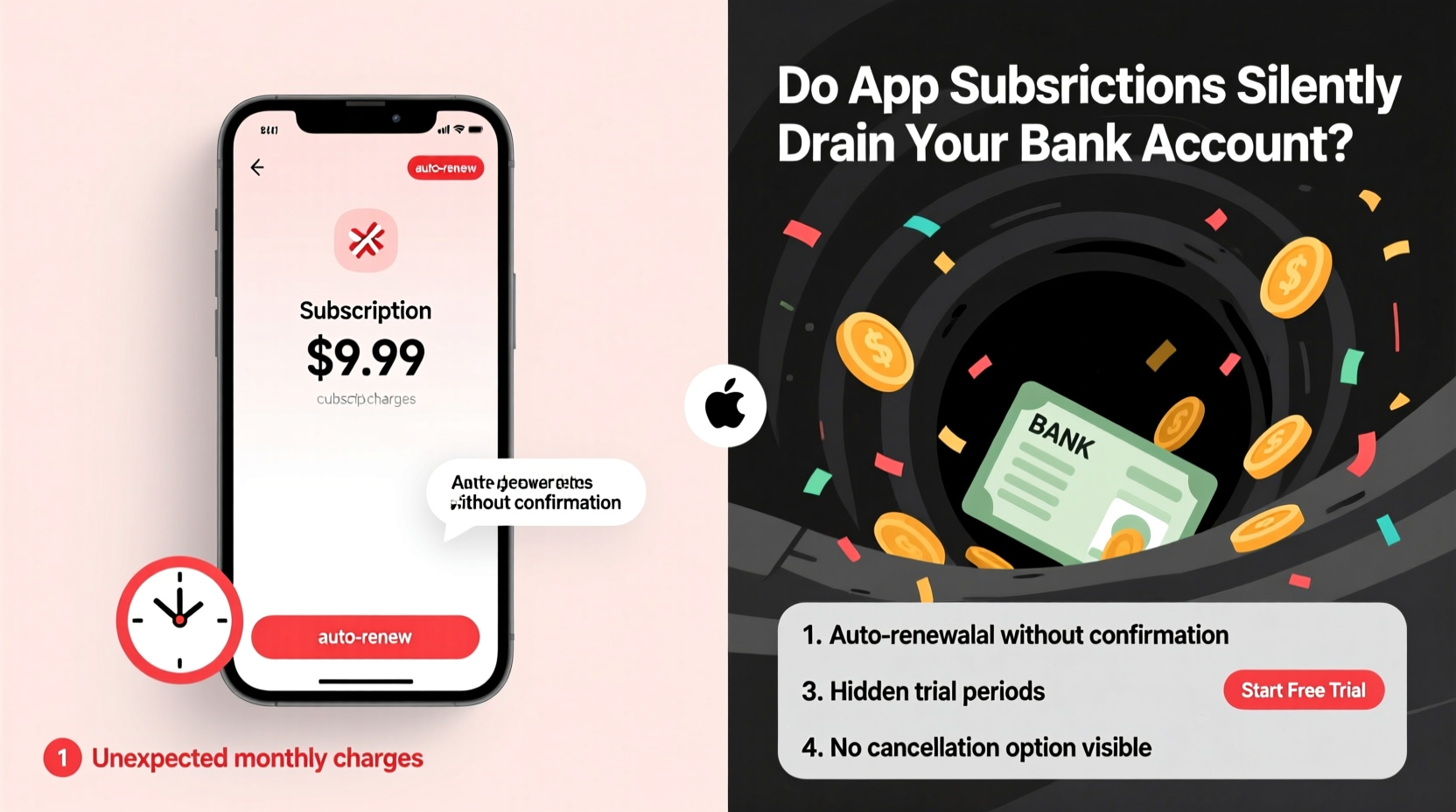
Digital subscription models are designed for retention. Companies use frictionless onboarding, free trials, and low introductory pricing to hook users. Once enrolled, cancellation processes are often intentionally complex—requiring multiple steps across different platforms or devices. This strategy, sometimes called “dark pattern design,” exploits user behavior to keep people paying even when they’ve stopped using the service.
Mobile operating systems like iOS and Android do send renewal reminders, but they’re easily missed among dozens of notifications. And because most subscription fees appear as generic line items on bank statements (e.g., “Apple.com/bill” or “Google Services”), identifying them requires extra effort. Without proactive tracking, these charges blend into the background noise of everyday spending.
“Subscription fatigue is real. People don’t realize how much they’re paying until they audit their accounts—and even then, canceling can feel like a part-time job.” — Lisa Tran, Financial Wellness Coach and Founder of Mindful Spending Lab
7 Warning Signs Your Subscriptions Are Draining Your Account
Catching silent subscription drains early can save you hundreds per year. Watch for these red flags:
- Your monthly budget feels tight despite no major lifestyle changes. If you haven’t increased spending on essentials but still come up short each month, recurring digital fees may be the culprit.
- You see unfamiliar charges on your bank statement. Names like “*APP STORE* APPLE.COM” or “GOOGLE *SERVICES” might hide individual subscriptions bundled under platform billing.
- You can’t recall signing up for a service. Free trials that auto-enroll into paid plans often catch users off guard, especially after downloading an app during a moment of convenience.
- You rarely or never open certain apps. If an app hasn’t been launched in over a month, it’s likely not providing value—yet you’re still paying.
- You’re paying for overlapping services. For example, subscribing to both Spotify and Apple Music, or maintaining two photo backup solutions, leads to redundant costs.
- Family members share accounts but pay individually. Lack of coordination within households results in duplicate subscriptions, such as multiple Netflix profiles on separate cards.
- You receive renewal emails but ignore them. These messages are warnings in plain sight. Ignoring them means accepting continued charges.
How to Track and Stop Subscription Leaks
Regaining control starts with visibility. Follow this step-by-step process to identify and eliminate wasteful subscriptions.
Step 1: Gather All Billing Sources
Check every payment method linked to digital services—credit cards, debit cards, PayPal, Apple ID, Google Account, and any stored wallets. Each platform maintains its own subscription dashboard.
Step 2: Audit Each Platform Separately
Navigate to the subscription management section on each service:
- iOS Users: Settings → [Your Name] → Subscriptions
- Android Users: Play Store → Profile → Payments & Subscriptions → Subscriptions
- PayPal: Settings → Payments → Manage Auto-Payments
- Amazon: Account → Membership & Subscriptions
- Web-based services: Log into each platform directly (e.g., Adobe, Canva, Dropbox)
Step 3: Categorize and Evaluate
Create a simple spreadsheet or use pen and paper to list each subscription with the following details:
| Service Name | Monthly Cost | Last Used | Value Rating (1–5) | Action |
|---|---|---|---|---|
| Spotify Premium | $9.99 | Yesterday | 5 | Keep |
| Fitness App X | $12.99 | 3 months ago | 1 | Cancel |
| Cloud Storage Pro | $7.99 | Never | 2 | Switch to free tier |
Step 4: Cancel What You Don’t Need
Use the platform’s native tools to cancel subscriptions. Do not rely on deleting the app or closing your account—the billing link may remain active. Always confirm cancellation through a confirmation email or updated status in the dashboard.
Step 5: Set Up Ongoing Monitoring
Enable transaction alerts on your banking app for any new recurring charges. Some banks, like Chase and Capital One, offer subscription tracking features that categorize and summarize recurring payments automatically.
Real Example: How Sarah Reclaimed $187 Per Year
Sarah, a 34-year-old graphic designer from Portland, noticed her checking account balance was consistently lower than expected. She wasn’t eating out more or shopping online, yet she struggled to save. After reviewing her bank statement, she found five recurring charges she didn’t recognize:
- $14.99/month – Design tool with a 7-day free trial she used once
- $9.99/month – Meditation app she opened twice
- $7.99/month – Cloud backup service already covered by her work plan
- $12.99/month – Meal planning app replaced by a cheaper alternative
- $4.99/month – In-app currency pack billed as a subscription
After canceling all five, Sarah saved $50.95 monthly—$611.40 annually. She redirected half of that into a high-yield savings account and used the rest to pay down credit card debt. “I had no idea I was being charged for things I forgot existed,” she said. “Now I schedule a 15-minute ‘subscription sweep’ every January and July.”
Do’s and Don’ts of Managing Digital Subscriptions
| Do | Don’t |
|---|---|
| Use free trials but set a phone reminder to cancel before billing starts | Assume a free trial will end automatically without action |
| Share family plans when available (e.g., Apple Family Sharing, Spotify Duo) | Let each household member pay separately for the same service |
| Download bank statements quarterly and search for “recurring” or “subscription” | Rely solely on memory to track renewals |
| Choose annual billing only if you’re certain you’ll use the service all year | Commit to yearly plans just for a slight discount |
| Use built-in OS tools to manage mobile subscriptions centrally | Try to cancel through third-party resellers without verifying the source |
Frequently Asked Questions
Can I get a refund on a subscription I forgot to cancel?
It depends on the provider and timing. Apple and Google occasionally issue refunds for accidental renewals if requested within 30 days. For other services, contact customer support with a polite request—some companies will honor goodwill refunds, especially if you’ve been a long-term user.
Are free subscriptions safe?
Free tiers are generally safe, but read the terms carefully. Some apps collect and sell your data, serve intrusive ads, or limit functionality in ways that push you toward paid upgrades. Also, ensure the app isn’t secretly charging for add-ons or premium features you enabled accidentally.
What if I need a subscription temporarily—how do I avoid forgetting to cancel?
Use your phone’s calendar app to schedule a cancellation reminder 1–2 days before the trial ends. Label it clearly: “CANCEL [APP NAME] TRIAL.” You can also use automation tools like IFTTT or Apple Shortcuts to send yourself a notification when a specific date arrives.
Take Control Before the Next Billing Cycle
App subscriptions aren’t inherently bad—they provide access to valuable tools, entertainment, and services with minimal friction. But unchecked, they evolve into silent budget killers. The key is intentionality. Every dollar leaving your account should serve a purpose. When a subscription no longer delivers value, it’s not just wasted money—it’s lost opportunity. That $10 monthly fee could grow to over $1,300 in a decade with modest investment returns.
Start today. Open your bank statement. Log into your device settings. Review every active subscription. Keep what enriches your life, cut what doesn’t, and protect your financial peace. Small habits compound into significant gains. One audit now could save you hundreds—or even thousands—over the years ahead.




 浙公网安备
33010002000092号
浙公网安备
33010002000092号 浙B2-20120091-4
Comments
No comments yet. Why don't you start the discussion?