
As smart homes evolve, holiday lighting has moved beyond simple timers and manual switches. Today’s Christmas light controllers offer remote scheduling, color effects, and voice control — but compatibility with platforms like Google Home and Apple HomeKit is a common concern. For homeowners invested in either ecosystem, knowing which controllers will integrate smoothly is essential for a seamless, festive experience.
The short answer: yes, many modern Christmas light controllers do work with both Google Home and Apple HomeKit — but not all of them. Compatibility depends on the brand, model, firmware support, and connectivity protocol (like Wi-Fi or Matter). Choosing the right controller requires understanding these differences and planning accordingly.
Understanding Smart Christmas Light Controllers
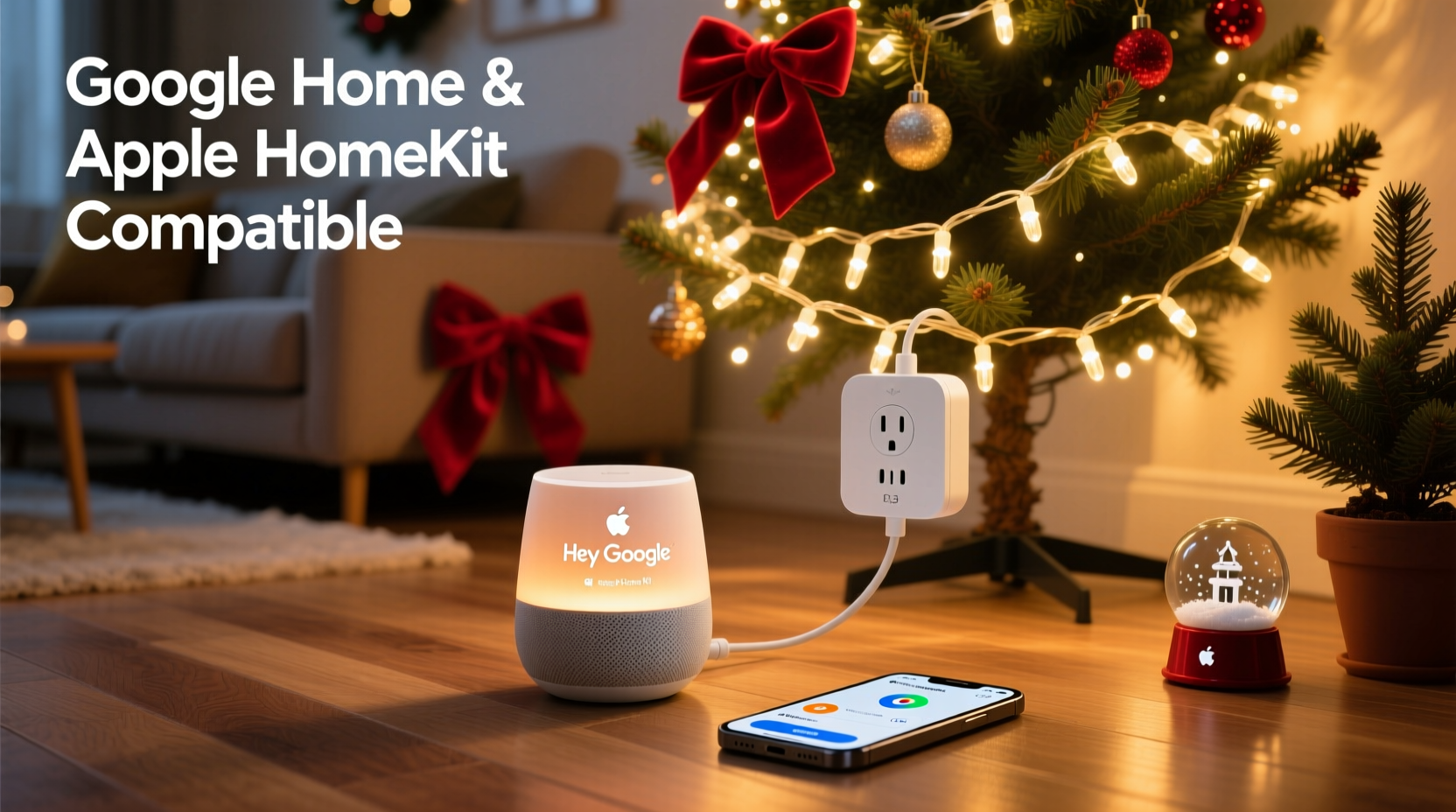
Smart Christmas light controllers are small devices that plug between your wall outlet and your string lights. They allow you to turn lights on or off remotely via an app, schedule routines, create dynamic lighting effects, and use voice commands through assistants like Google Assistant or Siri.
These controllers typically connect via Wi-Fi, Bluetooth, or increasingly, Matter over Thread. Some models are standalone, while others require a hub (such as Philips Hue Bridge or Samsung SmartThings) for full functionality. The most popular types include:
- Plug-in smart outlets – Work with standard incandescent or LED string lights.
- Dedicated smart strips – Integrated LED strips with built-in controllers.
- RGBW controllers – Allow full color customization and brightness control.
- Matter-compatible hubs – Support cross-platform integration including Apple HomeKit and Google Home.
While basic on/off control is widely supported, advanced features like scene transitions, music sync, or multi-zone management may be limited to specific ecosystems unless the device supports open standards.
Google Home Compatibility: What You Need to Know
Google Home supports a broad range of smart home devices through its Google Assistant platform. Most Wi-Fi-based Christmas light controllers can be integrated using the Google Home app, provided they are listed among compatible brands.
To connect a smart light controller to Google Home:
- Set up the controller using its native app (e.g., Kasa, LIFX, Wyze).
- Link the brand’s service to Google Assistant within the Google Home app.
- Sync devices so they appear in your Google Home interface.
- Use voice commands like “Hey Google, turn on the Christmas lights” or “Set the tree lights to red.”
Popular brands that work well with Google Home include TP-Link Kasa, LIFX, Nanoleaf, and Wiz. These allow granular control, including dimming, scheduling, and grouping multiple strings under one command.
However, some limitations exist. If a controller relies solely on Bluetooth, it may not support remote access when you're away from home. Additionally, third-party integrations can occasionally break after app updates, requiring re-linking.
“Voice integration with Google Assistant has made holiday lighting more accessible than ever — especially for families managing multiple zones.” — Mark Tran, Smart Home Developer at IoT Weekly
Apple HomeKit Compatibility: Seamless but Selective
Apple HomeKit offers tight integration with iOS devices, allowing users to control lights via Siri, the Home app, or automations based on time, location, or sensor input. However, HomeKit is more selective about which devices it supports due to strict security and certification requirements.
For a Christmas light controller to work with Apple HomeKit, it must either:
- Be MFi-certified (Made for iPhone), or
- Support the Matter standard, which Apple co-developed for cross-platform compatibility.
Unlike Google Home, HomeKit does not rely on third-party cloud linking. Instead, devices communicate directly with your Apple devices using end-to-end encryption, enhancing privacy and responsiveness.
Some top-performing HomeKit-compatible options include:
- Leviton Decora Smart Plug – Certified for HomeKit, ideal for traditional light strings.
- Nanoleaf Shapes & Elements – Fully compatible, offering customizable layouts and touch controls.
- Aqara Smart Socket – Works natively with HomeKit via Matter or Aqara Hub.
- Philips Hue Lightstrip Plus – Requires Hue Bridge but integrates seamlessly with HomeKit.
One key advantage of HomeKit is automation reliability. For example, you can set your porch lights to turn on at sunset and fade out at midnight — even if your iPhone is offline. This local processing reduces latency and dependency on internet uptime.
Comparison: Google Home vs. Apple HomeKit Integration
| Feature | Google Home | Apple HomeKit |
|---|---|---|
| Setup Complexity | Easy; uses account linking | Moderate; requires MFi or Matter |
| Voice Assistant | Google Assistant | Siri |
| Remote Access | Yes, via cloud | Yes, via iCloud or local control |
| Local Control | Limited (depends on device) | Full (preferred method) |
| Cross-Platform Support | Broad (many brands) | Narrower, but growing via Matter |
| Security Model | Cloud-dependent | End-to-end encrypted |
| Best For | Users with Android/Google-centric homes | iOS/Mac users prioritizing privacy |
This comparison shows that while Google Home offers broader device support, Apple HomeKit excels in security and reliability. Your choice should align with your existing tech ecosystem and long-term smart home goals.
How to Choose a Dual-Compatible Controller
If you live in a mixed-device household or want maximum flexibility, aim for controllers that support both Google Home and Apple HomeKit. The best way to achieve this today is by selecting devices that support the Matter protocol.
Matter is a unified smart home standard backed by Apple, Google, Amazon, and the Connectivity Standards Alliance. Devices certified under Matter can work across platforms without additional bridges or apps.
Step-by-Step: Setting Up a Matter-Compatible Christmas Light Controller
- Purchase a Matter-enabled controller – Look for products labeled “Matter over Wi-Fi” or “Matter over Thread.” Examples include Eve Light Strip, Nanoleaf Essentials, or Aqara P1 Socket.
- Connect to power – Plug in the controller and ensure it's in pairing mode (usually indicated by blinking lights).
- Open your preferred app – Use either the Apple Home app or Google Home app to begin setup.
- Scan the QR code – Found on the device or packaging; authenticates the device and establishes secure communication.
- Assign to room and name – Example: “Front Porch Lights” or “Tree Controller.”
- Create automations – Set schedules, scenes, or triggers (e.g., “Turn on when I arrive home”).
- Add to both ecosystems (optional) – Once added to one system, the device can often be shared with the other via Matter sharing protocols.
Once configured, you can say “Hey Siri, turn on the Christmas lights” or “OK Google, dim the tree to 50%” — and both systems will respond correctly.
Real-World Example: A Mixed-Ecosystem Holiday Setup
Consider Sarah, a homeowner who uses an iPhone but whose partner prefers Android. Their living room has two sets of lights: a warm-white garland on the mantel and multicolor LEDs around the window frame. They wanted both people to control the lights easily, regardless of device.
Sarah chose the Nanoleaf Essentials Light Strip, a Matter-compatible RGBW strip. She set it up first in the Apple Home app so she could use Siri and create a “Holiday Mode” scene that activated at 5 PM daily. Her partner linked the same device to Google Home later and created a voice routine: “Hey Google, start cozy evening,” which dimmed the lights and played soft music.
Because the device uses Matter, both systems recognized it independently, and no conflicts occurred. When guests arrived, either could adjust brightness using their own phones. This dual-access capability eliminated friction and enhanced convenience during the busy season.
Checklist: Buying the Right Christmas Light Controller
Before making a purchase, verify the following:
- ✅ Supports your primary voice assistant (Google Assistant or Siri via HomeKit)
- ✅ Uses Wi-Fi or Matter (avoid Bluetooth-only unless for indoor, close-range use)
- ✅ Has positive user reviews for app stability and responsiveness
- ✅ Allows scheduling and automation (not just on/off)
- ✅ Is rated for outdoor use if needed (look for IP44 or higher)
- ✅ Offers surge protection if connected to older light strings
- ✅ Integrates with other smart home systems you plan to expand into
Skipping any of these steps could result in a device that doesn’t meet expectations — such as failing to respond to voice commands or disconnecting during critical moments.
Frequently Asked Questions
Can I control non-smart Christmas lights with Google Home or HomeKit?
Yes, by using a smart plug or smart outlet. Plug your traditional lights into a compatible smart socket (like Kasa KP115 or Eve Energy), then control it via Google Assistant or Apple HomeKit. Just ensure the total wattage stays within the plug’s limit.
Do I need a hub for HomeKit-compatible Christmas lights?
It depends. Standalone Matter or MFi-certified devices (like Eve or Aqara sockets) work directly with HomeKit. However, systems like Philips Hue or Nanoleaf require their respective hubs for full functionality, though those hubs then act as HomeKit bridges.
Why won’t my Christmas light controller show up in Google Home?
This usually happens because the device service hasn’t been linked. Open the Google Home app, go to “Settings,” then “Assistant,” and select “Add devices.” Choose the manufacturer (e.g., TP-Link, Wiz) and log in to authorize access. Also, ensure the controller is online and updated.
Final Thoughts: Building a Smarter Holiday Season
Integrating Christmas light controllers with Google Home and Apple HomeKit isn't just convenient — it transforms seasonal decor into an intelligent part of your home environment. Whether you're setting a romantic ambiance, welcoming guests, or conserving energy, smart control adds value far beyond novelty.
The key is choosing devices wisely. Prioritize Matter support where possible, verify ecosystem compatibility upfront, and avoid locking yourself into a single-brand silo. With the right setup, you can enjoy responsive, secure, and flexible lighting that works whether you say “Hey Google” or “Hey Siri.”
As smart home standards continue to converge, the gap between platforms is narrowing. Now is the perfect time to upgrade your holiday display with technology that lasts well beyond December.




 浙公网安备
33010002000092号
浙公网安备
33010002000092号 浙B2-20120091-4
Comments
No comments yet. Why don't you start the discussion?