
In an age where most people spend hours hunched over laptops, smartphones, and tablets, poor posture has become a modern epidemic. From neck pain to chronic back issues, the consequences of slouching are real—and increasingly common. Enter posture apps: smartphone and desktop tools promising to correct your alignment with alerts, reminders, and even AI-powered motion tracking. But do these apps actually improve posture in the long term, or are they just another digital gimmick that fades into the background of our notification-saturated lives?
To answer this, we need to look beyond marketing claims and examine how these apps function, what the research says about their effectiveness, and whether they can foster lasting behavioral change. The truth is nuanced—some users report real improvements, while others find the constant pings more annoying than helpful. Let’s break down the reality behind posture correction technology.
How Posture Apps Work: Mechanics Behind the Alerts
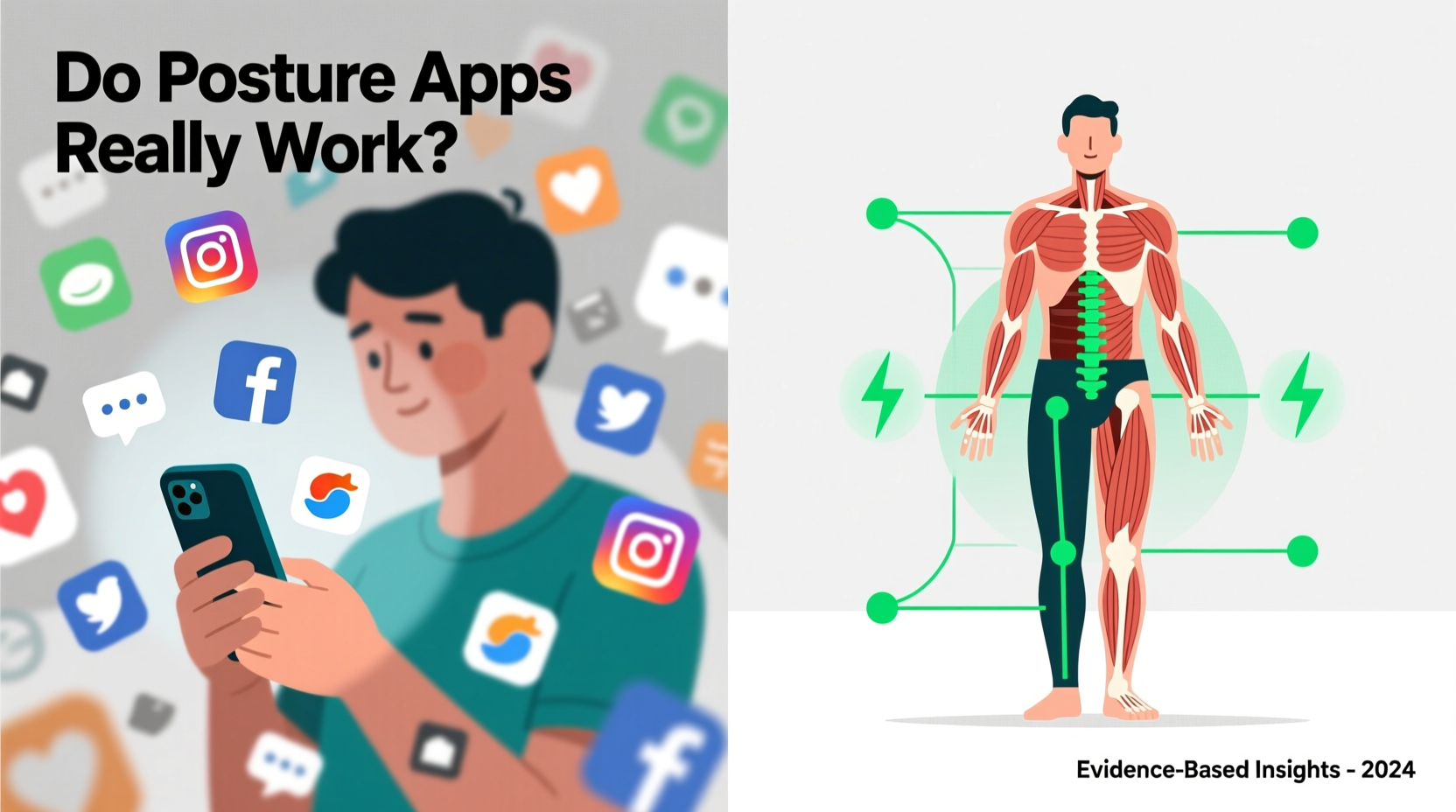
Posture apps use various methods to monitor and correct your physical position. Most fall into one of three categories:
- Manual Check-Ins: These apps prompt you at set intervals (e.g., every 30 minutes) to self-assess your posture. You confirm whether you're sitting correctly or not, building awareness through repetition.
- Device-Based Sensors: Some integrate with wearables like smartwatches or clip-on posture trainers (e.g., Upright GO, Lumo Lift). These devices detect spinal angle and movement, sending vibrations when slouching is detected.
- Camera & AI Tracking: A few advanced apps use your laptop or phone camera with machine learning algorithms to analyze your seated position in real time, offering visual feedback on alignment.
The underlying theory is simple: consistent feedback leads to habit formation. By interrupting poor postural patterns, these tools aim to retrain muscle memory and increase body awareness. However, the success of this approach depends heavily on design, user engagement, and scientific grounding.
The Science of Posture Correction: What Research Says
While anecdotal evidence abounds, clinical research on posture apps is still emerging. A 2021 study published in the Journal of Physical Therapy Science found that participants using a wearable posture trainer for four weeks showed significant improvement in thoracic spine alignment compared to a control group. The key factor wasn’t the device itself, but the combination of real-time feedback and active user participation.
However, other studies highlight limitations. A review in Applied Ergonomics noted that while posture apps increase short-term awareness, many users stop using them within weeks due to alert fatigue or perceived intrusiveness. This raises a critical question: can digital nudges lead to lasting change without deeper behavioral integration?
Dr. Lena Patel, a physical therapist specializing in workplace ergonomics, explains:
“Feedback is only effective if it's paired with education and movement retraining. An app might tell you you’re slouching, but if you don’t understand why or how to fix it, the reminder becomes noise.” — Dr. Lena Patel, DPT, MS
In essence, posture apps are tools—not solutions. Their value depends on how they're used and whether they're part of a broader strategy that includes ergonomic setup, strength training, and mindful movement.
Do They Work? A Real-World Case Study
Consider Mark, a 34-year-old software developer who began experiencing frequent tension headaches and upper back pain after transitioning to remote work. He tried several posture apps over six months:
- First attempt: Used a free mobile app with hourly reminders. Ignored alerts after two weeks due to disruption.
- Second attempt: Purchased a wearable posture sensor. Wore it daily for three weeks, noticing improved shoulder positioning. Discontinued use when battery life became unreliable.
- Third phase: Combined a reliable app (Upright GO 2) with weekly physiotherapy sessions. Focused on strengthening his core and scapular muscles while using vibration alerts as cues. After eight weeks, reported reduced pain and better sitting endurance.
Mark’s experience reflects a broader trend: posture apps are most effective when integrated into a holistic routine. Alone, they often fail to sustain engagement. With complementary support, they can serve as valuable triggers for corrective action.
Comparison: Types of Posture Apps and Their Effectiveness
| Type | Examples | Pros | Cons | Effectiveness (Short-Term) | Effectiveness (Long-Term) |
|---|---|---|---|---|---|
| Manual Reminder Apps | Posture Reminder, Stand Up! The Work Break Timer | Cheap, easy to use, customizable intervals | Relies on honesty; no actual detection | Moderate | Low |
| Wearable Sensors | Upright GO, Lumo Lift, BackTastic | Real-time biofeedback, discreet vibration alerts | Costly, requires charging, may slip out of place | High | Moderate (if used consistently) |
| AI Camera Tracking | PoseGuard, PostureScreen, ErgoAI | No hardware needed, visual feedback, detailed analysis | Privacy concerns, limited to desktop use, lighting-sensitive | High | Moderate |
| Ergonomic + Posture Suites | Workrave, Time Out, Stretchly | Combines posture breaks with eye strain and movement prompts | Less focused on posture alone | Moderate | Moderate to High |
This comparison shows that while wearable sensors offer the highest short-term impact, long-term success across all types hinges on user commitment and integration with lifestyle changes.
Common Pitfalls That Turn Apps Into Distractions
Not all posture apps deliver value. Many fall into traps that render them ineffective or counterproductive:
- Alert Overload: Too many notifications lead to habituation—users begin ignoring them entirely.
- Lack of Personalization: Generic reminders don’t account for individual anatomy or work setups.
- No Educational Component: Telling someone they’re slouching isn’t enough. Without guidance on how to sit or stand correctly, the feedback lacks utility.
- Passive Monitoring: Some apps collect data but don’t translate it into actionable insights.
- Ignoring Root Causes: Poor posture often stems from weak core muscles, improper desk height, or prolonged static positions—issues apps alone can’t fix.
When these flaws are present, posture apps devolve into digital noise—another source of interruption without meaningful benefit.
Maximizing Results: A Step-by-Step Guide to Using Posture Apps Effectively
To avoid turning a posture app into just another background distraction, follow this five-step process:
- Assess Your Needs: Are you primarily sitting at a desk? Do you have existing pain? Choose an app type that matches your lifestyle—wearables for office workers, manual reminders for casual users.
- Start with Education: Before relying on alerts, learn what good posture looks like. Sit with your ears aligned over shoulders, shoulders over hips, feet flat on the floor. Use mirrors or photos to self-check.
- Pair with Ergonomic Adjustments: Ensure your chair supports your lower back, your monitor is at eye level, and your keyboard allows elbows to stay at 90 degrees.
- Use Alerts as Triggers for Action: When you get a notification, don’t just dismiss it. Take 10 seconds to reset: roll shoulders back, engage your core, adjust your seat depth.
- Track Progress Weekly: Note reductions in discomfort, fewer alerts over time, or increased awareness. Some apps provide analytics—use them to gauge improvement.
This structured approach transforms passive monitoring into active posture training.
Checklist: Choosing and Using a Posture App Wisely
- ☐ Define your primary goal (e.g., reduce back pain, improve sitting form)
- ☐ Research apps with credible reviews and medical input
- ☐ Test free versions before purchasing hardware or subscriptions
- ☐ Set up alerts during high-focus work periods when slouching is most likely
- ☐ Combine app use with daily stretches or exercises for postural muscles
- ☐ Re-evaluate effectiveness after 4 weeks—discontinue if no tangible benefit
- ☐ Consult a physical therapist if pain persists despite app use
Frequently Asked Questions
Can posture apps fix years of bad habits?
They can help retrain habits, but not alone. Long-standing postural issues often involve muscular imbalances that require targeted exercise, ergonomic adjustments, and professional guidance. Apps are best used as part of a multidisciplinary approach.
Are free posture apps worth using?
Some free apps offer basic functionality that can raise awareness. However, they often lack accuracy, customization, or educational resources. For sustained improvement, investing in a reputable app or wearable may be worthwhile.
Do I need a wearable, or can my phone app suffice?
If you're serious about correction, a wearable provides more accurate, real-time feedback. Phone apps relying on manual input are less reliable but better than nothing for beginners testing the concept.
Conclusion: Tools, Not Magic Fixes
So, do posture apps really work? The answer is both yes and no. As standalone solutions, they often fail—overshadowed by notification fatigue and superficial feedback. But when used intentionally, as part of a broader effort to improve ergonomics, build body awareness, and strengthen supporting muscles, they can be genuinely effective.
Their true value lies not in automation, but in prompting mindfulness. Every alert is an invitation to reconnect with your body, to correct alignment before discomfort sets in, and to cultivate habits that protect long-term health. Like any tool, their power depends on how you wield them.




 浙公网安备
33010002000092号
浙公网安备
33010002000092号 浙B2-20120091-4
Comments
No comments yet. Why don't you start the discussion?