
Every holiday season, millions of households install Wi-Fi– or Bluetooth-enabled string lights that sync to apps, change colors on voice command, and even pulse to music. These conveniences come with a quiet but tangible trade-off: expanded attack surface. Smart lights aren’t just decorative—they’re networked devices running firmware, connecting to cloud services, and often sharing bandwidth with your router, security cameras, and smart locks. When poorly configured or outdated, they become unguarded entry points into your home network. This isn’t theoretical: researchers have demonstrated remote code execution on popular brands, and real-world incidents show attackers using holiday devices as footholds to intercept credentials or launch broader intrusions. The good news? Risk is manageable—not inevitable—with deliberate, informed habits.
How Smart Lights Become Security Vectors
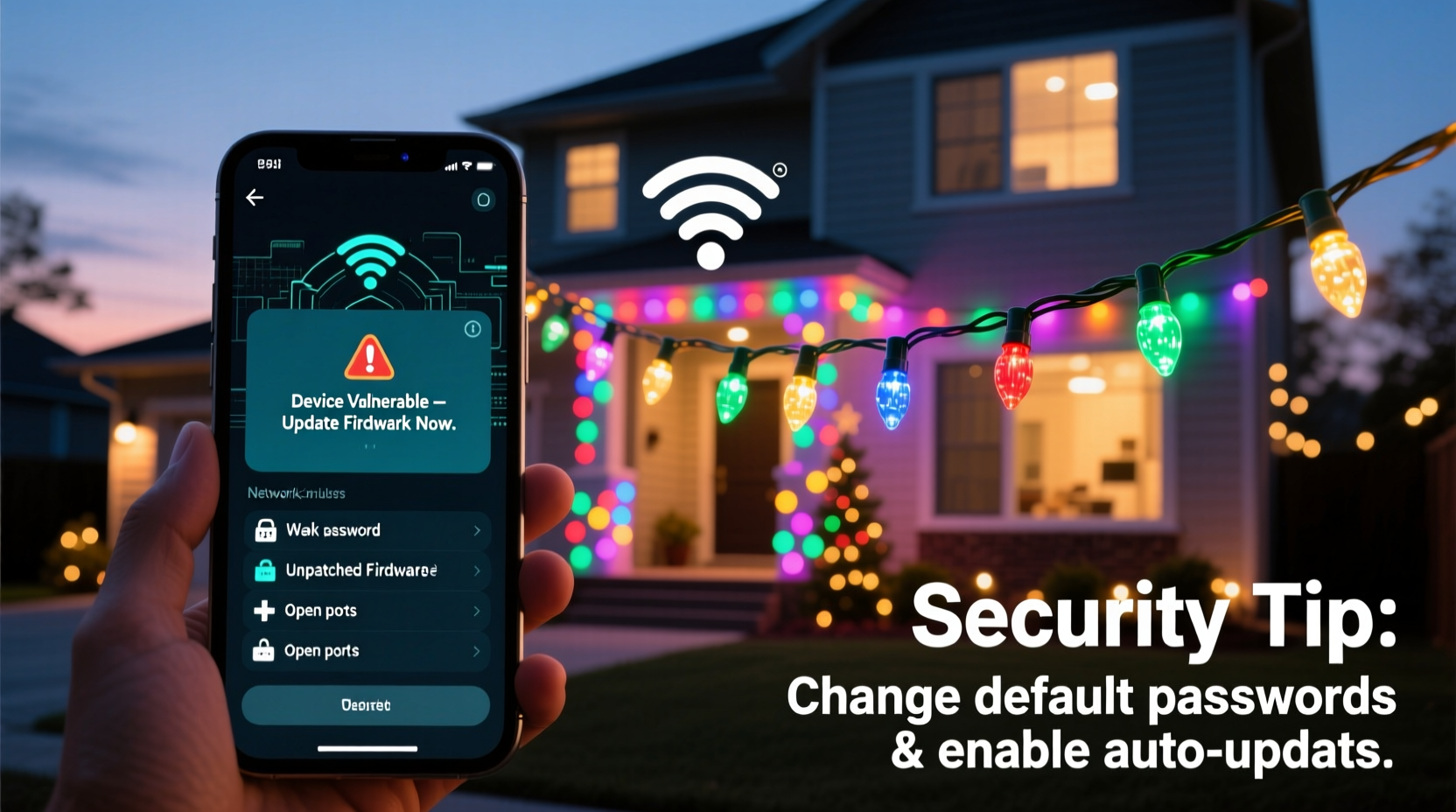
Unlike traditional incandescent strings, smart lights contain microcontrollers, wireless radios (Wi-Fi, Bluetooth Low Energy, or proprietary 2.4 GHz protocols), and embedded software. Most rely on companion apps that authenticate via cloud servers—meaning your light’s firmware communicates with external infrastructure before it ever talks to your phone. That architecture introduces several vulnerabilities:
- Firmware without encryption or signed updates: Some manufacturers push unencrypted over-the-air (OTA) updates, allowing attackers to inject malicious payloads during transmission.
- Default or weak credentials: Many devices ship with hardcoded admin passwords (e.g., “admin/admin”) or allow easy password resets via unauthenticated endpoints.
- Excessive app permissions: Light-control apps frequently request access to location, contacts, and background activity—not required for lighting functions—increasing data exposure if the app is compromised.
- Cloud dependency without local control: If the vendor’s cloud service goes down—or gets breached—your lights may stop working entirely, and your configuration data may be exposed in transit or at rest.
A 2023 study by the IoT Security Foundation found that 68% of tested smart lighting products failed basic security benchmarks—including lack of TLS enforcement, insecure default settings, and absence of automatic firmware patching. The risk isn’t that your lights will “hack back.” It’s that they lower the barrier for adversaries to pivot from a low-value device to high-value assets like your NAS, banking session, or home surveillance feed.
Real-World Incident: The “Twinkling Backdoor” Breach
In late November 2022, a family in suburban Austin noticed unusual behavior on their home network: intermittent slowdowns, unrecognized devices appearing in their router logs, and an unfamiliar file named “xmas_log.dat” on their shared printer drive. After contacting their ISP and a local cybersecurity consultant, investigators traced the anomaly to a set of $29 smart LED icicle lights purchased online and installed on their front porch two weeks earlier.
The lights used a widely distributed Chinese-made chipset with known vulnerabilities in its BLE pairing protocol. An attacker within 30 meters had exploited a buffer overflow flaw during initial setup, gaining shell access to the light’s microcontroller. From there, the device acted as a bridge—using its Wi-Fi connection to scan the local subnet, discover open SMB ports on the family’s Windows PC, and deploy a credential-stealing script. The attacker never targeted the lights themselves. They used them as silent, unsuspected intermediaries to move laterally across the network.
What made this incident notable wasn’t its sophistication—it was how ordinary it felt. No phishing email. No suspicious download. Just festive decor, plugged in, left unattended, and quietly compromised.
7 Actionable Security Tips for Smart Light Owners
These tips reflect industry best practices validated by NIST SP 800-213 (IoT Device Cybersecurity Guidance) and real-world penetration testing results:
- Segment your network: Use your router’s built-in guest network or VLAN feature to place all smart lights—and other IoT devices—on a segregated subnet. This prevents lateral movement if one device is compromised.
- Disable cloud features when possible: If your lights support local-only control (e.g., via direct Bluetooth or hub-based Zigbee/Z-Wave), turn off cloud connectivity in the app settings. This eliminates third-party data handling and reduces exposure windows.
- Change default SSID and passwords: Avoid naming your guest network “Front-Porch-Lights” or “Xmas-Guest”—such names signal device type and intent to attackers scanning for targets.
- Review app permissions rigorously: On iOS and Android, go to Settings > Privacy > App Permissions and revoke location, microphone, and contact access for lighting apps. These are unnecessary for color selection or scheduling.
- Enable multi-factor authentication (MFA) on vendor accounts: If the lighting brand requires an account (e.g., for remote control), MFA blocks 99.9% of credential-stuffing attacks—even if your password is reused elsewhere.
- Physically disconnect after the holidays: Unplug smart lights and power strips entirely—not just switch off. Many remain in “deep sleep” mode with radios active, listening for wake-up signals.
- Prefer lights with local API documentation: Brands like Philips Hue (with local deCONZ bridge) or LIFX (which supports local HTTP API) give you visibility and control without mandatory cloud reliance.
Do’s and Don’ts: A Practical Comparison Table
| Action | Do | Don’t |
|---|---|---|
| Firmware Updates | Manually check for updates every 30 days; enable auto-update only if signed and verified by the vendor. | Ignore update notifications—or assume “auto-update” means secure update. |
| Network Placement | Assign lights to a dedicated IoT VLAN with outbound-only internet access (no inbound ports open). | Plug them into the same network segment as your work laptop or home server. |
| Account Security | Use a unique, strong password + authenticator app (not SMS) for the lighting vendor’s portal. | Reuse your email password or enable “Remember Me” on vendor login pages. |
| Physical Setup | Mount outdoor lights behind a weatherproof junction box with a manual cutoff switch. | Run extension cords through open windows or garage doors, exposing wiring and power supplies. |
| Post-Holiday Handling | Factory reset lights before storage; store in anti-static bags away from humidity. | Leave lights plugged in year-round “just in case” or store in damp basements. |
Expert Insight: What Security Researchers See
Dr. Lena Park, Senior IoT Researcher at the University of Michigan’s Ford Center for Cybersecurity, has reverse-engineered over 40 smart lighting products since 2020. Her team’s findings consistently point to design shortcuts—not malicious intent—as the root cause of most exposures:
“Manufacturers prioritize time-to-market and app polish over cryptographic hygiene. We’ve found lights where the encryption key is hardcoded in the firmware binary, visible with a hex editor. Others use the same AES key across thousands of units. It’s not that vendors want to compromise users—it’s that security is treated as a compliance checkbox, not a foundational requirement. Your vigilance in network segmentation and permission management does more to protect you than any single vendor’s ‘secure by default’ claim.” — Dr. Lena Park, Senior IoT Researcher, University of Michigan
Her observation underscores a critical reality: consumer-grade smart lighting rarely meets enterprise-grade assurance standards. That gap places responsibility squarely on the user—not as a burden, but as an empowered choice. You decide whether convenience outweighs control. And you hold the tools to rebalance that equation.
Step-by-Step: Securing Your Lights in Under 20 Minutes
Follow this sequence during initial setup—or as a mid-season refresh. All steps assume a modern consumer router (e.g., ASUS, TP-Link, Netgear, or Eero) and take under 20 minutes total:
- Before plugging anything in: Update your router’s firmware to the latest stable version. Check manufacturer support pages—not just the admin interface.
- Create a guest network: Name it generically (“Home-Guest”), disable WPS, set WPA3 encryption (or WPA2 if WPA3 unavailable), and limit bandwidth to 10 Mbps upload/down.
- Configure firewall rules: In your router’s advanced settings, block inbound connections to the guest network and restrict outbound traffic to only ports 53 (DNS), 80/443 (web), and 123 (NTP). Block port 22 (SSH), 23 (Telnet), and 3389 (RDP) entirely.
- Install lights on guest network only: During app setup, manually select the guest SSID—not your main network. If the app refuses, the device lacks proper isolation support; consider returning it.
- Revoke app permissions: On your smartphone, navigate to Settings > Apps > [Lighting App] > Permissions and disable everything except “Local Network” and “Notifications.”
- Test segmentation: From a device on your main network, try pinging an IP address assigned to a light (visible in router DHCP logs). If ping succeeds, your isolation failed—review firewall and VLAN settings.
- Document & label: Write the guest network name/password on a sticker attached to your router. Note the light model, purchase date, and last firmware update in a simple spreadsheet.
FAQ: Addressing Common Concerns
Can hackers really control my lights remotely—or worse, spy through them?
Direct remote control is unlikely unless your router has exposed management interfaces or you enabled remote access in the lighting app. However, many smart lights include ambient light sensors and microphones (for voice activation)—and if compromised, those components can be repurposed. While no verified cases exist of lights being used as covert mics, researchers have proven sensor hijacking is technically feasible on multiple platforms. Physical disconnection remains the only guaranteed mitigation.
Are “dumb” LED lights safer—and do they offer enough features?
Yes—non-networked LEDs carry virtually zero cyber risk. Modern non-smart options now include timer functions, multiple fixed modes (twinkle, fade, chase), and even solar-charged batteries. For porch, patio, or indoor accent lighting, these provide reliable ambiance without digital dependencies. Reserve smart lights for areas where dynamic control adds measurable value—like synchronized tree displays—and apply strict segmentation.
My lights came with a hub. Does that improve security?
It depends. Hubs like Philips Hue Bridge or Nanoleaf Essentials Hub process commands locally and minimize cloud reliance—enhancing both privacy and reliability. But cheap, white-label hubs often act as glorified Wi-Fi repeaters with no encryption or firmware signing. Always verify whether the hub supports local API access and publishes its security model publicly. If documentation is vague or absent, assume minimal protection.
Conclusion: Celebrate Safely, Not Sacrificially
Holiday lighting should spark joy—not anxiety. The rise of connected decor doesn’t mean surrendering security; it means adapting habits with intention. You don’t need to abandon smart lights to stay safe. You need to treat them not as harmless ornaments, but as what they are: networked computers with radios, running code you didn’t write, on infrastructure you didn’t build. That awareness changes everything—from how you configure your router to how you interpret an app’s permission request. Start small: isolate one string of lights this season. Review your router’s guest network settings tonight. Delete unused lighting accounts tomorrow. Each action shrinks the window of opportunity for intrusion while preserving the magic of light in darkness. Your home network deserves the same thoughtful curation as your holiday table setting—intentional, layered, and designed for lasting warmth.




 浙公网安备
33010002000092号
浙公网安备
33010002000092号 浙B2-20120091-4
Comments
No comments yet. Why don't you start the discussion?