
Dark mode has become a staple across smartphones, laptops, and tablets—praised for reducing eye strain, minimizing blue light, and enhancing aesthetic appeal. But one of its most frequently cited benefits is battery savings. While many users assume that flipping to dark mode automatically extends battery life, the reality is more nuanced. The actual impact depends heavily on the type of display technology your device uses, screen brightness, usage patterns, and even the apps you’re running. Understanding these variables reveals that dark mode does not universally save battery across all devices.
How Display Technology Affects Battery Consumption
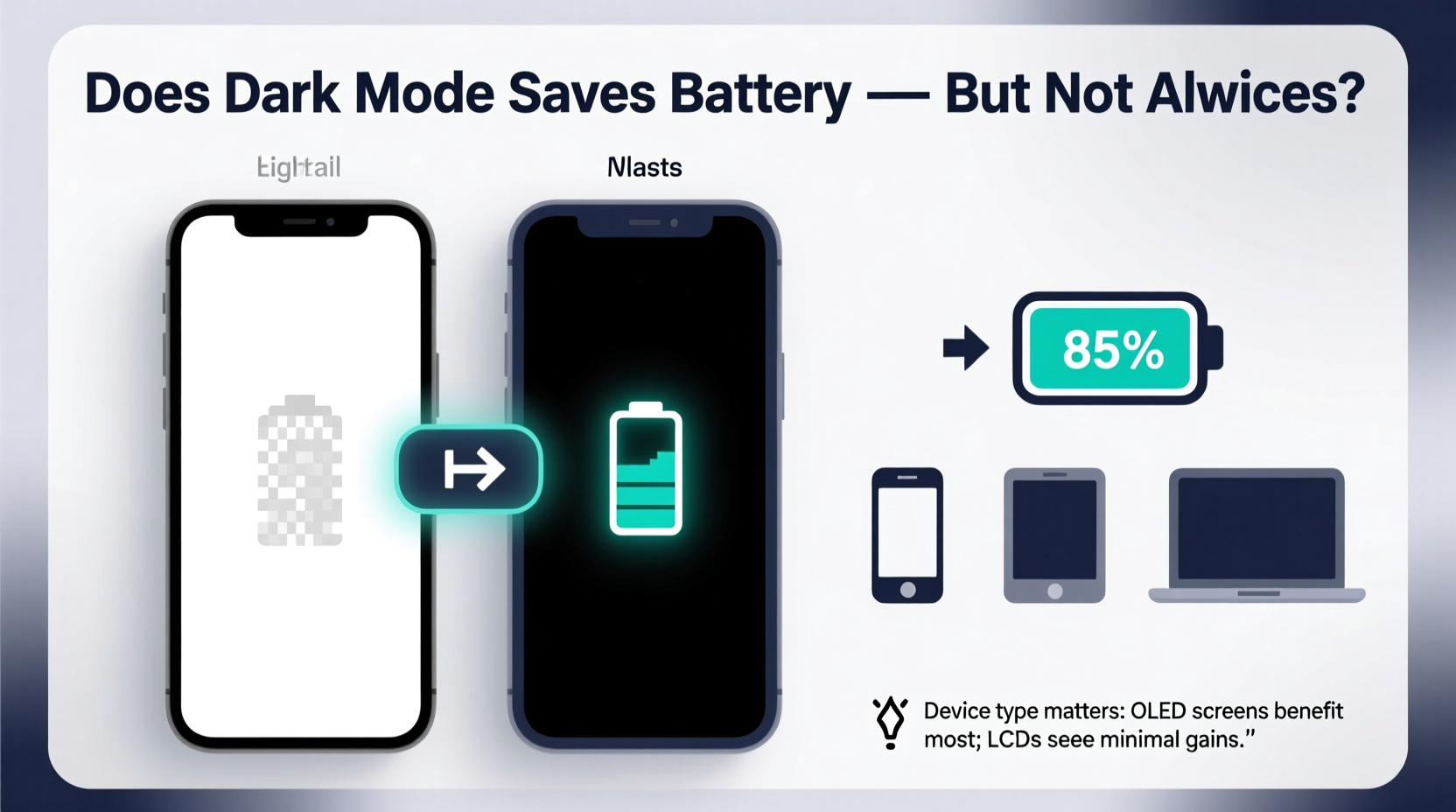
The key factor determining whether dark mode saves battery lies in the underlying screen technology: OLED (Organic Light-Emitting Diode) versus LCD (Liquid Crystal Display). These two technologies operate fundamentally differently when rendering black pixels, which directly affects power draw.
In an OLED display, each pixel produces its own light. When a pixel displays black, it turns off completely—emitting no light and consuming no power. This means that dark mode, which fills the screen with black or near-black pixels, significantly reduces energy consumption on OLED screens. In contrast, LCD panels use a constant backlight that illuminates all pixels regardless of color. Even when displaying black, the backlight remains on, so switching to dark mode offers minimal energy savings.
Comparing OLED and LCD: A Power Efficiency Breakdown
To illustrate the difference, consider a simple test conducted by Google in 2018 using a Pixel 3 XL (OLED). At 100% brightness, displaying a fully white screen consumed around 600 milliwatts (mW), while a fully black screen dropped power usage to about 90 mW—a nearly 85% reduction. The same test on an LCD-based device showed only a marginal decrease because the backlight remained active.
This dramatic disparity underscores why generalizing dark mode’s battery benefits is misleading. For example:
- OLED Devices: Samsung Galaxy S series, iPhone 12 and later, Google Pixel phones, high-end Android tablets.
- LCD Devices: Older iPhones (iPhone 11 and earlier), budget Android phones, most laptops, and many monitors.
If you're using an LCD screen, dark mode may improve visual comfort but won’t meaningfully extend battery life. However, on OLED devices, especially when browsing messaging apps, reading articles, or using navigation tools with dark interfaces, the cumulative effect over time can be substantial.
Real-World Example: Commuter Using Dark Mode Daily
Take the case of Alex, a daily commuter who spends 90 minutes on public transit using his Samsung Galaxy S23 (OLED display). He reads news, checks email, and messages friends—all within dark-themed apps. By keeping system-wide dark mode enabled, he notices a consistent 10–15% increase in battery longevity compared to weeks when he reverts to light mode. His friend Jamie, using a mid-range LCD Android phone, sees no measurable change under similar conditions. This real-world scenario highlights how hardware determines the practical benefit of dark mode.
“On OLED panels, black pixels are effectively free in terms of power. That makes dark UIs a smart design choice for efficiency.” — Dr. Lin Zhao, Display Engineer at LG Display
When Dark Mode Actually Saves Battery: Key Scenarios
Even among OLED devices, the degree of battery savings varies based on several factors. Here are the most impactful scenarios where dark mode delivers tangible energy conservation:
- High Brightness Usage: At maximum brightness, the power difference between white and black pixels is greatest. Outdoor use under sunlight often forces higher brightness, making dark mode more beneficial during daytime.
- Full-Screen Dark Content: Watching videos on YouTube or Netflix with dark backgrounds, reading e-books in night mode, or using coding editors with dark themes maximize the number of turned-off pixels.
- Frequent App Switching: Apps like WhatsApp, Telegram, Slack, and Reddit have optimized dark themes that cover most of the interface. Constant interaction amplifies energy savings over time.
- Always-On Display (AOD): Many modern phones show time, notifications, or widgets on-screen even when asleep. On OLED devices, dark mode ensures only essential pixels illuminate, preserving battery overnight.
However, if your typical screen content includes bright images, maps, or web pages with light backgrounds—even with dark mode enabled—the advantage diminishes. The operating system theme doesn't force every element dark; third-party websites and media remain unaffected unless specifically designed otherwise.
Battery Savings by Device Type: A Comparative Table
| Device Type | Display Technology | Dark Mode Battery Benefit | Average Power Reduction (Estimate) |
|---|---|---|---|
| Smartphone (Premium Android) | OLED | Significant | 30–60% |
| iPhone (12 and later) | OLED (Super Retina XDR) | Significant | 35–55% |
| Older iPhone (11 and earlier) | LCD | Negligible | 0–5% |
| Budget Android Phone | LCD | Minimal | 3–7% |
| MacBook Pro / Windows Laptop | LCD (most models) | Very Low | 0–6% |
| High-End OLED Laptop (e.g., Dell XPS OLED) | OLED | Moderate to High | 25–50% |
| Tablet (iPad, Android) | Varies: OLED rare, mostly LCD | Low (unless OLED) | 0–10% |
Note: Power reduction estimates are based on full-screen static content tests at 50–100% brightness and reflect average findings from independent lab studies and manufacturer data.
Limitations and Misconceptions About Dark Mode
Despite growing awareness, several myths persist about dark mode’s capabilities. One common misconception is that it saves battery on all devices equally. As shown, this is false. Another belief is that dark mode reduces eye strain universally—but research suggests benefits depend on ambient lighting. In well-lit environments, light mode may actually be easier on the eyes.
Additionally, some users assume that enabling dark mode system-wide will cut charging frequency. While true for heavy OLED users, those with LCD screens may see little return on investment. Worse, forcing dark mode on poorly implemented apps can lead to readability issues, counteracting usability gains.
Step-by-Step Guide: Maximize Battery Savings with Dark Mode
If you want to determine whether—and how much—dark mode helps your specific device, follow this practical sequence:
- Identify Your Display Type: Check your device specifications online. Search “[Your Device Model] display type” to confirm if it uses OLED or LCD.
- Test Battery Drain: Use your phone for a full day with dark mode off, then repeat with dark mode on. Keep usage patterns identical and monitor battery percentage at the same times each day.
- Adjust Brightness Settings: Conduct tests at both medium (50%) and high (100%) brightness to observe differences in savings.
- Use Built-In Tools: On Android, go to Settings > Battery > Battery Usage to compare app-level consumption. On iPhone, use Screen Time to analyze screen-on duration and energy impact.
- Enable Adaptive Features: Use auto-brightness and schedule dark mode during evening hours for optimal balance between comfort and efficiency.
This method allows you to collect personalized data rather than relying on general claims.
Expert Recommendations for Optimal Use
According to UX researchers at Mozilla, the ideal approach combines technical understanding with user behavior. They recommend:
- Using dark mode primarily during nighttime or low-light conditions, regardless of battery impact.
- Pairing dark mode with reduced brightness and shorter screen timeout settings for compounded energy savings.
- Supporting apps and websites that offer true black (#000000) themes rather than dark gray, which still activates OLED pixels partially.
“Dark mode isn’t a magic battery extender. It’s one tool in a larger strategy that includes brightness control, app optimization, and mindful usage.” — Sarah Kim, Senior UX Researcher at Firefox
Checklist: Is Dark Mode Worth It for Your Device?
Answer the following to assess whether dark mode will genuinely help conserve battery:
- ✅ Does your device have an OLED or AMOLED screen?
- ✅ Do you frequently use full-screen apps with dark interfaces (e.g., reading, messaging, video)?
- ✅ Do you often use your device at high brightness levels?
- ✅ Are you looking to extend battery life without reducing functionality?
- ❌ Is your screen LCD-based with a constant backlight?
If you answered “yes” to the first four and “no” to the last, dark mode is likely a worthwhile setting for battery conservation.
Frequently Asked Questions
Does dark mode save battery on iPhones?
Yes, but only on iPhone models with OLED displays—specifically iPhone X and later (iPhone 11 Pro and newer). Earlier models like the iPhone 11 use LCD screens, where dark mode provides negligible battery savings despite aesthetic improvements.
Can dark mode extend laptop battery life?
Generally, no—most laptops use LCD panels with fixed backlights. However, select premium models like the Dell XPS 13 OLED or certain Lenovo ThinkPads with OLED screens do experience meaningful battery savings in dark mode, especially when working in dark-themed IDEs or editors.
Is true black better than dark gray for saving power?
Yes, especially on OLED screens. True black (#000000) turns off pixels entirely, while dark gray still requires partial illumination. Apps and websites using pure black themes (like YouTube’s “Dark Theme” on OLED devices) deliver superior energy efficiency.
Conclusion
Dark mode does save battery—but not on all devices. Its effectiveness hinges on display technology, with OLED screens benefiting significantly and LCD screens seeing little to no improvement. Users of modern smartphones like recent Samsung Galaxy or iPhone models can expect noticeable gains, particularly when combined with high brightness or prolonged usage. However, for owners of older phones, budget devices, or most laptops, the primary advantages of dark mode remain visual comfort and reduced glare, not energy conservation.
Instead of treating dark mode as a universal battery hack, evaluate it based on your hardware and habits. Leverage it strategically where it works best, and complement it with other proven methods like lowering brightness, limiting background activity, and using battery-saving modes. With informed choices, you can optimize both screen experience and device endurance.




 浙公网安备
33010002000092号
浙公网安备
33010002000092号 浙B2-20120091-4
Comments
No comments yet. Why don't you start the discussion?