
Duplicate content is one of the most misunderstood yet impactful issues in search engine optimization. While not always a direct penalty trigger, it can severely weaken your site’s ability to rank. When search engines encounter multiple versions of the same content, they struggle to determine which page deserves visibility. This confusion leads to diluted link equity, reduced crawl efficiency, and lower overall performance in search results. Understanding what constitutes duplicate content, why it harms SEO, and how to resolve it is essential for any website owner or digital marketer.
What Exactly Is Duplicate Content?
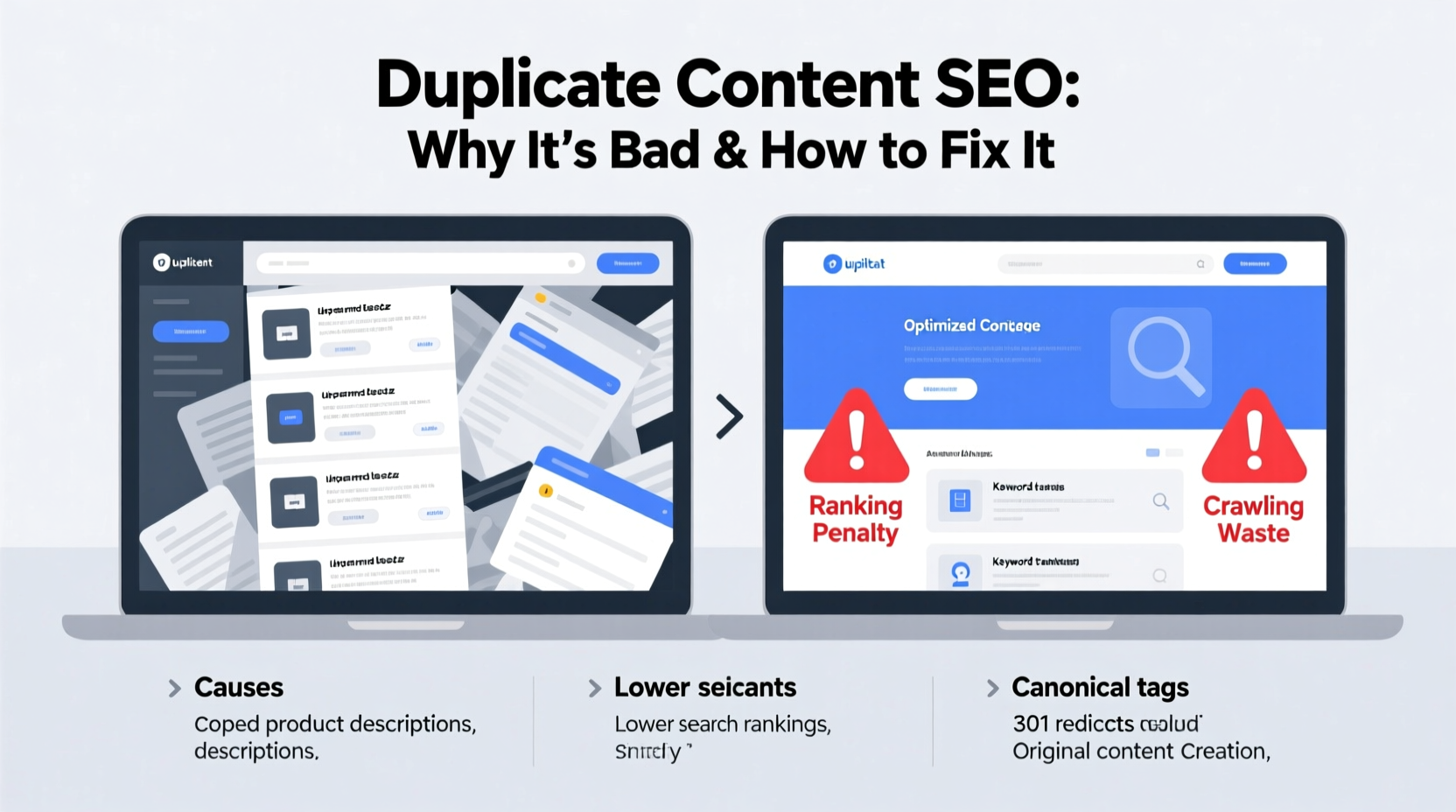
Duplicate content refers to substantial blocks of text that appear on more than one URL, either within the same website or across different domains. It doesn’t require 100% identical wording—near-duplicates with minor variations still count. Common examples include:
- E-commerce product pages with similar descriptions across variants (e.g., different colors or sizes).
- Print-friendly versions of articles accessible via separate URLs.
- HTTP and HTTPS versions of the same page both being indexable.
- www vs non-www domain versions serving identical content.
- Content syndicated across partner sites without proper attribution or canonical tags.
Google’s goal is to deliver diverse, relevant results to users. When multiple URLs serve the same information, it forces the algorithm to choose one version—or worse, split ranking signals across duplicates—diminishing the authority each page could otherwise accumulate.
Why Duplicate Content Hurts SEO
The consequences of duplicate content aren't always immediate penalties, but the long-term impact on organic performance can be significant.
Diluted Link Equity
When backlinks point to multiple versions of the same content, their collective value gets spread thin. Instead of consolidating authority on a single strong page, the signal fragments. A page with 10 high-quality links split across three duplicates gains less traction than if all links pointed to one canonical URL.
Crawl Budget Waste
Search engines allocate limited crawl resources per site. If bots spend time indexing duplicate pages, they may miss newer or more important content. This is especially problematic for large websites with thousands of pages.
Ranking Inconsistency
Google might rank a less-optimal version of your content simply because it discovered it first. For example, a printer-friendly page with no navigation or ads could outrank your main article, leading to poor user experience and lost conversions.
“Duplicate content can prevent your best pages from ranking because search engines don’t know which version to trust.” — John Mueller, Google Search Advocate
How to Fix Duplicate Content: A Step-by-Step Guide
Resolving duplicate content requires a mix of technical checks, strategic decisions, and consistent implementation. Follow this structured approach to clean up your site effectively.
- Conduct a Site Audit: Use tools like Screaming Frog, Ahrefs, or SEMrush to crawl your website and flag duplicate titles, meta descriptions, and content segments.
- Identify Primary Versions: Decide which URL should be considered the authoritative version (canonical) for each set of duplicates.
- Implement 301 Redirects: Permanently redirect duplicate URLs to the preferred version. This passes nearly all link equity and ensures users and bots land on the right page.
- Use Canonical Tags: Add
<link rel=\"canonical\" href=\"...\" />to the<head>section of duplicate pages, pointing to the original. This tells search engines which version to index. - Standardize URL Parameters: In Google Search Console, specify how parameters affect content (e.g., sorting or filtering) so crawlers don’t treat them as unique pages.
- Consolidate Thin or Redundant Pages: Merge overlapping articles into comprehensive, unique pieces. Update internal links accordingly.
- Block Unnecessary Variants: Use robots.txt or meta noindex tags for pages like session IDs, admin interfaces, or test environments.
Do’s and Don’ts: Managing Duplicate Content
| Do | Don’t |
|---|---|
| Use 301 redirects for moved or redundant pages | Rely solely on JavaScript redirects for SEO-critical paths |
| Set canonical tags on paginated series (e.g., blog/page/2) | Leave canonical tags pointing to non-existent or irrelevant pages |
| Verify both www and non-www versions in Google Search Console | Allow both HTTP and HTTPS versions to be publicly accessible without redirection |
| Regularly audit content using plagiarism checkers or SEO tools | Copy product descriptions directly from manufacturers without modification |
| Use hreflang tags correctly for multilingual sites | Ignore international duplicates that target different regions |
Real Example: E-Commerce Site Recovers Rankings
An online fashion retailer noticed declining traffic despite regular content updates. An audit revealed over 1,200 duplicate product pages created by URL parameters for size, color, and sorting options. Each variation had slight differences but shared 90% of the same description and images.
The team implemented 301 redirects for known parameter combinations and added canonical tags to remaining dynamic pages. They also configured URL parameter handling in Google Search Console to ignore sorting and filtering variables. Within eight weeks, organic traffic increased by 37%, and key product pages began ranking higher due to consolidated link equity.
Checklist: Eliminate Duplicate Content in 7 Steps
- Run a full-site crawl to detect duplicate titles and content
- Select a primary domain version (www or non-www, HTTP or HTTPS)
- Set up 301 redirects from alternate domains to the preferred one
- Add self-referencing canonical tags to all key pages
- Apply canonical tags to syndicated or republished content
- Configure URL parameters in Google Search Console
- Monitor indexing status and adjust as needed
Frequently Asked Questions
Does duplicate content result in a Google penalty?
No, Google does not issue manual penalties for duplicate content in most cases. However, it may choose to show only one version in search results, effectively penalizing others by omission. In extreme cases involving scraped or deceptive content, action may be taken under spam policies.
Can I reuse content across my own website?
Limited reuse is acceptable—for example, standard disclaimers or footer text. But avoid replicating entire articles or product descriptions. When reuse is necessary, use canonical tags to indicate the original source.
What’s the difference between canonical tags and 301 redirects?
A 301 redirect sends users and search engines permanently to another URL. A canonical tag suggests to search engines which version to index while keeping both URLs accessible. Use redirects when merging pages; use canonicals when variants must remain live (e.g., mobile/desktop versions).
Conclusion: Take Control of Your Content Integrity
Duplicate content isn’t just a technical nuisance—it’s a strategic SEO liability. Left unmanaged, it weakens your site’s authority, confuses search engines, and limits growth potential. The good news is that with the right tools and processes, it’s entirely fixable. From implementing precise canonical tags to conducting regular audits, every step you take strengthens your site’s clarity and competitiveness in search.




 浙公网安备
33010002000092号
浙公网安备
33010002000092号 浙B2-20120091-4
Comments
No comments yet. Why don't you start the discussion?