
In an age where unsolicited calls are more frequent than ever, protecting your phone number and personal privacy has become essential. From automated robocalls to sophisticated spoofing scams, unknown caller IDs pose real risks—ranging from nuisance interruptions to identity theft. Fortunately, a range of tools and strategies exist to help you take control. Whether you're dealing with persistent telemarketers or potential fraudsters, these practical solutions can significantly reduce unwanted contact and safeguard your information.
Why Caller ID Protection Matters
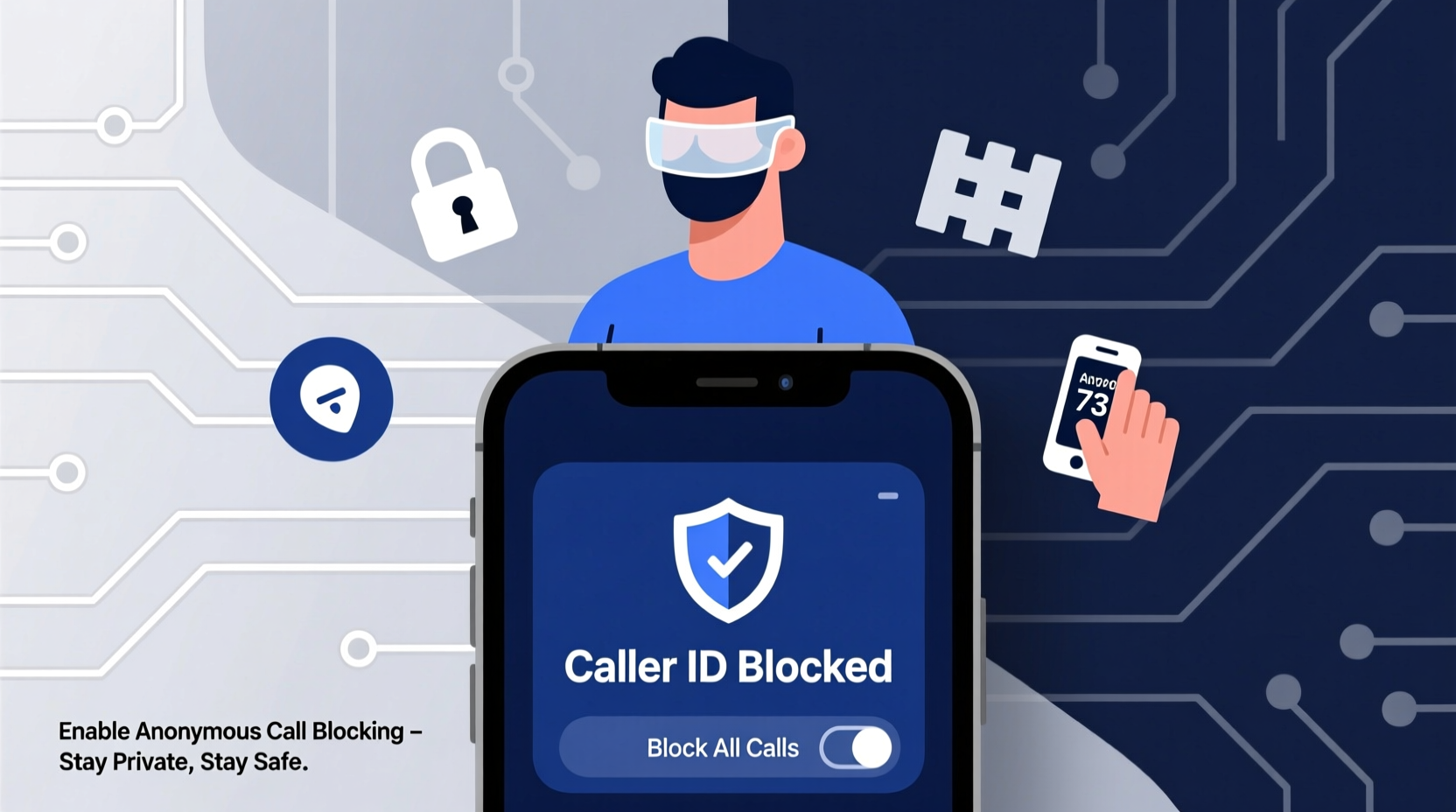
Caller ID was originally designed to enhance communication transparency. However, it has increasingly been exploited by scammers using fake or masked numbers—a practice known as \"spoofing.\" According to the Federal Trade Commission (FTC), millions of consumers report receiving scam calls each year, many of which appear to come from legitimate local numbers. This deception increases the likelihood that people will answer, making them vulnerable to phishing attempts and financial fraud.
Blocking caller ID isn’t just about avoiding annoyance—it's a critical component of digital hygiene. By controlling who sees your number and preventing unknown callers from reaching you, you reduce exposure to social engineering attacks and data harvesting schemes.
Step-by-Step Guide to Blocking Unwanted Caller IDs
Taking proactive steps to manage incoming calls ensures greater peace of mind. Follow this timeline to implement comprehensive protection:
- Register your number with the National Do Not Call Registry – Start by signing up at donotcall.gov. While this won’t stop all calls, it legally restricts most legitimate telemarketers.
- Enable built-in phone blocking features – Both iOS and Android offer native tools to silence unknown callers or send suspected spam directly to voicemail.
- Install a trusted call-blocking app – Apps like Hiya, Truecaller, or RoboKiller use crowd-sourced databases to identify and block spam numbers in real time.
- Set up carrier-level call filtering – Major carriers (AT&T, Verizon, T-Mobile) provide free or premium services such as Call Protect, Call Filter, or Scam Shield.
- Block specific numbers manually – After identifying repeat offenders, add them to your phone’s block list through settings.
- Consider hiding your caller ID when making outgoing calls – Prevent your number from being logged or reused by spammers.
This layered approach combines regulatory safeguards, technological defenses, and user control for maximum effectiveness.
Comparison of Top Call-Blocking Solutions
| Solution | Platform | Cost | Key Features | Limitations |
|---|---|---|---|---|
| Hiya | iOS, Android | Free / Premium ($3.99/mo) | Real-time spam detection, reverse lookup, SMS filtering | Premium required for full functionality |
| Truecaller | iOS, Android | Free / Premium ($5.99/mo) | Huge global database, caller ID for unknown numbers, community reporting | Data privacy concerns due to contact upload requirement |
| RoboKiller | iOS, Android | $4.99/month | Answer bots that waste scammers’ time, auto-block spam | No free version; subscription-only model |
| AT&T Call Protect | Android, iOS (carrier-dependent) | Free / Enhanced ($4/mo) | Scam identification, automatic blocking, international scam alerts | Only available for AT&T customers |
| Verizon Call Filter | Android, iOS | Free / Plus ($3.99/mo) | Spam risk tags, customizable block lists, fraud alerts | Limited advanced features without subscription |
Expert Insight on Privacy and Telephony Security
“Caller ID spoofing is one of the most underappreciated threats in personal cybersecurity. People trust their phones implicitly, but modern telephony systems are riddled with vulnerabilities that bad actors exploit daily.” — Dr. Marcus Lin, Senior Researcher at the Center for Digital Trust
Experts emphasize that no single tool offers complete protection. Instead, they recommend a defense-in-depth strategy: combining network-level filtering, device settings, and behavioral awareness. For instance, never share sensitive information over the phone unless you initiated the call and verified the recipient’s identity independently.
Mini Case Study: How One User Reduced Spam Calls by 90%
Sarah Thompson, a small business owner in Austin, Texas, was receiving over 15 suspicious calls per day—many pretending to be IRS agents or tech support representatives. Frustrated and concerned about client confidentiality, she implemented a multi-tiered response:
- She registered her number with the National Do Not Call Registry.
- Enabled “Silence Unknown Callers” on her iPhone, sending non-contacts straight to voicemail.
- Installed Truecaller to analyze incoming numbers and flag potential fraud.
- Contacted her carrier (T-Mobile) to activate Scam Shield, which blocks high-risk calls before they reach her phone.
Within three weeks, Sarah noticed a dramatic drop in unwanted calls. Her monthly average fell from 450 spam attempts to fewer than 50. More importantly, she felt safer answering calls from clients and family, knowing her system filtered out most threats automatically.
Essential Checklist for Protecting Your Caller ID Privacy
Use this checklist to ensure you’ve covered all bases in securing your phone communications:
- ✅ Register your number with the National Do Not Call Registry
- ✅ Activate built-in spam protection on your smartphone (e.g., Silence Unknown Callers, Call Screening)
- ✅ Download and configure a reputable call-blocking app
- ✅ Enable carrier-provided scam protection service
- ✅ Manually block persistent spam numbers after verification
- ✅ Disable caller ID transmission when dialing public numbers (use *67 before dialing in the U.S.)
- ✅ Avoid answering calls from completely unknown international numbers
- ✅ Educate household members or employees on phone scam red flags
Frequently Asked Questions
Can I permanently hide my caller ID on every outgoing call?
Yes, most carriers allow you to disable caller ID transmission by default. On smartphones, go to Phone Settings > Calls > Show My Caller ID and toggle it off. Alternatively, dial *67 before a number to temporarily hide your ID for that call.
Are third-party call-blocking apps safe to use?
Most reputable apps are safe, but some require access to your contacts, which raises privacy considerations. Choose apps with transparent data policies and avoid granting unnecessary permissions. Stick to well-reviewed options available through official app stores.
What should I do if a scammer has my phone number?
While having your number alone doesn’t give scammers direct access to accounts, it enables targeted phishing. Monitor for suspicious activity, avoid engaging with unknown callers, and consider using a secondary number for public registrations. You can also request a new number from your carrier if harassment persists.
Take Control of Your Communication Privacy Today
Your phone should be a tool for connection—not a vector for harassment or exploitation. With rising call volumes and increasingly sophisticated spoofing techniques, relying solely on chance or manual blocking is no longer sufficient. The methods outlined here—from regulatory registration to smart software integration—offer a robust framework for reclaiming control over who reaches you and how your identity is displayed.
Privacy isn’t passive. It requires consistent action and informed choices. By implementing even a few of these strategies, you significantly reduce your digital footprint and minimize exposure to unwanted intrusions. Don’t wait until your inbox is flooded with scam voicemails—start fortifying your caller ID defenses now.




 浙公网安备
33010002000092号
浙公网安备
33010002000092号 浙B2-20120091-4
Comments
No comments yet. Why don't you start the discussion?