
In an age where digital privacy is both a right and a vulnerability, receiving calls from blocked or private numbers has become increasingly common—and often unsettling. Whether it’s a missed opportunity, a potential scam, or someone intentionally concealing their identity, the inability to see who’s calling can be frustrating and even risky. Fortunately, there are proven, legal methods to identify and unmask these hidden callers. This guide outlines practical strategies, tools, and best practices to help you regain control over your incoming communications.
Understanding Blocked Numbers: What They Are and Why They Happen
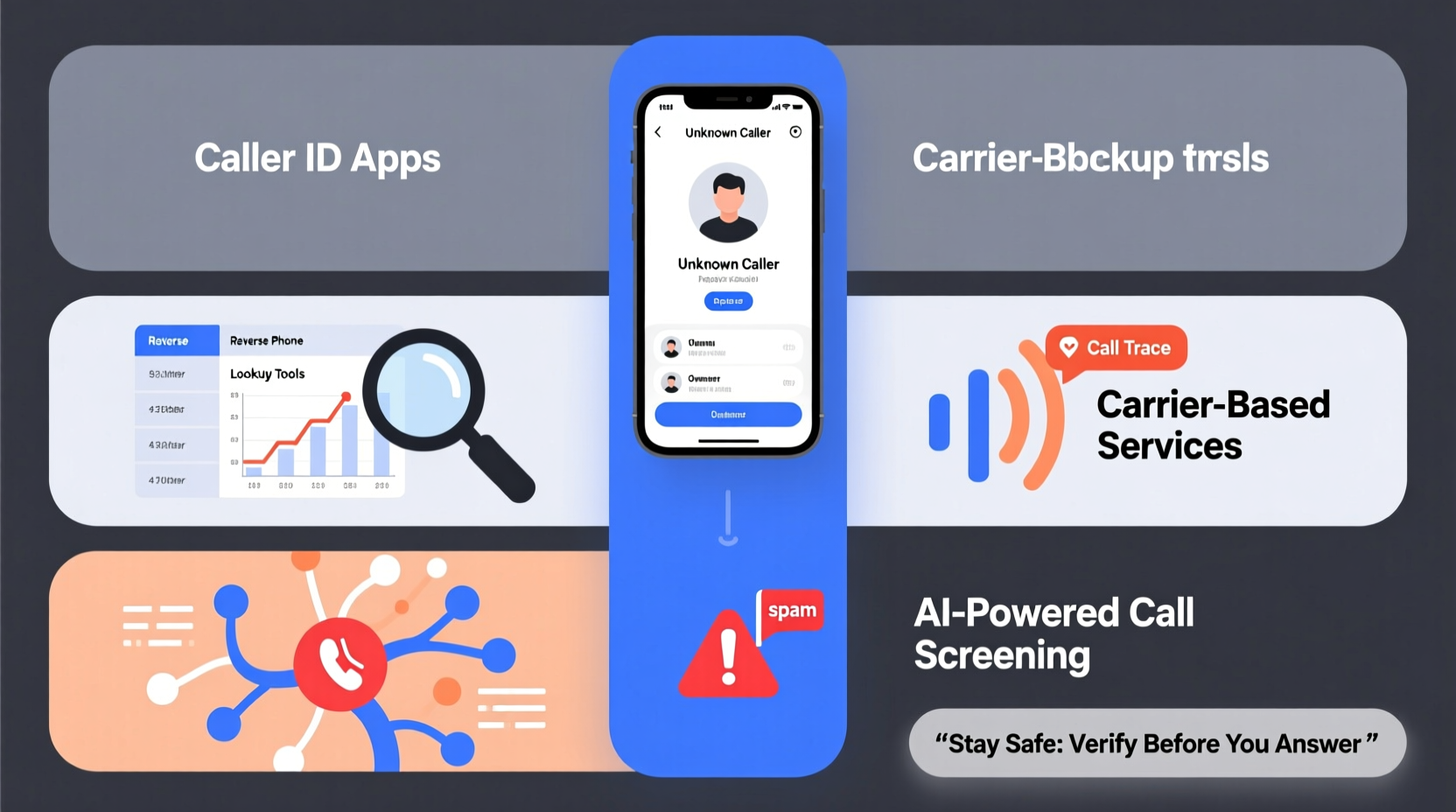
A blocked number appears as “Private,” “Unknown,” “No Caller ID,” or similar on your phone screen. Callers can block their identity through several means:
- Manual blocking per call: Dialing *67 before a number temporarily hides their ID for that single call.
- Carrier settings: Subscribers can enable permanent Caller ID blocking through their mobile provider.
- VoIP or third-party apps: Services like Google Voice, Skype, or burner apps often mask real numbers by design.
While legitimate reasons exist for blocking—such as protecting personal information—anonymous calls are also exploited by telemarketers, scammers, and harassers. Recognizing the source and intent behind a blocked call begins with understanding how the system works.
Step-by-Step Guide to Unmasking Blocked Calls
While no method guarantees 100% success due to privacy regulations and technical limitations, combining several approaches increases your chances of identifying unknown callers.
- Use Carrier-Based Call Return Services: Most major carriers offer a feature called *Call Return* or *Last Call Return*. Dialing *69 immediately after receiving a blocked call attempts to return the call automatically—even if the number was hidden. Note: This only works if the carrier supports it and the caller hasn’t used advanced blocking tools.
- Enable Anonymous Call Rejection: Many providers (like AT&T, Verizon, and T-Mobile) allow you to activate Anonymous Call Rejection (*77). When enabled, your phone will not accept calls from numbers that have blocked their ID. The caller hears a message stating the call cannot go through. This doesn’t reveal the number but prevents unwanted contact.
- Leverage Built-in Smartphone Features: Modern smartphones include spam detection and caller identification powered by crowd-sourced databases. For example:
- iOS uses Apple’s Silence Unknown Callers feature, which sends calls from unrecognized numbers directly to voicemail while logging them.
- Android devices often integrate Google’s Call Screen and Spam Protection, which analyze incoming calls in real time.
- Use Third-Party Reverse Lookup Tools: If the blocked caller leaves a voicemail or calls repeatedly, some apps may capture metadata or partial traces. Apps like TrapCall, Truecaller, or Hiya specialize in unmasking hidden numbers by routing calls through their servers or comparing patterns across user networks.
- Contact Your Phone Carrier: In cases of harassment or threats, your carrier may assist in tracing repeated anonymous calls—especially if reported formally. Law enforcement involvement may be required for full disclosure.
Top Tools and Services Compared
Different solutions suit different needs. Below is a comparison of popular tools designed to handle blocked or suspicious calls.
| Tool/Service | Functionality | Cost | Limitations |
|---|---|---|---|
| *69 (Call Return) | Returns last incoming call, including blocked ones | Free (carrier-dependent) | Not always successful; must be used immediately |
| *77 (Anonymous Call Rejection) | Blocks all calls from hidden numbers | Free | Prevents communication; doesn’t reveal identity |
| TrapCall | Unmasks blocked numbers via call forwarding | $4.95–$9.95/month | Requires setup; only works when call is answered |
| Truecaller | Identifies spam and unknown numbers using global database | Freemium model | Less effective on truly private lines; privacy concerns |
| Google Call Screen (Android) | Automatically answers suspected spam calls | Free | Only available on select Android devices |
Real Example: How One User Traced a Harassing Caller
Sarah, a small business owner in Austin, began receiving daily threatening calls from a blocked number. Initially dismissing them, she grew concerned when the messages escalated. She first tried *69 without success. Then, she activated *77 to stop further calls. When the number persisted using different VoIP lines, she contacted her carrier and filed a formal complaint. With her permission, the carrier flagged the pattern and worked with local authorities. Within two weeks, law enforcement traced the origin through IP data linked to a disposable app and identified the individual—a disgruntled former client. The case underscores the importance of persistence and knowing when to escalate.
“Repeated anonymous calls aren’t just annoying—they can be a sign of deeper issues. Document everything and involve professionals when needed.” — Lt. Marcus Reed, Cybercrime Division, Austin PD
Checklist: What to Do When You Receive a Blocked Call
Stay proactive and prepared with this actionable checklist:
- ✅ Don’t answer immediately if unsure—let it go to voicemail.
- ✅ Check if the caller left a message (some forget they’re blocked).
- ✅ Use *69 to attempt a callback (within minutes of the call).
- ✅ Enable spam filtering and silence unknown callers in phone settings.
- ✅ Install a trusted caller ID app like Truecaller or Hiya.
- ✅ Log repeated calls with date, time, and any audio evidence.
- ✅ Contact your carrier to explore blocking or tracing options.
- ✅ Report harassment to the FCC or local law enforcement if necessary.
Frequently Asked Questions
Can I permanently unblock all private numbers?
No—due to privacy laws and telecom regulations, you cannot forcibly unmask every blocked number. However, you can reject them proactively using features like *77 or smartphone settings that filter unknown callers.
Is it legal to trace a blocked number?
Yes, using legal tools like reverse lookup services or carrier-assisted tracing is permitted. However, attempting to hack or spoof systems to reveal identities is illegal. Always follow ethical and lawful procedures.
Why does a blocked number sometimes show up later?
If a caller forgets to re-enable blocking or switches devices, their real number may appear on subsequent calls. Additionally, some VoIP services fail to maintain anonymity across sessions, especially if logged out or improperly configured.
Best Practices for Ongoing Protection
Prevention is more effective than reaction. Consider adopting long-term habits to minimize exposure to unwanted anonymous calls:
- Limit public sharing of your number: Avoid posting your phone number on public websites or social media profiles.
- Use secondary numbers for online forms: Services like Google Voice let you provide a temporary number that forwards to your main line.
- Update spam filters regularly: Ensure your phone’s operating system and security apps are up to date.
- Educate household members: Teach family members, especially children and seniors, not to share personal info with unknown callers.
Conclusion
Blocked numbers don’t have to remain a mystery. By combining carrier services, smartphone intelligence, and third-party tools, you can significantly improve your ability to identify and respond to hidden callers. While complete transparency isn’t always possible, awareness, preparation, and timely action reduce risks and restore confidence in your communication environment. Stay vigilant, document suspicious activity, and don’t hesitate to seek professional help when needed.




 浙公网安备
33010002000092号
浙公网安备
33010002000092号 浙B2-20120091-4
Comments
No comments yet. Why don't you start the discussion?