
In an age where digital privacy is increasingly fragile, controlling how much personal information you reveal during everyday actions—like making a phone call—has become essential. Whether you're reaching out to a business contact, avoiding spam callbacks, or simply protecting your identity in sensitive situations, knowing how to make a call without displaying your number is a valuable skill. This guide explores practical, tested techniques across smartphones, landlines, and third-party services that allow you to maintain anonymity while staying connected.
Understanding Caller ID and Number Masking
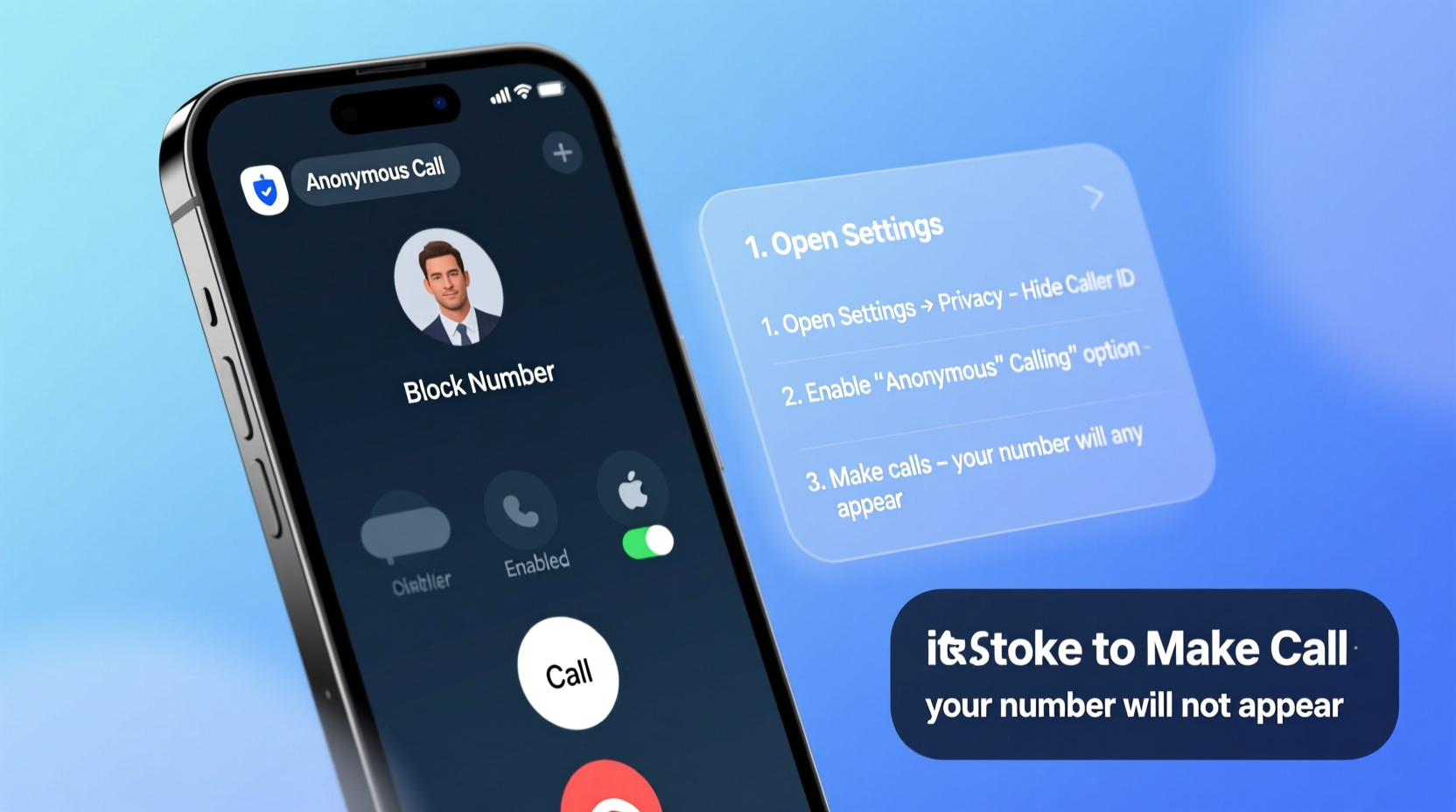
Caller ID is the feature that displays your phone number (and sometimes your name) on the recipient’s device when you make a call. While useful for transparency, it can compromise privacy. Fortunately, most telecom systems allow users to suppress this information temporarily or permanently through various built-in and external tools.
Number masking refers to the act of hiding your real phone number during communication. It doesn’t require advanced technical knowledge and is supported by carriers, operating systems, and apps worldwide. The effectiveness depends on your device type, carrier policies, and geographic region—but several universal strategies work across platforms.
Method 1: Use Built-In Dialer Codes
One of the simplest and most widely accessible ways to hide your number is by using dialer codes—short sequences entered before a phone number. These work on both mobile and landline devices in many regions.
The most common code is *67, which temporarily disables caller ID for a single call:
- Open your phone’s dialer app.
- Type
*67followed by the full phone number (e.g.,*675551234567). - Press call.
- The recipient will see “Private Number,” “Blocked,” or “Unknown” instead of your digits.
This method works on iOS, Android, and traditional landlines in the U.S., Canada, and several other countries. However, it must be repeated for every call and may not function internationally or with toll-free numbers.
“Dialer codes like *67 are still among the most reliable tools for immediate caller ID suppression—no app needed.” — David Lin, Telecommunications Analyst at NetVoice Labs
Method 2: Configure Permanent Caller ID Settings
If you frequently need to make private calls, adjusting your phone settings to block your number by default saves time and ensures consistency.
On iPhone (iOS)
- Go to Settings.
- Select Phone.
- Tap Show My Caller ID.
- Toggle it to Off.
On Android Devices
- Open the Phone app.
- Tap the three-dot menu and go to Settings.
- Select Caller ID or Additional Settings.
- Choose Hide number or Don’t show my number.
Note: Carrier support varies. Some providers require you to request this feature via customer service, especially if the option isn’t visible in settings.
Method 3: Use Third-Party Calling Apps
Dedicated calling apps offer robust anonymity features, often with additional benefits like low-cost international rates, voicemail transcription, and encrypted lines.
Popular options include:
- Google Voice: Assigns you a secondary U.S.-based number. You can choose whether to display your linked number or the Google Voice number when calling.
- TextNow: Provides free VoIP calls over Wi-Fi using a virtual number. Your real number remains hidden unless manually shared.
- Dingtone: Offers disposable numbers and one-time calling credits ideal for short-term use.
- Line2: Designed for professionals needing multiple lines with customizable caller ID settings.
These apps route calls through the internet, bypassing traditional cellular networks and masking your identity effectively—even across borders.
Method 4: Utilize Carrier-Based Anonymous Calling Services
Many telecom providers offer subscription-based services to block your number on all outgoing calls. These are more reliable than temporary codes and apply system-wide.
Examples include:
- AT&T Call Privacy: Blocks your number on every call unless overridden with *82 (to unblock temporarily).
- Verizon Private Number: Allows customers to enable permanent caller ID suppression through account settings or by calling customer service.
- T-Mobile Hide My Number: Available via the T-Mobile app under “Privacy Settings.”
To activate these services:
- Contact your carrier’s customer support or log into your online account.
- Search for “caller ID blocking” or “anonymous calling.”
- Enable the setting and confirm changes.
- Test by calling a trusted contact to ensure your number appears as “Private” or “Restricted.”
Comparison of Anonymity Methods
| Method | Device Compatibility | Persistence | Cost | Best For |
|---|---|---|---|---|
| *67 Dial Code | All phones (U.S./Canada) | Per-call only | Free | Occasional use, quick privacy |
| Phone Settings | iOS, Android, Landline | Permanent until changed | Free | Frequent anonymous callers |
| Carrier Service | Depends on provider | System-wide | Often free or small monthly fee | Business users, long-term needs |
| Third-Party Apps | Smartphones, tablets | App-specific | Free to premium tiers | International calls, extra features |
Real-World Scenario: Protecting Personal Identity During Job Hunting
Sophia, a marketing professional relocating from Chicago to Seattle, began networking with recruiters and hiring managers. She didn’t want to share her personal cell number widely, fearing unwanted follow-ups or data leaks.
She used Google Voice to create a professional secondary number linked to her Gmail. All outbound calls displayed her new number—not her personal one. When employers called back, they reached her via the app, which forwarded seamlessly to her phone. After securing a job, she deactivated the number, leaving her primary line untouched and secure.
This approach gave her control, maintained professionalism, and minimized exposure—all without technical complexity.
Checklist: How to Make a Call Without Showing Your Number
- ✅ Determine whether you need temporary or permanent number hiding.
- ✅ Try
*67 + [number]for one-off anonymous calls (U.S./Canada). - ✅ Disable “Show My Caller ID” in your phone settings for ongoing privacy.
- ✅ Contact your carrier to enable system-wide caller ID blocking.
- ✅ Install a trusted VoIP app like Google Voice or TextNow for flexible, app-based anonymity.
- ✅ Test each method by calling a friend or using a secondary device to verify results.
- ✅ Avoid sharing personal numbers on public forums or job boards.
Frequently Asked Questions
Will the recipient know I’m calling from a hidden number?
Yes, most phones display “Private,” “Blocked,” or “Unknown Caller” when caller ID is suppressed. The recipient will know someone is calling but won’t see your number unless they have premium call-tracing services.
Can emergency services trace my location if I call with a hidden number?
In most countries, emergency calls (e.g., 911) automatically reveal your number and approximate location—even if caller ID is blocked—for public safety reasons. This applies regardless of method used.
Do anonymous calling methods work internationally?
Not always. Dial codes like *67 are North America-specific. In the UK, for example, users dial 141 before a number to hide their ID. Always research local equivalents when traveling or calling abroad.
Final Thoughts and Action Steps
Making a call without revealing your number is not just about secrecy—it’s about control. Whether you’re shielding yourself from telemarketers, managing professional boundaries, or safeguarding your identity during sensitive conversations, the right method can make a meaningful difference.
Start by testing one technique—like using *67 or disabling caller ID in settings—and build from there. Combine tools as needed: use a VoIP app for job searches, carrier blocking for daily privacy, and dial codes when you need fast, no-setup solutions.




 浙公网安备
33010002000092号
浙公网安备
33010002000092号 浙B2-20120091-4
Comments
No comments yet. Why don't you start the discussion?