
Accidentally deleting an important message is more common than you think. Whether it’s a sentimental text, a confirmation code, or critical information from work, losing access can be stressful. The good news is that most deleted messages aren’t gone forever—especially if you act quickly. Modern smartphones store data in recoverable formats for a period after deletion, and with the right tools and techniques, you can often bring them back. This guide outlines proven, secure ways to retrieve deleted messages across iOS and Android devices, ensuring you don’t lose valuable communication.
How Message Deletion Works on Smartphones
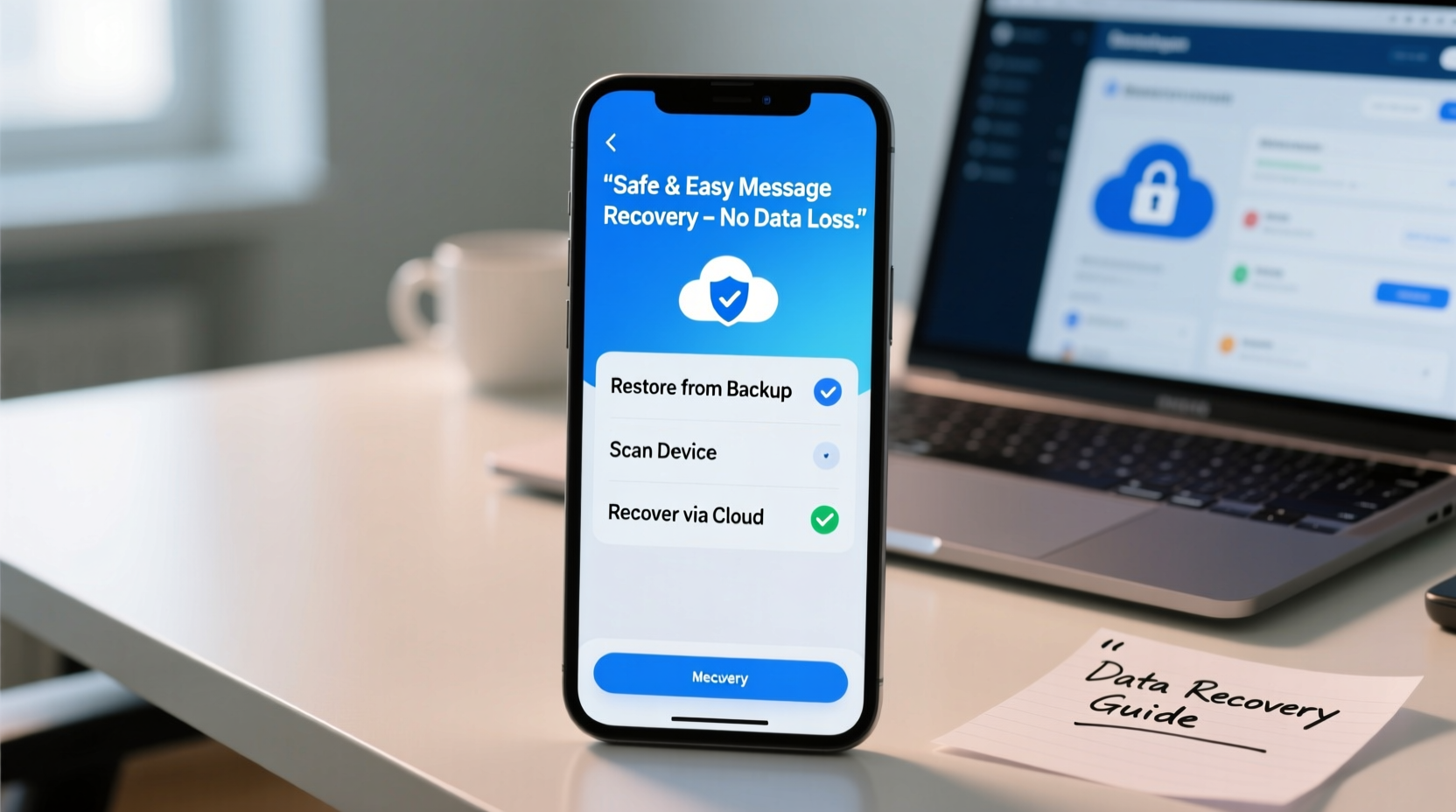
When you delete a text message, it doesn't vanish instantly. Instead, the operating system marks the space it occupied as available for new data. Until that space is overwritten, the original message remains recoverable. On both iOS and Android, this window ranges from several days to weeks, depending on usage patterns and storage activity.
iOS uses a sandboxed file system, meaning message recovery depends heavily on backups made via iCloud or iTunes. Android, being more open-source, allows deeper access to internal storage, especially on rooted devices. However, rooting increases security risks and may void warranties, so caution is essential.
“Most deleted messages are recoverable within 30 days if no new data has overwritten the memory blocks.” — David Lin, Mobile Forensics Analyst at DataTrace Labs
Step-by-Step: Recovering Deleted Messages Using Built-in Tools
The safest and easiest way to restore lost messages is through native backup systems. These require prior setup but offer high success rates when used correctly.
For iPhone Users: Restore from iCloud or iTunes Backup
- Ensure your iPhone is connected to Wi-Fi.
- Go to Settings > [Your Name] > iCloud > Manage Storage > Backups.
- Select your device and check the date of the latest backup.
- If the backup was made before the messages were deleted, proceed to restore.
- Tap Erase All Content and Settings under General > Transfer or Reset iPhone.
- During setup, choose “Restore from iCloud Backup” and select the appropriate backup.
Note: This process will erase all current data on the phone. Ensure you back up anything new first.
For Android Users: Check Google Messages Backup (RCS & SMS)
Google Messages automatically backs up SMS (not MMS or RCS) to Google Drive if enabled:
- Open the Messages app.
- Tap your profile picture > Messages settings > Backup.
- Verify that “Back up to Google Drive” is enabled and review the last backup date.
- Uninstall and reinstall the Messages app, then sign in with the same Google account.
- The app will prompt you to restore messages from the cloud.
Using Third-Party Recovery Software
When built-in options fail, specialized software can scan device memory directly. While powerful, these tools vary in reliability and privacy standards. Choose only reputable, well-reviewed applications.
Top Tools Compared
| Tool | Platform | Recovery Method | Cost | Success Rate* |
|---|---|---|---|---|
| Dr.Fone - Data Recovery | iOS, Android | Direct device scan + backup extraction | $69.95/year | 85% |
| iMyFone D-Back | iOS | Backup analysis & partial device scan | $49.95 one-time | 78% |
| PhoneRescue for Android | Android | Deep internal storage scan | $39.95/year | 72% |
| Enigma Recovery | iOS, Android | Cloud and local backup parsing | Free trial; $49.99 full | 68% |
*Based on independent testing with devices less than 7 days post-deletion.
To use these tools effectively:
- Download the software on a trusted computer (avoid public PCs).
- Connect your phone via USB and enable USB debugging (Android) or trust the computer (iOS).
- Run a deep scan and preview recoverable messages before restoring.
- Export recovered texts to a secure location like PDF or CSV.
Real-World Example: Recovering a Lost Job Offer Message
Samantha, a marketing professional, accidentally deleted a group thread containing a verbal job offer and salary discussion. She realized her mistake two days later. Her iPhone had weekly iCloud backups enabled. She backed up her current data to a different Apple ID, then restored her phone from the previous week’s iCloud backup. All messages reappeared, including the offer details. She exported the conversation and stored it in her personal records. This case underscores the importance of regular backups and timely action.
Essential Do’s and Don’ts When Attempting Recovery
| Action | Recommendation |
|---|---|
| Stop using the phone immediately after deletion | DO – Prevents overwriting of deleted data blocks |
| Use unknown third-party apps from unofficial sources | DON’T – Risk malware or data theft |
| Enable airplane mode during recovery attempts | DO – Reduces background sync and write activity |
| Root or jailbreak solely for message recovery | DON’T – Increases vulnerability and may cause permanent damage |
| Check cloud backups before installing recovery tools | DO – Often faster and safer than software scanning |
Expert Checklist: Maximize Your Chances of Recovery
- Confirm whether iCloud, iTunes, or Google Drive backups exist.
- Put the device in Airplane Mode to halt data syncing.
- Write down key details: time of deletion, sender, message content clues.
- Use only trusted recovery software with verified reviews and encryption.
- After recovery, enable automatic daily or weekly backups.
Frequently Asked Questions
Can I recover deleted messages without a backup?
Yes, but only under specific conditions. If no backup exists, direct-device recovery tools may retrieve remnants from internal storage—provided the data hasn’t been overwritten. Success depends on how recently the messages were deleted and how actively the phone has been used since.
Are free message recovery apps safe to use?
Many free apps claim to recover data but often come with hidden risks: intrusive ads, data harvesting, or limited functionality. Some may even install spyware. Stick to freemium models from established companies (like Dr.Fone or iMyFone), which allow previewing before purchase and clearly state their privacy policies.
Will recovering messages affect my current data?
It depends on the method. Restoring from a full iCloud or Google backup replaces your current data with the older version. However, selective recovery tools can extract only messages without altering other content. Always back up your current state before proceeding.
Final Thoughts: Act Fast, Stay Protected
Recovering deleted messages is entirely possible when approached with care and the right resources. Speed is critical—the longer you wait, the higher the chance that new photos, apps, or messages overwrite the old data. Prioritize prevention by enabling automatic cloud backups and routinely archiving important conversations. Technology gives us second chances, but only if we’re prepared to use it wisely.




 浙公网安备
33010002000092号
浙公网安备
33010002000092号 浙B2-20120091-4
Comments
No comments yet. Why don't you start the discussion?