
In today’s digital landscape, social media platforms like X (formerly Twitter) are prime targets for cybercriminals. Whether your account has been hijacked through phishing, malware, or unauthorized access, losing control can be both distressing and damaging—especially if you use the platform for professional branding, communication, or community engagement. The good news is that with swift action and a structured approach, most accounts can be recovered and secured. This guide outlines proven methods to break free from unauthorized access and reclaim full ownership.
Step 1: Recognize the Signs of Compromise
Before initiating recovery, it’s essential to confirm that your account has indeed been compromised. Common indicators include:
- Unfamiliar tweets, direct messages, or follows appearing on your profile.
- Inability to log in despite using the correct password.
- Email notifications about password changes or login attempts from unknown locations.
- Your profile information (bio, display name, or email) being altered without your consent.
- Followers reporting spam or suspicious links sent from your account.
If any of these apply, assume your account is no longer under your control and act immediately. Delay increases the risk of permanent damage, including impersonation, data theft, or suspension due to policy violations committed by the intruder.
Step 2: Initiate Account Recovery Through Official Channels
X provides an official account recovery process designed specifically for situations where access has been lost. Follow this sequence precisely:
- Go to x.com/login/error or click “Forgot password?” on the login screen.
- Enter your associated email address, phone number, or username.
- Select “I can’t access my account” after entering your credentials.
- Choose the option that best describes your situation (e.g., “My account was suspended,” “I’ve been locked out,” or “Someone else is using my account”).
- Follow the prompts to verify your identity via email, SMS, or two-factor authentication (if still accessible).
If successful, you’ll regain access and should immediately change your password and enable additional security features.
When Standard Recovery Fails
Sometimes, attackers change the recovery email or phone number linked to your account. In such cases, standard recovery won’t work. You must submit a manual appeal through X’s support form for hacked accounts.
“Account takeovers are among the fastest-growing threats in social media. Immediate reporting to platform support significantly improves recovery odds.” — Dr. Lena Patel, Cybersecurity Analyst at Digital Trust Institute
Step 3: Submit a Hacked Account Report to X Support
To escalate your case, complete the official Hacked or Compromised Account Form available at help.x.com/forms/hacked. Provide accurate details, including:
- Your original email and phone number linked to the account.
- A description of when you noticed the compromise.
- Any previous usernames or passwords (if remembered).
- Proof of ownership, such as screenshots of past posts, DMs, or verification emails.
X reviews these reports manually, and response times vary—typically between 24 hours and 7 days. Avoid submitting multiple requests, as this may slow down processing.
What Increases Your Chances of Success?
| Do’s | Don’ts |
|---|---|
| Provide historical account details (early tweets, follower count trends) | Submit false or misleading information |
| Attach verifiable proof (screenshots, archived content) | Use third-party tools claiming to “hack back” your account |
| Be concise and factual in your explanation | Threaten or use aggressive language in communications |
| Verify all contact info matches original setup | Wait more than 48 hours before following up once |
Step 4: Secure Your Account After Regaining Access
Recovery is only half the battle. Without immediate hardening, reinfection is likely. Execute the following checklist without delay.
Security Reinforcement Checklist
- Change your password to a strong, unique one not used elsewhere.
- Update recovery email and phone number to trusted, secure contacts.
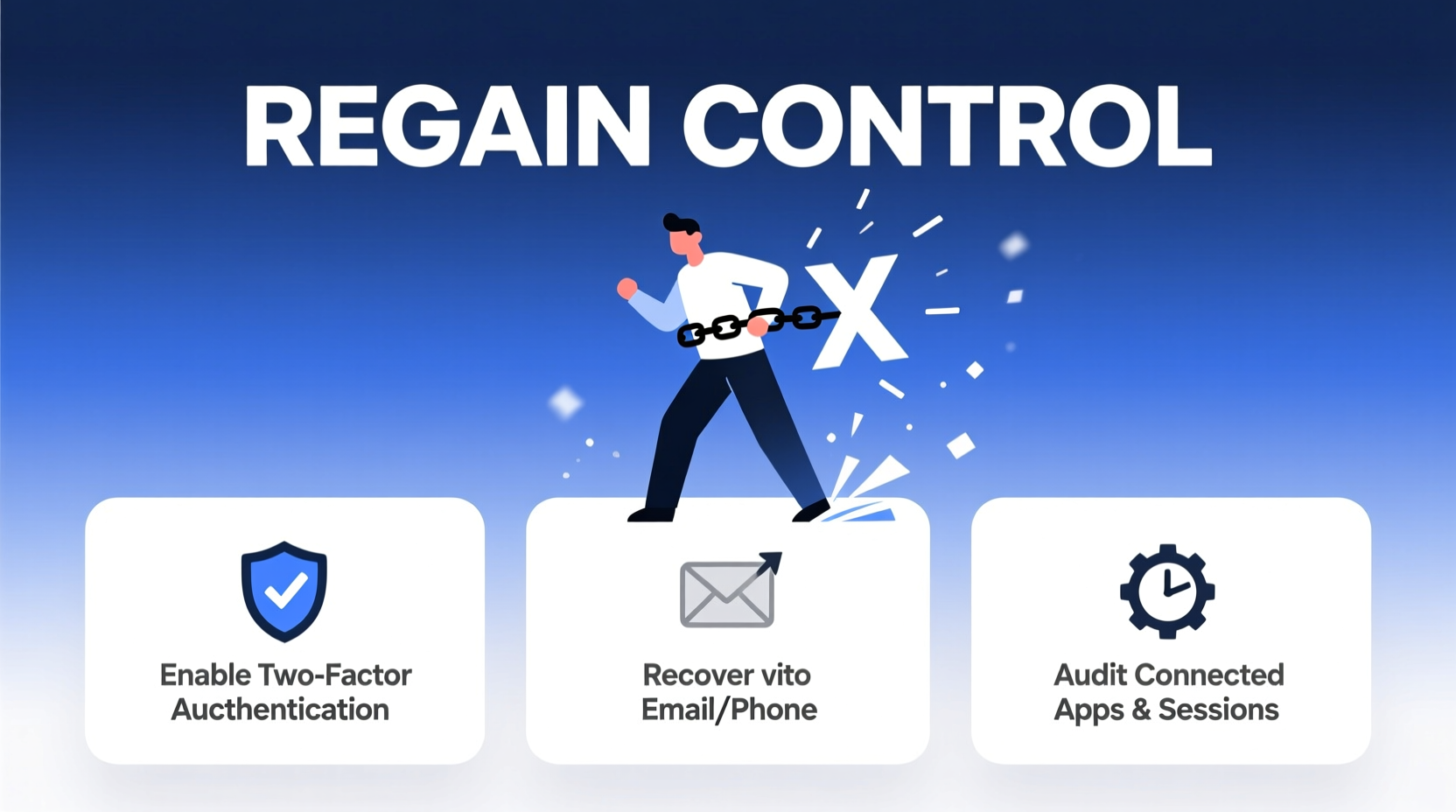
- Enable two-factor authentication (2FA) using an authenticator app (e.g., Google Authenticator or Authy), not SMS if possible.
- Review connected apps and revoke access to any unrecognized third parties.
- Check browser sessions and log out of all devices except your current one.
- Scan your devices for malware using reputable antivirus software.
- Notify followers that your account was compromised and advise them to ignore suspicious messages sent during the breach.
Additionally, consider enabling login notifications so you’re alerted whenever a new device accesses your account.
Real Example: Recovering a Hijacked Professional Account
Jamal, a freelance journalist with 42,000 followers, found his X account posting cryptocurrency scams. He couldn’t log in—the password had been changed, and the recovery email was updated to an unfamiliar address. He immediately went to X’s hacked account form and submitted detailed proof: a screenshot of his earliest tweet, a copy of a verification email from 2018, and a list of five journalists he frequently interacted with.
Within 72 hours, X support responded, requesting additional verification. Jamal provided a government ID matching his display name and a recent article linking to his profile. His account was restored four days later. He reset all credentials, enabled 2FA via Authy, and published a public statement warning followers about the scam messages. No further incidents occurred.
Frequently Asked Questions
Can I recover my X account if the hacker changed my email and username?
Yes, but you must go through X’s manual recovery process. Proof of original ownership—such as old emails, tweets, or verification documents—greatly improves your chances.
How long does X take to respond to hacked account reports?
Most users receive a response within 1–5 business days. High-profile or well-documented cases may be processed faster.
Is it safe to use SMS for two-factor authentication?
SMS is better than nothing, but it's vulnerable to SIM-swapping attacks. Use an authenticator app or hardware key for stronger protection.
Conclusion: Reclaim Control and Stay Protected
Losing access to your X account doesn’t have to be permanent. With prompt action, accurate documentation, and adherence to X’s recovery protocols, regaining control is achievable in most cases. The key lies in speed, precision, and post-recovery vigilance. Don’t wait until your next login attempt fails—proactively strengthen your account now. Enable 2FA, audit connected apps, and store recovery codes securely. Your digital presence is valuable; treat its security as non-negotiable.




 浙公网安备
33010002000092号
浙公网安备
33010002000092号 浙B2-20120091-4
Comments
No comments yet. Why don't you start the discussion?