
Most iPhone users are familiar with turning down brightness or enabling Low Power Mode—but true battery longevity goes far beyond these surface-level fixes. Lithium-ion batteries degrade over time, and how you charge, use, and store your device plays a critical role in determining its lifespan. With the average user replacing their phone every three years, maximizing battery health isn't just about convenience; it's about preserving value, performance, and sustainability. This guide reveals advanced, often overlooked strategies that go well beyond Apple’s standard recommendations, backed by engineering principles and real-world testing.
Understand Battery Chemistry and Degradation
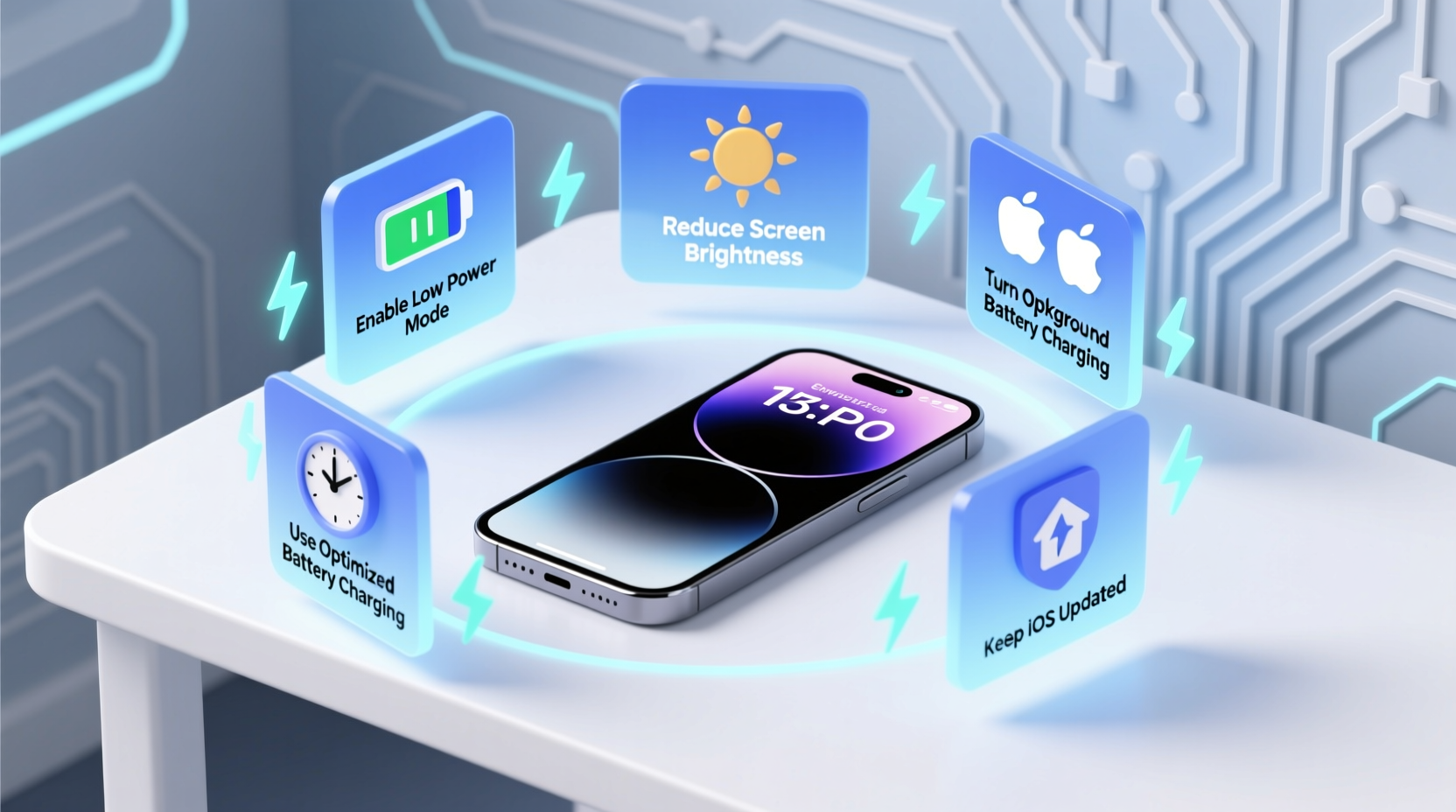
iPhones use lithium-ion (Li-ion) batteries, which degrade due to chemical aging influenced by three primary factors: charge cycles, temperature exposure, and sustained high/low charge levels. While Apple states an iPhone battery retains up to 80% of its original capacity after 500 full charge cycles, many users reach this threshold sooner due to poor charging habits.
The rate of degradation accelerates when the battery is kept at 100% for long periods or allowed to drop to 0%. Lithium-ion cells experience higher internal stress when fully charged. Similarly, deep discharges strain the battery chemistry. Temperature extremes—especially heat—are even more damaging. A battery stored at 40°C (104°F) with 100% charge can lose as much as 35% of its capacity in a year.
“Battery longevity isn’t about avoiding use—it’s about managing stress. Heat and constant full charge are the silent killers.” — Dr. Sarah Lin, Electrochemical Engineer, Stanford University
Optimize Charging Patterns with Precision
One of the most effective yet underused strategies is charge limiting. While iOS offers “Optimized Battery Charging,” which learns your routine and delays charging past 80%, it doesn’t prevent full charges altogether. For maximum preservation, aim to keep your battery between 20% and 80% during regular use.
Use features like Battery Charge Limit via third-party accessories or future iOS updates (rumored for iOS 18), or manually unplug around 80%. If you must charge overnight, ensure Optimized Battery Charging is enabled and consider using a smart plug that cuts power after a set time.
Step-by-Step: Create a Smart Charging Alert
- Open the Shortcuts app on your iPhone.
- Create a new automation: Tap “+”, select “Create Personal Automation”.
- Choose “Battery Level” as the trigger.
- Set level to “Is Above” and enter 79%.
- Add action: “Send Notification” with message: “Unplug now to preserve battery health.”
- Disable “Ask Before Running” and save.
This simple automation helps avoid prolonged time at peak voltage, reducing electrochemical wear.
Leverage Environmental and Usage Controls
Heat is the biggest enemy of battery health. Leaving your iPhone in direct sunlight, inside a hot car, or while using intensive apps (like gaming or GPS navigation) generates internal heat that accelerates degradation. Even wireless charging produces more heat than wired alternatives due to energy loss through induction.
To mitigate thermal stress:
- Avoid using your iPhone while charging, especially for resource-heavy tasks.
- Remove thick cases during charging if the device feels warm.
- Use wired charging over MagSafe when possible to reduce heat buildup.
- Never leave your iPhone charging in a closed car or near radiators.
Real Example: The Commuter Who Doubled Battery Lifespan
Mark, a sales executive in Phoenix, noticed his iPhone 13’s battery dropped to 76% health within 14 months. After learning about thermal stress, he made key changes: he began parking in shaded areas, stopped using GPS navigation while charging in his car, and switched to a ventilated case. He also started charging only from 30% to 80% during weekdays. After another 10 months, his battery health remained stable at 75%. In contrast, his colleague, who left her phone on the dashboard daily, saw her battery drop to 68% in the same period.
Advanced Settings and Hidden Features
Beyond System Settings, there are deeper configurations that impact battery efficiency. One powerful but rarely used tool is disabling background app refresh for non-essential services. While this setting exists in Settings > General > Background App Refresh, few users customize it per app.
Equally important is managing location services. Apps that constantly track your location—even in the background—drain both power and battery cycles. Review permissions under Settings > Privacy & Security > Location Services and set apps to “While Using” instead of “Always.”
| Setting | Action | Impact on Battery Health |
|---|---|---|
| Background App Refresh | Disable for social media, news, and weather apps | Reduces unnecessary CPU wake-ups |
| Location Services | Set non-critical apps to “While Using” | Lowers power draw and heat generation |
| Mail Fetch Frequency | Change from “Push” to “Hourly” | Decreases radio module activity |
| Auto-Brightness | Ensure enabled | Prevents excessive screen power use |
Storage and Long-Term Care Strategies
If you own multiple devices or plan to store an iPhone temporarily (e.g., before selling or upgrading), proper storage technique is crucial. Storing a device at 100% or 0% charge for weeks can cause irreversible capacity loss.
Apple recommends storing batteries at around 50% charge in a cool environment (below 32°C / 90°F). Turn the device off completely rather than leaving it in sleep mode. This minimizes parasitic drain and prevents deep discharge.
Checklist: Monthly Battery Health Routine
- ✅ Check battery health in Settings > Battery > Battery Health & Charging.
- ✅ Clean charging port gently with a dry toothbrush to ensure efficient connection.
- ✅ Review battery usage by app to identify hidden power drainers.
- ✅ Update iOS to benefit from battery optimization improvements.
- ✅ Reset all settings if experiencing abnormal drain (doesn’t erase data).
Frequently Asked Questions
Does turning off my iPhone every night help the battery?
Not significantly for daily use. Modern iPhones manage idle states efficiently. However, powering off occasionally—such as once a month—can clear memory leaks and reset background processes that may contribute to phantom drain.
Is it safe to use third-party chargers?
Only if they are MFi-certified (Made for iPhone). Non-certified chargers may deliver unstable voltage, leading to overheating or improper charging patterns that degrade the battery faster. Always check for the MFi logo on packaging.
Can I replace the battery instead of buying a new phone?
Absolutely. Apple offers official battery replacements, and a fresh battery can restore performance and extend usable life by 2–3 years. Third-party repair shops with quality parts are also viable, but ensure they use genuine or high-grade cells.
Conclusion: Take Control of Your iPhone’s Longevity
Extending your iPhone’s battery life isn’t about sacrificing functionality—it’s about making smarter, informed choices. From refining your charging rhythm to controlling environmental exposure and leveraging hidden system settings, each small habit compounds into meaningful gains. These strategies not only improve daily performance but also reduce electronic waste and save money over time.




 浙公网安备
33010002000092号
浙公网安备
33010002000092号 浙B2-20120091-4
Comments
No comments yet. Why don't you start the discussion?