
In an increasingly visual world, photos have become more than memories—they’re digital fingerprints. Whether you're trying to reconnect with a long-lost friend, identify a person in a public photo, or verify someone’s identity online, a single image can be the key. With the right approach, it's possible to locate someone using only a photograph. This guide walks through proven, ethical, and practical methods to help you conduct a successful search while respecting privacy and legal boundaries.
Understanding Reverse Image Search
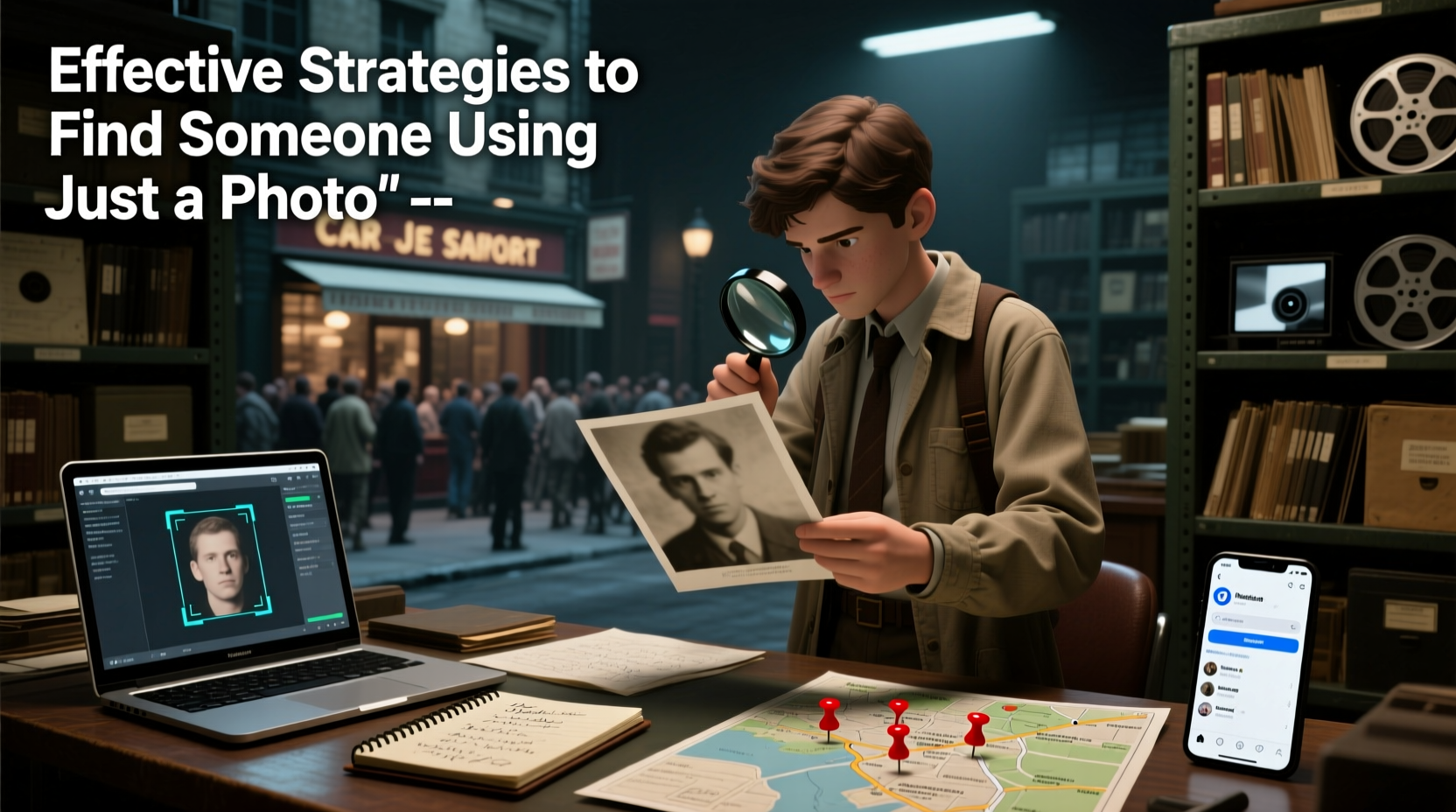
Reverse image search is the foundation of any visual investigation. Instead of typing keywords into a search engine, you upload or paste an image, and the tool finds visually similar or identical results across the web. Major platforms like Google, Bing, and Yandex offer powerful reverse image search capabilities that scan indexed images from social media, news sites, forums, and public databases.
The technology works by analyzing unique visual features—color patterns, shapes, textures, and composition—to create a digital signature. Even if the image has been resized, cropped, or slightly edited, these systems can often still match it to original sources.
Step-by-Step Guide to Finding Someone Using a Photo
- Prepare the Image: Save the photo to your device. Ensure it's clear and contains a recognizable face or distinctive feature (e.g., clothing, background, tattoos).
- Use Google Lens or Google Images: Go to images.google.com, click the camera icon, and upload the image or paste its URL. Review the “Pages that include matching images” section for potential leads.
- Try Alternative Engines: Cross-check results with Bing Visual Search and Yandex.Images. Yandex is particularly effective with faces and often outperforms Google in facial recognition accuracy.
- Analyze Social Media Platforms: Manually search Instagram, Facebook, Twitter, and TikTok using visual clues from the photo (clothing, location signs, landmarks). Some platforms allow limited reverse image search via mobile apps.
- Explore Dedicated Facial Recognition Tools: Use services like PimEyes (with caution), which specializes in finding faces across public web sources. Note: These tools may raise privacy concerns and should be used ethically.
- Gather Contextual Clues: Look for metadata, text overlays, or background details (store signs, vehicle plates, architecture) that might reveal location, language, or cultural context.
- Document and Verify Findings: Keep a log of matches, URLs, and timestamps. Confirm identities through multiple sources before drawing conclusions.
Do’s and Don’ts When Searching by Photo
| Do’s | Don’ts |
|---|---|
| Use reverse search tools responsibly and legally | Don’t stalk, harass, or impersonate individuals |
| Verify information across multiple sources | Don’t assume identity based on one match |
| Respect privacy, especially for minors or private individuals | Don’t use facial recognition tools for malicious purposes |
| Start with public, non-invasive methods | Don’t share personal findings publicly without consent |
Tools and Platforms Compared
- Google Images: Best for general web searches; integrates well with Chrome and Android devices.
- Yandex.Images: Superior facial recognition; often finds matches Google misses.
- Bing Visual Search: Solid alternative with good integration into Microsoft ecosystem.
- PimEyes: Subscription-based facial recognition database; useful but controversial due to privacy implications.
- TinEye: Focuses on exact image matches and copyright tracking; less effective for faces.
Real Example: Reconnecting with a Stranger
In 2022, Sarah, a traveler from Canada, tried to find a woman she briefly met during a hiking trip in Nepal. She had only a group photo where the woman wore a distinctive red scarf. Sarah uploaded the image to Google Lens and found a blog post mentioning the hike. From there, she spotted the same scarf in another photo on a travel photographer’s Instagram. By checking tagged locations and mutual followers, she identified the woman’s profile and sent a polite message explaining her intent. They reconnected and later co-authored a travel article.
This case highlights how persistence, attention to detail, and ethical outreach can lead to positive outcomes—even with minimal starting information.
Expert Insight on Digital Ethics
“While technology empowers us to find people faster, it also demands greater responsibility. Always ask: Why am I searching? Could this harm someone? Transparency and respect should guide every digital inquiry.” — Dr. Lena Patel, Digital Privacy Researcher at Oxford Internet Institute
Checklist: What You Need Before Starting
- ✅ A clear, usable photo (preferably front-facing)
- ✅ Access to reverse image search tools (Google, Yandex, Bing)
- ✅ Notes on visible details (clothing, text, background objects)
- ✅ A notebook or spreadsheet to track leads and sources
- ✅ Clear purpose and ethical boundaries defined
Frequently Asked Questions
Can I find someone from a blurry photo?
Possibilities are limited with low-quality images. However, if the person is publicly known or the image appears in a database, partial matches may still occur. Enhancing the image using software like Adobe Photoshop or online upscalers might improve results.
Is it legal to search for someone using their photo?
Yes, as long as you use publicly available tools and don’t engage in hacking, impersonation, or harassment. Avoid accessing private data or using surveillance tools without authorization. Laws vary by country, so always consider local regulations.
Can I use facial recognition apps on my phone?
Some mobile apps offer reverse image search via camera input (e.g., Google Lens app). These are safe and convenient for real-time searches. However, avoid third-party apps requesting excessive permissions or claiming to access private databases.
Advanced Tips for Better Results
Cropping the image to focus on the face often improves match accuracy. Remove distractions like backgrounds or other people. If the subject wears glasses or a hat, try searching both with and without those elements if alternate versions exist.
Consider translating keywords from visible text in the image. A sign in French might lead to local forums or regional social media groups where the person is active. Use translation tools like Google Translate alongside search efforts.
For time-sensitive cases—such as missing persons—contact law enforcement immediately. While civilian tools are helpful, authorities have access to advanced forensic systems and databases not available to the public.
Conclusion
Finding someone using just a photo is no longer science fiction—it’s a practical skill powered by accessible technology. Success depends not just on tools, but on methodical research, patience, and ethical judgment. Whether reuniting with someone, verifying identity, or satisfying curiosity, the process must balance effectiveness with respect for personal boundaries.




 浙公网安备
33010002000092号
浙公网安备
33010002000092号 浙B2-20120091-4
Comments
No comments yet. Why don't you start the discussion?