
Unexpected phone shutdowns are more than just an annoyance—they can disrupt work, cause data loss, and even compromise safety when relying on navigation or communication apps. While occasional glitches happen, frequent unexplained shutdowns often point to preventable issues. From battery health to software conflicts, multiple factors contribute to this behavior. The good news is that most causes can be managed with practical steps. By understanding the root causes and applying consistent maintenance, you can significantly reduce or eliminate sudden shutdowns and extend your device’s lifespan.
Understand the Common Causes of Unexpected Shutdowns
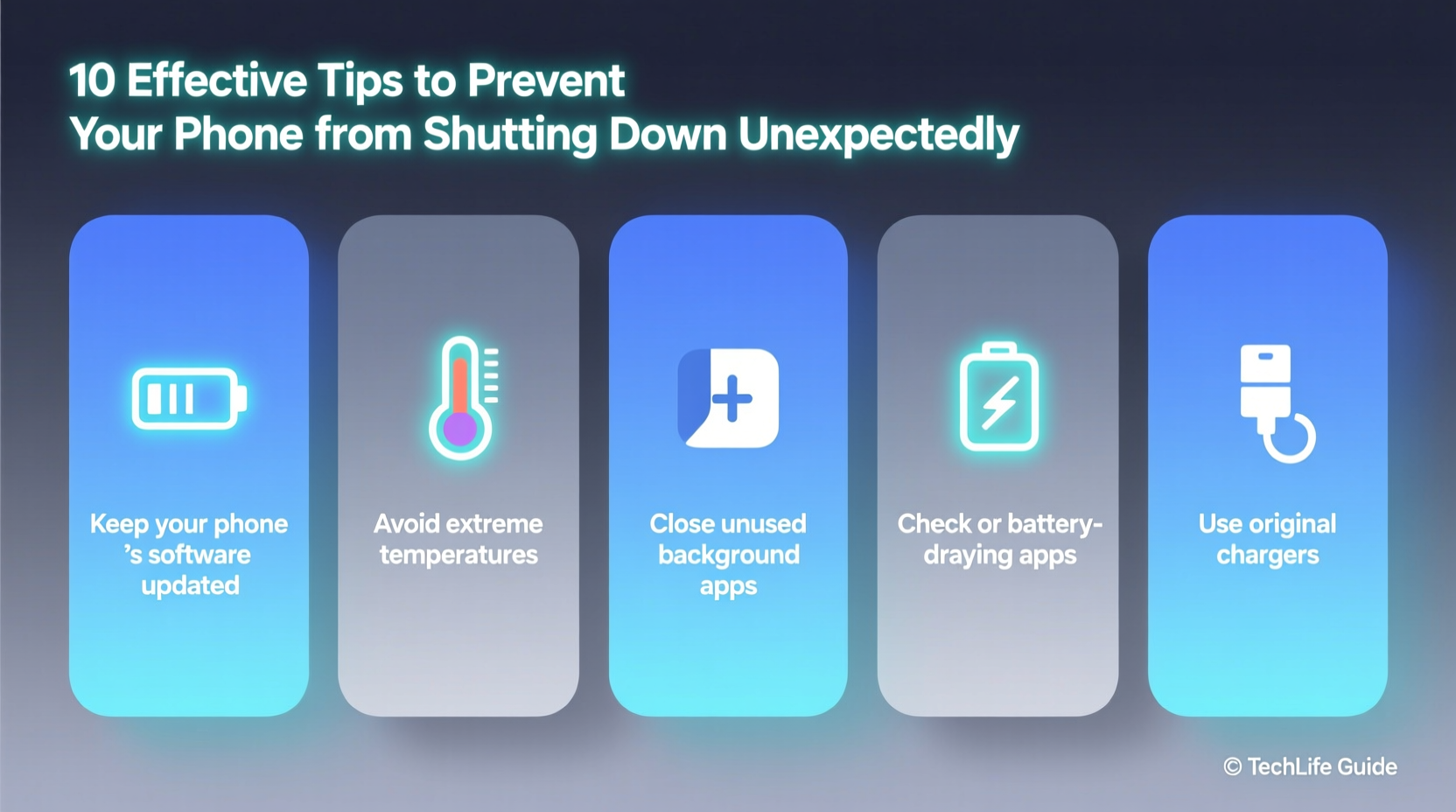
Before addressing solutions, it's essential to recognize what triggers unexpected shutdowns. Modern smartphones are complex systems where hardware and software must operate in harmony. When one component fails or misbehaves, the entire system may respond by powering off.
- Battery degradation: Lithium-ion batteries lose capacity over time. A weakened battery may not deliver sufficient power under load, forcing the phone to shut down.
- Overheating: Excessive heat from prolonged usage, direct sunlight, or faulty components can trigger thermal throttling or automatic shutdowns.
- Software bugs: Operating system flaws or problematic apps can cause system crashes leading to reboots or shutdowns.
- Firmware or update issues: Incomplete or corrupted updates may destabilize the system.
- Physical damage: Drops, moisture exposure, or connector wear can interfere with power delivery.
- Background processes: Too many resource-heavy apps running simultaneously can overload the CPU and drain power rapidly.
Monitor and Maintain Battery Health
The battery is the heart of your phone. As it degrades, performance suffers. Most modern phones include built-in battery health monitoring tools—use them regularly.
On iOS, go to Settings > Battery > Battery Health to check maximum capacity and peak performance capability. On Android, dial *#*#4636#*#* or use manufacturer-specific diagnostics (e.g., Samsung’s Device Care) to assess battery status.
| Battery Condition | Max Capacity | Action Recommended |
|---|---|---|
| Excellent | 90–100% | Continue regular use |
| Fair | 80–89% | Monitor closely; avoid extreme temperatures |
| Poor | Below 80% | Consider replacement |
A degraded battery may report incorrect charge levels, causing the phone to shut down suddenly even when showing 20–30% remaining. Replacing the battery at a certified service center restores reliability and can breathe new life into older devices.
Prevent Overheating with Smart Usage Habits
Heat is one of the biggest enemies of smartphone stability. When internal temperatures rise, phones automatically throttle performance or shut down to protect sensitive components.
Common overheating scenarios include gaming for extended periods, using GPS while charging, or leaving the phone in a hot car. To mitigate these risks:
- Remove thick cases during intensive tasks like gaming or video rendering.
- Avoid direct sunlight exposure—never leave your phone on a dashboard.
- Close unused apps that generate background activity.
- Turn off features like Bluetooth, GPS, or Wi-Fi when not needed.
- Use original or MFi-certified chargers to prevent inefficient power delivery that generates excess heat.
“Thermal stress accelerates battery degradation and increases crash rates. Keeping your phone cool isn’t just about comfort—it’s critical for longevity.” — Dr. Lena Torres, Mobile Hardware Engineer
Step-by-Step Guide to Diagnose and Fix Shutdown Issues
If your phone continues to shut down unexpectedly, follow this structured troubleshooting process:
- Restart the device: A simple reboot clears temporary memory and stops rogue processes.
- Check for software updates: Install the latest OS version, which often includes stability fixes.
- Boot in Safe Mode (Android): This disables third-party apps. If shutdowns stop, a specific app is likely the culprit.
- Delete recently installed apps: Especially those requesting high permissions or known for poor optimization.
- Reset all settings: This clears network, display, and sound configurations without deleting personal data.
- Back up and restore: As a last resort, erase the phone and set it up as new to eliminate deep-seated software corruption.
Real-World Example: Recovering a Problematic Device
Sarah, a freelance photographer, relied on her phone for client communication and cloud uploads. Over two weeks, her Android phone began shutting down randomly—even when fully charged. At first, she assumed it was a dead battery. She visited a repair shop, where diagnostics showed 85% battery health—acceptable but not ideal.
The technician checked logs and noticed repeated errors linked to a third-party camera optimizer app Sarah had installed after switching phones. The app ran constant background processes and conflicted with the OS’s power management. After uninstalling it and updating the OS, the shutdowns stopped entirely. Sarah also enabled adaptive battery settings to limit background drain, restoring full reliability.
This case illustrates how software—not just hardware—can be the root cause. A methodical approach saved her from unnecessary battery replacement.
Essential Maintenance Checklist
To keep your phone stable and shutdown-free, incorporate these practices into your routine:
- ✅ Check battery health monthly
- ✅ Install OS updates within two weeks of release
- ✅ Clean cache data weekly (via Settings or device care tools)
- ✅ Avoid charging overnight with non-certified chargers
- ✅ Keep the phone away from heat sources
- ✅ Uninstall unused or poorly rated apps
- ✅ Use dark mode and lower brightness to reduce strain
- ✅ Restart your phone every 7–10 days
Frequently Asked Questions
Why does my phone shut down at 15% battery?
This typically indicates battery calibration drift or aging. The system miscalculates remaining charge. Try fully charging to 100%, then using until it shuts down naturally, followed by a full recharge. Repeat once to recalibrate. If the issue persists, consider battery replacement.
Can a virus make my phone shut down?
While true malware is rare on mobile platforms, malicious apps can cause instability. Apps demanding excessive permissions or running hidden processes may overload the system. Only download apps from official stores and review user feedback before installing.
Is it safe to use my phone while charging?
Yes, but heavy usage (like gaming or video calls) while charging increases heat buildup, which stresses the battery and can lead to shutdowns. For best results, avoid intensive tasks during charging, especially with fast chargers.
Take Control of Your Phone’s Stability
Unexpected shutdowns don’t have to be a fact of smartphone life. With proactive care, you can maintain consistent performance and avoid frustrating interruptions. Pay attention to battery health, manage heat exposure, and stay vigilant about software updates and app behavior. These habits not only prevent shutdowns but also extend your phone’s overall usability and value.




 浙公网安备
33010002000092号
浙公网安备
33010002000092号 浙B2-20120091-4
Comments
No comments yet. Why don't you start the discussion?