
In an age where personal data is constantly at risk, protecting your mobile phone number has become more important than ever. Whether you're calling a business, applying for a service, or reaching out to someone new, revealing your number can open the door to spam, scams, and even identity theft. Unlike email addresses or usernames, your phone number is often tied directly to your identity, bank accounts, and social media profiles—making it a prime target for misuse. Fortunately, there are practical and accessible methods to make calls without exposing your real number. From built-in carrier features to third-party apps and smart strategies, you can maintain privacy while staying connected.
Why Hiding Your Number Matters
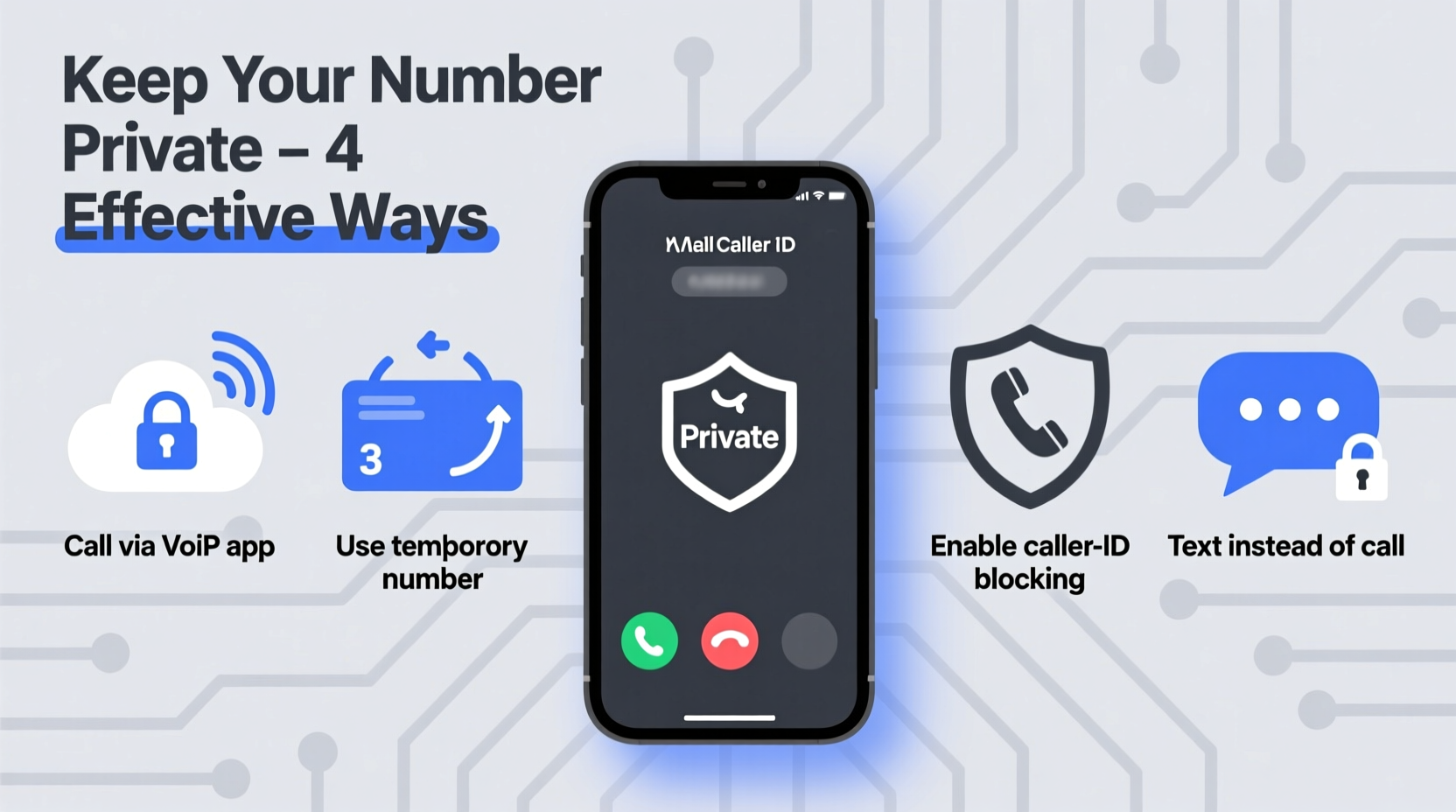
Your mobile number is more than just a way to receive calls—it’s a digital key. Many online services use it for two-factor authentication, account recovery, and targeted advertising. When you share it freely, especially with unknown parties, you increase the risk of being added to robocall lists, receiving phishing attempts, or having your data sold to marketers. Even seemingly harmless interactions, like calling a local plumber or placing an order, can result in your number being stored in databases that may not have strong privacy protections.
Additionally, some individuals rely on caller ID to decide whether to answer. If your number appears as “Unknown” or blocked, it might reduce the chance of your call being picked up. The challenge, then, is balancing privacy with reliability—ensuring your call gets through without compromising your personal information.
Use Built-In Phone Features to Block Your Number
Most smartphones come with native options to hide your number on a per-call basis. This method is quick, free, and doesn’t require installing additional software. On both iOS and Android devices, you can temporarily block your caller ID by entering a short code before dialing.
To hide your number for a single call, dial *67 followed by the recipient’s number. For example: *675551234567. This will display your call as “Private,” “Blocked,” or “Unknown” on the recipient’s phone. The effect only lasts for that one call, so your number remains visible on future calls unless you repeat the process.
This method works across most carriers in the U.S., Canada, and many other countries. However, it won’t work with toll-free numbers or emergency services, which may still capture your number for routing purposes. Also, some recipients may automatically reject calls from blocked numbers, so consider using this selectively.
Leverage Third-Party Calling Apps for Permanent Privacy
For users who need consistent anonymity—such as freelancers, real estate agents, or people selling items online—third-party calling apps offer a more sustainable solution. These apps provide you with a secondary phone number that routes calls through their network, shielding your real number entirely.
Popular apps like Google Voice, TextNow, and Burner allow you to choose a virtual number that can be used for calling, texting, and voicemail. Once set up, all outgoing calls appear to come from your virtual number, not your personal line. These services often include additional features like transcription, spam filtering, and call recording.
| App | Virtual Number | Free Plan? | Best For |
|---|---|---|---|
| Google Voice | Yes (U.S. only) | Yes | General privacy, business use |
| TextNow | Yes | Yes (ad-supported) | Casual users, temporary needs |
| Burner | Yes | No (trial available) | Short-term projects, dating |
These apps integrate seamlessly with your smartphone’s dialer, making it easy to switch between numbers. Some even sync across devices, allowing you to make calls from a tablet or computer. While free versions may include ads or limitations, they are often sufficient for basic privacy needs.
Step-by-Step Guide: Setting Up Google Voice for Private Calling
If you're looking for a reliable, long-term solution, Google Voice is one of the most trusted tools for keeping your number private. Here's how to set it up:
- Create a Google Account – If you don’t already have one, sign up at google.com.
- Visit voice.google.com – Sign in and click “Get Started.”
- Choose Your Area Code – Enter your ZIP code and select an available number.
- Verify an Existing Number – Google will ask you to confirm access to a working phone (this can be your current mobile).
- Download the Google Voice App – Install it on your smartphone from the App Store or Google Play.
- Make Your First Call – Open the app, dial a number, and your call will show your Google Voice number instead of your real one.
Once configured, you can set Google Voice as your default calling app or use it selectively. You can also forward incoming calls to your mobile, ensuring you never miss important messages—even when your actual number stays hidden.
“Using a secondary number isn’t just about convenience—it’s a fundamental layer of digital hygiene. Just as you wouldn’t give out your home address to every online form, your phone number deserves the same level of protection.” — Lena Patel, Cybersecurity Consultant at SecureLine Labs
Avoid Common Privacy Pitfalls
Even with the right tools, mistakes can compromise your anonymity. Here are frequent missteps and how to avoid them:
- Assuming caller ID blocking works everywhere: Some organizations, like banks or government agencies, may still log your number despite *67.
- Reusing burner numbers too long: Temporary numbers should be retired after their purpose ends to prevent tracking.
- Linking fake numbers to real identities: Avoid using your real name or personal details when setting up anonymous accounts.
- Ignoring app permissions: Some calling apps request access to contacts or location—review permissions carefully.
Do’s and Don’ts of Private Calling
| Do | Don't |
|---|---|
| Use *67 for one-off private calls | Rely solely on *67 for sensitive communications |
| Set up a Google Voice number for regular use | Use your personal number on public forums or marketplaces |
| Regularly review app privacy settings | Share your secondary number widely without limits |
Real-World Example: Protecting Privacy While Selling Online
Samantha decided to sell her old laptop on a popular online marketplace. She listed the item with photos and specs but hesitated to include her phone number. Knowing that scammers often harvest contact info from such platforms, she opted for a different approach. She created a Google Voice number specifically for the sale, linked it to her phone, and included only that number in her listing.
Over the next few days, she received several calls—some legitimate, others clearly spam. Because she used a separate number, her personal line remained untouched. When the laptop sold, she deactivated the Google Voice number, cutting off any further contact. This simple step saved her from weeks of unwanted messages and potential harassment.
Frequently Asked Questions
Can someone trace my real number if I use *67?
In most cases, no. The *67 code prevents your number from appearing on standard caller ID systems. However, law enforcement, telecom providers, and certain enterprise systems may still have access to the originating number for legal or operational reasons.
Are virtual number apps legal?
Yes, using apps like Google Voice or TextNow is completely legal. These services are designed to enhance communication and privacy. However, using them for fraudulent activities, harassment, or spoofing is illegal and can result in account suspension or legal action.
Will blocking my number affect call quality or delivery?
No. Blocking your number does not impact audio quality or network performance. However, some recipients may not answer calls from blocked or unknown numbers, potentially reducing your connection rate.
Take Control of Your Communication Privacy
Your phone number is a gateway to your personal life. By taking proactive steps—whether using *67 for occasional privacy or adopting a dedicated virtual number—you regain control over who can reach you and how. These strategies aren’t just for tech experts or high-profile individuals; they’re essential tools for anyone navigating today’s interconnected world.




 浙公网安备
33010002000092号
浙公网安备
33010002000092号 浙B2-20120091-4
Comments
No comments yet. Why don't you start the discussion?