
Staying connected with friends, family, or coworkers across different mobile ecosystems can sometimes feel like navigating a digital minefield—especially when one uses an Android device and the other relies on an iPhone. One of the most common yet frustrating challenges? Sharing real-time location between platforms. Apple’s Find My app is tightly integrated within its ecosystem, while Google’s Location Sharing works best among Android users. But that doesn’t mean seamless cross-device tracking is impossible.
The good news: several practical, reliable methods allow you to bridge the gap between Android and iPhone effortlessly. Whether you're meeting up with friends in a new city, ensuring a loved one arrives home safely, or coordinating team logistics during travel, these strategies make real-time location sharing not only possible but also intuitive and secure.
Why Cross-Platform Location Sharing Matters
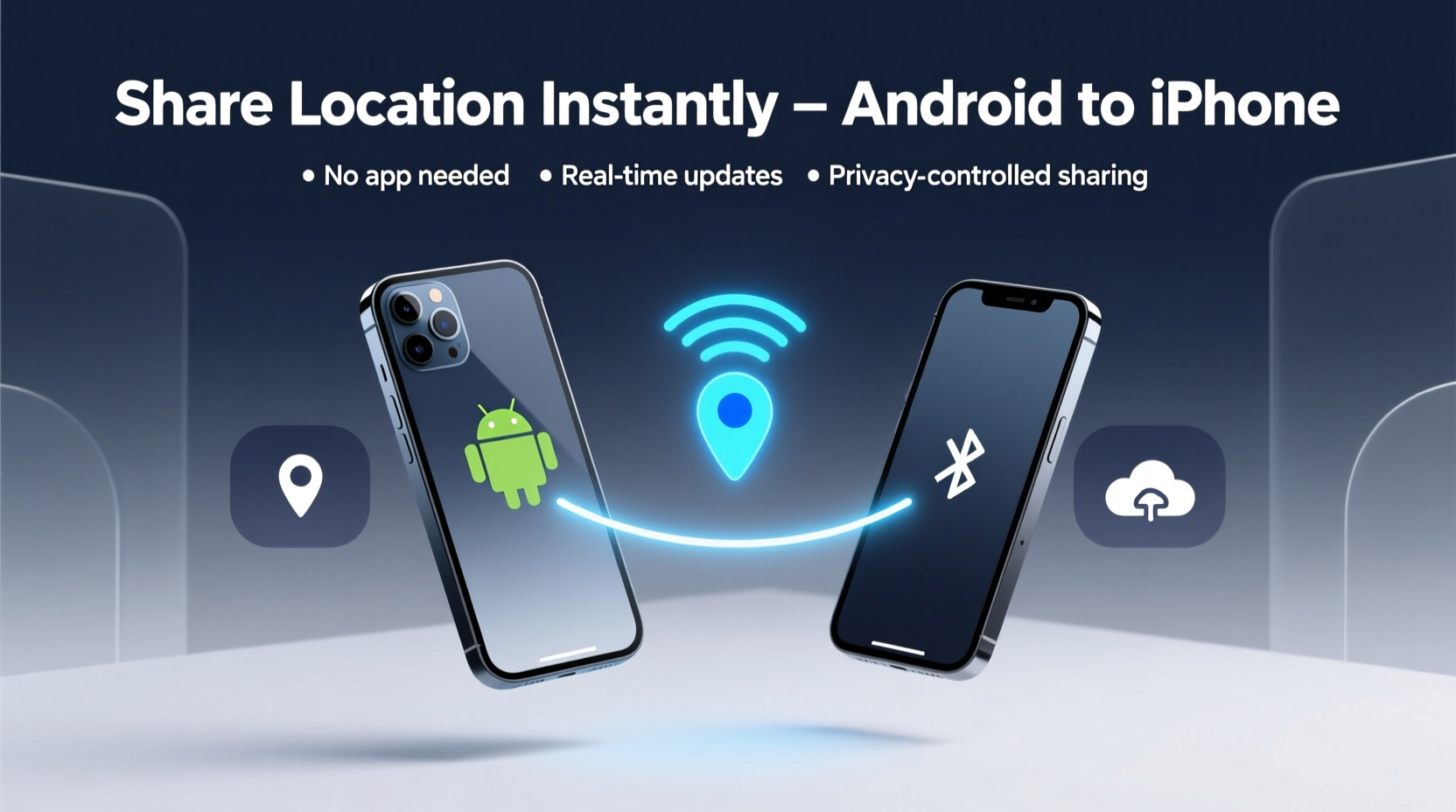
In today’s hyper-connected world, being able to share your whereabouts instantly improves safety, coordination, and peace of mind. Consider a scenario where a parent wants to track their teenager who uses an iPhone, while they themselves rely on a Samsung Galaxy. Or imagine planning a road trip with mixed-device travelers needing live updates on each other’s progress.
Despite platform differences, modern solutions have evolved to support interoperability. The key lies in leveraging universal tools—web-based services, third-party apps, and smart use of native features—that transcend operating system boundaries.
“Seamless location sharing shouldn't depend on brand loyalty. With the right tools, Android and iPhone users can stay synced without friction.” — Lena Patel, Mobile Connectivity Analyst at TechBridge Insights
Step-by-Step Guide: Share Your Android Location with an iPhone User
If you’re on Android and need to send your live location to someone using an iPhone, follow this straightforward process using Google Maps—the most universally accessible option.
- Open Google Maps on your Android device.
- Tap your profile picture or initial in the top-right corner.
- Select Location Sharing.
- Tap the Green “Share Location” button.
- Choose the duration (e.g., 1 hour, until you turn it off).
- Select the recipient via SMS, WhatsApp, email, or another messaging app.
- Send the link.
The recipient will receive a clickable link. When opened on any smartphone—including an iPhone—they’ll see your real-time location on a map for the selected time period. No account creation or app download is required on their end.
Top 3 Tools for Seamless Android-to-iPhone Location Sharing
While Google Maps leads in simplicity and reach, alternative tools offer enhanced functionality such as group tracking, longer history, or background monitoring.
| Tool | Best For | Setup Required on iPhone? | Real-Time Updates? |
|---|---|---|---|
| Google Maps | One-time meetups, quick sharing | No – browser access only | Yes |
| Life360 (Family Plan) | Families, shared circles | Yes – app installation needed | Yes, continuous |
| WhatsApp Live Location | Temporary coordination with contacts | Yes – both parties need WhatsApp | Yes (up to 8 hours) |
- Google Maps: Ideal for ad-hoc sharing. Link-based, no sign-in needed on iOS side.
- Life360: Best for ongoing family monitoring. Offers crash detection and driving reports.
- WhatsApp: Great if both parties already use the app. Allows temporary live location bursts.
Mini Case Study: Coordinating a Multi-City Meetup
Sophia (Android user) and James (iPhone user) planned to meet at a busy train station in Chicago after arriving from separate cities. Neither wanted to stand around guessing arrival times. Using Google Maps, Sophia initiated location sharing 30 minutes before her train was due. She sent the link via text. James opened it on his iPhone and watched her icon move closer in real time. As she exited the platform, he adjusted his position to meet her at the correct gate—saving them both 15 minutes of confusion and backtracking.
This example highlights how simple, no-friction tools eliminate dependency on proprietary systems while delivering accurate, timely data.
Checklist: Ensure Smooth Location Sharing Every Time
Before sending your location, run through this quick checklist to avoid technical hiccups:
- ✅ Confirm GPS is enabled on your Android device.
- ✅ Ensure internet connectivity (Wi-Fi or mobile data).
- ✅ Verify that Google Play Services is updated.
- ✅ Test the link yourself on another device or browser.
- ✅ Communicate the expected duration of sharing clearly.
- ✅ Disable sharing manually if ending early.
Do’s and Don’ts of Cross-Device Location Sharing
| Do’s | Don’ts |
|---|---|
| Use encrypted channels (like WhatsApp) when privacy matters. | Don’t leave location sharing active indefinitely. |
| Inform recipients how long they’ll receive updates. | Don’t assume iPhone users know how to open shared links. |
| Leverage scheduled sharing for regular commutes. | Don’t rely solely on battery-intensive apps without warning. |
| Test the flow with a trusted contact first. | Don’t ignore permissions prompts on either device. |
FAQ: Common Questions About Android-to-iPhone Location Sharing
Can I share my Android location directly to the Find My app on iPhone?
No, there is no direct integration between Google’s location services and Apple’s Find My network. However, sending a Google Maps link allows the iPhone user to view your live location in Safari or Chrome, achieving nearly the same result without requiring additional apps.
Is it safe to share my location with others?
Yes, when done responsibly. Always limit sharing duration, avoid broadcasting to unknown contacts, and use trusted platforms. Revoke access immediately after the purpose is fulfilled. Avoid public posting of live location links on social media.
Does location sharing drain my battery quickly?
Continuous GPS usage does increase power consumption. On average, live sharing can reduce battery life by 15–25% per hour depending on signal strength and background activity. To minimize impact, close unused apps and consider enabling battery saver mode during extended sessions.
Conclusion: Bridging Platforms with Confidence
Sharing your location from an Android device to an iPhone doesn’t require complex workarounds or compromised security. By relying on widely adopted tools like Google Maps, WhatsApp, or dedicated cross-platform apps like Life360, you maintain control, clarity, and continuity—regardless of the devices involved.
The secret isn’t in finding a perfect native solution but in embracing interoperable technologies designed for real-world usability. These methods prove that convenience and compatibility can coexist, even in a fragmented mobile landscape.




 浙公网安备
33010002000092号
浙公网安备
33010002000092号 浙B2-20120091-4
Comments
No comments yet. Why don't you start the discussion?