
In today’s digital landscape, a poorly configured network is one of the most common entry points for cyberattacks. From ransomware to data exfiltration, vulnerabilities in network architecture can lead to severe financial, legal, and reputational damage. Configuring your network with security as a priority isn’t optional—it’s foundational. Whether you manage a small business network or oversee enterprise infrastructure, implementing robust security configurations minimizes risk and strengthens resilience.
This guide outlines essential, actionable strategies to harden your network, protect sensitive information, and maintain continuous operational integrity. These are not theoretical concepts but practical steps adopted by leading IT security teams worldwide.
1. Segment Your Network Strategically
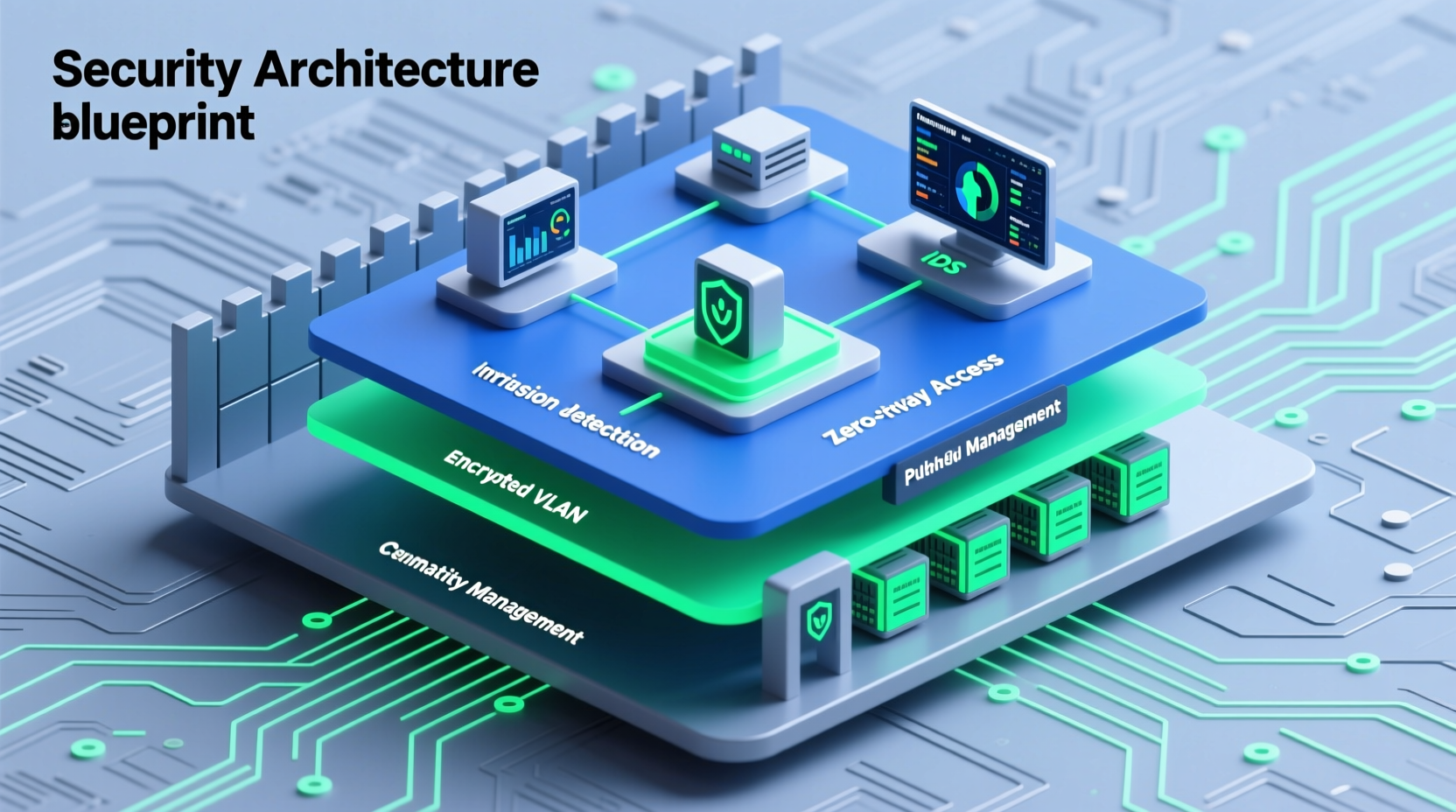
Network segmentation divides a larger network into smaller, isolated subnetworks (subnets), limiting lateral movement if a breach occurs. Instead of allowing all devices unrestricted access, segmentation ensures that users and systems only reach resources necessary for their function.
For example, finance departments handling sensitive payroll data should reside on a separate subnet from guest Wi-Fi or public-facing web servers. This reduces the attack surface significantly.
Modern firewalls and routers support role-based access control (RBAC), enabling granular policies per segment. Combine this with micro-segmentation in cloud environments to isolate workloads at the instance level.
2. Implement Strong Access Control Policies
Not every user needs access to every system. The principle of least privilege (PoLP) mandates that individuals receive the minimum level of access required to perform their duties. Overprivileged accounts are among the top causes of internal breaches.
- Assign permissions based on job roles, not convenience.
- Regularly audit user access rights—at least quarterly.
- Disable inactive accounts immediately upon employee departure.
- Enforce multi-factor authentication (MFA) across all administrative and critical systems.
“Over 80% of breaches involve compromised credentials. Enforcing strict access controls is the first line of defense.” — NIST Cybersecurity Framework, Version 1.1
Centralize identity management using directory services like Active Directory or cloud solutions such as Azure AD or Okta. This enables consistent policy enforcement and simplifies deprovisioning.
3. Secure Network Devices and Services
Routers, switches, firewalls, and wireless access points are high-value targets. Default configurations often leave them exposed. Hardening these devices is non-negotiable.
Step-by-Step Guide to Device Hardening
- Change default credentials: Replace factory usernames and passwords with strong, unique ones.
- Disable unused services: Turn off Telnet, SNMP, or HTTP management if not needed.
- Enable secure protocols: Use SSH instead of Telnet, HTTPS over HTTP, and SNMPv3 with encryption.
- Update firmware regularly: Apply vendor-released patches promptly.
- Configure logging: Send logs to a centralized SIEM (Security Information and Event Management) system.
Ensure administrative interfaces are accessible only via dedicated management networks, never from public internet zones.
4. Deploy Defense-in-Depth Security Layers
No single tool provides complete protection. A layered approach combines multiple technologies to create overlapping defenses.
| Layer | Technology | Purpose |
|---|---|---|
| Perimeter | Firewall / Next-Gen Firewall (NGFW) | Filter incoming/outgoing traffic based on rules and application awareness |
| Endpoint | EDR/XDR Solutions | Detect and respond to threats on individual devices |
| Internal | Intrusion Detection/Prevention Systems (IDS/IPS) | Monitor for suspicious behavior within the network |
| Data | Encryption (TLS, AES) | Protect data in transit and at rest |
| Application | Web Application Firewalls (WAF) | Shield against SQL injection, XSS, and other app-layer attacks |
Each layer acts as a checkpoint. If one fails, others remain active. For instance, even if malware bypasses the firewall, EDR tools may detect anomalous process execution and quarantine the threat.
5. Monitor, Log, and Respond Continuously
A secure network isn’t defined by setup alone—it requires ongoing vigilance. Real-time monitoring allows rapid detection of anomalies such as unusual login attempts, data spikes, or unauthorized device connections.
Deploy a SIEM solution to aggregate logs from firewalls, servers, endpoints, and applications. Set up alerts for key indicators of compromise (IoCs), including:
- Multiple failed logins from a single IP
- Large outbound data transfers
- Connections to known malicious domains
- Sudden changes in file access patterns
Conduct regular penetration testing and vulnerability scanning to identify weaknesses before attackers do. Tools like Nessus, OpenVAS, or Qualys help maintain visibility into your network posture.
Mini Case Study: Retail Chain Prevents Data Exfiltration
A mid-sized retail chain recently avoided a major breach thanks to proper network configuration. An attacker gained access through a phishing email and installed malware on a point-of-sale terminal. However, because the POS systems were on a segmented VLAN with no direct route to the corporate database, lateral movement was blocked.
Simultaneously, the IDS detected abnormal outbound traffic and triggered an alert. The security team isolated the infected device within minutes. Post-incident analysis revealed that segmentation and active monitoring reduced potential impact from a full-scale data theft to a contained incident affecting only one endpoint.
Checklist: Essential Network Security Configuration Steps
Use this checklist to evaluate and improve your current network setup:
- ✅ Conduct a full inventory of network devices and services
- ✅ Segment the network using VLANs or virtual private clouds (VPCs)
- ✅ Enforce least privilege access with MFA enabled
- ✅ Change all default passwords and disable unnecessary remote access
- ✅ Update firmware and software on all network hardware
- ✅ Enable logging and forward logs to a centralized SIEM
- ✅ Configure firewall rules to allow only necessary traffic (deny-by-default)
- ✅ Encrypt sensitive data both in transit and at rest
- ✅ Perform monthly vulnerability scans and annual penetration tests
- ✅ Establish an incident response plan with clear escalation paths
Frequently Asked Questions
Why is network segmentation important for security?
Segmentation limits the spread of threats by isolating critical systems. If one segment is compromised, attackers cannot easily move to others without additional effort, buying time for detection and response.
Should I disable IPv6 if I'm not using it?
Yes. Unused protocols like IPv6 can introduce hidden vulnerabilities, especially if they’re enabled by default but unmonitored. Disable them unless actively required and secured.
How often should firewall rules be reviewed?
At minimum, review firewall rule sets quarterly. Remove outdated or redundant rules (“rule bloat”) that increase complexity and risk of misconfiguration.
Conclusion
Configuring your network for optimal security isn’t a one-time project—it’s an ongoing discipline. The strategies outlined here form the backbone of resilient network design: segmentation, access control, device hardening, layered defenses, and continuous monitoring. When implemented together, they create a cohesive, adaptive security posture capable of withstanding evolving threats.




 浙公网安备
33010002000092号
浙公网安备
33010002000092号 浙B2-20120091-4
Comments
No comments yet. Why don't you start the discussion?