
Sitting for hours during intense gaming sessions places significant strain on the lower back. A well-designed gaming chair should do more than just look sleek—it needs to support proper spinal alignment. One of the most critical features is lumbar support, and consumers face a key decision: choose a chair with built-in lumbar support or rely on an external cushion. Both options have strengths and limitations, and the right choice depends on individual anatomy, usage patterns, and ergonomic priorities.
The lower back, or lumbar region, naturally curves inward (lordosis). When this curve flattens due to poor posture or inadequate support, it can lead to muscle fatigue, disc pressure, and chronic pain. Effective lumbar support maintains this natural curve, reducing stress on the spine. While many modern gaming chairs advertise “ergonomic design,” not all deliver equal spinal care. Understanding the functional differences between built-in and external lumbar systems is essential for long-term comfort and health.
How Lumbar Support Works in Seating
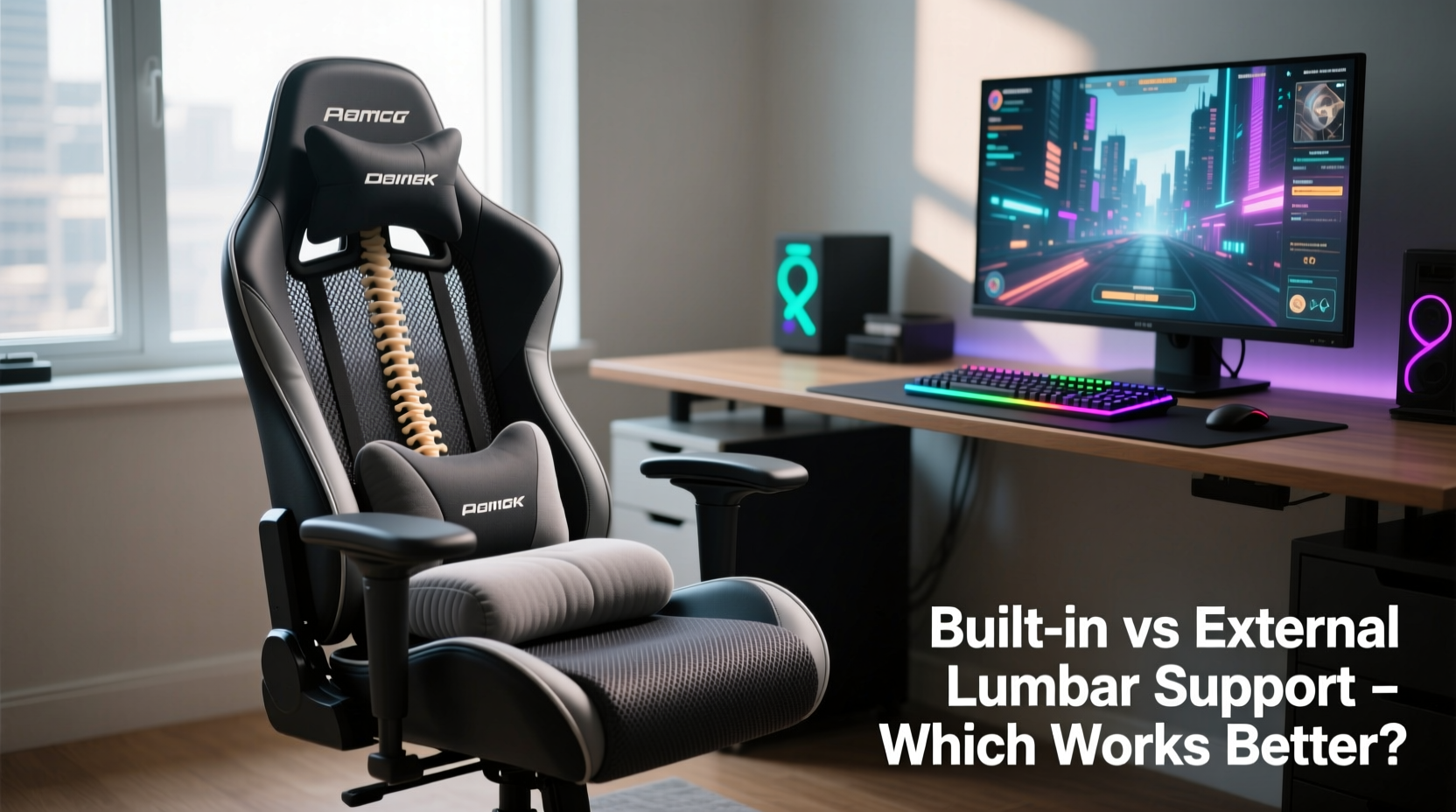
Lumbar support functions by applying gentle pressure to the inward curve of the lower back, preventing slouching and promoting a neutral spine position. In an ideal seated posture, the pelvis remains slightly tilted forward, the shoulders align over the hips, and the head stays balanced above the spine. Without adequate support, the pelvis rotates backward, flattening the lumbar curve and shifting weight to soft tissues rather than bones and muscles designed for load-bearing.
In gaming chairs, lumbar support must accommodate prolonged static sitting—often 4 to 8 hours at a stretch. This extended duration increases the risk of repetitive strain. The best systems distribute pressure evenly across the lumbar vertebrae (L1–L5), reduce disc compression, and minimize muscle activation required to maintain upright posture. However, how that support is delivered—integrated into the chair or added externally—impacts effectiveness, adjustability, and user experience.
Built-In Lumbar Support: Design and Performance
Built-in lumbar support is engineered directly into the chair’s backrest. It typically takes the form of a fixed or adjustable pad, sometimes using molded foam, air bladders, or mechanical sliders. High-end models allow vertical and depth adjustments so users can align the support precisely with their lumbar spine.
The primary advantage of built-in systems is seamless integration. Because the support is part of the chair’s structure, it moves with the backrest during recline and maintains consistent positioning. Premium brands like Secretlab, Herman Miller, and Steelcase invest in biomechanical research to shape their lumbar zones based on average spinal curvature, ensuring anatomical accuracy.
However, built-in systems aren’t universally effective. Many mid-range gaming chairs feature non-adjustable pads positioned too high or too low for optimal spinal alignment. Users with shorter torsos or taller statures may find the support misses their lumbar region entirely. Additionally, rigid foam inserts can create pressure points over time, especially if they don’t contour to individual body shapes.
“An integrated lumbar system only works if it matches the user’s spinal profile. One-size-fits-all designs often fail clinical postural standards.” — Dr. Alan Zhou, Ergonomics Researcher at MIT Human Factors Lab
External Lumbar Cushions: Flexibility and Limitations
External lumbar cushions are add-on accessories placed between the lower back and the chair. They come in various forms: memory foam pillows, inflatable supports, mesh-backed braces, and even wearable lumbar belts. These are often used with office chairs, car seats, or gaming chairs lacking sufficient built-in support.
Their greatest strength lies in customization. Users can choose firmness, size, and shape based on personal preference. Memory foam cushions mold to the body, while inflatable ones allow real-time pressure adjustment. Some models feature contoured designs that target specific vertebrae, offering precision unmatched by generic built-in pads.
Portability is another major benefit. Gamers who switch between workstations, travel frequently, or use multiple chairs can carry their preferred support with them. This makes external cushions ideal for hybrid setups where one chair doesn’t serve all needs.
Yet, drawbacks exist. External cushions can shift during movement, especially when reclining or leaning sideways. Straps may loosen, and foam can compress over time, losing structural integrity. Poorly positioned cushions—too high, too low, or too far forward—can actually worsen posture by encouraging unnatural arching or slumping.
Real Example: Competitive Gamer’s Experience
Mark, a 28-year-old esports player training 6 hours daily, initially used a popular gaming chair with fixed built-in lumbar support. After three months, he developed persistent lower back discomfort. Upon consulting a physiotherapist, he learned the pad was pressing against his thoracic spine instead of his lumbar region due to his short torso. He switched to a U-shaped memory foam lumbar pillow secured with elastic straps. Within two weeks, his pain decreased significantly. “It took trial and error,” he said, “but finding the right height and firmness made all the difference.”
Comparative Analysis: Built-In vs External Lumbar Support
| Feature | Built-In Support | External Cushion |
|---|---|---|
| Adjustability | Varies (high-end models offer vertical/depth adjustment) | High (user selects model, firmness, position) |
| Consistency | High (stays fixed with chair structure) | Moderate (may shift during use) |
| Custom Fit | Limited (designed for average body types) | Excellent (choose based on anatomy) |
| Durability | High (integrated into frame) | Variable (foam degrades, straps wear) |
| Portability | None (chair-bound) | High (easy to transfer) |
| Aesthetic Integration | Seamless (designed as part of chair) | May look bulky or out of place |
| Cost Efficiency | Included in chair price (premium models cost more) | Affordable ($15–$50 for quality options) |
This comparison reveals no universal winner. Built-in systems excel in stability and aesthetics but often lack personalization. External cushions offer superior adaptability but require maintenance and correct placement.
Step-by-Step Guide to Optimizing Your Lumbar Support
Whether you’re using built-in or external support, proper setup is crucial. Follow these steps to maximize effectiveness:
- Assess your current posture. Sit in your chair and notice where your lower back contacts the backrest. Does it feel supported or hollow?
- Locate your lumbar spine. Place your hands on your lower back. The slight inward curve just above your belt line is your lumbar region.
- Test existing support. If using built-in support, adjust it vertically so the center aligns with your navel level. For external cushions, position them at the same height.
- Evaluate firmness. Support should fill the gap between your back and the chair without pushing you forward. It should feel supportive, not intrusive.
- Check during movement. Recline slightly and shift positions. Does the support stay in place? Does it maintain contact?
- Monitor comfort over time. Use the chair for 30–60 minutes and note any discomfort. Adjust position or firmness accordingly.
- Reassess weekly. As muscles adapt, preferences may change. Fine-tune every few days initially.
Expert Recommendations and Long-Term Considerations
Ergonomics experts emphasize that lumbar support is only one component of healthy seating. Chair height, armrest position, seat depth, and even monitor alignment influence spinal health. Dr. Lena Patel, a physical therapist specializing in digital ergonomics, advises: “Lumbar support should complement, not compensate for, poor overall posture. No cushion can fix a screen that’s too low or arms dangling from high desks.”
Long-term durability also matters. Built-in systems in premium chairs often last 5–7 years with minimal degradation. In contrast, memory foam cushions may lose resilience in 12–24 months, especially under constant pressure. Inflatable supports risk punctures, and strap-based models can fray.
For serious gamers or remote workers spending 20+ hours weekly in their chairs, investing in a high-quality chair with adjustable built-in lumbar support is generally recommended. However, those with unique anatomical needs—such as scoliosis, post-surgical recovery, or extreme body proportions—may benefit more from specialized external supports prescribed or recommended by healthcare providers.
Frequently Asked Questions
Can I use both built-in and external lumbar support together?
Generally not advisable. Combining both can over-support the lower back, leading to excessive arching (hyperlordosis) and muscle inhibition. Choose one method and optimize its placement and firmness.
How do I know if my lumbar support is positioned correctly?
The support should align with the natural inward curve of your lower back, roughly at navel height. You should feel gentle pressure filling the gap between your spine and the chair, allowing your upper back to rest comfortably against the backrest without straining.
Are mesh-back gaming chairs good for lumbar support?
Mesh chairs offer breathability and moderate flexibility, but their lumbar support varies widely. Some models integrate structured lumbar pods within the mesh frame, while others rely solely on fabric tension. Look for models with dedicated lumbar zones or compatibility with external cushions.
Final Recommendation: Which Option Works Better?
The answer depends on context. For most users seeking a streamlined, durable solution, a gaming chair with **adjustable built-in lumbar support** is superior—provided it’s properly calibrated. Top-tier models from reputable brands offer clinically sound support that adapts to movement and maintains alignment over time.
However, **external lumbar cushions** win in scenarios requiring customization, portability, or budget-conscious upgrades. They are ideal for enhancing older chairs, accommodating unique physiques, or testing different support styles before committing to a new purchase.
Ultimately, the best lumbar support is the one that keeps your spine in neutral alignment, feels comfortable during extended use, and integrates seamlessly into your daily routine. Don’t assume marketing claims equate to ergonomic excellence. Test options personally, prioritize adjustability, and listen to your body’s feedback.




 浙公网安备
33010002000092号
浙公网安备
33010002000092号 浙B2-20120091-4
Comments
No comments yet. Why don't you start the discussion?