
Choosing between a gaming laptop and a custom-built desktop is one of the most consequential decisions a gamer or tech enthusiast can make. Both platforms deliver high-performance computing for gaming, streaming, and creative work, but they diverge sharply in terms of value, longevity, and future-proofing. While laptops offer unmatched portability, desktops provide superior customization and long-term cost efficiency. Understanding these trade-offs is essential for making an informed investment that aligns with your lifestyle, budget, and technical expectations.
Performance: Raw Power vs Portability
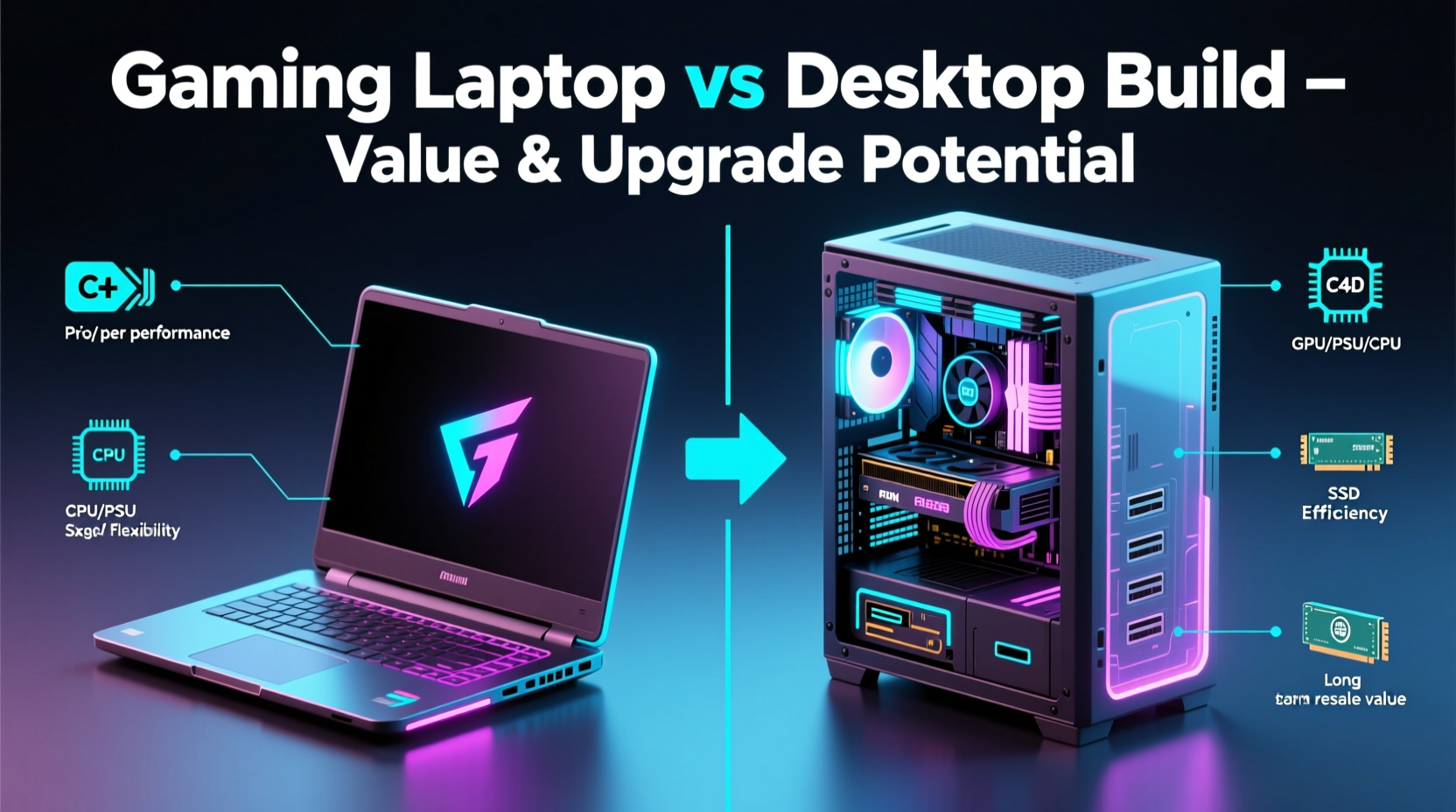
Gaming desktops consistently outperform even the highest-end gaming laptops in raw computational power. This advantage stems from architectural differences: desktop components are larger, allow for more robust cooling solutions, and draw significantly more power than their mobile counterparts. A desktop GPU like the NVIDIA RTX 4080 or AMD RX 7900 XTX operates at full TDP (thermal design power), often exceeding 300 watts, while its laptop equivalent may be limited to 150–200 watts due to thermal and battery constraints.
CPU performance follows a similar pattern. Desktop processors such as Intel Core i7/i9 or AMD Ryzen 7/9 can sustain higher clock speeds for longer durations thanks to advanced air or liquid cooling systems. In contrast, laptops must throttle performance under sustained loads to prevent overheating, reducing frame rates during extended gameplay sessions.
Benchmarks consistently show desktops achieving 30–50% higher frame rates in CPU-intensive titles like Cyberpunk 2077 or Starfield, especially when ray tracing is enabled. Laptops, however, close the gap in less demanding games and benefit from technologies like DLSS and FSR to boost performance without sacrificing visual fidelity.
Upgrade Potential: Flexibility Over Time
This is where desktops decisively pull ahead. A custom-built desktop is designed around modularity. Most components—CPU, GPU, RAM, storage, PSU, and even the motherboard—can be upgraded independently over time. You can swap out a graphics card every few years to keep up with new game demands without replacing the entire system.
In contrast, gaming laptops are largely sealed ecosystems. While some models allow RAM and SSD upgrades, the CPU and GPU are typically soldered directly onto the motherboard. This means that once the core processing hardware becomes outdated, the only viable option is often a complete replacement.
“Desktops give you control over your tech lifespan. You’re not forced into obsolescence by proprietary designs.” — Jordan Lee, Hardware Engineer at PCBuild Labs
Consider this scenario: a mid-range desktop built today with a Ryzen 5 7600 and RTX 4060 can be upgraded in three years by adding faster RAM, a new GPU, and a next-gen CPU—extending its relevance well into the future. A similarly priced laptop would likely require full replacement within the same timeframe due to non-upgradable components.
Total Cost of Ownership: Value Over Time
At first glance, gaming laptops appear to offer good value. Pre-built models range from $800 to $3,000 and include everything needed to play modern games right out of the box. However, when evaluating total cost of ownership over five years, desktops often prove more economical.
A competitively priced desktop build with comparable specs usually costs 15–25% less than an equivalent laptop. For example, a desktop with an RTX 4070, Ryzen 7 7700, 32GB DDR5, and 1TB NVMe SSD can be assembled for around $1,400. A laptop with similar performance might cost $1,800–$2,200 due to miniaturization, specialized cooling, and brand markup.
Moreover, repair and upgrade costs favor desktops. Replacing a failed GPU in a desktop takes minutes and costs only the price of the new card. In a laptop, GPU failure often necessitates sending the entire unit to service centers—or worse, renders the machine unusable if the chip is integrated.
| Component | Desktop Upgrade Cost (Avg.) | Laptop Upgrade Feasibility |
|---|---|---|
| Graphics Card | $400–$1,000 | Rarely possible; usually requires full replacement |
| RAM | $60–$120 (16–32GB) | Sometimes possible (if slots available) |
| Storage | $50–$150 (1TB NVMe) | Often possible via M.2 slot |
| CPU | $250–$500 | Nearly impossible; soldered to board |
| PSU/Motherboard | $150–$300 | Not feasible |
The ability to incrementally upgrade a desktop spreads costs over time, avoiding the need for large lump-sum investments every few years. This financial flexibility makes desktops particularly appealing for budget-conscious users who want sustained high performance.
Portability and Use Case Scenarios
Laptops win on mobility, and for many users, that’s a decisive factor. Gamers who travel frequently, attend LAN parties, or lack permanent desk space benefit greatly from having a single device that combines monitor, keyboard, and powerful internals. Students, remote workers, or digital nomads may prioritize a machine that transitions seamlessly from gaming to productivity.
However, portability comes with compromises. High-performance laptops generate significant heat and noise under load. Their compact chassis limits airflow, leading to louder fans and shorter battery life during gaming. Most gaming laptops last only 1.5 to 2.5 hours on battery when running AAA titles—a limitation that forces reliance on wall power.
Conversely, desktops are stationary by nature. They require dedicated space, multiple peripherals, and continuous power. But this permanence enables better ergonomics, multi-monitor setups, and quieter operation with aftermarket cooling. For home-based gamers or streamers, a desktop becomes a central hub for entertainment and content creation.
Mini Case Study: Alex’s Multi-Year Gaming Journey
Alex, a college student and avid gamer, purchased a $1,600 gaming laptop in 2020. It handled Red Dead Redemption 2 and Call of Duty: Warzone at high settings smoothly. By 2023, newer titles like Alan Wake 2 struggled to maintain 40 FPS even at medium settings. The GPU couldn’t be upgraded, and the system began overheating during long sessions.
Instead of buying another expensive laptop, Alex invested $1,200 in a custom desktop build: Ryzen 5 7600, RTX 4060 Ti, 32GB RAM, and a 750W PSU. Over the next two years, he upgraded the GPU to an RTX 4070 and added a second monitor. Total spending over five years: ~$1,800. His original laptop became a secondary machine for travel.
The desktop delivered higher performance, lower noise, and greater satisfaction. More importantly, it gave him control over his tech evolution rather than being locked into manufacturer timelines.
Maintenance and Longevity Considerations
Desktops are easier to clean, maintain, and troubleshoot. Dust buildup—a major cause of thermal throttling and hardware failure—can be addressed quickly with compressed air. Components can be removed, inspected, and replaced individually. Many enthusiasts routinely reapply thermal paste every 1–2 years to maintain optimal temperatures.
Laptops, on the other hand, require careful disassembly for even basic cleaning. Opening the chassis may void warranties, and access to internal parts is often restricted. Battery degradation is another issue: after 2–3 years of heavy use, most gaming laptops experience reduced battery capacity, limiting unplugged usability even for non-gaming tasks.
Step-by-Step Guide: Building a Future-Proof Desktop
- Define your budget: Allocate funds across CPU, GPU, RAM, storage, PSU, and case. Prioritize GPU and PSU for longevity.
- Choose a compatible motherboard: Ensure socket and chipset support future CPU upgrades (e.g., AM5 for AMD, LGA1700 for Intel).
- Select a high-wattage PSU: Aim for 650W minimum; 750W+ allows room for future GPU upgrades.
- Pick a case with airflow and space: Larger cases accommodate bigger GPUs and better cable management.
- Install components carefully: Follow anti-static precautions and double-check connections.
- Plan upgrades in phases: Start with essentials, then add more RAM, storage, or a better GPU later.
When a Gaming Laptop Makes Sense
Despite the advantages of desktops, there are legitimate reasons to choose a gaming laptop:
- Need for mobility: Frequent travelers or those without a fixed workspace.
- Space limitations: Dorm rooms, small apartments, or shared living areas.
- All-in-one convenience: Built-in display, keyboard, and speakers reduce clutter.
- Academic or professional use: Dual-purpose machines for coding, video editing, and gaming.
Modern high-end laptops like the ASUS ROG Zephyrus, Razer Blade, or Lenovo Legion series have narrowed the performance gap significantly. With proper care, they can remain viable for 4–5 years, especially if used primarily for esports titles or older AAA games.
FAQ
Can I upgrade my gaming laptop later?
Limited upgrades are possible—usually RAM and storage. However, the CPU and GPU are typically non-upgradable due to soldering and thermal design constraints. Always check manufacturer specifications before assuming upgradeability.
Is building a desktop difficult for beginners?
Not anymore. Modern components are designed for ease of installation, and countless online guides walk you through each step. With basic tools and patience, most users can assemble a functional PC in under two hours. Pre-tested compatibility lists from retailers like Newegg or PCPartPicker simplify part selection.
Which lasts longer: a gaming laptop or desktop?
Desktops generally last longer due to better cooling, easier maintenance, and upgrade options. A well-maintained desktop can remain relevant for 6–8 years with incremental upgrades. Most gaming laptops show performance limitations within 3–5 years and are often retired sooner.
Checklist: Choosing Between Laptop and Desktop
- ✅ Do you need to move your system frequently? → Lean toward laptop.
- ✅ Is maximum performance your top priority? → Choose desktop.
- ✅ Do you want to upgrade components over time? → Desktop is ideal.
- ✅ Are you on a tight budget now but plan to expand later? → Desktop offers better scalability.
- ✅ Do you have limited space or no dedicated desk? → Laptop may be more practical.
- ✅ Will you use the machine for streaming or content creation? → Desktop provides superior multitasking and rendering power.
Conclusion: Maximizing Value and Control
The choice between a gaming laptop and a desktop build ultimately hinges on how you define value. If value means immediate convenience and mobility, a gaming laptop is a strong contender. But if value is measured in performance per dollar, long-term upgrade potential, and control over your hardware lifecycle, the desktop is unmatched.
For most serious gamers, creators, and tech-savvy users, building a desktop offers a smarter, more sustainable path. It empowers you to adapt to evolving technology at your own pace, avoid planned obsolescence, and extract maximum utility from every dollar spent. While laptops serve important niches, the desktop remains the gold standard for performance, customization, and lasting value.




 浙公网安备
33010002000092号
浙公网安备
33010002000092号 浙B2-20120091-4
Comments
No comments yet. Why don't you start the discussion?