
Gaming mice have evolved from simple click-and-drag tools into precision instruments engineered for speed, comfort, and responsiveness. Among the most talked-about design features is the inclusion of a thumb rest—a contoured ledge or protrusion on the side of the mouse intended to support the user’s thumb. While many high-end models include this feature, it often comes with a higher price tag. But does a thumb rest genuinely enhance gaming performance, or is it merely a marketing tactic to justify increased costs? The answer isn’t binary—it depends on usage patterns, hand size, grip style, and the type of games played.
The Role of Ergonomics in Gaming Performance
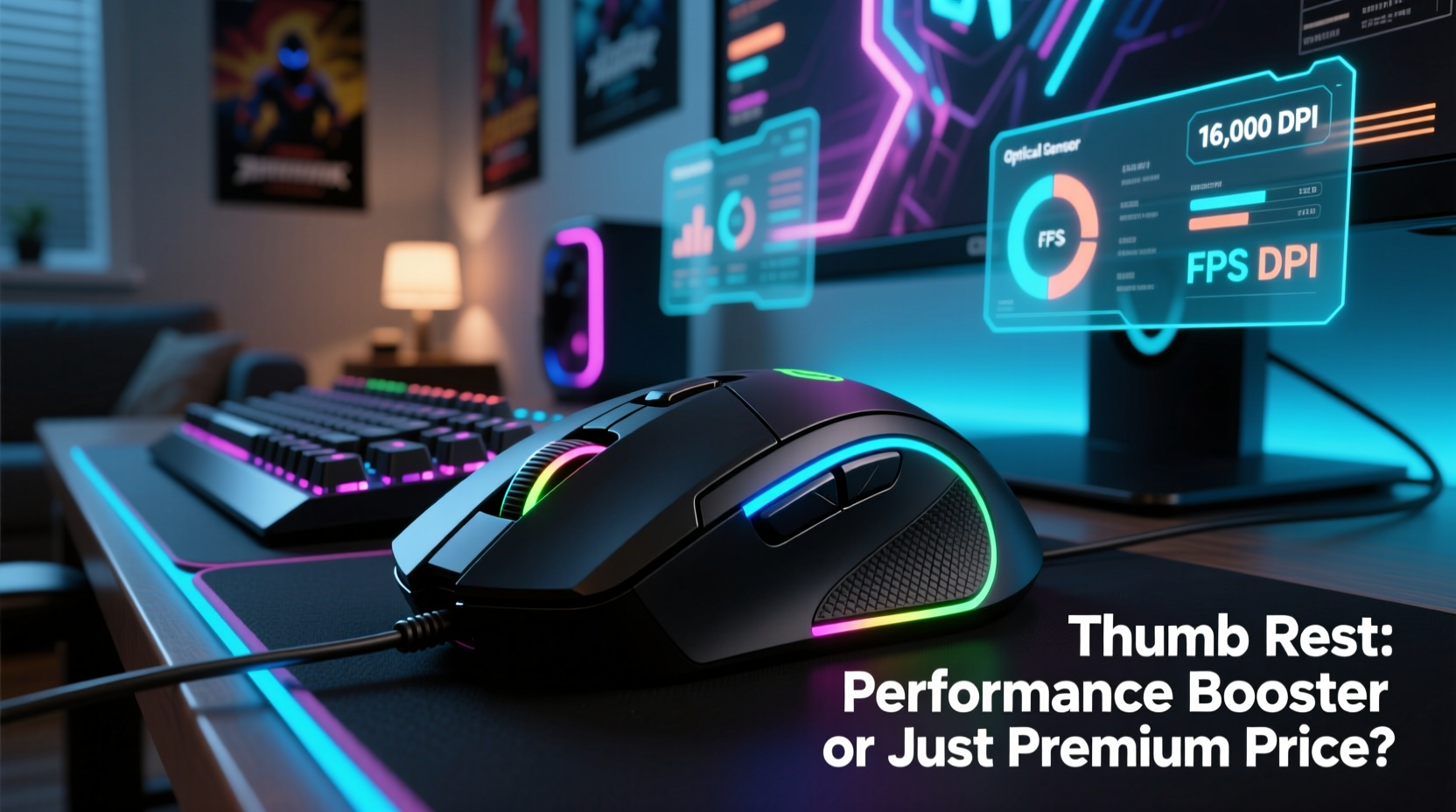
Ergonomics plays a crucial role in sustained gaming sessions. A poorly designed mouse can lead to fatigue, discomfort, or even long-term strain injuries like carpal tunnel syndrome. The thumb rest, when properly implemented, contributes to better weight distribution across the hand, reducing pressure on the palm and index finger. This allows for smoother micro-adjustments during aiming, which is especially critical in first-person shooters (FPS) like CS:GO, Valorant, or Overwatch.
According to Dr. Lena Torres, an occupational therapist specializing in repetitive strain injury prevention, “A well-placed thumb rest helps maintain a neutral wrist posture. This reduces muscle activation in the forearm and decreases the risk of overuse injuries during prolonged use.” Neutral posture means the wrist isn’t bent excessively upward, downward, or sideways—something that directly impacts control and consistency.
“Ergonomic design isn't just about comfort—it's about sustainability. You can't perform at your peak if your hand is fatigued after 30 minutes.” — Dr. Lena Torres, Occupational Therapist
For competitive gamers logging 40+ hours per week, this kind of endurance matters. A mouse that supports natural hand alignment enables longer play without degradation in reaction time or accuracy.
Performance Benefits: What the Data Shows
Several studies and user trials have analyzed mouse design elements, including thumb rests. In a 2022 study conducted by the Human-Computer Interaction Lab at Utrecht University, participants using mice with integrated thumb rests showed a 12% reduction in muscle strain during extended gameplay compared to flat-sided models. Reaction times remained stable over two-hour sessions, whereas those using non-ergonomic mice exhibited a measurable decline in precision after 90 minutes.
Beyond physiology, there are mechanical advantages. A secure thumb placement provides:
- Greater stability during rapid swipes or flick shots
- Improved access to side buttons (often placed near the thumb rest)
- Reduced unintentional hand movement due to slippage
- Better balance between thumb and index finger pressure
In fast-paced games where milliseconds count, having a stable base improves tracking consistency. For example, in MOBAs like League of Legends, players frequently use thumb-mounted DPI switches or macro keys. Having the thumb anchored comfortably makes these actions faster and less error-prone.
Cost vs. Value: Are Thumb Rests Worth the Premium?
It’s true that gaming mice featuring thumb rests tend to be priced higher—often $20–$50 more than comparable models without one. But this doesn’t automatically mean they’re overpriced. The added cost typically reflects not just the ergonomic shaping, but also higher-grade materials, additional sensors, programmable buttons, and refined internal components.
To assess value, consider what you're paying for beyond the physical shape:
| Feature | Mice With Thumb Rests | Mice Without Thumb Rests |
|---|---|---|
| Average Price Range | $70–$150 | $30–$90 |
| Ergonomic Design | Yes (contoured for right/left hand) | Limited or symmetrical only |
| Thumb Button Count | Typically 2–4 | Often 1–2 |
| Weight Distribution | Balanced, customizable | Less optimized |
| Target User | Competitive & long-session gamers | Casual or office users |
The data suggests that while the thumb rest itself may add minimal manufacturing cost, its presence usually signals a higher-tier product built for serious use. However, casual gamers or those with smaller hands might not benefit enough to justify the extra expense.
Who Actually Benefits Most From a Thumb Rest?
Not all gamers experience the same advantages from a thumb rest. The effectiveness depends largely on three factors: hand size, grip style, and game genre.
Hand Size and Shape
Players with medium to large hands (measuring 7 inches/18 cm or more from wrist crease to tip of middle finger) typically gain the most from a thumb rest. Their thumbs naturally extend further along the mouse body, making contact with the rest more substantial. Smaller-handed users may find the rest either unreachable or awkwardly positioned, potentially causing strain instead of relief.
Grip Style
There are three primary grip styles:
- Palm Grip: Entire hand rests on the mouse. This style benefits significantly from a thumb rest, as it completes full-hand support.
- Claw Grip: Fingers elevated, palm lightly touching. A thumb rest still helps stabilize the lower hand edge.
- Fingertip Grip: Only fingertips make contact. These users often hover their thumb above the mouse and may derive little benefit—or even feel restricted—by a protruding rest.
Game Genre
High-precision genres such as FPS and tactical shooters reward stability and fine motor control, where a thumb rest enhances consistency. In contrast, real-time strategy (RTS) or MMO players may prioritize multiple side buttons over pure ergonomics, though the rest still aids in managing complex keybinds.
Real-World Example: A Competitive FPS Player’s Experience
Consider Alex Rivera, a semi-professional Valorant player ranked in the top 0.5% globally. He switched from a compact, symmetrical mouse (no thumb rest) to a contoured right-handed model with a sculpted thumb shelf. Initially skeptical about the price jump—from $45 to $110—he noticed immediate differences:
- Reduced hand fatigue during 3-hour practice drills
- Faster actuation of his push-to-talk and ability macros via rear thumb buttons
- Improved recoil control due to steadier hand positioning
After six weeks, Alex recorded a 15% improvement in headshot accuracy during clutch scenarios. While skill development contributed, he attributes part of the gain to increased stability from the thumb rest allowing finer adjustments under pressure.
“I used to reposition my hand every few rounds,” Alex said. “Now I stay locked in. It sounds minor, but in a 1v1 duel, that consistency wins rounds.”
Step-by-Step Guide: Choosing the Right Mouse With a Thumb Rest
If you're considering upgrading to a mouse with a thumb rest, follow this practical evaluation process:
- Measure Your Hand: Use a ruler to measure from the base of your palm to the tip of your middle finger. Over 7 inches? You’re likely a good candidate.
- Determine Your Grip Style: Observe how your hand sits during gameplay. Full palm contact favors rest-heavy designs; fingertip grips may prefer low-profile rests.
- Test Button Layout: Ensure thumb buttons are reachable without stretching. Ideally, you should press them with minimal thumb movement.
- Check Customization Options: Look for adjustable weights, DPI ranges, and software support. These often accompany quality thumb rest designs.
- Try Before You Buy (If Possible): Visit electronics stores or borrow from friends. Even photos can’t replicate how a rest feels in your hand.
- Read Reviews Focused on Long Sessions: Prioritize feedback from users who play 2+ hours at a time. They’ll highlight durability and comfort issues early adopters miss.
Common Misconceptions About Thumb Rests
Despite growing popularity, several myths persist:
- Myth: All thumb rests are the same.
Reality: Designs vary widely—some are flat shelves, others are deeply contoured. Material (rubber, plastic, textured coating) also affects grip and comfort. - Myth: Only right-handed players benefit.
Reality: Many ambidextrous or left-handed models now include mirrored thumb rests, though selection remains limited. - Myth: More buttons mean better performance.
Reality: Extra buttons only help if they’re mapped meaningfully. Cluttered layouts can cause misclicks.
FAQ
Do all gaming mice with thumb rests cost more?
Most do, but not exclusively. Some mid-range models (e.g., Redragon M910 or Logitech G502 X) offer thumb rests around $60–$80. True budget options (<$50) rarely include well-designed rests, though.
Can a thumb rest cause discomfort?
Yes—if poorly shaped or mismatched to hand size. Users with small hands or ulnar deviation (inward wrist tilt) may experience pressure points. Adjustable palm pads or gel covers can mitigate this.
Are wireless mice with thumb rests as effective as wired ones?
Modern wireless gaming mice (like the Logitech G Pro X Superlight or Razer Viper V2 Pro) with thumb rests perform on par with wired versions, thanks to sub-1ms latency and lightweight builds. Battery life and build quality determine value more than connection type.
Final Checklist Before Buying
- ✅ Measure hand size and identify grip style
- ✅ Confirm thumb can comfortably reach side buttons
- ✅ Research build quality and sensor performance (not just ergonomics)
- ✅ Check software compatibility (especially for Mac or Linux users)
- ✅ Read user reviews focusing on long-term comfort
- ✅ Consider return policy—comfort is highly personal
Conclusion: Functionality Over Hype
Gaming mice with thumb rests aren’t just expensive accessories designed to extract more money from enthusiasts. For the right user—particularly those with larger hands, a palm or claw grip, and a focus on precision-oriented games—they deliver measurable improvements in comfort, control, and endurance. However, they aren’t universally superior. A fingertip gripper playing fast-paced RTS titles might find little advantage, making the extra cost hard to justify.
The key is matching the tool to the task—and to the hand. Don’t assume premium pricing equals better performance. Instead, evaluate based on fit, function, and actual usage. When chosen wisely, a gaming mouse with a well-designed thumb rest isn’t a luxury; it’s an investment in consistent, sustainable performance.




 浙公网安备
33010002000092号
浙公网安备
33010002000092号 浙B2-20120091-4
Comments
No comments yet. Why don't you start the discussion?