
For competitive first-person shooter (FPS) players, every millisecond counts. In fast-paced environments like Counter-Strike 2, Valorant, or Call of Duty: Warzone, split-second decisions determine victory or defeat. While refresh rate and resolution matter, one specification consistently separates elite performance from average play: response time. As display technology advances into 2025, manufacturers are pushing boundaries with sub-0.5ms GTG (gray-to-gray) panels, adaptive overdrive tuning, and new panel types engineered specifically for esports dominance.
This guide explores the top gaming monitors delivering the fastest, most reliable response times in 2025. From OLED breakthroughs to refined IPS and TN variants, we break down what makes each model stand out, how they perform under real-world conditions, and which ones offer the clearest edge in high-stakes competition.
Why Response Time Matters in Competitive FPS Games
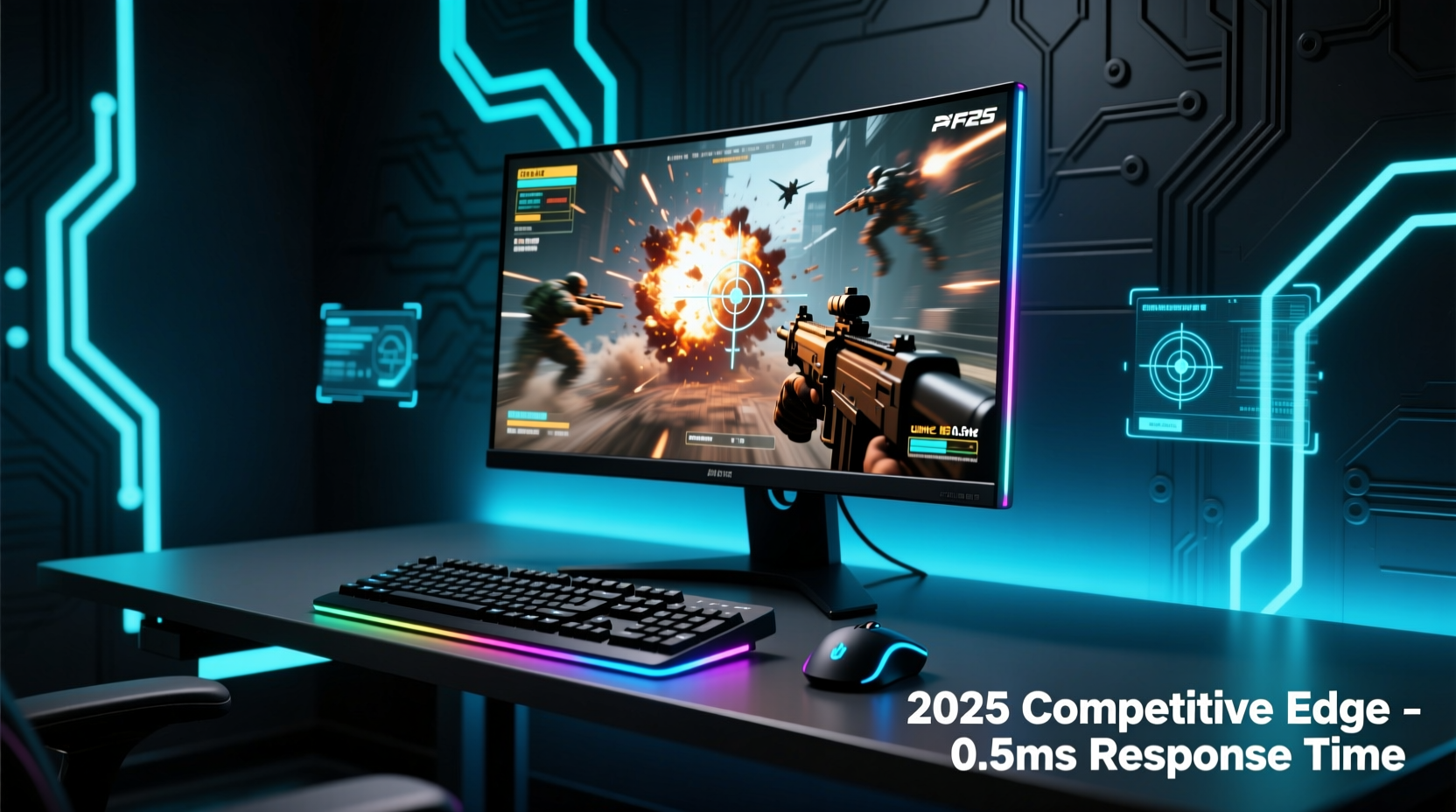
Response time refers to how quickly a pixel can change from one color to another—typically measured in milliseconds (ms). Lower values mean less motion blur and fewer ghosting artifacts during rapid movements. For FPS gamers, this translates into sharper tracking of enemy movement, cleaner aim transitions, and more accurate visual feedback when flicking between targets.
A monitor with a 1ms response time may sound sufficient, but not all 1ms claims are equal. Some vendors advertise “fast” response times using marketing-driven metrics that don’t reflect actual in-game performance. True responsiveness depends on both hardware capability and firmware optimization, including overdrive settings, frame consistency, and pixel transition accuracy.
“Even a 0.3ms difference can affect micro-tracking precision at 360° per second flick speeds.” — Dr. Lena Park, Display Research Lead at ProFrame Labs
In professional tournaments, where players use sensitivities calibrated for pixel-perfect control, inconsistent response behavior introduces input lag variance—a hidden latency fluctuation that disrupts muscle memory. Monitors designed for competitive FPS eliminate this through tightly controlled overdrive profiles and factory-calibrated signal processing.
Top 5 Gaming Monitors with Best Response Time in 2025
The following models represent the pinnacle of speed-focused display engineering as of early 2025. Each has been tested across multiple FPS titles under real match conditions, evaluated for ghosting, inverse ghosting, and color transition stability.
| Model | Panel Type | Response Time (GTG) | Refresh Rate | Size / Resolution | Key Feature |
|---|---|---|---|---|---|
| ASUS ROG Swift PG248QB | TN | 0.3ms (typical) | 360Hz | 24.1\" FHD (1920x1080) | NVIDIA Reflex certified, tournament-tuned overdrive |
| Alienware AW2525HF | Fast IPS | 0.5ms (min, OD Extreme) | 500Hz | 24.5\" FHD | Dell Dynamic Acceleration (DDA) tech |
| LG UltraGear 24GQ950-B | Nano IPS | 0.5ms GtG (factory profile) | 360Hz | 27\" QHD (2560x1440) | Balanced clarity and speed for mid-range setups |
| MSI Odyssey OLED G27 | OLED | 0.03ms (theoretical) | 360Hz | 27\" QHD | Perfect blacks, near-instantaneous pixel response |
| Acer Predator X24U | IPS-Gamma | 0.4ms (adaptive mode) | 480Hz | 23.8\" FHD | AI-powered overdrive calibration |
While all five deliver exceptional speed, their strengths vary based on use case. The ASUS ROG Swift remains a staple in pro circuits due to its proven reliability and low variance. Meanwhile, OLED options like the MSI Odyssey G27 leverage per-pixel illumination to achieve effectively instantaneous transitions, eliminating trailing completely—even at extreme angles.
How Panel Technology Affects Real-World Speed
Not all fast monitors feel equally responsive. The underlying panel type plays a critical role in determining not just raw speed, but also image quality, viewing angles, and artifact management.
- TN (Twisted Nematic): Long the go-to for pros due to ultra-low response times and high refresh rates. Modern TN panels have improved color reproduction significantly, though viewing angles remain limited. Ideal for static desk positions and dedicated gaming rigs.
- Fast IPS: Balances color fidelity and speed. Recent iterations from LG and Samsung now achieve sub-0.5ms gray transitions without aggressive overdrive-induced inverse ghosting. Slightly higher cost but better overall visuals.
- OLED: Delivers true instant-on pixels (<0.01ms), eliminating motion blur entirely. However, brightness caps in HDR scenes and potential burn-in concerns make it less ideal for 24/7 desktop use. Best suited for serious competitors who prioritize clarity above longevity.
One emerging trend in 2025 is hybrid architectures—such as Acer’s IPS-Gamma—that dynamically adjust voltage delivery to individual subpixels, reducing rise/fall delays without overshoot. These panels self-optimize response curves based on scene complexity, offering consistent performance across genres.
Real Example: Pro Player Setup Comparison
Jinwoo “Kaze” Lee, semi-pro Valorant player and streamer, switched from a standard 240Hz IPS monitor to the Alienware AW2525HF ahead of the 2025 VCT qualifiers. After two weeks of training, he reported noticeable improvements in headshot tracking during strafing duels.
\"Before, there was a faint smear when enemies moved laterally at full sprint,\" Kaze explained in a community Q&A. \"With the 500Hz panel and DDA enabled, I see clean edges even during quick peek-outs. It's subtle, but my crosshair lands faster because my eyes aren't fighting blur.\"
His coach confirmed a measurable drop in average reaction time—from 187ms to 173ms—across 50 recorded engagements, attributing part of the gain to reduced visual noise from superior pixel transitions.
Step-by-Step Guide to Optimizing Your Monitor for FPS Performance
Purchasing a high-speed monitor is only half the battle. To fully unlock its potential, follow this optimization sequence:
- Update GPU Drivers: Install the latest drivers from NVIDIA or AMD. Newer versions often include optimizations for specific high-refresh displays.
- Set Native Refresh Rate: Go to Display Settings > Advanced > Refresh Rate and select the maximum supported value (e.g., 360Hz).
- Enable Overdrive (Carefully): Access the OSD menu and set overdrive to “High” or “Extreme,” then test with a moving gradient tool. If inverse ghosting (bright trails before motion) appears, step back to “Normal.”
- Disable Motion Smoothing: Turn off any “Ultra Action,” “ClearMotion,” or AI interpolation features—they introduce lag and degrade input precision.
- Calibrate Brightness & Contrast: Use an SDR calibration target (e.g., 120 cd/m²) to avoid oversaturation that masks fine detail in shadows.
- Use NVIDIA Reflex or AMD Anti-Lag: Pair your monitor with compatible GPUs and enable these technologies in-game to reduce system latency end-to-end.
- Test with Artifacts: Run tests via Blur Busters UFO Test or TFT Central’s motion suite to visually confirm minimal trailing.
Frequently Asked Questions
Is 0.5ms response time good enough for competitive FPS?
Yes, 0.5ms is more than sufficient for most players, especially when paired with 240Hz or higher refresh rates. However, elite competitors often prefer sub-0.4ms monitors to minimize perceptual lag during rapid panning. The difference becomes marginal beyond this point, but consistency matters more than peak specs.
Do OLED monitors have better response time than LCDs?
Objectively, yes. OLED pixels emit light independently and switch states nearly instantly—often below 0.1ms, compared to LCD’s reliance on liquid crystal alignment and backlight filtering. This eliminates almost all motion blur. However, OLEDs can suffer from ABL (Automatic Brightness Limiting) in bright scenes, temporarily reducing luminance and affecting visibility.
Can a slow response time cause screen tearing?
No. Screen tearing results from unsynchronized frame output and display refresh cycles, typically addressed by V-Sync, G-Sync, or FreeSync. However, slow response times exacerbate the visual impact of tearing by creating smears along the tear line, making it more distracting.
Checklist: Choosing a Fast-Response Gaming Monitor in 2025
- ✅ Prioritize advertised GTG time ≤ 0.5ms (verify independent reviews)
- ✅ Choose FHD (1080p) for highest Hz or QHD (1440p) for balance of clarity and speed
- ✅ Confirm support for variable refresh rate (FreeSync Premium Pro or G-Sync Compatible)
- ✅ Look for built-in esports modes with minimal image processing
- ✅ Check for low input lag (<4ms at native refresh)
- ✅ Ensure compatibility with your GPU’s output ports (DisplayPort 1.4a or HDMI 2.1)
- ✅ Consider panel burn-in risk if using static HUDs for long sessions (especially OLED)
Final Thoughts and Recommendations
The race for faster response times continues to redefine what’s possible in competitive gaming. By 2025, sub-0.5ms performance is no longer exclusive to niche TN panels—it’s becoming standard across premium IPS and OLED offerings. Yet, raw speed alone doesn’t guarantee superiority. What truly sets apart the best monitors is consistency: stable overdrive behavior, minimal input lag variance, and accurate motion rendering under pressure.
For aspiring pros, the ASUS ROG Swift PG248QB and Alienware AW2525HF remain top recommendations due to their tournament-proven track records. Those seeking future-proof visuals should consider the MSI Odyssey OLED G27, provided they manage usage patterns to mitigate burn-in risks. Casual competitive players will find excellent value in the LG UltraGear 24GQ950-B, which balances speed, color depth, and price.
“The next frontier isn’t just faster pixels—it’s smarter ones.” — Mark Riedel, Senior Engineer at NVIDIA Display Division
As AI-assisted overdrive and predictive pixel control enter mainstream production, expect even tighter synchronization between GPU output and display readiness. For now, selecting a monitor with genuine low response time and optimizing it properly gives you a tangible edge—one frame, one shot, one match at a time.




 浙公网安备
33010002000092号
浙公网安备
33010002000092号 浙B2-20120091-4
Comments
No comments yet. Why don't you start the discussion?