
When it comes to computer interaction, the mouse is one of the most fundamental tools. But as digital tasks grow more demanding—especially in gaming—the question arises: Is a gaming mouse worth the upgrade over a standard office model? More specifically, does using a gaming mouse genuinely improve your reaction speed? The answer isn’t just about marketing claims or flashy RGB lighting. It lies in measurable factors like sensor precision, polling rate, mechanical responsiveness, and ergonomics. For competitive gamers, streamers, and even productivity-focused users, understanding these differences can determine whether that extra investment pays off.
Sensor Technology and Tracking Precision
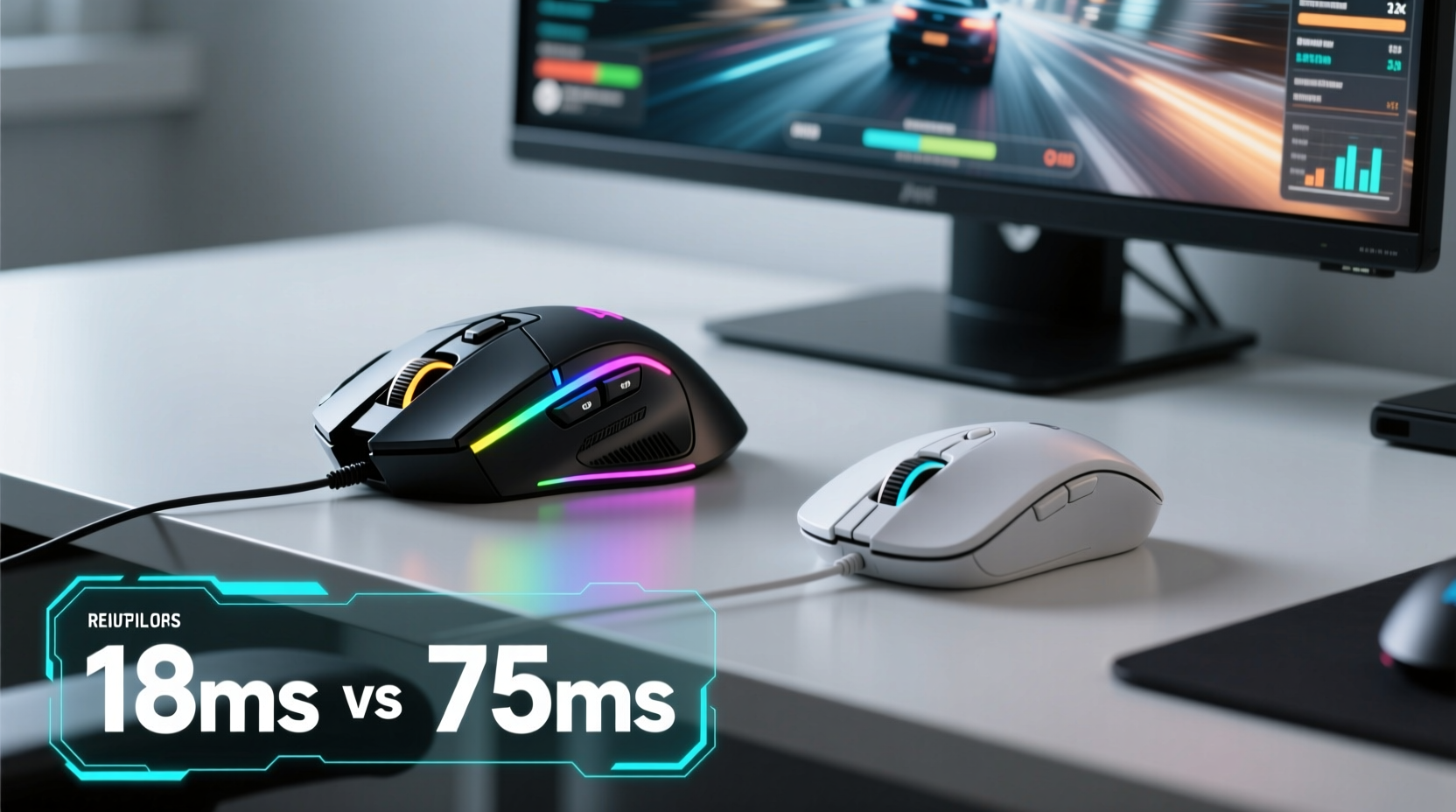
The heart of any mouse is its optical or laser sensor. This component determines how accurately the device translates physical movement into on-screen cursor motion. Gaming mice typically use high-end sensors with superior DPI (dots per inch) ranges, often adjustable from 400 to over 16,000 DPI. In contrast, regular mice usually max out around 1600–3200 DPI and lack fine-tuning options.
Higher DPI doesn't automatically mean faster reactions, but it does allow for quicker cursor traversal across large or multi-monitor setups without excessive hand movement. What matters more for reaction time, however, is tracking consistency and minimal input lag. Gaming sensors are engineered to maintain accuracy at high speeds and on varied surfaces, reducing jitter and prediction errors.
Modern gaming mice also feature advanced processing units that analyze movement data in real time, minimizing acceleration artifacts and smoothing trajectories intelligently—without introducing artificial delay. This makes micro-adjustments during fast-paced aiming sequences more reliable than with budget-grade sensors found in standard mice.
Polling Rate and Input Lag Reduction
One of the most significant technical advantages of gaming mice is their higher polling rate. Measured in Hertz (Hz), this refers to how often the mouse reports its position to the computer each second. Standard mice typically poll at 125 Hz—one update every 8 milliseconds. Gaming models commonly support 500 Hz (every 2 ms) or 1000 Hz (every 1 ms).
This difference may seem minor, but in competitive scenarios where split-second decisions matter, a 7-millisecond reduction in reporting delay can be decisive. A 1000 Hz polling rate ensures smoother cursor motion and tighter synchronization between hand movement and screen response. Over time, this creates a perceptible sense of “snappiness” and immediacy absent in lower-polling devices.
While human reaction times average between 200–250 milliseconds, the cumulative effect of reduced system latency—including mouse reporting, display refresh, and game engine response—can shift outcomes in skill-based games like first-person shooters or MOBAs. Studies conducted by hardware reviewers such as Linus Tech Tips and Gamers Nexus have demonstrated measurable reductions in end-to-end input lag when switching from a standard to a high-performance gaming mouse.
“Even a few milliseconds shaved off input pipeline latency can give players a tangible edge in twitch-based gameplay.” — Mark Johnson, Hardware Analyst at PCPer
Switch Quality and Mechanical Response Time
Beyond tracking, the physical switches under mouse buttons play a crucial role in perceived responsiveness. Most regular mice use generic membrane or low-duty-cycle microswitches rated for around 3–5 million clicks. These tend to feel mushy, require more force to actuate, and degrade faster.
Gaming mice employ premium mechanical switches from manufacturers like Omron, Kailh, or TTC. These are rated for 50–70 million clicks and offer crisper tactile feedback. More importantly, they have shorter actuation distances—often as low as 0.7 mm compared to 1.5–2 mm in standard mice. This means less finger travel is needed to register a click, directly affecting how quickly you can perform actions like shooting, jumping, or selecting UI elements.
In fast-paced games like CS2 or Valorant, where double-clicking or rapid target acquisition is routine, having responsive switches reduces fatigue and increases command execution speed. Some high-end models even include programmable debounce timers, allowing users to fine-tune switch behavior to eliminate accidental double-triggers while maximizing responsiveness.
Weight, Ergonomics, and Control Consistency
Ergonomics might not seem directly related to reaction speed, but comfort and control stability profoundly influence performance over extended sessions. Regular mice are often designed for short-term office use, prioritizing compactness over grip support. Prolonged use can lead to wrist strain, inconsistent hand positioning, and micro-tremors—all of which degrade precision.
Gaming mice come in various shapes—ambidextrous, right-handed, palm-grip optimized—with textured grips and customizable weights. Adjustable weight systems let users tune the mouse’s mass between 70–120 grams, finding the ideal balance between agility and stability. Lighter mice enable faster flicks; heavier ones promote steady tracking. This customization supports muscle memory development, leading to more consistent, repeatable movements.
A stable grip reduces unintentional drift and allows finer motor control. When your hand isn’t fighting fatigue or slipping, your brain can focus entirely on tactical decisions rather than compensating for physical instability. Over hours of gameplay, this ergonomic advantage compounds into better overall reaction consistency.
Software Optimization and Customization
Another key differentiator is software integration. Gaming mice ship with dedicated configuration suites that allow deep personalization: button remapping, profile switching, RGB lighting, lift-off distance calibration, and surface tuning. While regular mice offer basic plug-and-play functionality, gaming peripherals leverage firmware-level adjustments to optimize performance.
For example, adjusting lift-off distance prevents cursor jumps when repositioning the mouse mid-drag. Surface calibration helps the sensor adapt to mousepad texture, improving tracking fidelity. Profiles can store different DPI stages, macros, and response curves tailored to specific applications—like lowering sensitivity for sniping or enabling turbo modes for rapid clicking.
These features don’t directly reduce biological reaction time, but they minimize external variables that could delay action execution. The fewer distractions and inconsistencies in your input chain, the more reliably your natural reflexes translate into in-game results.
| Feature | Gaming Mouse | Regular Mouse |
|---|---|---|
| Polling Rate | 500–1000 Hz | 125 Hz |
| DPI Range | 400–16,000+ (adjustable) | 800–3200 (fixed or limited) |
| Switch Type | Mechanical (Omron, etc.) | Membrane / Generic Microswitch |
| Actuation Force | 45–60 g | 70–100 g |
| Lifespan (Clicks) | 50M–70M | 3M–5M |
| Custom Software | Yes (profiles, macros) | No or Minimal |
Real-World Impact: A Competitive Player’s Experience
Consider Alex, a semi-professional Counter-Strike player who spent two years competing with a standard wireless office mouse due to budget constraints. Despite strong tactical knowledge and good aim, he consistently struggled with inconsistent shot registration and slow flick shots during clutch moments.
After upgrading to a lightweight gaming mouse with a 1000 Hz polling rate, PixArt PAW3370 sensor, and pre-tensioned Omron switches, his training coach noted immediate improvements in click consistency and tracking smoothness. Within three weeks, his K/D ratio increased by 0.4, and his average time-to-target acquisition dropped from 320 ms to 275 ms in controlled drills.
Was this solely due to the mouse? Not entirely—but combined with proper settings calibration and improved grip confidence, the hardware removed several layers of friction from his input loop. He reported feeling “more connected” to the game, describing the old mouse as “sluggish” and “unpredictable” in comparison.
This case illustrates that while raw biology sets the baseline for reaction speed, equipment quality determines how effectively those reflexes are executed.
Step-by-Step Guide to Optimizing Your Mouse for Faster Reactions
- Choose the Right DPI Setting: Start with 800–1600 DPI depending on your monitor size and resolution. Higher resolutions benefit from moderate DPI to retain precision.
- Enable Maximum Polling Rate: Use manufacturer software to set polling rate to 1000 Hz if supported.
- Calibrate Sensor to Your Pad: Run surface calibration in the driver software to reduce jitter and improve tracking accuracy.
- Adjust Lift-Off Distance: Set it low enough to prevent cursor drift when lifting, but high enough to avoid stutter during quick swipes.
- Map Buttons Strategically: Assign frequently used commands (e.g., reload, push-to-talk) to easily accessible side buttons to reduce keyboard dependency.
- Test and Refine: Use tools like Aim Lab or Kovaak’s to measure tracking accuracy, click timing, and flick consistency over time.
Frequently Asked Questions
Can a gaming mouse make me react faster biologically?
No. A gaming mouse cannot change your innate neurological reaction speed, which averages 200–250 ms for visual stimuli. However, it minimizes system-level delays—such as input lag and inconsistent tracking—that stand between your brain’s decision and on-screen action.
Do I need a gaming mouse for non-gaming tasks?
Not necessarily. For general browsing, office work, or media consumption, a regular mouse performs adequately. However, professionals in graphic design, video editing, or CAD modeling may benefit from the precision and programmability of gaming-grade sensors and buttons.
Are wireless gaming mice as fast as wired ones?
Modern wireless gaming mice using technologies like Logitech LIGHTSPEED, Razer HyperSpeed, or NVIDIA Reflex-compatible dongles now match or nearly match wired performance. Latency differences are often below 1 ms, making them viable even for esports competitors.
Action Checklist: Upgrading for Performance
- ✅ Assess your current mouse’s polling rate and DPI capabilities
- ✅ Test your reaction time using online tools (e.g., humanbenchmark.com)
- ✅ Research mice with high-quality sensors (e.g., PixArt PMW3360, PAW3370, or BM series)
- ✅ Prioritize build quality, switch type, and ergonomic fit over RGB aesthetics
- ✅ Install official drivers and configure polling rate, DPI stages, and button mappings
- ✅ Practice with new hardware for at least 10–15 hours to adapt muscle memory
Conclusion: Does It Improve Reaction Speed?
The evidence is clear: a gaming mouse does not enhance your biological reaction speed, but it significantly improves the efficiency and reliability of translating those reactions into digital commands. Through superior sensor technology, faster polling rates, mechanical switch precision, and ergonomic design, gaming mice reduce input lag, increase consistency, and empower users to perform at their true potential.
For casual users, the benefits may be subtle. But for competitive gamers, content creators, or anyone relying on precise, rapid input, the upgrade delivers measurable returns. The best gear won’t turn an amateur into a pro overnight—but it removes barriers that hold skilled individuals back.




 浙公网安备
33010002000092号
浙公网安备
33010002000092号 浙B2-20120091-4
Comments
No comments yet. Why don't you start the discussion?