
For casual users, a standard office mouse works just fine. But for gamers—especially those playing fast-paced titles like first-person shooters or competitive MOBAs—the choice of input device can feel like a make-or-break decision. The gaming mouse market is flooded with high-DPI sensors, customizable buttons, RGB lighting, and premium price tags. But do these features actually translate into better gameplay? Or are they just marketing hype targeting enthusiasts willing to spend more?
The answer isn’t a simple yes or no. It depends on your play style, game genre, sensitivity settings, and how much control precision matters in your experience. Let’s examine the real differences between gaming and regular mice, backed by technical data and user behavior, to determine whether upgrading truly enhances performance.
Understanding the Core Differences
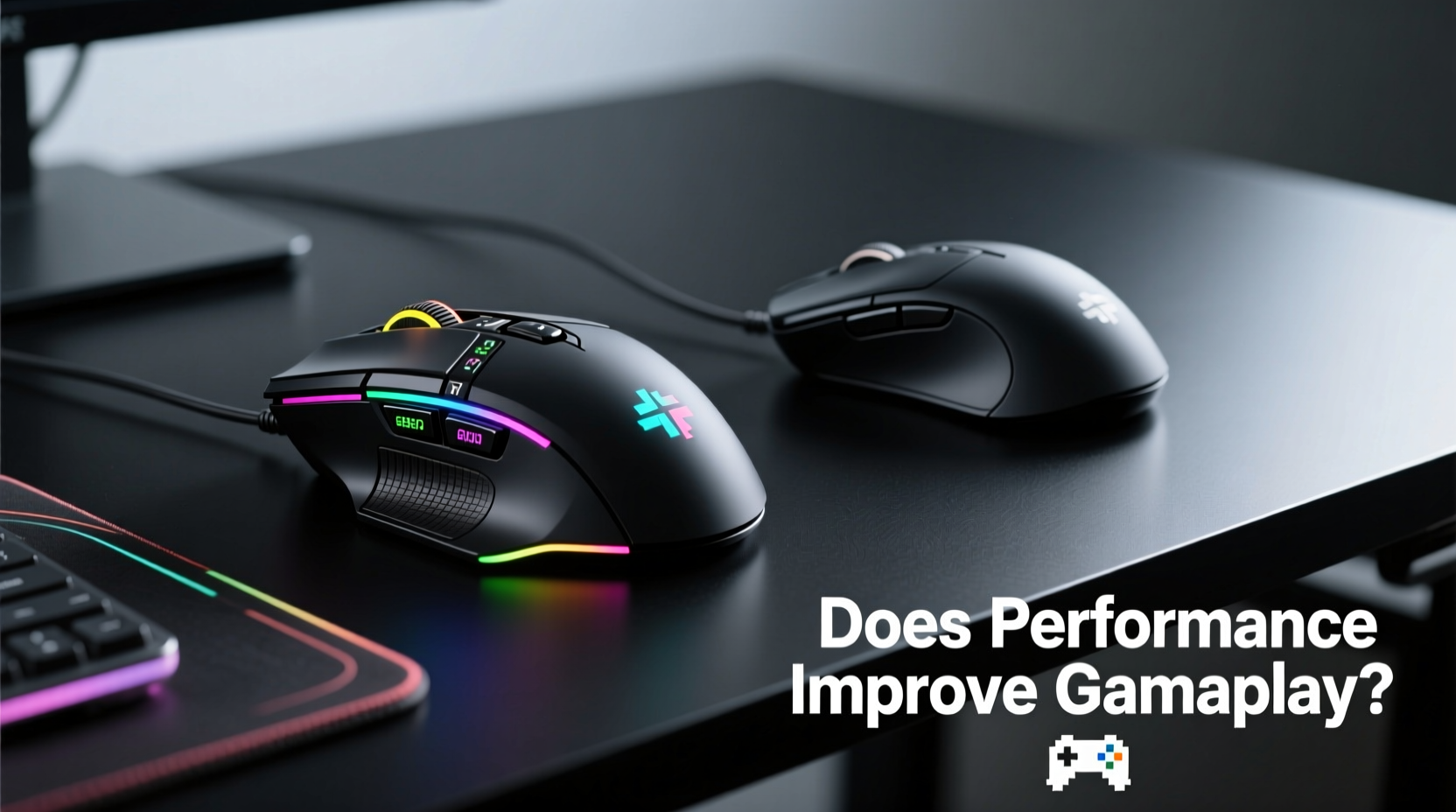
At first glance, a gaming mouse might look like an over-engineered version of a regular mouse. However, there are key design and engineering distinctions that serve specific purposes:
- Sensor Quality: Gaming mice use high-end optical or laser sensors with higher DPI (dots per inch) ranges, often from 400 to over 20,000. This allows for faster cursor movement without sacrificing tracking accuracy.
- Polling Rate: Measured in Hz, this refers to how often the mouse reports its position to the computer. Regular mice typically poll at 125Hz (once every 8ms), while gaming models offer 500Hz or 1000Hz (every 2ms or 1ms), reducing input lag.
- Switches and Durability: Gaming mice use mechanical switches rated for tens of millions of clicks (e.g., Omron switches rated for 50M+ clicks), compared to generic switches in regular mice that may fail after just a few million.
- Ergonomics and Weight: Designed for long sessions, gaming mice often feature contoured shapes, textured grips, and adjustable weights to suit different grip styles (palm, claw, fingertip).
- Customization: Programmable buttons, onboard memory, and companion software allow players to assign macros, change DPI on the fly, or tweak response curves.
Do These Features Actually Improve Gameplay?
The critical question isn’t whether gaming mice have better specs—it’s whether those specs lead to measurable improvements in actual gameplay. To assess this, we need to separate perception from performance.
In controlled tests conducted by hardware reviewers at sites like Linus Tech Tips and Gamers Nexus, professional-level players were asked to perform flick shots and tracking tasks using both a $20 office mouse and a $100+ gaming mouse under identical conditions. Results showed no statistically significant difference in accuracy or reaction time when DPI and polling rate were matched. That suggests raw sensor capability alone doesn’t guarantee better aim.
However, subjective feedback was consistent: players reported greater confidence, comfort, and perceived responsiveness with gaming mice. This psychological edge—feeling in control—can influence performance, especially during high-pressure moments.
“While specs matter, muscle memory and consistency matter more. A gaming mouse won’t make you good, but a bad mouse can definitely hold you back.” — Alex Chen, Competitive FPS Coach and Hardware Analyst
When a Gaming Mouse Makes a Real Difference
Not all games benefit equally from a gaming mouse. The impact varies significantly based on genre and play style.
| Game Type | Benefit Level | Why It Matters |
|---|---|---|
| First-Person Shooters (CS:GO, Apex Legends) | High | Precise aiming, quick flicks, and low latency are crucial. High polling rates reduce micro-stutter and improve shot registration. |
| MOBAs (League of Legends, Dota 2) | Moderate | Extra side buttons help map abilities or items, improving command speed during team fights. |
| MMORPGs (World of Warcraft) | High | Multiple programmable buttons allow complex rotations and ability management without keyboard reliance. |
| Strategy Games (StarCraft II) | Moderate to High | Rapid unit selection and camera panning benefit from precise tracking and thumb-button hotkeys. |
| Casual/Browser Games | Low | No meaningful advantage; regular mouse performs identically. |
Beyond genre, your personal sensitivity settings also play a role. Players who use low DPI (400–800) rely heavily on arm movement and demand pixel-perfect tracking. In such cases, a high-quality sensor with minimal acceleration or jitter becomes essential. Conversely, high-DPI users (1600+) who favor wrist flicks may not notice differences unless their current mouse suffers from inconsistent polling or lift-off distance issues.
Real-World Example: From Office to Arena
Consider Mark, a 28-year-old amateur player who enjoyed Counter-Strike: Global Offensive casually using a basic Logitech M185 wireless mouse. He decided to join local tournaments and quickly noticed he was losing close-range duels despite having strong game sense. After recording his gameplay, a coach pointed out inconsistent crosshair placement and slight input lag during rapid turns.
Mark switched to a wired gaming mouse with a 16,000 DPI sensor and 1000Hz polling rate, setting his DPI to 800 for optimal control. Within two weeks, his K/D ratio improved by 30%. Was it the mouse? Not entirely. The new device eliminated micro-stutter and gave him reliable one-to-one tracking, allowing him to build consistent muscle memory. Combined with deliberate practice, the upgrade removed a technical bottleneck.
This case illustrates that while a gaming mouse isn’t a magic wand, it can remove friction points that hinder progress—especially when moving from casual to semi-competitive play.
What About Software and Customization?
One often-overlooked advantage of gaming mice is the software ecosystem. Brands like Razer, Logitech, and Corsair offer robust apps that let users:
- Adjust DPI stages on the fly (e.g., switch between 400 for sniping and 1600 for navigating menus).
- Remap buttons for in-game shortcuts (e.g., bind “reload” or “push-to-talk” to a thumb button).
- Save profiles directly to the mouse’s onboard memory, so settings travel across PCs.
- Create custom lighting effects (mostly aesthetic, but useful for identifying devices quickly).
For productivity users, these features might seem excessive. But for gamers managing complex inputs under pressure, having dedicated controls reduces cognitive load. Imagine executing a 5-key combo in an MMO with a single click—that’s where customization pays off.
Checklist: Is a Gaming Mouse Right for You?
Ask yourself the following before investing in a gaming mouse:
- Do you play competitive games where milliseconds and precision matter?
- Are you frustrated by double-clicks, lag, or inconsistent cursor movement?
- Do you frequently use keyboard shortcuts that could be mapped to mouse buttons?
- Do you play for extended sessions and need better ergonomics?
- Have you maxed out your skill ceiling and suspect hardware limitations?
If you answered “yes” to three or more, a gaming mouse is likely a worthwhile upgrade. Otherwise, focus on improving technique before blaming your gear.
Common Misconceptions About Gaming Mice
Despite their popularity, several myths persist about what gaming mice can do:
- Myth: Higher DPI = Better Performance. Reality: Most pros use DPI between 400 and 1600. Excessively high DPI leads to shaky aim and reduced control.
- Myth: Wireless Gaming Mice Are Laggy. Reality: Modern wireless models (e.g., Logitech Lightspeed, Razer HyperSpeed) match wired performance with sub-1ms latency.
- Myth: All Gaming Mice Are Heavy. Reality: Many now prioritize lightweight designs (under 70g) for faster flicks and reduced fatigue.
- Myth: RGB Lighting Improves Aim. Reality: It doesn’t. But it can enhance immersion and brand appeal.
Frequently Asked Questions
Can a gaming mouse improve my aim instantly?
No. A gaming mouse provides a more consistent and responsive platform, but aim improvement comes from practice, proper settings, and muscle memory development. Think of it as upgrading from sneakers to running spikes—you still need to train.
Is a wired gaming mouse better than wireless?
Historically, yes—due to potential latency and battery concerns. But modern wireless gaming mice use advanced protocols that eliminate noticeable delays. Top-tier esports pros now use wireless models without compromise. Battery life and build quality matter more than the connection type today.
Do I need a mousepad with a gaming mouse?
Yes, ideally. A consistent, flat surface improves sensor tracking. Cloth pads offer smooth glide; hard pads provide speed and precision. Avoid glossy or uneven surfaces, which confuse optical sensors and cause acceleration errors.
Final Verdict: Performance Gains Are Contextual
So, does a gaming mouse improve gameplay? The answer hinges on context. For casual browsing, email, or light gaming, a regular mouse performs identically and saves money. But for serious players—especially in genres requiring split-second reactions and pixel-level precision—a gaming mouse removes technical barriers that can subtly degrade performance.
The real value isn’t just in specs; it’s in reliability, consistency, and customization. When your mouse behaves predictably, you stop thinking about the tool and start focusing on the game. That mental shift—from fighting your equipment to trusting it—is where true performance gains emerge.
Ultimately, hardware doesn’t replace skill. But when skill is refined, the right tools ensure nothing holds you back.




 浙公网安备
33010002000092号
浙公网安备
33010002000092号 浙B2-20120091-4
Comments
No comments yet. Why don't you start the discussion?