
Gift cards are a convenient way to shop for clothing, accessories, and seasonal essentials at popular retailers like Gap. Whether you’ve received a Gap gift card as a gift or purchased one for personal use, knowing the remaining balance is essential before heading to the store or checking out online. Fortunately, checking your Gap gift card balance doesn’t require complicated steps or long wait times. With just a few clicks or a quick phone call, you can access up-to-date information about your available funds.
This guide walks you through multiple reliable methods to test your Gap gift card balance, offers expert-backed tips for secure handling, and answers common questions that shoppers often encounter. Whether you’re planning a back-to-school shopping spree or treating yourself to a new wardrobe staple, understanding how to manage your gift card effectively ensures a smoother, more confident shopping experience.
Why Checking Your Gift Card Balance Matters
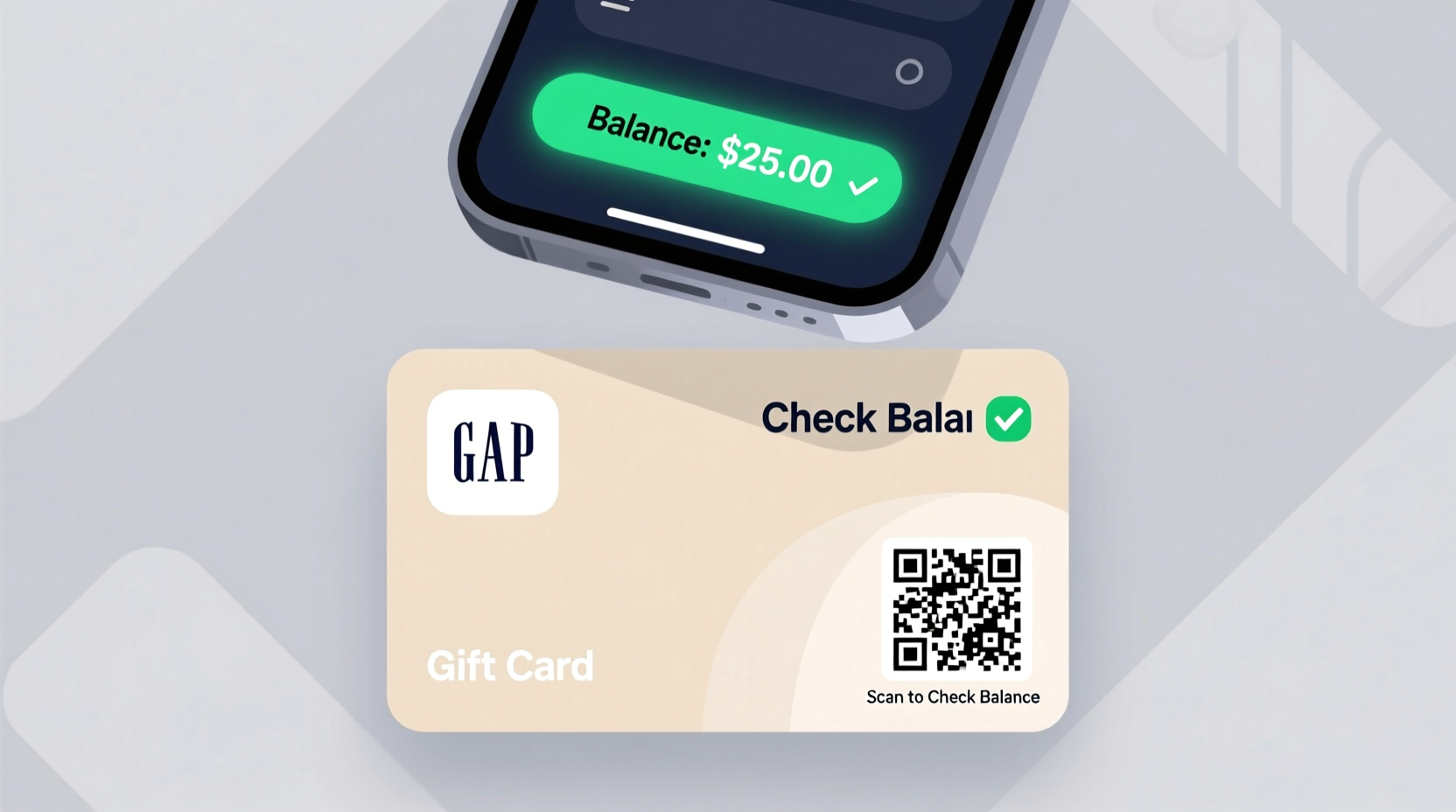
Many consumers assume gift cards are “set and forget” tools—once activated, they remain usable until the balance runs out. However, without regular monitoring, you risk encountering declined transactions, especially if the card has been used multiple times or stored for months. Knowing your current balance helps you:
- Avoid embarrassment at checkout when your card is declined
- Plan purchases around available funds
- Detect potential fraud or unauthorized usage early
- Combine balances strategically across multiple cards
Unlike cash, gift cards don’t offer chargeback protections. Once funds are gone, recovering them is nearly impossible unless reported promptly. That’s why proactive balance checks are not just helpful—they’re a smart financial habit.
Step-by-Step: How to Check Your Gap Gift Card Balance Online
The most convenient and widely used method to test your Gap gift card balance is through the official Gap website. This process takes less than two minutes and provides instant results. Follow these steps:
- Visit www.gap.com, the official Gap online store.
- Scroll to the bottom of the homepage and locate the “Gift Cards” link under the Customer Service section.
- Click on “Check Balance” from the dropdown options.
- Enter your gift card number and the 4-digit PIN located on the back of the card.
- Click “Submit” to view your current balance and any associated expiration details.
If your card was issued in Canada, use gapcanada.ca instead, as regional systems may not sync across borders. Always ensure you're on the legitimate Gap domain to avoid phishing scams.
“We recommend customers verify their gift card balance online before visiting stores, especially during high-traffic seasons like holidays.” — Lisa Tran, Retail Support Manager at Gap Inc.
Alternative Methods to Test Your Gap Gift Card
Not everyone prefers using a computer or smartphone. For those who want other options, Gap supports multiple balance-checking channels:
1. Call Customer Service
Dial Gap’s automated customer service line at 1-800-649-2547. Follow the voice prompts to select the gift card balance option. You’ll need to enter your card number and PIN using your phone keypad. The system will read back your current balance and last transaction date. This method works 24/7 and is ideal for users without internet access.
2. Visit a Gap Store In-Person
Bring your physical gift card to any Gap retail location in the U.S. A store associate can scan the card and provide an instant balance update. While this method takes more time, it allows you to spend the balance immediately if desired. Be sure to bring photo ID if the card has a large remaining value, as some locations may request verification.
3. Use the Gap Mobile App
Download the official Gap app (available on iOS and Android). After logging in or creating an account, go to the “Wallet” section and tap “Add Gift Card.” Enter your card details to register it. Once added, your balance will be visible anytime within the app. This method also enables push notifications for low-balance alerts.
| Method | Speed | Accessibility | Best For |
|---|---|---|---|
| Online Check | Fast (under 2 min) | Requires internet | Quick home checks |
| Phone Call | Moderate | Available 24/7 | Users without devices |
| In-Store | Variable | Geographic limitation | Immediate spending |
| Mobile App | Fast + ongoing access | Requires app download | Frequent shoppers |
Security Tips When Handling Your Gap Gift Card
Gift cards are increasingly targeted by fraudsters due to their prepaid nature and limited traceability. Protect your investment with these practical precautions:
- Keep the PIN hidden: The 4-digit PIN is as important as the card number. Store it separately if possible.
- Register online: Link your card to a Gap account to enable balance tracking and reduce loss risks.
- Avoid public Wi-Fi: When checking balances online, use secure networks to prevent data interception.
- Monitor regularly: Frequent balance checks help detect unauthorized use faster.
Real Example: How One Shopper Avoided a Fraud Loss
Sarah from Austin received a $100 Gap gift card for her birthday. She tucked it into her wallet and forgot about it for three weeks. Before buying jeans online, she decided to check the balance using the Gap website. To her surprise, only $34 remained. Alarmed, she called customer service and discovered two small online purchases made in Florida—locations she’d never visited.
After reporting the activity, Gap’s fraud team investigated and restored the missing balance, citing suspicious login patterns. Sarah learned the importance of checking balances proactively. She now registers all gift cards immediately and checks them weekly until fully used.
Frequently Asked Questions
Does my Gap gift card expire?
No. Under U.S. federal law and Gap’s policy, gift cards do not expire, and no dormancy fees are charged. The full balance remains valid indefinitely, even if unused for years.
Can I combine multiple Gap gift cards online?
Yes. During checkout on gap.com, you can apply more than one gift card. Enter each card number and PIN one at a time before completing your purchase. This is useful when your total exceeds a single card’s balance.
What should I do if my gift card is lost or stolen?
Contact Gap customer service immediately at 1-800-649-2547. If the card hasn’t been used, they may issue a replacement. However, once funds are spent, recovery is unlikely. This underscores the importance of registering your card online as soon as you receive it.
Final Checklist: Managing Your Gap Gift Card Successfully
- Locate your card number and PIN on the back of the gift card.
- Check the initial balance online or by phone to confirm activation.
- Register the card in your Gap account for easy tracking.
- Use the balance gradually and recheck after each transaction.
- Store the card securely—never leave it exposed in wallets or unsecured digital photos.
- Contact support immediately if discrepancies arise.
Take Control of Your Shopping Experience
Knowing how to test your Gap gift card balance simply and securely empowers you to shop with confidence. Whether you're budgeting for a family wardrobe refresh or treating yourself to a seasonal upgrade, staying informed about your available funds prevents surprises and maximizes value. By using the online portal, mobile app, or customer service line, you gain real-time insights into your card’s status—all from the comfort of your home or on the go.
Don’t wait until checkout to discover a depleted balance. Make balance checks part of your routine, just as you would monitor a bank account. With these strategies, your Gap gift card becomes more than a temporary spending tool—it becomes a well-managed asset in your personal finance toolkit.




 浙公网安备
33010002000092号
浙公网安备
33010002000092号 浙B2-20120091-4
Comments
No comments yet. Why don't you start the discussion?