
In recent years, a noticeable shift has emerged among Android users: more are moving away from Samsung’s ecosystem and embracing Google’s Pixel phones and native apps. While Samsung remains the largest Android manufacturer by market share, growing dissatisfaction with bloatware, inconsistent software updates, and aggressive data practices is driving users toward Google’s cleaner, faster, and more transparent alternative. This trend isn’t just about hardware—it's rooted in a broader preference for reliability, long-term support, and digital minimalism.
The evolution of Google’s mobile strategy—from focusing solely on software to building tightly integrated hardware-software experiences—has made its offerings increasingly competitive. Meanwhile, Samsung continues to prioritize features over refinement, often at the expense of user experience. As a result, many tech-savvy Android users are reevaluating their loyalty and making the switch to Google’s ecosystem.
Software Experience: Clean vs. Cluttered
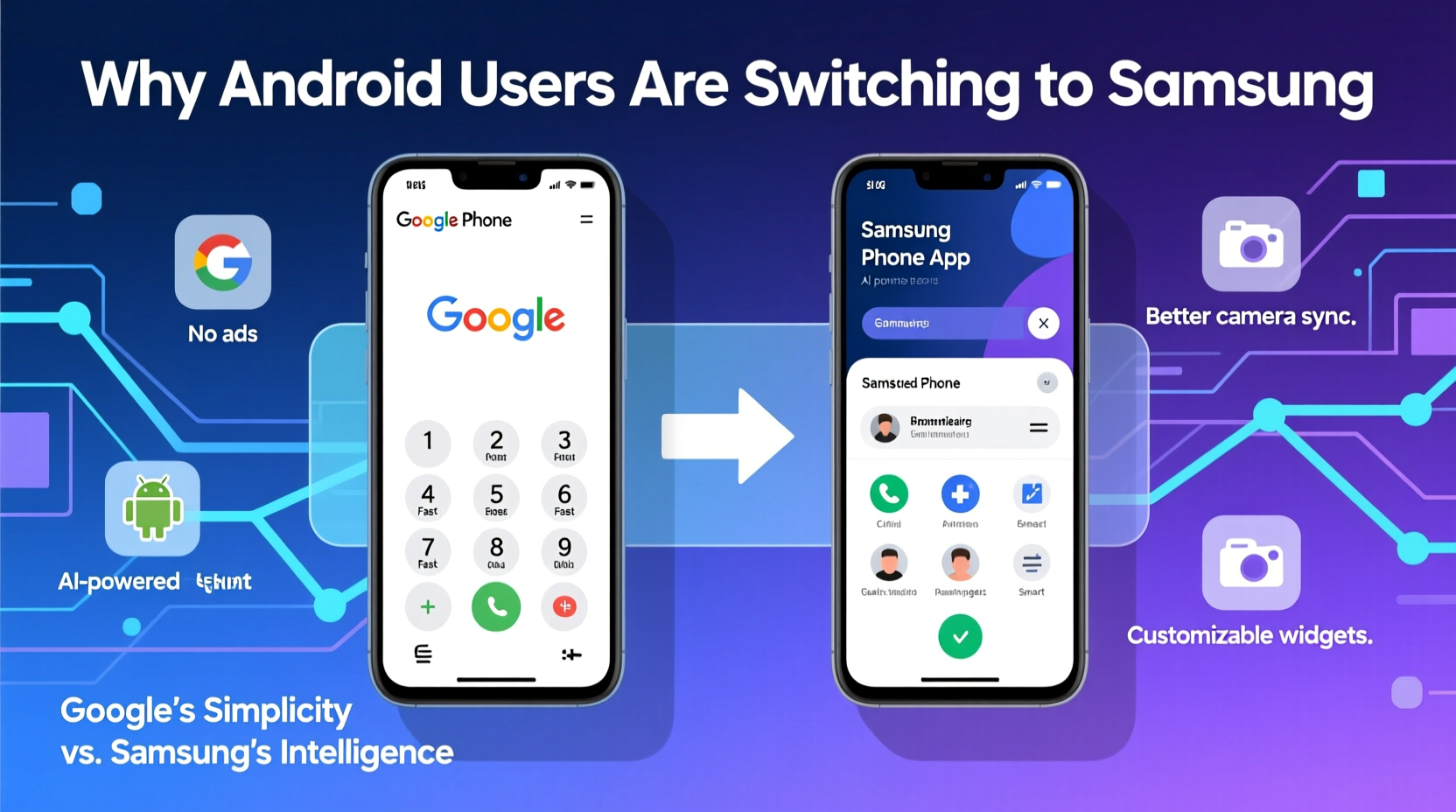
One of the most significant reasons behind the migration is the difference in software philosophy. Google Phones run stock Android—clean, fast, and uncluttered. There’s no heavy skinning layer like Samsung’s One UI, which overlays dozens of pre-installed apps, duplicate services, and visual effects that can slow down performance over time.
Stock Android provides a consistent interface across devices, intuitive navigation, and faster access to core functions. In contrast, Samsung’s approach adds complexity: multiple calendar apps, dual messaging platforms (Messages and Samsung Messages), redundant cloud storage options, and promotional pop-ups within system menus. For users who value simplicity and efficiency, this level of bloat feels outdated.
Update Speed and Longevity
Timely software updates are critical for security, performance, and feature access. Here, Google holds a clear advantage. Pixel phones receive monthly security patches and major Android version updates directly from Google, typically within days of release.
Samsung, despite improvements in recent years, still lags significantly. Even flagship Galaxy devices may take weeks—or sometimes months—to receive the latest OS update. Worse, mid-tier and budget models often get only two major OS upgrades, compared to Pixel’s guaranteed three or four.
“Fast and reliable updates aren’t a luxury—they’re essential for digital safety. Google’s direct pipeline gives users peace of mind Samsung can’t match.” — Lena Torres, Mobile Security Analyst at OpenSignal Labs
This delay matters beyond convenience. Delayed patches leave devices vulnerable to exploits. Users handling sensitive information—journalists, freelancers, small business owners—are increasingly opting for Pixels to reduce risk.
Privacy and Data Handling
Another key driver is trust. Google has historically faced scrutiny over data collection, but it has responded with greater transparency and opt-out controls in recent years. Features like on-device processing for voice recognition, automatic photo deletion reminders, and granular app permission management have improved user confidence.
Samsung, however, has come under fire for its own data practices. Reports have surfaced showing that some Samsung apps transmit usage data—including keystrokes and browsing behavior—even when disabled. While Samsung claims this is anonymized diagnostic data, the lack of clear disclosure erodes trust.
Additionally, Samsung’s deep integration with third-party ad networks and partnerships with carriers means more tracking out-of-the-box. Google, while not perfect, limits such integrations on Pixel devices and emphasizes privacy-first AI tools like Recorder and Live Translate, which process data locally.
Camera Performance: Computational Photography Wins
Photography is often the deciding factor in smartphone purchases. Samsung traditionally emphasized high-resolution sensors and optical zoom—but real-world results don’t always reflect spec sheet superiority. Google, instead, focuses on computational photography: using advanced algorithms to enhance image quality regardless of hardware limitations.
Pixels consistently rank among the top cameras in independent reviews, particularly in low-light conditions, dynamic range, and portrait mode accuracy. Features like Magic Eraser, Best Take, and Photo Unblur—powered by on-device AI—solve common problems users face without requiring manual editing.
Samsung’s camera interface, while feature-rich, often overwhelms casual users with too many modes and inconsistent results between lenses. The AI enhancements sometimes oversharpen or over-saturate, producing unnatural-looking images. For users who want great photos with minimal effort, Google’s point-and-shoot excellence is compelling.
| Feature | Google Pixel | Samsung Galaxy |
|---|---|---|
| OS Updates | 3–4 years, immediate delivery | 2–3 years, delayed rollout |
| Preinstalled Apps | Few, all removable | Many, some non-removable |
| Camera Processing | AI-driven, natural tone | High-res focus, vibrant color profile |
| Privacy Controls | Granular, on-device options | Limited visibility into data sharing |
| Bloatware | None | Significant (carrier & OEM) |
Real User Shift: A Mini Case Study
Take the example of Marcus R., a freelance photographer based in Portland. After five years with Galaxy flagships, he switched to a Pixel 7 Pro after experiencing repeated issues: his S22’s camera began misfocusing in dim light, system updates broke existing workflows, and he grew tired of uninstalling trial apps pushed by his carrier through Samsung’s ecosystem.
“I wanted a phone that just worked,” Marcus said. “The first time I used Photo Unblur to fix a shaky shot, I was hooked. No editing, no waiting—just fixed. And getting Android 14 the day it launched? That’s respect for the user.”
Within six months, three colleagues followed his lead. Their reasoning mirrored his: reliability, longevity, and fewer distractions.
How to Make the Switch Smoothly
Moving from Samsung to Google doesn’t have to be disruptive. Follow this checklist to ensure a seamless transition:
- Back up your data: Use Google Drive or Smart Switch to transfer contacts, messages, and media.
- Deactivate Samsung services: Turn off Find My Mobile and remove your device from your Samsung account.
- Reset your old phone: Perform a factory reset before selling or storing it.
- Set up your Pixel with care: During setup, choose to restore from backup and review privacy settings carefully.
- Install essential apps: Re-download frequently used services and enable two-factor authentication.
- Explore Pixel-exclusive features: Try Recorder, Call Screen, and Now Playing to leverage unique benefits.
Frequently Asked Questions
Can I keep my phone number when switching from Samsung to Pixel?
Yes. Your phone number is tied to your SIM card and carrier account, not your device brand. Simply insert your SIM into the new phone or request a transfer during activation.
Do Google Phones work well with non-Google apps?
Absolutely. Pixel phones run standard Android and support all major apps from the Google Play Store, including WhatsApp, Instagram, Microsoft Office, and banking apps. Compatibility is identical to other Android devices.
Is Samsung still a good choice for Android users?
For users who prefer larger screens, expandable storage, and stylus functionality (via Galaxy Note/S-Pen models), Samsung remains strong. However, if you prioritize software cleanliness, update speed, and long-term reliability, Google offers a superior experience.
Conclusion: A Shift Rooted in Respect for the User
The migration from Samsung to Google Phones reflects a deeper change in consumer expectations. Users no longer accept bloated interfaces, delayed updates, or opaque data policies as the cost of ownership. They demand devices that respect their time, privacy, and intelligence.
Google hasn’t perfected everything—battery life on early Pixel models was criticized, and hardware durability has improved only recently—but the company listens and iterates quickly. With each generation, Pixels become more polished, more capable, and more aligned with what modern users truly need.
If you’ve been frustrated with your current Android experience, now may be the right time to consider a change. Explore what a streamlined, future-ready device feels like. The switch might just remind you why you loved smartphones in the first place.




 浙公网安备
33010002000092号
浙公网安备
33010002000092号 浙B2-20120091-4
Comments
No comments yet. Why don't you start the discussion?