
For fans of comics and manga, choosing the right tablet isn't just about specs—it's about immersion. The way panels are rendered, how comfortably you can hold the device during long reading sessions, and whether your favorite apps run smoothly all contribute to the experience. Two of the most compelling compact tablets on the market today are the Google Pixel Tablet and the Apple iPad Mini. While both offer portability and solid performance, they differ significantly in ecosystem, software optimization, and display quality—factors that directly impact comic and manga consumption.
This guide dives deep into how each device performs specifically for digital comic and manga readers, comparing screen characteristics, app availability, battery life, and real-world usability. Whether you're a weekly Marvel reader or a devoted Shonen Jump follower, this analysis will help you make an informed decision.
Display Quality: Resolution, Color Accuracy, and Panel Type
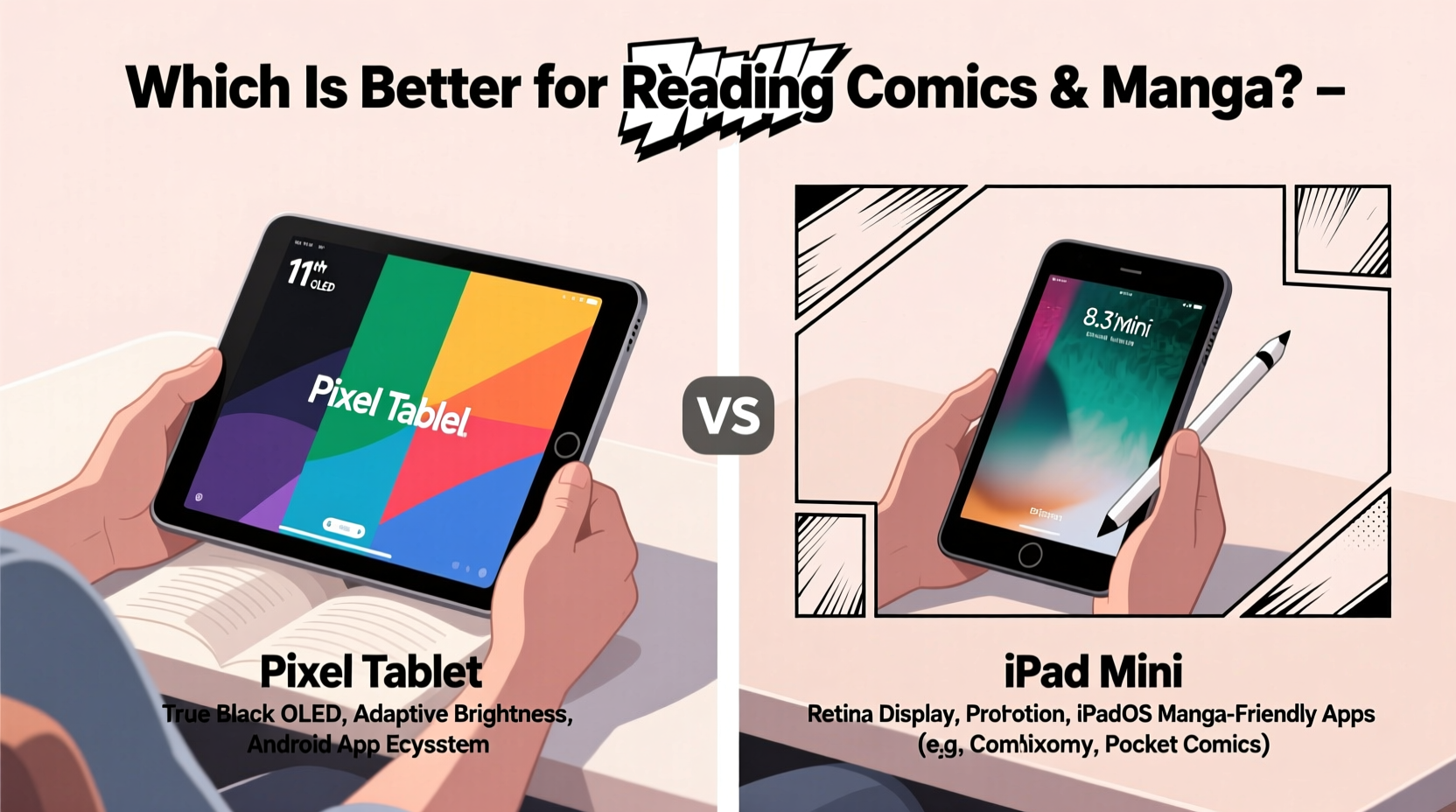
The display is arguably the most critical component when reading comics and manga. These formats rely heavily on fine linework, vibrant colors, and high contrast—especially in action-heavy panels or dark scenes. Let’s break down the screens of both devices.
The Google Pixel Tablet features a 10.95-inch LCD with a resolution of 2560 x 1600 pixels (approximately 277 PPI). It uses an IPS panel, which delivers decent color accuracy and wide viewing angles. However, being an LCD, it lacks the deep blacks and infinite contrast of OLED displays. This can slightly diminish the impact of darker panels, particularly in noir-style comics or night scenes in manga.
In contrast, the iPad Mini (6th generation) packs an 8.3-inch Liquid Retina display with a resolution of 2266 x 1488 pixels (around 326 PPI). While smaller, its higher pixel density results in crisper text and sharper line art. More importantly, it supports P3 wide color gamut and True Tone, enhancing visual fidelity and reducing eye strain in varying lighting conditions. Though also an LCD, Apple’s display calibration is industry-leading, making it one of the best non-OLED screens available.
While the Pixel Tablet offers a larger canvas—beneficial for two-page spreads—the iPad Mini’s superior pixel density and color management give it an edge for detailed artwork. If you prioritize visual precision over screen size, the iPad Mini wins this round.
App Ecosystem and Comic Reader Support
No matter how good the hardware is, the experience hinges on software. Comic and manga readers depend on dedicated apps like Kindle, ComiXology, Manga Plus, Shonen Jump, Azuki, and Tachiyomi (on Android). App availability, stability, and feature set vary drastically between platforms.
iOS dominates in terms of polished, well-maintained comic applications. Apps like ComiXology and Kindle offer seamless syncing, guided view (a panel-by-panel reading mode), and frequent updates. Manga Plus and Shonen Jump provide official, translated content with clean UIs optimized for the iPad Mini’s screen. These apps are often updated faster on iOS than their Android counterparts.
On the Android side, the Google Pixel Tablet benefits from access to the Amazon Appstore via sideloading, allowing installation of ComiXology. However, the native Android versions of many comic apps lack advanced features. For instance, guided view is rarely supported, and page rendering can be slower. That said, Android has a major advantage: Tachiyomi, an open-source manga reader that supports thousands of unofficial extensions. While not legal in all regions, it’s immensely popular among manga enthusiasts for accessing scanlations quickly.
“iOS remains the gold standard for curated, reliable comic reading apps. But Android offers flexibility that power users leverage through tools like Tachiyomi.” — Jordan Lee, Digital Comics Analyst at ReadTech Insights
If you prefer official, licensed content and a hassle-free experience, iOS is unmatched. But if you’re comfortable with sideloading or using community-driven platforms, Android—particularly on a Pixel device with clean software—offers unique advantages.
Ergonomics and Portability: Holding the Device for Hours
Reading comics and manga often involves extended sessions—commutes, weekends in bed, or late-night binges. How the tablet feels in hand matters more than raw specs might suggest.
The iPad Mini weighs just 293 grams and measures 195 x 130 x 6.3 mm. Its compact size makes it effortless to hold one-handed, even for hours. The rounded edges and balanced weight distribution reduce hand fatigue. Many users report comfortably reading for two to three hours straight without discomfort.
The Pixel Tablet, while still portable, is significantly larger at 491 grams and 245 x 175 x 11 mm. Even though it’s designed to double as a smart display when docked, its size makes one-handed use impractical. Most users end up resting it on a surface or using both hands, limiting mobility. For couch reading or desk use, this isn’t an issue—but for lying in bed or standing on a train, the iPad Mini is clearly more convenient.
| Feature | Google Pixel Tablet | iPad Mini (6th Gen) |
|---|---|---|
| Screen Size | 10.95 inches | 8.3 inches |
| Weight | 491 g | 293 g |
| Thickness | 11 mm | 6.3 mm |
| One-Handed Use | Poor | Excellent |
| Battery Life (reading) | ~9 hours | ~10 hours |
Battery life is comparable, with both lasting around 9–10 hours of continuous comic reading at moderate brightness. However, the iPad Mini’s efficiency and lighter usage profile often result in slightly longer real-world endurance.
User Experience: Features That Enhance Reading
Beyond hardware and apps, subtle software features can elevate the reading experience. Auto-brightness, night mode, gesture navigation, and split-screen multitasking all play roles.
The **iPad Mini** excels here. Its True Tone adjusts white balance based on ambient light, reducing blue strain indoors. Apple Books and third-party apps support robust night modes with customizable tint (e.g., sepia or warm gray). Additionally, the ability to use Split View lets you keep a manga app open alongside notes or a translation tool—a boon for non-English readers.
The **Pixel Tablet**, running stock Android 13 (upgradable to newer versions), offers a clean interface with minimal bloat. Its Dark Theme is system-wide and works well across apps. Google’s Adaptive Brightness learns your preferences over time, but lacks the ambient light sensor sophistication of True Tone. One standout feature is its integration with Google Assistant—useful if you want voice-controlled page turns while your hands are busy.
Mini Case Study: A Manga Translator’s Workflow
Lena Park, a freelance manga translator based in Toronto, uses her iPad Mini daily for reading raws and cross-referencing translations. She relies on Tachiyomi (via third-party app store) for raw chapters and keeps Apple Notes open in Split View to draft translations. “The iPad Mini is perfect because I can lie on the couch, prop it on a pillow, and switch between apps instantly,” she says. “I tried the Pixel Tablet, but the screen was too big to hold steadily, and Android’s split-screen is clunkier.”
Her experience highlights how real-world ergonomics and multitasking fluidity influence long-term satisfaction—even when hardware specs seem competitive.
Step-by-Step Guide: Optimizing Your Tablet for Comics
Whichever device you choose, these steps will enhance your comic and manga experience:
- Install core apps: Download Kindle, ComiXology, Manga Plus, and/or Tachiyomi depending on your platform and content preferences.
- Enable dark mode: Reduce eye strain by switching to night mode in both system settings and individual apps.
- Adjust brightness manually: Set it to 40–60% indoors; avoid auto-brightness in stable lighting to prevent distracting fluctuations.
- Use a protective case with stand: A folio case allows hands-free reading in bed or on a desk.
- Organize your library: Create folders or collections by genre (e.g., Shonen, Webtoons, DC Comics) for quick access.
- Sync across devices: Use cloud services (iCloud or Google Drive) to continue reading where you left off.
Frequently Asked Questions
Can I read DC and Marvel comics on both tablets?
Yes. Both devices support the Kindle and ComiXology apps, which host full libraries of DC, Marvel, Image, and indie titles. Purchases sync across platforms, so you can start on one device and continue on another.
Is the iPad Mini worth it if I already use Android phones?
Absolutely. If comic and manga reading is a priority, the iPad Mini’s superior app ecosystem and ergonomics justify stepping outside the Android ecosystem. Many Android users own an iPad Mini solely for media consumption due to its unmatched optimization.
Does the Google Pixel Tablet support stylus input for note-taking on manga?
No, the Pixel Tablet does not support stylus input, nor does it have active pen compatibility. In contrast, the iPad Mini works with the Apple Pencil (2nd generation), enabling readers to annotate panels, highlight dialogue, or sketch ideas directly on pages in compatible apps.
Final Verdict: Which Should You Choose?
The answer depends on your priorities.
If you value app reliability, portability, and precise visuals, the iPad Mini is the superior choice. Its compact design, best-in-class comic apps, and excellent display make it ideal for readers who want a seamless, immersive experience. The ability to use Apple Pencil and Split View further enhances its utility for serious manga fans.
If you prioritize larger screen real estate, home hub functionality, and open-access manga via Tachiyomi, the Google Pixel Tablet has appeal. Its bigger display suits two-page comic layouts well, and its speaker-down design works nicely when docked. However, its size makes it less ideal for mobile reading, and the Android comic app ecosystem remains inconsistent.
Ultimately, for the dedicated comic and manga reader, the iPad Mini delivers a more refined, consistent, and enjoyable experience out of the box.




 浙公网安备
33010002000092号
浙公网安备
33010002000092号 浙B2-20120091-4
Comments
No comments yet. Why don't you start the discussion?