
Vlogging has evolved from bedroom monologues to cinematic storytelling shot on everything from smartphones to professional cinema cameras. But for creators on the move—travelers, adventurers, fitness instructors, or urban explorers—the debate often comes down to two choices: use a GoPro or rely on a smartphone. Both are portable, durable, and capable of capturing high-quality footage, but they serve different needs in different ways. Understanding where each excels helps you make a smarter decision about whether an action cam is truly necessary for your vlogging style.
Image Quality and Dynamic Range
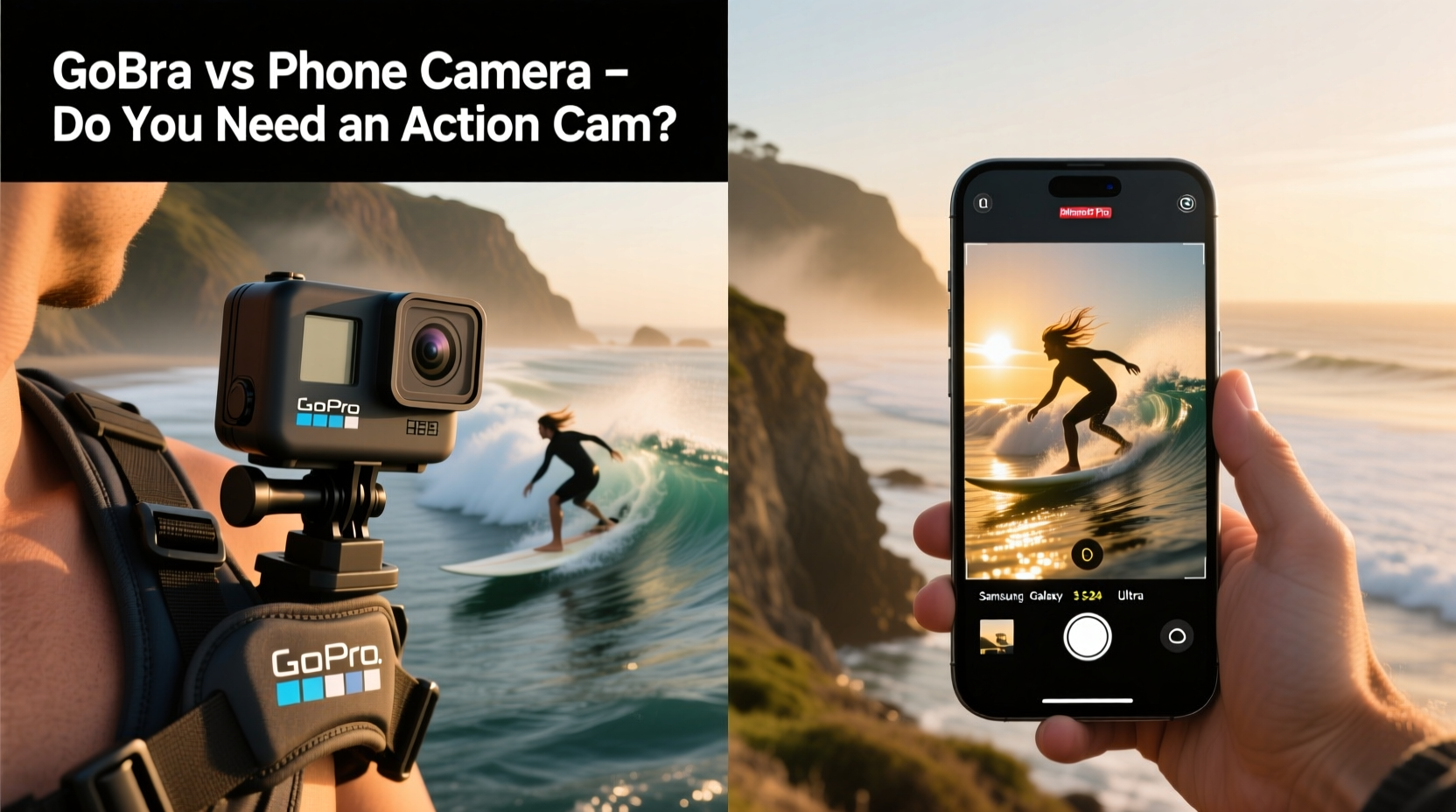
Modern smartphones, especially flagship models from Apple, Samsung, and Google, have made incredible strides in video quality. Most now support 4K recording at 30fps (some even at 60fps), with advanced HDR processing, computational photography, and AI-enhanced color grading. These features allow phones to capture rich detail in both shadows and highlights, making them excellent for well-lit outdoor scenes or controlled indoor environments.
GoPro, particularly the HERO11 Black and newer models, also records in 5.3K and 4K with impressive dynamic range thanks to its HyperSmooth stabilization and native Log profiles like GoPro Flat. However, due to the smaller sensor size compared to most smartphones, GoPros can struggle in low-light conditions. The trade-off is that while phones may win in pure resolution and tonal depth under ideal lighting, GoPros maintain more consistent exposure across fast-moving scenes with rapid light changes—like moving from shade into sunlight during a hike.
Stabilization: The Game-Changing Factor
One of the most critical aspects of vlogging is smooth, stable footage. Shaky video distracts viewers and undermines professionalism—even if the content is compelling. This is where GoPro consistently outperforms most smartphones.
GoPro’s HyperSmooth technology uses a combination of optical, electronic, and algorithmic stabilization to deliver gimbal-like results without additional hardware. In real-world tests, walking while filming produces buttery-smooth results, even over uneven terrain. Some newer iPhones and Android devices offer decent EIS (electronic image stabilization), but they often crop heavily into the frame or fail when motion is too erratic.
A practical example: imagine vlogging while biking through a park. A smartphone mounted on a handlebar will capture bouncy, jittery footage unless paired with a gimbal. A GoPro, by contrast, can be clipped directly onto your helmet or chest strap and still deliver usable, stabilized footage straight out of camera.
“HyperSmooth changed the game for solo creators. You don’t need a crew or gear truck to get cinematic movement.” — Daniel Reyes, Adventure Filmmaker & YouTube Creator
Portability and Mounting Flexibility
The true strength of the GoPro lies not just in its video specs, but in its form factor. Measuring roughly 1.5 x 1 inch, it’s designed to go anywhere. With waterproofing up to 33 feet (without a case), shock resistance, and an ecosystem of mounts—chest harnesses, selfie sticks, adhesive pads, bike clamps, suction cups—it enables perspectives impossible with a smartphone.
For vloggers who want hands-free operation or unique angles (POV shots, overhead clips, underwater snippets), this flexibility is invaluable. Want to film yourself kayaking? Clip it to your paddle. Hiking a mountain trail? Attach it to your backpack strap. Cooking in the kitchen? Use a magnetic mount on the fridge.
Smartphones, despite being pocket-sized, aren't built for this kind of rugged versatility. Even with protective cases, they’re bulkier, heavier, and rarely waterproof beyond shallow splashes. Mounting them requires extra accessories, and doing so often blocks ports or buttons. Plus, using your phone as a vlogging tool means sacrificing its primary function—communication—for extended periods.
Comparison Table: GoPro vs Smartphone for Vlogging
| Feature | GoPro HERO11/12 | Flagship Smartphone (e.g., iPhone 15 Pro) |
|---|---|---|
| Max Video Resolution | 5.3K @ 60fps | 4K @ 60fps (cinematic mode available) |
| Low-Light Performance | Moderate (small sensor limitation) | Strong (larger sensors + Night Mode) |
| Stabilization | HyperSmooth 6.0 (best-in-class) | Good EIS, varies by model |
| Water Resistance | Yes, up to 33 ft (no housing needed) | Limited (IP68 rating, not for prolonged submersion) |
| Mounting Options | Hundreds of official and third-party mounts | Requires adapters/clips; less versatile |
| Battery Life (vlogging) | ~1.5 hours (longer with spare batteries) | ~1–2 hours depending on usage |
| Audio Quality | Improved with external mics via adapter | Better built-in mics; easier mic integration |
| Price (entry-level) | $350–$450 | N/A (already owned by most users) |
Real-World Case Study: Travel Vlogger Choosing Between Devices
Sophie Chen, a full-time travel vlogger documenting her Southeast Asia backpacking trip, initially relied solely on her iPhone 14 Pro for all filming. She captured beautiful sunrise timelapses in Bali and street food tours in Bangkok. But problems arose when she went scuba diving in Thailand and attempted to film underwater scenes. Despite using a waterproof case, water spots fogged the lens, and pressure caused audio distortion. Later, while trekking in northern Vietnam, the lack of effective stabilization made her walking vlogs nearly unusable without heavy post-processing.
She rented a GoPro HERO11 for one week. Immediately, the difference was apparent: clear underwater shots without any housing issues, smooth handheld walking segments, and the ability to attach the camera to her backpack for wide-angle landscape coverage. Though she missed the richer color science of her phone, the convenience and reliability won her over. She eventually purchased a GoPro and now uses both devices—her phone for sit-down interviews and static shots, the GoPro for action sequences and immersive POV content.
Her experience illustrates a growing trend: many vloggers don’t choose one device over the other, but rather integrate both based on context.
When a GoPro Is Worth the Investment
Not every vlogger needs an action camera. If your content is primarily studio-based, interview-driven, or filmed in controlled settings, your smartphone likely suffices. But consider investing in a GoPro if:
- You frequently shoot outdoors or in unpredictable weather.
- Your vlogs involve physical activity—running, cycling, swimming, skiing, etc.
- You want consistent stabilization without carrying a gimbal.
- You value compactness and discreet filming capabilities.
- You aim to create immersive, first-person narratives.
Additionally, GoPros excel in time-lapse and slo-mo modes, offering 8x slow motion at 1080p and interval shooting down to 0.5 seconds. These tools open creative doors for dynamic storytelling, such as condensing a full-day market visit into a 30-second hyperlapse or emphasizing a jump into a lake with dramatic slow motion.
Step-by-Step: How to Decide Which Tool Fits Your Vlogging Style
- Assess your typical shooting environment. Are you indoors, urban, or constantly on the move in nature?
- Evaluate your need for stabilization. Do you walk, run, or drive while filming? Test your phone’s stability in those scenarios.
- Determine your budget. If you already own a recent smartphone, leveraging it costs nothing. A GoPro adds expense but offers specialized utility.
- Consider audio requirements. Phones generally handle ambient sound better. GoPros benefit significantly from external microphones (via USB-C or adapter).
- Test both options side by side. Film the same scene with each device and compare results on a large screen.
- Decide on workflow preferences. GoPro files are often larger and require specific software (like Quik) for quick edits. Phones integrate seamlessly with mobile editing apps.
- Make your choice—or use both. Many top creators use smartphones for talking-head segments and GoPros for B-roll and action shots.
Frequently Asked Questions
Can I use my smartphone instead of a GoPro and get similar results?
You can achieve visually appealing results with a smartphone, especially in good lighting and stable conditions. However, for dynamic movement, rugged environments, or underwater filming, a GoPro typically performs more reliably and consistently without requiring additional stabilization gear.
Do GoPros have worse audio than phones?
Generally, yes—especially in windy conditions. Built-in mics on GoPros can pick up handling noise and wind interference. However, this can be mitigated with aftermarket windshields or connecting an external microphone via a USB-C adapter. Smartphones usually have better directional mics and onboard noise filtering.
Is a GoPro worth it if I mostly vlog from home?
If your vlogging is stationary—filmed at a desk, in a room, or with tripod-mounted setups—a GoPro offers little advantage over a smartphone or dedicated webcam. Its strengths shine in mobility and durability, which are less relevant in static environments.
Final Verdict: Do You Need an Action Cam?
The answer depends entirely on how and where you create. For casual vloggers sharing daily thoughts or cooking tutorials, a smartphone remains the most accessible, cost-effective, and high-quality option. It’s what you already carry, and its camera continues to improve year after year.
But if your content thrives on motion, adventure, spontaneity, or immersion, a GoPro isn’t just useful—it’s transformative. It removes barriers between you and your environment, letting you capture life as it happens, not as it’s staged. The investment pays off in versatility, resilience, and the freedom to focus on storytelling instead of stabilization.
Ultimately, the best setup might not be one or the other, but both. Use your phone for clarity and audio fidelity in controlled scenes, and deploy your GoPro when the path leads off-road.




 浙公网安备
33010002000092号
浙公网安备
33010002000092号 浙B2-20120091-4
Comments
No comments yet. Why don't you start the discussion?