
Purchasing a used Mac can be one of the smartest tech decisions you make—if you know what to look for. Apple’s hardware is famously durable, and macOS continues to support older machines longer than most PC operating systems. This means that even five-year-old Macs often run modern software smoothly. But not all used Macs are created equal. Some models suffer from overheating, limited upgrade paths, or outdated ports. Others remain powerhouses years after release.
The key is choosing a model with strong build quality, long-term software support, and enough performance headroom for today’s workflows—whether that’s photo editing, coding, remote work, or managing large documents. This guide cuts through the noise to highlight the best used Macs available in the current secondhand market, along with practical advice to avoid common pitfalls.
What Makes a Used Mac a Smart Buy?
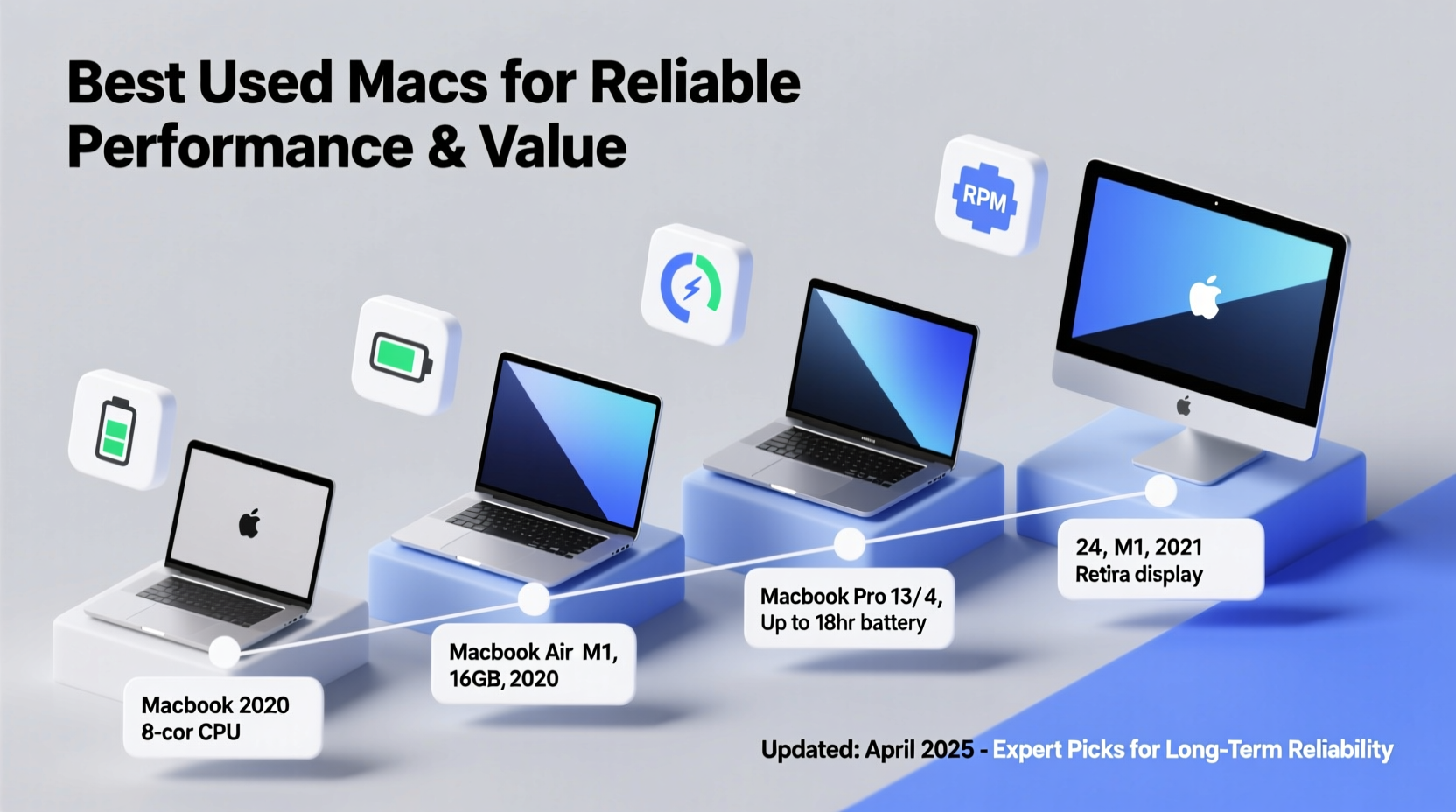
A great used Mac balances performance, reliability, and future-proofing. Unlike many consumer electronics, Macs depreciate slowly and maintain resale value due to their robust construction and consistent software updates. A well-chosen pre-owned Mac can serve reliably for three to five years—or more—with minimal maintenance.
Apple typically supports its Macs with macOS updates for around 7–8 years after release. For example, a 2017 MacBook Pro still runs macOS Sonoma (2023), despite being six years old at the time of release. That kind of longevity is rare in computing.
However, not every Mac released in the last decade is worth buying today. You’ll want to avoid certain models known for hardware defects—like the butterfly keyboard era or early M1 supply-chain issues—and instead focus on those with proven track records.
Top 5 Used Mac Models Worth Buying Today
Based on real-world performance, user feedback, and long-term reliability, these five Mac models stand out in the used market. Each offers excellent value, whether you're a student, creative professional, or casual user.
- MacBook Pro 14\" or 16\" (M1 Pro/Max, 2021) – The first pro laptops powered by Apple Silicon set a new benchmark. With exceptional battery life, powerful CPU/GPU options, and high-quality displays, these machines handle video editing, development, and multitasking effortlessly. Even lightly used units command premium prices, but they’re worth it for professionals.
- MacBook Air (M1, 2020) – Still one of the best values in computing. Silent fanless design, 18-hour battery life, and snappy performance for everyday tasks. Ideal for students, writers, and remote workers. Avoid models with heavy battery wear (check cycle count).
- Mac mini (M1, 2020) – A desktop powerhouse in a tiny form factor. Pairs perfectly with existing monitors and peripherals. Great for home offices, media centers, or light development work. Offers full desktop-class performance at laptop prices.
- MacBook Pro 13\" (Intel, 2019) – The final and most stable version of the Intel-based 13-inch Pro. Features four Thunderbolt 3 ports, Touch Bar, and reliable scissor-switch keyboard. While heavier than the M1 Air, it’s a solid choice if you need legacy software via Boot Camp.
- iMac 24\" (M1, 2021) – Stylish, compact all-in-one with a vibrant 4.5K display. Excellent for home offices or creative work where space is limited. Just ensure the seller includes the Magic Keyboard and mouse.
Comparison Table: Key Specs and Value Metrics
| Model | Processor | RAM | Storage | Battery Life | Best For |
|---|---|---|---|---|---|
| MacBook Pro 16\" (M1 Max, 2021) | M1 Max (10-core CPU, 32-core GPU) | 32GB+ | 1TB+ SSD | Up to 21 hours | Video editors, developers, pros |
| MacBook Air (M1, 2020) | M1 (8-core CPU, 7/8-core GPU) | 8–16GB | 256GB–512GB | 18 hours | Students, general use |
| Mac mini (M1, 2020) | M1 (8-core CPU, 8-core GPU) | 8–16GB | 256GB–1TB | N/A (desktop) | Home office, servers |
| MacBook Pro 13\" (2019) | Intel Core i5/i7 (8th gen) | 16GB max | 512GB–1TB | 10 hours | Legacy software users |
| iMac 24\" (M1, 2021) | M1 (8-core CPU, 8-core GPU) | 8–16GB | 256GB–512GB | N/A | Creative work, compact setup |
Step-by-Step: How to Evaluate a Used Mac Before Buying
Buying used carries risk, but following a structured checklist minimizes surprises. Whether purchasing from a private seller, reseller, or online marketplace, go through these steps before handing over payment.
- Check the Model Year and Specifications – Use “About This Mac” to verify processor, RAM, and storage. Avoid base models with 8GB RAM and 256GB SSD unless budget is extremely tight.
- Inspect Battery Health (for laptops) – Go to System Report > Power. Look for “Condition: Normal” and cycle count under 800 for M1 Macs, under 1000 for Intel models.
- Test All Ports and Peripherals – Plug in USB-C devices, headphones, and external displays. Ensure the camera, mic, and speakers work.
- Verify Activation Lock Status – The device must be free of iCloud lock. Ask the seller to sign out of iCloud before selling.
- Run Apple Diagnostics (Intel only) – Restart and hold D. Let it scan for hardware issues.
- Boot into Recovery Mode – Restart and hold Cmd+R. If successful, it indicates the firmware and recovery partition are intact.
- Ask for Original Purchase Receipt – Helps verify age and authenticity, especially for refurbished units.
Real Example: Choosing Between an M1 MacBook Air and a 2019 Intel Model
Sarah, a freelance writer based in Portland, needed a portable Mac for travel and coffee shop work. She found two listings: a 2020 M1 MacBook Air for $750 and a 2019 Intel MacBook Air for $600. Both had 8GB RAM and 256GB SSD.
She initially leaned toward the cheaper Intel model. But after testing both, she noticed the M1 booted instantly, ran cooler, and lasted nearly twice as long on a charge. It also opened Final Cut Pro quickly when she dabbled in video blogging. The Intel model fans spun up during simple browsing.
Sarah chose the M1 and has used it daily for over two years without slowdown. “It feels like a new machine,” she says. “I should’ve upgraded sooner.”
“Apple Silicon changed everything. An M1 Mac from 2020 outperforms most new Windows laptops—even in 2024.” — David Lin, Hardware Analyst at TechPulse Weekly
Common Mistakes to Avoid When Buying Used
- Ignoring RAM and Storage Limits – Most Macs cannot be upgraded after purchase. 8GB RAM is borderline for modern use; 16GB is ideal.
- Overlooking Battery Wear – A swollen battery or low maximum capacity reduces usability and safety.
- Falling for Cosmetic Condition – A shiny exterior doesn’t mean the internals are healthy. Focus on performance and diagnostics.
- Skipping Software Verification – Ensure macOS is fully updated and activation lock is disabled.
- Buying from Unverified Sellers – Stick to platforms with buyer protection or certified refurbishers like Apple or SimplyMac.
FAQ
Is it safe to buy a used Mac from eBay or Craigslist?
Yes, but with caution. On eBay, stick to sellers with high ratings and return policies. For Craigslist, meet in person at a public location and test the device thoroughly before paying.
Can I upgrade RAM or storage on a used Mac?
In most cases, no. Since 2016, Apple has soldered RAM and SSD directly onto the logic board. The only exceptions are some Intel-based Mac minis and iMacs. Always assume components are non-upgradable.
Are refurbished Macs from Apple a better deal than used?
Often yes. Apple-certified refurbished Macs come with a new battery, outer shell, full diagnostic test, and standard one-year warranty. They cost more than private sales but offer peace of mind.
Final Checklist Before You Buy
- ✅ Confirm model year and specs via \"About This Mac\"
- ✅ Check battery health and cycle count (laptops)
- ✅ Test all ports, camera, microphone, and speakers
- ✅ Verify device is free of iCloud/activation lock
- ✅ Run diagnostics (Intel) or boot into recovery (Apple Silicon)
- ✅ Inspect physical condition: screen, keyboard, casing
- ✅ Get proof of purchase or warranty status
Conclusion: Make a Confident Choice
The best used Mac isn’t always the cheapest or the shiniest—it’s the one that delivers consistent performance, clean software, and room to grow. By focusing on proven models like the M1 MacBook Air, M1 Mac mini, or 2021 M1 iMac, you invest in reliability without paying full retail.
Take your time. Use the evaluation steps outlined here. Don’t rush into a deal that seems too good to be true. A few extra minutes of inspection can save months of frustration.




 浙公网安备
33010002000092号
浙公网安备
33010002000092号 浙B2-20120091-4
Comments
No comments yet. Why don't you start the discussion?