
Purchasing a used smartphone can save hundreds of dollars, but it also comes with risks—especially when dealing with high-end models like the Samsung Galaxy S20 Ultra. Due to its premium price and advanced features, this device is frequently counterfeited. Fake versions may look convincing at first glance, but they often suffer from poor build quality, subpar cameras, and even security vulnerabilities. Knowing how to distinguish an authentic S20 Ultra from a counterfeit is essential for protecting your investment and ensuring optimal performance.
Check the Build Quality and Design Details
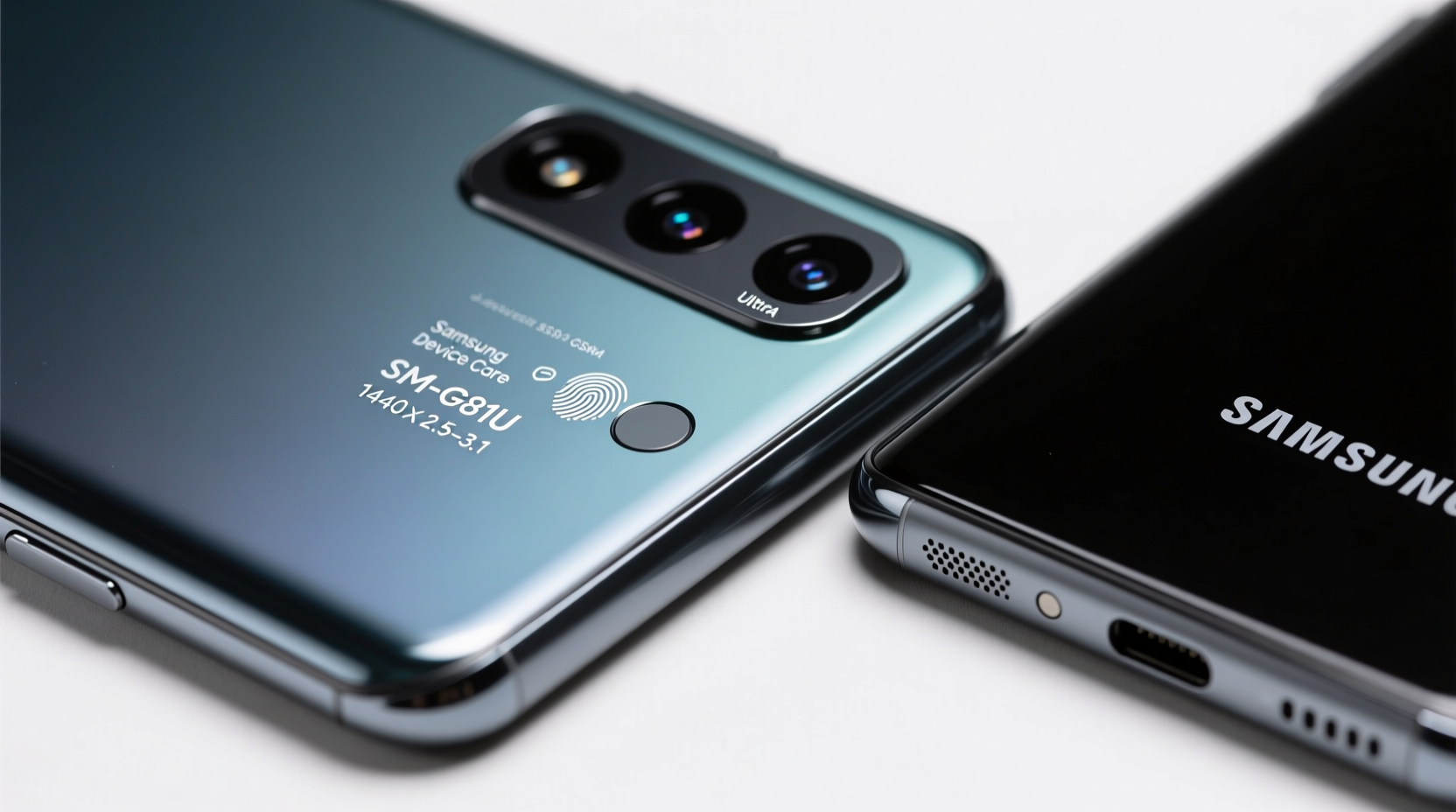
The Galaxy S20 Ultra was engineered with precision, using high-grade materials such as Gorilla Glass Victus on both the front and back, along with an aluminum frame. A genuine unit feels solid and balanced in hand, weighing approximately 220 grams. Counterfeit models are often lighter due to cheaper plastics or inferior metals.
Pay close attention to the placement and finish of key components:
- The camera module on the real S20 Ultra protrudes slightly and has a smooth, seamless glass cover that matches the back panel.
- All buttons (power and volume) should have a crisp, tactile response—not loose or overly stiff.
- The display curves subtly at the edges (Quad HD+ Dynamic AMOLED 2X), and there should be no visible seams between the screen and frame.
Verify the Display and Touch Response
The S20 Ultra features a 6.9-inch display with a 120Hz refresh rate and QHD+ resolution (3200 x 1440). One of the easiest ways to identify a fake is by testing the screen quality.
On a real device, scrolling through menus or web pages feels buttery smooth thanks to the high refresh rate. Many clones use lower-quality LCD panels locked at 60Hz, which appear noticeably choppy in motion.
To test this:
- Open the Settings app and navigate to Display > Screen refresh rate.
- A genuine S20 Ultra will offer options for “Adaptive,” “120Hz,” or “60Hz.”
- If these settings are missing or grayed out, the screen is likely not original.
Additionally, check for accurate color reproduction. The real AMOLED panel delivers deep blacks, vibrant colors, and excellent contrast. Fakes often oversaturate colors or show backlight bleeding around the edges.
Inspect the Camera Performance
The camera system is one of the most difficult aspects to replicate convincingly. The S20 Ultra boasts a 108MP main sensor, 48MP periscope telephoto lens, and advanced AI-powered zoom up to 100x. While some fakes mimic the multi-lens layout, their photo output falls drastically short.
Here’s how to verify authenticity through camera testing:
- Take a photo in daylight using the main 108MP mode (accessible via Pro settings). Real images will show fine detail, accurate white balance, and minimal noise.
- Use 10x and 30x Space Zoom. Genuine optical and hybrid zoom maintains clarity; fakes rely on digital cropping, resulting in pixelated, blurry results.
- Switch to Night Mode. Authentic units brighten dark scenes naturally without excessive grain or halo effects.
“Camera hardware and software calibration in Samsung flagships are tightly integrated. Clones can’t replicate the processing pipeline.” — David Lin, Mobile Hardware Analyst at TechInsight Group
Validate Software and System Information
Fake phones often run modified versions of Android that mimic Samsung’s One UI interface but lack core functionality. To confirm the device is genuine, perform a thorough software inspection.
Navigate to Settings > About phone and review the following:
| Field | Expected Value (Genuine S20 Ultra) | Red Flags |
|---|---|---|
| Model Number | SM-G988U (US), SM-G988B (Global) | Any variation like SM-G988F, SM-G988X |
| Android Version | Originally shipped with Android 10, now upgradable to Android 13/14 | Stuck on Android 9 or earlier |
| Samsung Experience/One UI | One UI 2.0 or higher | Mismatched icons, laggy animations |
| Kernel Version | Lists Samsung as manufacturer | Shows MediaTek or unknown OEM |
You can also dial *#1234# to access firmware version details. On a real S20 Ultra, this code displays correct CSC (Consumer Sales Code), PDA, and modem versions. If it shows “Unknown” or fails to load, the software is likely tampered.
Step-by-Step: How to Check IMEI and Warranty Status
The International Mobile Equipment Identity (IMEI) number is a unique identifier that can confirm whether a phone is legitimate and still under warranty.
- Dial
*#06#to reveal the IMEI. Compare this number with the one printed on the original box and inside the SIM tray. - Visit Samsung's official warranty check page.
- Enter the IMEI and submit. A genuine device will return purchase date, model, and warranty status.
- Cross-check the IMEI on third-party sites like IMEI.info to see if it’s reported lost or stolen.
Real-World Example: A Close Call with a Fake S20 Ultra
Jamal, a buyer in Chicago, found what seemed like a great deal: a “barely used” S20 Ultra listed for $450, nearly half the retail price. The seller claimed it was unlocked and included all original accessories. During the meetup, Jamal noticed the phone felt unusually light. He opened the camera app and tried taking a zoomed shot of a street sign 50 feet away. The image turned into a muddy blur past 5x zoom. When he checked Settings > About phone, the model number read “SM-G988X”—not a valid Samsung designation. After running *#1234#, no firmware data appeared. Convinced it was fake, Jamal walked away. Later, he learned the same seller had been reported on local forums for circulating cloned devices.
This case highlights why hands-on verification matters—even seemingly perfect listings can hide major red flags.
Essential Checklist Before Buying Used
Before handing over any money, go through this checklist to ensure the Samsung S20 Ultra is authentic:
- ✅ Confirm model number matches official variants (SM-G988U/B)
- ✅ Test 120Hz refresh rate in display settings
- ✅ Examine camera output at multiple zoom levels
- ✅ Verify IMEI across three locations (dial code, SIM tray, box)
- ✅ Check Samsung’s warranty portal for legitimacy
- ✅ Inspect build quality: weight, glass finish, button feedback
- ✅ Boot into recovery mode: genuine units show Samsung logo and English-only menu
Frequently Asked Questions
Can a fake S20 Ultra receive Samsung software updates?
No. Counterfeit devices do not connect to Samsung’s official OTA (over-the-air) update servers. Even if the interface looks similar, they cannot download or install genuine security patches or OS upgrades.
Is it safe to buy a used S20 Ultra online?
Yes, but only from trusted sources. Platforms like Swappa or eBay (with buyer protection) are safer than social media marketplaces. Always request clear photos of the IMEI, serial number, and actual device—avoid stock images.
Do fake S20 Ultras have real Exynos or Snapdragon processors?
No. Most clones use generic MediaTek or unbranded chips that poorly emulate performance. You can verify the processor using apps like CPU-Z or AIDA64, which will expose mismatches in chipset branding and architecture.
Final Thoughts: Protect Your Purchase with Knowledge
The Samsung Galaxy S20 Ultra remains a powerful device years after release, making it a tempting target for counterfeiters. But with careful scrutiny, buyers can avoid costly mistakes. From verifying the IMEI to testing the 108MP camera and checking firmware authenticity, each step adds a layer of confidence. Don’t rush the process—spending 15 extra minutes inspecting the phone could save you hundreds in replacement costs or frustration.




 浙公网安备
33010002000092号
浙公网安备
33010002000092号 浙B2-20120091-4
Comments
No comments yet. Why don't you start the discussion?