
Accurate distance measurement is essential for runners aiming to improve performance, track progress, or prepare for races. Whether you're training for a 5K or logging daily miles, knowing exactly how far you've run helps set realistic goals, monitor pace, and avoid overtraining. However, not all methods deliver the same level of precision. From GPS watches to manual course mapping, each tool has strengths and limitations. Understanding which method suits your needs—and how to use it correctly—can make a significant difference in your training accuracy and consistency.
Why Accurate Distance Measurement Matters
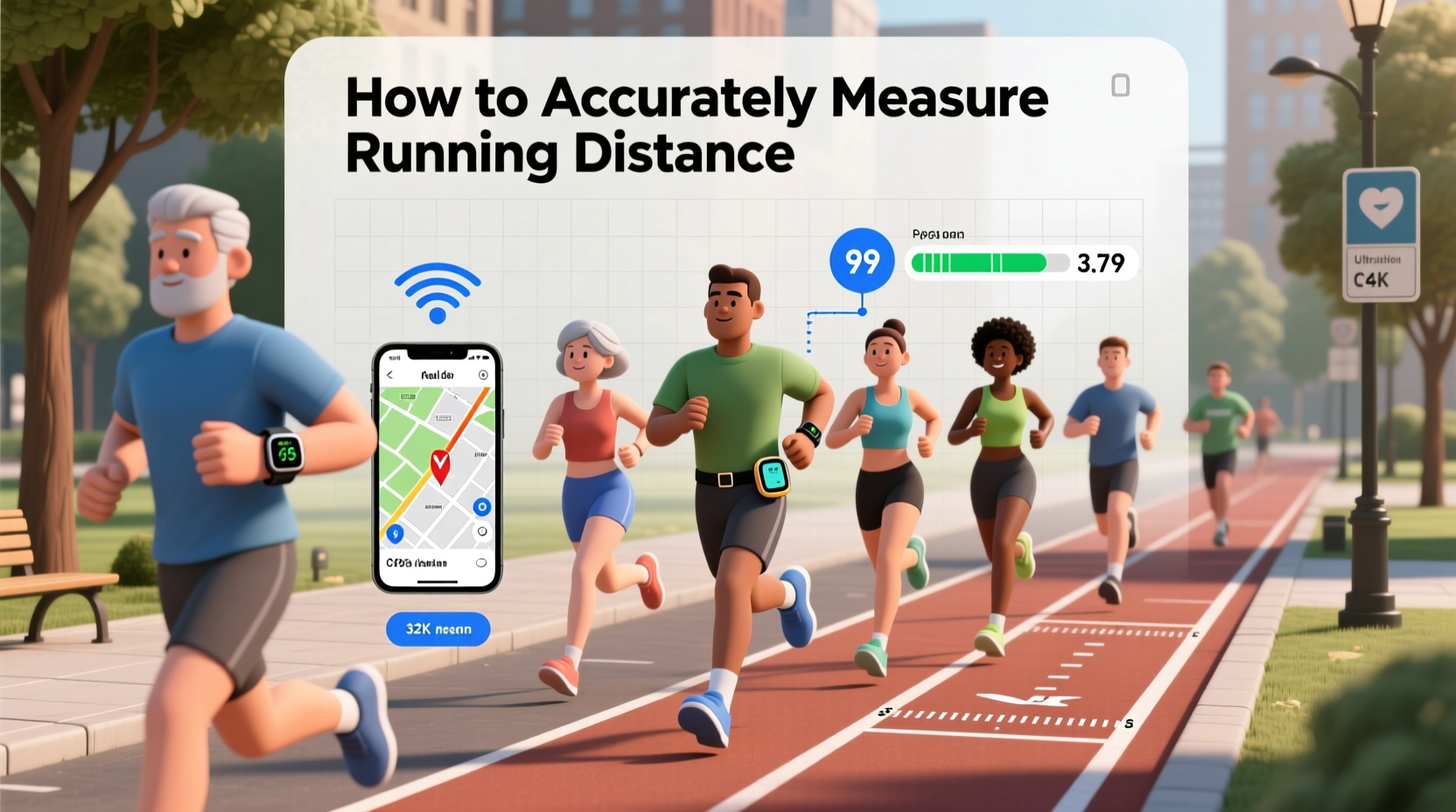
Running without precise distance tracking can lead to inconsistent training loads, inaccurate pacing, and misjudged race readiness. For example, believing you ran 10 kilometers when you actually covered only 9.2 may skew your perceived fitness level and recovery needs. Over time, such discrepancies affect long-term planning and goal achievement. Elite coaches emphasize that consistent data leads to better decision-making. As Coach Marcus Reed, a USATF-certified running instructor, explains:
“Even small errors in distance add up over weeks. If your device underestimates by 5%, you’re unknowingly shorting your weekly volume by nearly two miles over 40-mile weeks. That’s a real setback.”
Accuracy also matters during race preparation. Many runners practice on loops or trails they assume are a certain length, only to find out later that their “5K route” is actually 300 meters short. This can result in poor pacing strategy on race day.
Top 5 Methods to Measure Running Distance
Different methods suit different runners based on budget, environment, and desired precision. Here's a breakdown of the most reliable approaches.
1. GPS-Enabled Smartwatches and Fitness Trackers
Modern GPS watches like Garmin, Coros, and Polar are among the most popular tools for measuring running distance. These devices use satellite signals to calculate your path in real time.
While convenient, GPS accuracy varies. Tree cover, tall buildings, tunnels, and even wrist position can interfere with signal reception. Most high-end watches now use multi-band GNSS (Global Navigation Satellite Systems), improving accuracy to within 1–3%. Still, short runs under 1 mile may show higher relative error due to signal drift at start/finish.
2. Smartphone Running Apps
Apps like Strava, Nike Run Club, and MapMyRun rely on your phone’s built-in GPS. They offer detailed post-run analysis and social sharing features. However, smartphones often have less sophisticated antennas than dedicated watches, leading to slightly lower accuracy—especially in urban environments.
To maximize results:
- Keep your phone upright in an armband or pocket near chest level.
- Avoid dense tree cover or skyscraper-lined streets when possible.
- Close background apps to preserve battery and GPS performance.
3. Measured Running Courses and Certified Routes
The gold standard for accuracy is using a certified course. Organizations like USA Track & Field (USATF) certify running routes after precise measurement using the calibrated bicycle method, which follows strict protocols defined by the International Association of Athletics Federations (IAAF).
Certified 5K, 10K, half-marathon, and marathon routes are publicly listed online. Running on these ensures you know the exact distance. Use them for benchmark workouts or dress rehearsals before race day.
4. Manual Mapping with Online Tools
If you prefer custom routes, tools like Google Maps, MapMyRun Route Finder, or RideWithGPS allow you to trace paths and get distance estimates. While useful for planning, these tools can be off by 2–5% depending on zoom level and routing precision.
For greater accuracy:
- Use the \"measure distance\" tool (right-click on Google Maps).
- Plot points tightly around curves rather than straight lines.
- Verify against known landmarks or street signs.
5. Lap Counting on Standard Tracks
A 400-meter outdoor track is one of the most accurate ways to measure distance. Each lap equals 400 meters (1,600 meters = 4 laps ≈ 1 mile). Indoor tracks vary—common lengths include 200m and 300m—so always confirm the official lap distance.
This method eliminates GPS errors entirely and is ideal for interval training. Just remember: running in lane 2 or beyond adds distance per lap. The IAAF recommends adding approximately 7 meters per lane outward from lane 1.
Comparing Accuracy Across Methods
| Method | Average Accuracy | Best For | Limits |
|---|---|---|---|
| USATF-Certified Course | ±0.1% | Race simulation, time trials | Limited availability |
| Outdoor Running Track | ±0.2% | Speed work, intervals | Less natural terrain |
| Premium GPS Watch (Multi-GNSS) | ±1–2% | Daily training, trail runs | Signal loss in forests/cities |
| Smartphone App | ±3–5% | Casual runs, social sharing | Battery drain, lower precision |
| Online Map Tools | ±2–5% | Route planning | User error in tracing |
Real-World Example: Training for a Half Marathon
Samantha, a first-time half marathoner, trained using her smartphone app along a riverside trail she believed was 5 kilometers long. After three months, she felt confident in her pacing—until she tested herself on a USATF-certified 5K course. Her usual “5K” loop turned out to be just 4.6 km. She had been running slower than intended, affecting her race-day expectations.
After recalibrating with a GPS watch and verifying key segments on Google Earth, she mapped a corrected route and incorporated monthly validation runs on a local high school track. By race day, her pacing was spot-on, and she finished within her target window.
Step-by-Step Guide to Validate Your Running Route
Ensure your favorite running loop is accurate with this five-step verification process:
- Map It Digitally: Use Google Maps’ measure tool to trace your route precisely, placing points at every turn.
- Run It with GPS: Complete the route using a high-quality GPS watch or app. Save the recorded file.
- Compare Results: Check the GPS-recorded distance against your map estimate. A difference over 2% warrants investigation.
- Check Known Markers: Run past measurable landmarks (e.g., between two streetlights spaced 100m apart) to test real-time accuracy.
- Validate on a Track: Run a mile or kilometer on a certified track to calibrate your device’s reporting baseline.
Common Mistakes That Skew Distance Readings
- Starting the timer before moving: Many apps begin recording while you're still standing, causing GPS drift.
- Shortcuts on trails: Cutting corners on winding paths reduces actual distance covered.
- Indoor treadmill reliance: Treadmills are generally accurate but don’t account for wind resistance or terrain variation.
- Ignoring elevation: GPS devices sometimes miscalculate distance on steep inclines if barometric sensors aren't used.
FAQ
Is my smartwatch distance reading trustworthy?
High-end GPS watches are generally reliable (within 1–3%), especially in open areas. For critical training sessions, cross-check with a known course or track. Lower-end models or older phones may deviate more, particularly in cities or forests.
How do I know if a running route is officially measured?
Visit the USA Track & Field website (usatf.org) and search their course certification database. Certified routes will have a unique code and measurement documentation.
Can I trust treadmill distance for training logs?
Treadmills calibrated regularly are accurate for distance, but they simulate flat, controlled conditions. Use them for consistency, but supplement with outdoor runs to prepare for real-world variables.
Final Recommendations and Next Steps
No single method fits every runner perfectly. The best approach combines tools: use a GPS watch for daily convenience, validate key routes quarterly, and incorporate track sessions for calibration. For race-specific prep, prioritize certified courses whenever possible.
Remember, consistency matters more than perfection. Logging runs with the same device and method allows you to track trends—even if absolute accuracy is ±2%. Over time, small improvements in measurement discipline yield big gains in training effectiveness.




 浙公网安备
33010002000092号
浙公网安备
33010002000092号 浙B2-20120091-4
Comments
No comments yet. Why don't you start the discussion?