
GPS has become an essential part of daily life—guiding commutes, tracking fitness routes, enabling delivery services, and supporting emergency response systems. Yet, many smartphone users struggle with weak or inconsistent GPS signals, especially in urban canyons, dense forests, or indoors. While GPS technology is advanced, it’s not immune to interference. The good news is that most signal issues can be mitigated with the right techniques. From adjusting settings to using external tools, this guide delivers actionable strategies to improve your smartphone’s GPS performance.
Understanding GPS Signal Weakness
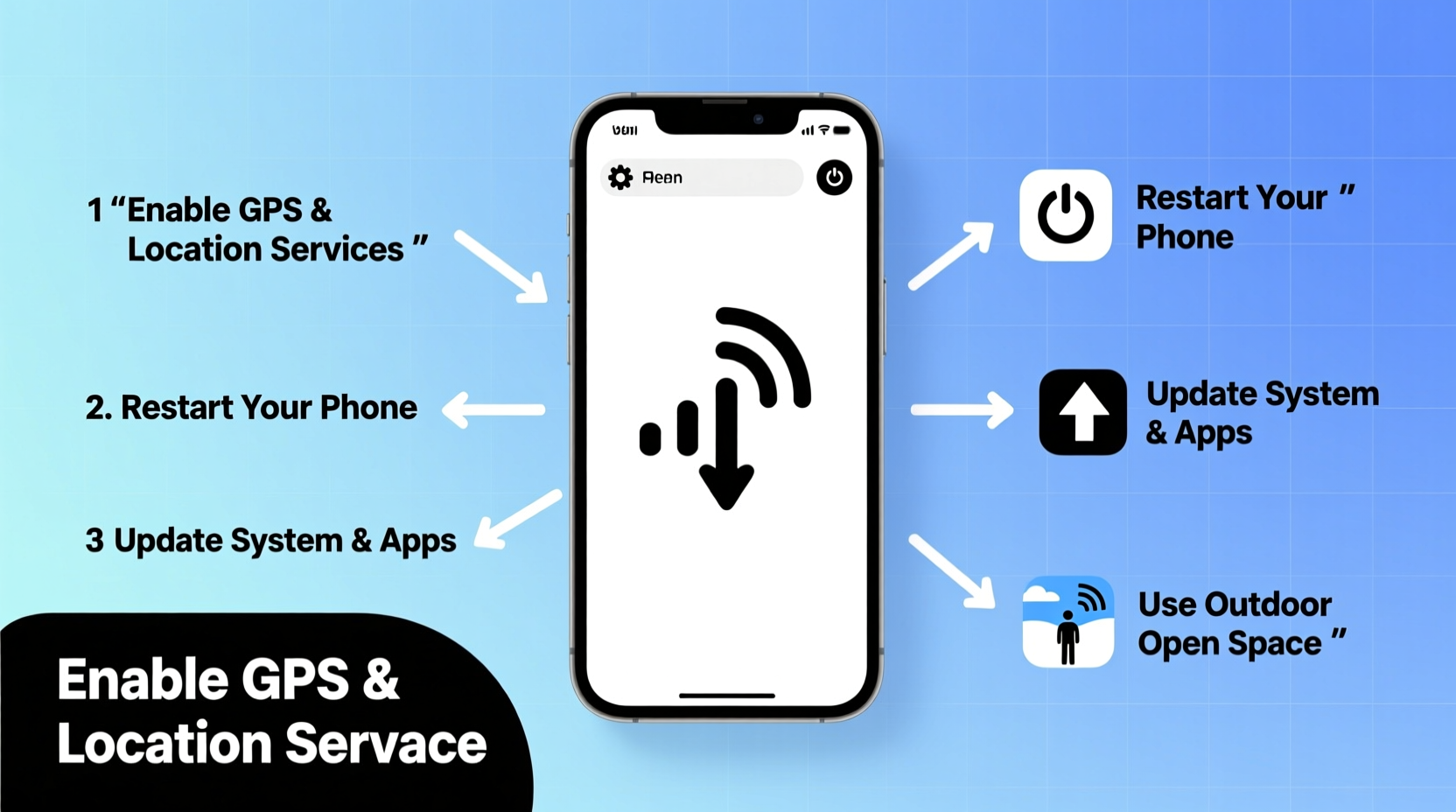
Global Positioning System (GPS) relies on a network of satellites orbiting Earth. Your smartphone receives timing signals from multiple satellites to calculate its precise location. For accurate positioning, the device typically needs signals from at least four satellites. However, several environmental and technical factors can disrupt this process:
- Physical obstructions: Tall buildings, tunnels, dense tree cover, and even mountains block satellite signals.
- Indoor use: Concrete walls, metal framing, and energy-efficient glass reduce signal penetration.
- Electromagnetic interference: Electronic devices, power lines, and vehicle electronics may introduce noise.
- Software limitations: Outdated operating systems or misconfigured apps can impair location accuracy.
- Hardware constraints: Older smartphones may have less sensitive GPS receivers or outdated antennas.
While you can't control the weather or city architecture, you can optimize your device and behavior to maximize signal reception.
Step-by-Step Guide to Improve GPS Reception
Follow this structured approach to systematically diagnose and enhance your smartphone’s GPS performance.
- Enable High-Accuracy Mode: On Android, go to Settings > Location > Mode and select “High Accuracy,” which uses GPS, Wi-Fi, and mobile networks. On iOS, ensure both Location Services and Precise Location are enabled under Privacy > Location Services.
- Clear GPS Cache (Android): Use a trusted app like GPS Status & Toolbox to clear cached satellite data. Open the app, tap “Manage A-GPS State,” then “Reset.” Afterward, go outside with a clear sky view and let the app download fresh satellite data (“Inject”).
- Calibrate the Compass: Smartphones use magnetometers to assist GPS. Open Google Maps, tap the blue dot, and follow the “Calibrate compass” prompt. Rotate your phone in a figure-eight motion until accuracy improves.
- Update Software: Install the latest OS updates and app patches. Manufacturers often release fixes that improve location engine performance.
- Restart Location Services: Toggle location off and on again. This forces the phone to reacquire satellite signals and refresh network-based positioning.
- Use Open Sky View: Step outside, away from tall structures. Hold your phone steady at chest or eye level. Avoid placing it face-down or in pockets during initial lock acquisition.
This sequence usually resolves 70–80% of common GPS inaccuracies within minutes.
Do’s and Don’ts of GPS Optimization
| Do’s | Don’ts |
|---|---|
| Keep your phone updated with the latest OS and security patches. | Don’t rely solely on GPS in basements or underground parking lots. |
| Use apps that support offline maps and A-GPS assistance. | Don’t place your phone near metal surfaces or magnetic cases. |
| Carry your phone upright with screen facing outward when navigating. | Don’t assume GPS failure means hardware damage—try software fixes first. |
| Download regional satellite data via GPS diagnostic apps before traveling. | Don’t ignore battery-saving modes that disable background location access. |
| Enable Wi-Fi and Bluetooth even when not connected—they help triangulate position. | Don’t use cracked or low-quality screen protectors that interfere with sensors. |
External Tools and Accessories That Help
Sometimes internal fixes aren’t enough. In challenging environments, external tools can bridge the gap between poor signal and reliable positioning.
- External GPS Receivers: Devices like the Dual XGPS150A or Garmin GLO 2 connect via Bluetooth and offer superior antenna sensitivity. They’re ideal for hikers, pilots, and marine users.
- Magnetic Mounts with Clear Views: When driving, use a windshield mount that positions the phone high and unobstructed. Avoid metal dashboards that block signals.
- Signal-Boosting Cases: Some rugged cases now incorporate passive antenna extensions. While effectiveness varies, they can provide marginal gains in weak zones.
- Wi-Fi Positioning Apps: In cities, apps like Mozilla Location Service use nearby Wi-Fi hotspots to estimate location when GPS fails.
For professionals relying on centimeter-level accuracy—surveyors, drone operators, or geocachers—consider investing in RTK (Real-Time Kinematic) correction services paired with compatible receivers.
“Modern smartphones are capable of sub-five-meter GPS accuracy under optimal conditions. But user behavior and environment play a bigger role than hardware alone.” — Dr. Lena Torres, Senior RF Engineer at Mobile Insights Group
Mini Case Study: Hiking in the Rockies
Mark, an avid hiker from Colorado, frequently explored remote trails where cell service was nonexistent. During a solo trip in the Rocky Mountains, his phone’s GPS began lagging, showing his location hundreds of meters off-trail. He nearly missed a critical junction due to the delay.
After returning home, he investigated. He discovered his phone had been stuck using outdated satellite data and hadn’t recalibrated in weeks. He installed GPS Status & Toolbox, cleared the A-GPS cache, and performed a fresh satellite download. Before his next hike, he downloaded offline maps on Gaia GPS and carried a portable Bluetooth GPS receiver as backup.
The next outing, his location updated smoothly, even under partial tree cover. By combining software optimization with a dedicated receiver, Mark restored confidence in his navigation setup—proving that preparation outweighs raw hardware specs.
Checklist: Boost Your GPS Signal in 10 Minutes
Action Plan: Follow these steps to quickly improve GPS performance:
- ☐ Enable High-Accuracy or Precise Location mode
- ☐ Toggle Location Services off and on
- ☐ Restart your smartphone
- ☐ Calibrate the compass using Google Maps or a similar tool
- ☐ Clear A-GPS data (via GPS Status app or developer options)
- ☐ Step outside with a clear view of the sky
- ☐ Disable battery saver or extreme power-saving modes
- ☐ Ensure Wi-Fi and Bluetooth are enabled (even without connection)
- ☐ Update all navigation apps and the operating system
- ☐ Test accuracy using a known landmark or map comparison
Frequently Asked Questions
Why does my GPS work fine at home but fail in the city?
Urban environments create \"canyon effects\" where tall buildings reflect and block satellite signals. Multipath interference causes delays and inaccuracies. Additionally, dense infrastructure increases electromagnetic noise. Enabling high-accuracy mode and using apps with dead reckoning (like Google Maps) helps maintain continuity during signal drops.
Can a screen protector weaken GPS signal?
Most standard screen protectors have no effect. However, some thick metallic or conductive films—especially those marketed for privacy or anti-radiation—can interfere with antennas. If you notice issues after installation, test GPS performance with and without the protector. Opt for non-metallic, thin-film options from reputable brands.
Does airplane mode affect GPS?
On most smartphones, enabling airplane mode disables GPS along with cellular and Wi-Fi. However, you can manually re-enable GPS afterward on some models. Note: True standalone GPS (without network assistance) still works in airplane mode if the last known location and satellite data are current—but acquiring a new fix takes longer without A-GPS support.
Conclusion: Take Control of Your Location Accuracy
Weak GPS signals don’t have to derail your plans. With a few strategic adjustments, you can significantly improve your smartphone’s ability to locate itself—even in challenging conditions. The key lies in understanding how GPS works and actively managing both software settings and physical context. Whether you're navigating a busy downtown, hiking off-grid, or simply trying to meet a friend on time, these methods empower you to trust your device’s location output.




 浙公网安备
33010002000092号
浙公网安备
33010002000092号 浙B2-20120091-4
Comments
No comments yet. Why don't you start the discussion?