
Every holiday season, neighborhoods come alive with dazzling light shows choreographed to festive music. While many assume these displays require costly software and complex setups, it’s entirely possible to create a professional-quality synchronized show on a budget. With the right approach, free tools, and some DIY spirit, you can turn your home into a holiday spectacle that delights neighbors and passersby—without spending hundreds on proprietary lighting software.
The key lies in understanding the fundamentals of light sequencing, leveraging open-source or free tools, and using widely available hardware. Whether you're a beginner or have some experience with smart lights, this guide walks you through building a synchronized display from the ground up—using only low-cost or no-cost resources.
Understanding Synchronized Light Displays
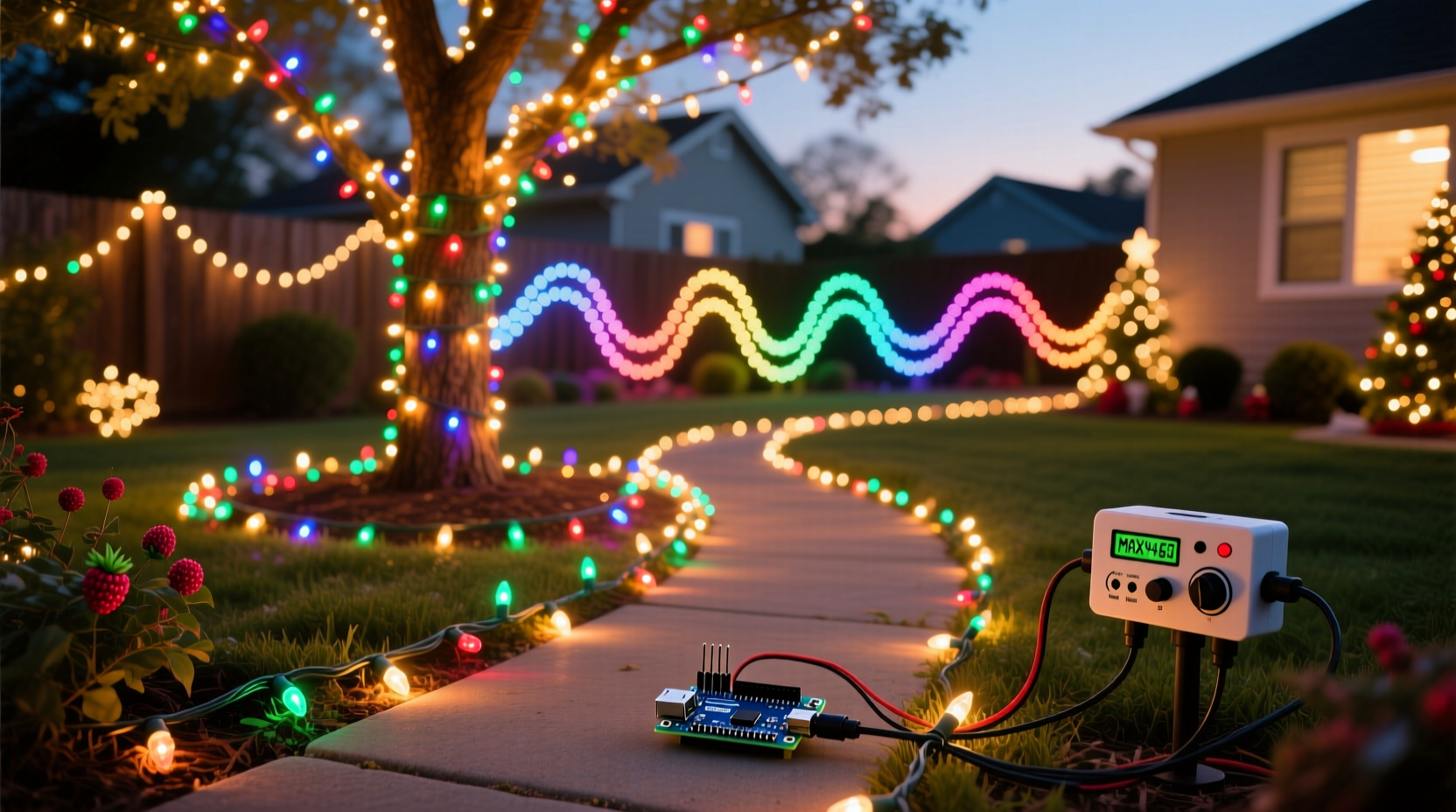
A synchronized Christmas light display involves coordinating the on/off states, colors, brightness, and effects of multiple lights to match specific beats, melodies, or lyrics in a piece of music. This requires three core components: lighting hardware, control systems, and sequencing software. Traditionally, users rely on paid platforms like Light-O-Rama or Vixen Lights, which offer powerful features but come with steep learning curves and price tags.
However, free alternatives now provide comparable functionality. These tools allow you to map individual channels (each representing a string or section of lights) to musical tracks and program precise timing cues. The result? Lights that pulse with the beat, fade during soft verses, or flash dramatically during choruses—all perfectly timed.
The goal isn’t just visual appeal—it’s creating an immersive experience. When done well, a synchronized display transforms your yard into a mini concert, drawing crowds and spreading seasonal joy. And with today’s accessible technology, anyone can achieve this without relying on expensive commercial software.
Essential Hardware Components
Before diving into software, you need the physical components to power and control your lights. Fortunately, most of these are affordable and widely available at electronics or home improvement stores.
- LED Light Strings: Use energy-efficient, addressable LED strips (like WS2811 or WS2812B) or standard RGB Christmas lights compatible with controllers. Addressable LEDs allow individual bulb control, enabling intricate patterns.
- Microcontroller: An ESP8266 (NodeMCU) or ESP32 acts as the brain of your setup. These Wi-Fi-enabled boards cost under $10 and can receive commands from your sequencing software.
- Power Supply: Match the voltage and amperage to your LED specifications. A 5V or 12V DC power supply is typical for most LED strips.
- Relays or Dimmers (optional): For non-addressable lights, use relays to switch traditional strands on and off via digital signals.
- Jumper Wires & Soldering Tools: Needed to connect LEDs to the microcontroller securely.
Once wired, the microcontroller connects to your home Wi-Fi network, allowing it to receive real-time commands from your computer or mobile device. This eliminates the need for direct USB connections and enables remote control during playback.
Free Software Alternatives for Light Sequencing
The heart of any synchronized display is the sequencing software. Instead of paying for premium tools, consider these proven free options:
- XLights (formerly Falcon Player): Open-source and feature-rich, XLights supports complex animations, audio visualization, and multi-controller setups. It runs on Windows, macOS, and Linux and integrates seamlessly with ESP-based hardware via E1.31 (sACN) protocol.
- FPP (Falcon Player): Designed specifically for holiday displays, FPP turns a Raspberry Pi into a standalone playback system. You can sequence lights on your PC using XLights, export sequences, and run them directly from the Pi—no computer needed during operation.
- Arduino IDE + Custom Scripts: For advanced users, writing simple code in Arduino IDE allows manual control of light patterns triggered by audio input. While less intuitive, it offers complete customization.
XLights stands out due to its built-in beat detection, waveform visualization, and drag-and-drop interface. You can import MP3 files, visually align lighting effects to specific moments in the music, and preview the output in real time. Once finalized, sequences can be exported and played back through FPP or streamed live over the network.
| Software | Cost | Best For | Hardware Compatibility |
|---|---|---|---|
| XLights | Free | Full sequencing with music sync | ESP8266/32, Raspberry Pi, DMX |
| Falcon Player (FPP) | Free | Standalone playback | Raspberry Pi + E1.31 devices |
| Arduino IDE | Free | Custom programming | Any Arduino-compatible board |
| Vixen Lights (Legacy) | Free (older versions) | Basic sequencing | Limited; mostly outdated |
Using XLights and FPP together creates a powerful, scalable system. Design your sequences on a laptop, then deploy them to a headless Raspberry Pi mounted near your display. This reduces dependency on running a computer all night and improves reliability during public viewing hours.
Step-by-Step Guide to Building Your Display
Follow this timeline to go from concept to fully synchronized show in under four weeks.
- Week 1: Plan Your Layout (2–3 Hours)
Create a sketch of your yard showing where lights will be placed—roof lines, trees, walkways, etc. Assign each section a channel number (e.g., “Front Roof – Red,” “Tree Base – Blue”). Decide how many independent zones you want to control. - Week 2: Assemble Hardware (4–6 Hours)
Solder or connect LED strips to your ESP8266/ESP32 board. Power test each strip. Set up your Raspberry Pi with FPP if using standalone playback. Ensure all devices are connected to the same Wi-Fi network. - Week 3: Install Lights & Configure Software (6–8 Hours)
Mount lights outdoors using clips or zip ties. Waterproof connections with heat shrink tubing or silicone sealant. In XLights, create a new model matching your layout. Assign channels to physical outputs and test basic functions (on/off, color change). - Week 4: Sequence Music & Rehearse (8–10 Hours)
Select a 2–3 minute holiday track. Import into XLights. Use the beat grid to place triggers—add flashes on drum hits, fades during quiet sections, chases during instrumental builds. Preview frequently. Export to FPP or stream via sACN. Run full tests at night.
This phased approach prevents overwhelm and ensures each stage works before moving forward. Mistakes caught early save hours of troubleshooting later.
Real Example: A Neighborhood Favorite on a $150 Budget
In suburban Ohio, homeowner Mark Teller transformed his modest front yard into a local attraction using only free software and repurposed materials. With two old extension cords, ten strands of discounted LED lights from a post-holiday sale, an ESP32 board bought online, and XLights installed on his decade-old laptop, he created a 90-second sequence set to “Jingle Bell Rock.”
He mapped roofline lights to high beats, porch columns to bass drops, and driveway markers to melodic phrases. Using a borrowed Raspberry Pi, he automated playback so the show ran every 15 minutes from 5 PM to 10 PM. No computer was needed after setup.
The result? Over 1,200 visitors logged via doorbell camera counts in December, including families parking nearby just to watch. Local news even featured his display—not for extravagance, but for creativity on a tight budget.
“We thought we needed fancy gear, but once I found XLights and watched a few YouTube tutorials, it clicked. Now the kids expect our house to ‘sing’ every year.” — Mark Teller, DIY Enthusiast
Common Pitfalls and How to Avoid Them
Even experienced builders make mistakes. Here are frequent issues and practical fixes:
- Wi-Fi Dropouts: Weak signal causes desync. Place your router closer or use a Wi-Fi extender. Alternatively, pre-load sequences onto a Raspberry Pi instead of streaming live.
- Overloaded Power Supplies: Too many LEDs draw excess current, leading to flickering or burnout. Calculate total amp draw (usually 0.3A per meter of 60-density strip) and use a supply rated 20% above that.
- Misaligned Channels: Double-check wiring labels in software. Use XLights’ “test all channels” function to confirm each physical light responds correctly.
- No Weather Protection: Exposed solder joints fail when wet. Seal all connections with waterproof enclosures or silicone gel.
Checklist: Build Your Own Synced Display
Use this checklist to stay organized throughout your project:
- ☐ Choose a holiday song (2–3 minutes long)
- ☐ Sketch light layout and assign channels
- ☐ Purchase or gather LED strings, microcontrollers, and power supplies
- ☐ Wire and test all lights indoors before installation
- ☐ Install XLights or alternative software on your computer
- ☐ Connect ESP32/Raspberry Pi to Wi-Fi and configure static IP
- ☐ Map physical lights to software channels
- ☐ Create beat grid and begin sequencing effects
- ☐ Waterproof all outdoor connections
- ☐ Conduct full nighttime rehearsal
- ☐ Schedule automatic playback (if using FPP)
- ☐ Invite neighbors and share the joy!
FAQ
Can I sync lights without a computer running during playback?
Yes. By using a Raspberry Pi loaded with Falcon Player (FPP), you can store and play sequences independently. After creating your show in XLights, export it to the Pi. Once configured, the Pi runs the display automatically—no laptop required.
Do I need coding skills to use XLights or FPP?
No. Both platforms offer graphical interfaces that let you design sequences by dragging effects onto a timeline. Basic technical comfort is helpful, but no programming is needed for standard setups.
Are there legal concerns with broadcasting music outdoors?
Potentially. Playing copyrighted music loudly in public may violate local noise ordinances or copyright laws. To avoid issues, keep volume low, use outdoor speakers sparingly, or offer a silent mode with QR codes linking to a private audio stream.
Final Thoughts: Start Simple, Dream Big
Building a synchronized Christmas light display doesn’t require deep pockets—just curiosity, patience, and access to free tools. What begins as a single strand blinking to jingle bells can evolve into a neighborhood tradition. The real magic isn’t in perfect synchronization, but in the shared moments it creates: children dancing in driveways, seniors smiling from parked cars, strangers connecting over seasonal cheer.
Technology has democratized what was once a niche hobby. With open-source software, affordable hardware, and online communities offering support, anyone can contribute to the holiday spirit in a meaningful way. You don’t need perfection—just intention.




 浙公网安备
33010002000092号
浙公网安备
33010002000092号 浙B2-20120091-4
Comments
No comments yet. Why don't you start the discussion?