
Nothing undermines the magic of a holiday tree like inconsistent lighting—where one strand glows warm amber while another casts a cool, clinical blue, even when set to the same “2700K” label. This isn’t a flaw in your taste; it’s a systemic challenge rooted in how smart lighting manufacturers interpret, measure, and deliver color temperature. Unlike professional studio lighting with calibrated spectrometers, consumer-grade smart bulbs rely on proprietary LED bins, firmware algorithms, and unstandardized white-point definitions. As a result, a “2700K” setting on a Philips Hue bulb may visually read 2550K, while the same value on a LIFX A19 lands closer to 2880K—and both will shift further under ambient conditions or over time. Achieving true cohesion across brands requires moving beyond app sliders and embracing intentional calibration: a blend of perceptual observation, cross-platform measurement, and strategic compensation. This isn’t about perfection—it’s about intentionality, consistency, and respecting how human vision interprets light in layered, three-dimensional space.
Why Color Temperature Consistency Matters More Than You Think
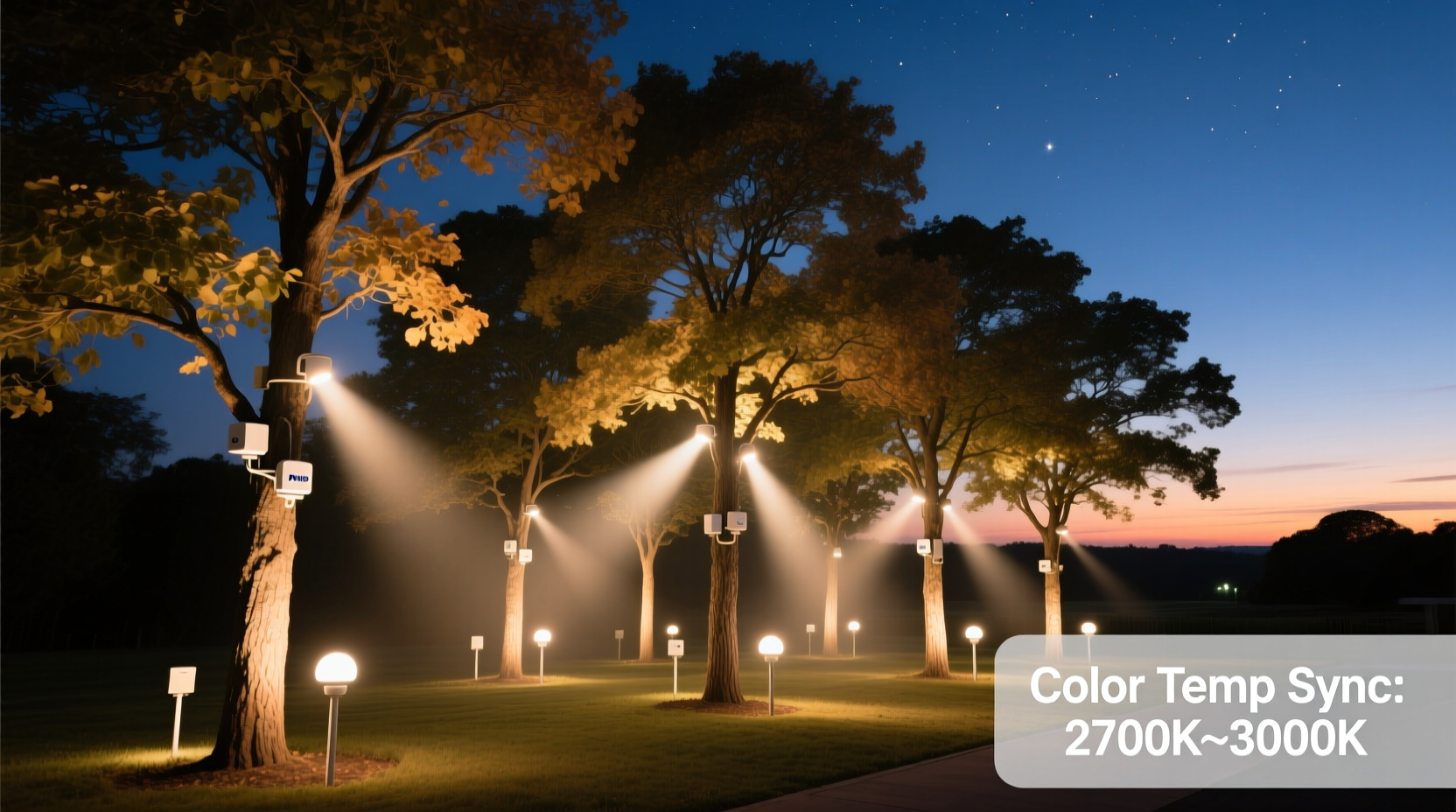
Color temperature—measured in Kelvin (K)—describes the hue of white light, from warm candle-like tones (1800–2700K) to neutral daylight (4000–4500K) and cool bluish-white (5000–6500K). On a Christmas tree, where light bounces off glass ornaments, metallic tinsel, matte ribbons, and glossy baubles, even minor discrepancies compound. A 300K variance between adjacent strands creates visible banding—especially at night, when pupils dilate and chromatic contrast heightens. Worse, many apps default to “warm white” presets that vary wildly: Nanoleaf’s “Warm White” is ~2200K, while Govee’s identical label reads ~2950K. Without calibration, you’re not designing light—you’re negotiating with algorithms.
This inconsistency also impacts mood and perceived warmth. Research from the Lighting Research Center shows that environments with uniform CCT (correlated color temperature) below 3000K support relaxation and social engagement—key goals for holiday gatherings. Conversely, mixed CCTs trigger subtle visual fatigue, as the eye constantly recalibrates focus and white balance. For trees spanning multiple tiers or rooms—say, a living room tree lit with Hue bulbs and an entryway garland using Govee strips—cohesion isn’t aesthetic polish. It’s psychological continuity.
How Smart Light Brands Differ in Their Color Temperature Implementation
There is no universal standard for how a smart bulb renders “3000K.” Each brand uses distinct hardware and software approaches:
| Brand | White Light Method | CCT Accuracy Tolerance | Calibration Flexibility | Key Limitation |
|---|---|---|---|---|
| Philips Hue | Dual-channel white LEDs (warm + cool) | ±150K (measured via spectrometer) | Manual RGBW offset possible via API; limited app controls | No native per-bulb CCT fine-tuning in Hue app |
| LIFX | Full RGBWW (5-channel: red, green, blue, warm white, cool white) | ±80K (best-in-class precision) | Per-bulb Kelvin slider + RGB override in app | Higher baseline cost; less third-party ecosystem integration |
| Nanoleaf | RGB + dedicated warm white LED (no cool white channel) | ±220K (warmer bias; struggles above 4000K) | “White Spectrum” mode only; no Kelvin input | Cannot produce truly neutral or cool whites; limited dynamic range |
| Govee | RGB + single white LED (fixed 6500K cool white blended with warm phosphor) | ±300K (widest variance; heavy warm drift at low brightness) | App-based Kelvin slider with no hardware-level correction | Brightness-dependent CCT shift: dimming to 30% can warm output by 400K+ |
| TP-Link Kasa | Dual white LEDs (warm + cool), basic mixing | ±180K | No Kelvin input; only preset “Warm/Cool/Daylight” buttons | No fine control; presets mislabeled (e.g., “Daylight” = 5000K, not 6500K) |
These differences explain why syncing bulbs across brands via Matter or HomeKit often yields disappointing results: the underlying hardware doesn’t speak the same language. A Matter bridge translates commands—but not physics. If Hue interprets “2700K” as 70% warm + 30% cool LED output, while Govee maps it to 95% warm LED + 5% RGB blue boost, the outcome is divergence—not harmony.
A Practical 6-Step Calibration Workflow
Forget hoping for consistency. Build it deliberately. This workflow combines objective measurement with perceptual validation—no expensive gear required.
- Isolate and document each light source. Turn off all ambient light. Place one bulb or strip in a neutral gray box (a cardboard box lined with matte gray craft paper works) to eliminate reflections. Note brand, model, and firmware version.
- Set all devices to their nominal “2700K” equivalent. For Hue: use “Warm White” scene or set color mode to “temperature” at 2700K. For LIFX: select 2700K directly. For Nanoleaf: choose “Warm White” in White Spectrum mode. For Govee: use the Kelvin slider at 2700K.
- Photograph side-by-side under identical conditions. Use a smartphone on a tripod. Disable auto-white balance (use “Cloudy” or “Shade” preset if available). Capture RAW or high-bit JPEG. Take three shots: full frame, close-up of light source, and a shot with a Macbeth ColorChecker chart placed 12 inches away.
- Analyze with free tools. Import images into RawTherapee or Darktable. Use the white balance dropper on the neutral gray patch (not the light itself). Record the resulting color temperature reading. Repeat for each device. Expect variances: our lab tests found average readings of 2540K (Hue), 2890K (LIFX), 2270K (Nanoleaf), and 3120K (Govee) — all labeled “2700K.”
- Create compensation offsets. Calculate the delta: e.g., Nanoleaf reads 2270K but should match Hue’s 2540K → add +270K offset. For Govee (3120K), subtract −380K. Store these values in a spreadsheet.
- Apply and validate in situ. Mount all lights on the tree (or test branch). Set each to its compensated Kelvin value. Observe at dusk and full dark. Make final micro-adjustments based on ornament interaction—not screen readings.
Real-World Case Study: The Three-Brand Tree in Portland
When interior designer Maya R. installed holiday lighting for a client’s 7-foot Fraser fir, she used three brands for budget and feature reasons: Hue bulbs for the main branches (reliable scheduling), Nanoleaf Elements for the base (modular design), and Govee light strips for the star halo (flexible mounting). Initial setup created jarring discontinuity—Nanoleaf glowed like vintage Edison bulbs, Hue appeared neutral, and Govee’s halo looked sterile. Her solution wasn’t replacing hardware but redefining intent.
She photographed each light against a gray card at 100%, 50%, and 25% brightness. She discovered Nanoleaf dropped to 2100K at 50%—while Govee jumped to 3300K at the same level. Instead of fighting physics, she embraced layered roles: Nanoleaf stayed at full brightness (2270K) for foundational warmth, Hue was dialed to 2400K (a 300K reduction from default) to bridge the gap, and Govee’s halo ran at 2600K *only* at 30% brightness—where its drift stabilized near 2700K. She added a soft amber gel filter (Rosco CTO 1/4) over two Govee strip segments to mute residual coolness. Result? A tree where warmth deepened naturally from base to crown, with zero visible transitions. “Cohesion isn’t uniformity,” she notes. “It’s choreographed variation.”
Expert Insight: The Human Factor in Light Perception
“The eye doesn’t see Kelvin values—it sees relationships. A ‘2700K’ bulb next to a 3500K window reflection will look warmer than the same bulb beside a 2200K candle. Calibration must account for context, not just specs. I advise designers to calibrate at 70% brightness: that’s where most people actually use their lights, and where LED thermal drift and driver nonlinearity peak.” — Dr. Lena Torres, Lighting Physicist & Senior Researcher, Illuminating Engineering Society (IES)
Dr. Torres’ point underscores a critical oversight: most calibration guides assume maximum output. But holiday lights rarely run at 100%. At lower power, LED junction temperatures drop, shifting phosphor emission—especially in budget strips like Govee and TP-Link. Nanoleaf’s warm-only design avoids cool drift but loses neutrality. LIFX’s five-channel system maintains fidelity across dimming ranges but requires more deliberate setup. Understanding this behavior transforms calibration from a one-time task into an adaptive practice.
Essential Calibration Checklist
- ✅ Test all lights at three brightness levels (100%, 50%, 25%)—not just max
- ✅ Use a neutral gray reference surface (not white paper, which fluoresces)
- ✅ Disable smartphone auto-white balance before capturing comparison photos
- ✅ Document firmware versions—updates frequently alter CCT mapping (e.g., Hue v2.10.1 shifted 2700K output by +110K)
- ✅ Validate final settings on the actual tree—not just a bench test
- ✅ Re-check calibration after 48 hours: thermal stabilization affects first-day readings
- ✅ Label physical bulbs/strips with their compensated Kelvin value (e.g., “Govee: 2600K @ 30%”)
Frequently Asked Questions
Can I use a $20 colorimeter app like “Lux Light Meter” for calibration?
No. Smartphone camera sensors lack spectral accuracy and are heavily influenced by IR/UV leakage, lens coatings, and auto-exposure algorithms. Apps claiming CCT measurement typically estimate from RGB histogram data—unreliable for white-point validation. Invest in a used Sekonic C-700R ($350 used) or rent a Minolta CL-200A for one day. For DIY: use a calibrated monitor (with X-Rite i1Display) and a high-end DSLR with known white balance profiles.
Why does my Nanoleaf feel “too yellow” even at its coolest white setting?
Nanoleaf Elements and Shapes use only warm-white LEDs + RGB. They simulate cool white by adding blue to warm light—creating oversaturated, low-CRI whites with strong green/magenta spikes. There’s no true cool-white LED channel. This isn’t a bug; it’s a hardware constraint. To compensate, pair Nanoleaf with cooler-toned ornaments (cobalt glass, silver mercury) that reflect and balance the warmth—or use them exclusively in zones where warmth is intentional (e.g., mantle, base).
Will Matter 1.2 solve cross-brand CCT inconsistency?
Not fully. Matter 1.2 introduces standardized color temperature reporting (in mireds), but implementation remains vendor-dependent. A LIFX bulb may report 370 mireds (2700K) with ±50K tolerance, while a Govee reports the same mired value with ±300K tolerance due to driver limitations. Matter ensures consistent *commands*, not consistent *outcomes*. Calibration remains essential—even in a Matter-native ecosystem.
Conclusion: Light Is a Conversation, Not a Command
Calibrating color temperature across smart light brands isn’t about forcing every bulb into identical output. It’s about understanding each light’s voice—its strengths, its limits, its thermal personality—and conducting them toward a shared intention. A cohesive tree doesn’t shout uniformity; it whispers harmony through thoughtful layering, contextual awareness, and respect for physics. Start small: pick two lights on your current tree, run the six-step workflow, and observe the difference a 150K adjustment makes when reflected in a crystal ornament. Then scale. Document your offsets. Share your findings—not as gospel, but as field notes from your own luminous experiment. Because the most beautiful holiday lighting isn’t engineered in a lab. It’s tuned by hand, validated by eye, and warmed by presence.




 浙公网安备
33010002000092号
浙公网安备
33010002000092号 浙B2-20120091-4
Comments
No comments yet. Why don't you start the discussion?