
As holiday seasons approach, homeowners and decorators increasingly turn to smart lighting technology to create dazzling, synchronized Christmas displays. While installing individual smart LED strips is straightforward, achieving visual consistency across multiple units—especially when blending colors, brightness, and timing—can be challenging. Without proper calibration, one strip may appear warmer than another, or flicker at a different intensity, undermining the intended harmony of your display.
The key to a professional-grade look lies not in the number of lights but in their coordination. When dozens of RGBW (Red, Green, Blue, White) strips are installed along rooflines, trees, and porches, even slight discrepancies in color temperature or luminance become glaringly obvious. This guide walks through the technical and practical steps needed to calibrate multiple smart light strips so they work together seamlessly, delivering a polished, cinematic holiday experience.
Why uniformity matters in smart lighting setups
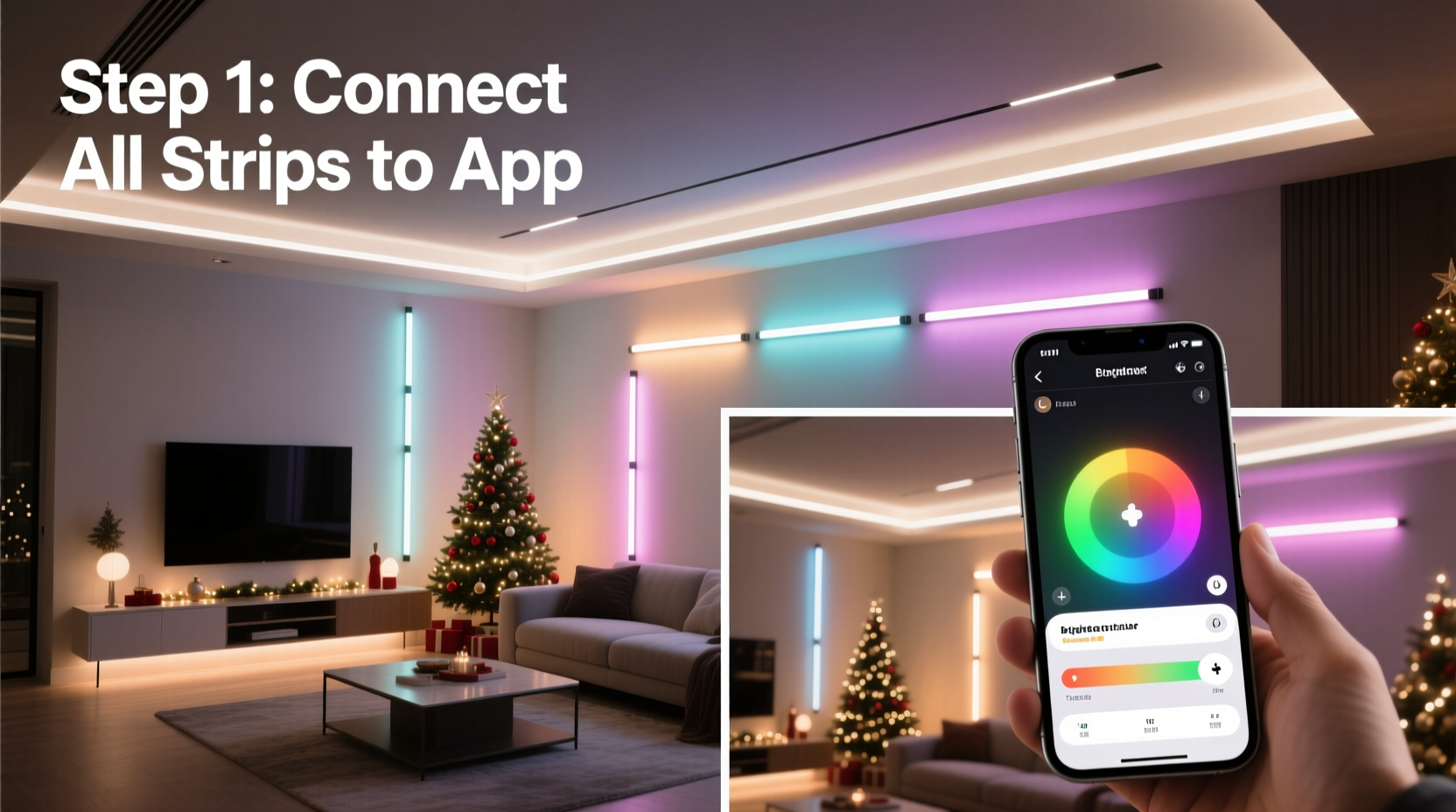
A visually cohesive display does more than impress neighbors—it enhances safety, reduces eye strain, and improves energy efficiency by eliminating redundant over-brightness. Mismatched lighting can create hotspots, inconsistent shadows, and unintended color casts that distract from your design intent.
Consider this: two identical 5-meter LED strips from the same brand may still emit slightly different white tones due to manufacturing variances in LED bins. One might lean toward cool daylight (6500K), while the other emits a softer warm white (3000K). When placed side by side on a rooftop, these differences break immersion and make the setup appear amateurish.
Moreover, many smart lighting systems allow granular control via apps like Philips Hue, LIFX, or third-party platforms such as Home Assistant or WLED. However, default settings rarely account for physical placement, ambient reflections, or power supply fluctuations—all factors affecting output uniformity.
Step-by-step calibration process
Calibrating multiple smart light strips involves both hardware checks and software adjustments. Follow this timeline-based procedure to ensure every segment matches its counterpart precisely.
- Inventory and grouping: Label each strip (e.g., Strip A–F) and note its model number, length, and location. Group strips by type and batch if possible, as LEDs from the same production run tend to have closer color characteristics.
- Stabilize power delivery: Use independent power supplies rated for at least 20% above total wattage requirements. Voltage drop over long runs causes dimming at far ends; consider injecting power at both ends of extended installations.
- Initial reset and firmware update: Factory-reset each controller and apply the latest firmware. Outdated firmware often contains bugs affecting color rendering or sync accuracy.
- Set baseline mode: Configure all strips to full white output at 100% brightness using the app. Observe them in a dark environment after 10 minutes of operation (LEDs stabilize thermally after warm-up).
- Visual inspection and adjustment: Stand back 10–15 feet and compare adjacent strips. Note any visible deviations in hue or intensity. Adjust color temperature manually until perceptual match is achieved.
- Use a reference sensor (optional): For high precision, employ a calibrated colorimeter or smartphone spectrometer app (e.g., Luxi, Lumu) to measure CCT (Correlated Color Temperature) and adjust digitally.
- Synchronize effects: Once static white is matched, test dynamic modes (e.g., fade, pulse, chase). Ensure transitions occur simultaneously across devices using group triggers or master-slave configurations.
- Document settings: Save calibrated profiles within your control system. Name them clearly (e.g., “Front Roof – Warm Match”) for future recall.
Tools and technologies for accurate calibration
While visual judgment works for basic setups, advanced decorators rely on tools that quantify what the eye cannot easily perceive. Below is a comparison of methods used to achieve uniform output:
| Method | Accuracy | Cost | Best For |
|---|---|---|---|
| Visual Matching | Low-Medium | Free | Casual users, small displays |
| Smartphone Color App | Medium | $0–$20 | Hobbyists needing rough data |
| Dedicated Colorimeter | High | $100–$400 | Professional installers |
| WLED + ESP32 Calibration Mode | Medium-High | Varies (DIY-friendly) | Tech-savvy users with custom builds |
| Manufacturer Software Suite | Medium | Included | Branded ecosystems (e.g., Nanoleaf, Govee) |
For example, WLED—an open-source firmware for addressable LEDs—includes gamma correction, white balance tuning, and segment synchronization features essential for large-scale projects. By accessing the “White Balance” tab in WLED’s UI, users can input precise RGB values per channel to neutralize tint imbalances across strips.
“Even minor variations in binning can cause noticeable mismatches in outdoor settings where contrast is high. We recommend measuring and correcting at installation.” — Daniel Ruiz, Embedded Systems Engineer at Adafruit Industries
Common pitfalls and how to avoid them
Many failed attempts at uniform lighting stem from overlooked environmental and electrical factors. Awareness of these issues prevents frustration later.
- Ignoring thermal drift: LEDs shift color slightly as they heat up. A strip that looks perfect after one minute may develop a greenish tint after ten. Allow full thermal stabilization before finalizing settings.
- Using mixed models or brands: Never mix different LED chip types (e.g., SK6812 vs WS2812B) in the same visual field. Even if controlled by the same app, their emission profiles differ significantly.
- Overlooking diffusers and mounting surfaces: Clear silicone diffusers alter light spread and soften edges. Mounting a strip directly against white siding reflects differently than on black gutter trim. Test final placement before locking settings.
- Relying solely on app presets: Presets like “Candle Flicker” or “Snowfall” vary between firmware versions. Create custom animations with fixed parameters instead.
Mini case study: A suburban home’s 7-strip roofline upgrade
The Thompson family in Portland, Oregon, installed six 4-meter Govee Wi-Fi LED strips along their roofline and one wrapped around a front-yard tree. Initially excited, they noticed three strips emitted a bluer white than the others, disrupting the snowy ambiance they wanted.
After checking app settings, they confirmed all were set to “2700K Warm White.” Suspecting hardware variance, they downloaded the Govee app’s color calibration tool and used their iPhone’s TrueDepth camera (available in newer models) to sample actual output. The readings showed temperatures ranging from 2600K to 3200K—well outside acceptable tolerance.
They adjusted each strip individually using manual RGB sliders until visual uniformity was restored. They also added inline voltage boosters to the two longest runs to eliminate end-of-strip dimming. Finally, they grouped all seven into a single scene called “Holiday Nights,” which now activates automatically at dusk.
The result? A seamless glow that neighbors describe as “like a Hallmark movie came to life.”
Checklist: Achieving uniform smart light calibration
Use this checklist before powering on your holiday display:
- ✅ Label all strips and document model numbers
- ✅ Verify stable, adequately rated power supplies
- ✅ Update all controllers to latest firmware
- ✅ Reset devices to factory defaults
- ✅ Perform warm-up test (run for 10+ minutes)
- ✅ Visually inspect for hue and brightness mismatches
- ✅ Adjust white balance using app or external sensor
- ✅ Test dynamic effects in low-light conditions
- ✅ Save calibrated scenes with descriptive names
- ✅ Schedule automatic activation times
Frequently asked questions
Can I calibrate smart strips from different brands?
Technically yes, but it's strongly discouraged for critical visual areas. Different manufacturers use varying LED bins, driver circuits, and color algorithms. While you can approximate similar hues, true uniformity is unlikely. Stick to one brand and model whenever possible.
Do I need to recalibrate every year?
Not necessarily. If stored properly and reused annually, most strips retain consistent output for 3–5 years. However, perform a quick visual check each season. Older LEDs may degrade unevenly, especially blue diodes, leading to yellowing over time.
Why do my lights look different at night versus daytime photos?
Ambient light affects perception. During daylight, sunlight washes out subtle differences. At night, contrasts amplify. Always calibrate under nighttime viewing conditions. Also, smartphone cameras often auto-correct white balance, making photos misleading. Disable auto-WB or shoot in RAW for accurate assessment.
Conclusion: Elevate your holiday display with precision lighting
A stunning Christmas light show isn’t built by chance—it’s engineered through attention to detail. Calibrating multiple smart light strips ensures that every inch of your display contributes to a unified vision, free from distracting mismatches. Whether you're illuminating a modest porch or orchestrating a neighborhood-famous spectacle, the principles of power stability, thermal awareness, and color accuracy remain universal.
Start small: calibrate just two strips this season. Master the process, document your settings, and scale up next year. With practice, you’ll move beyond blinking patterns and discover the artistry possible in perfectly tuned light.




 浙公网安备
33010002000092号
浙公网安备
33010002000092号 浙B2-20120091-4
Comments
No comments yet. Why don't you start the discussion?